BlueDriver Vs ANCEL AD310: Which OBD2 Scanner Is Best?
BlueDriver offers deeper diagnostics and live data, while ANCEL AD310 delivers simple, low-cost code reading.
Choosing between BlueDriver vs ANCEL AD310 depends on what you want from a car scanner. One is a smart, app-based tool with broad diagnostic features. The other is a small plug-in reader built for quick checks and basic engine fault codes. After comparing their functions, limits, ease of use, and real-world value, you can choose the right tool without paying for features you may never use.

BlueDriver vs ANCEL AD310: Quick comparison
BlueDriver and ANCEL AD310 both connect to a vehicle’s OBD-II port. However, they serve different users.
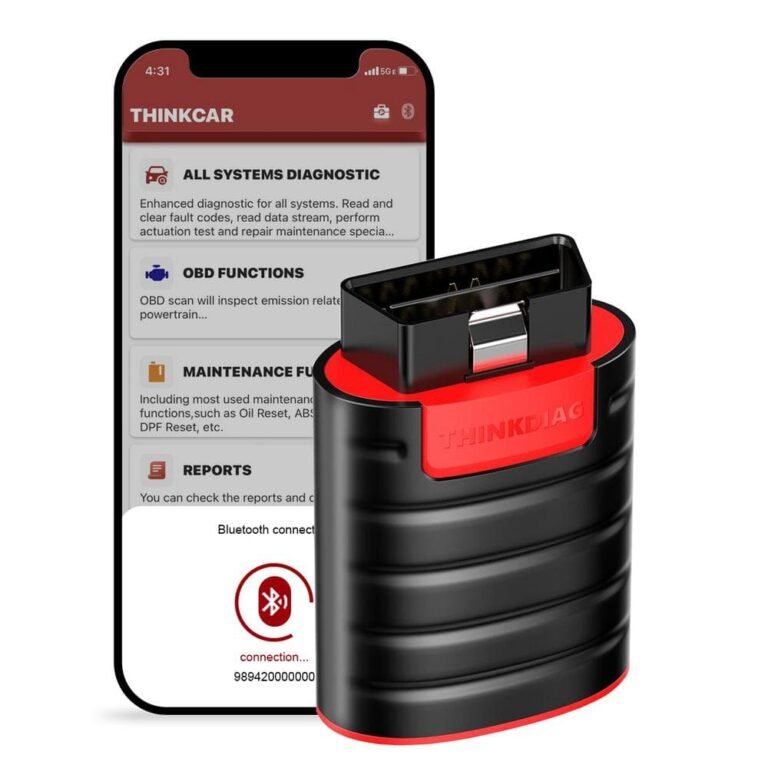
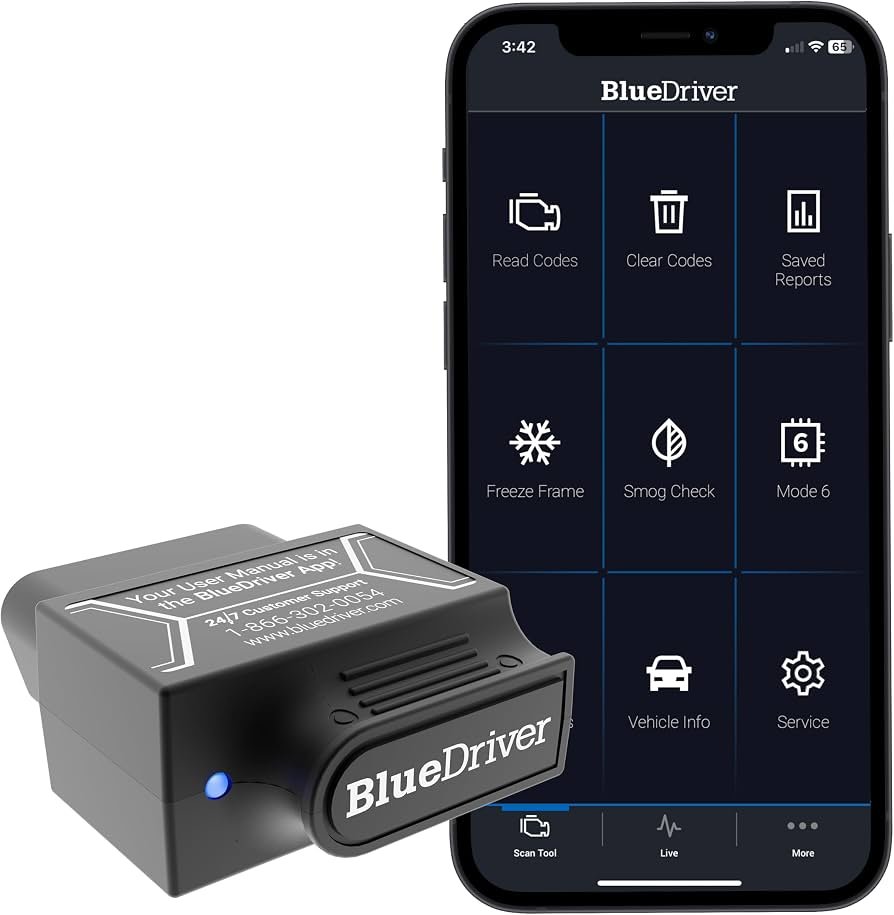
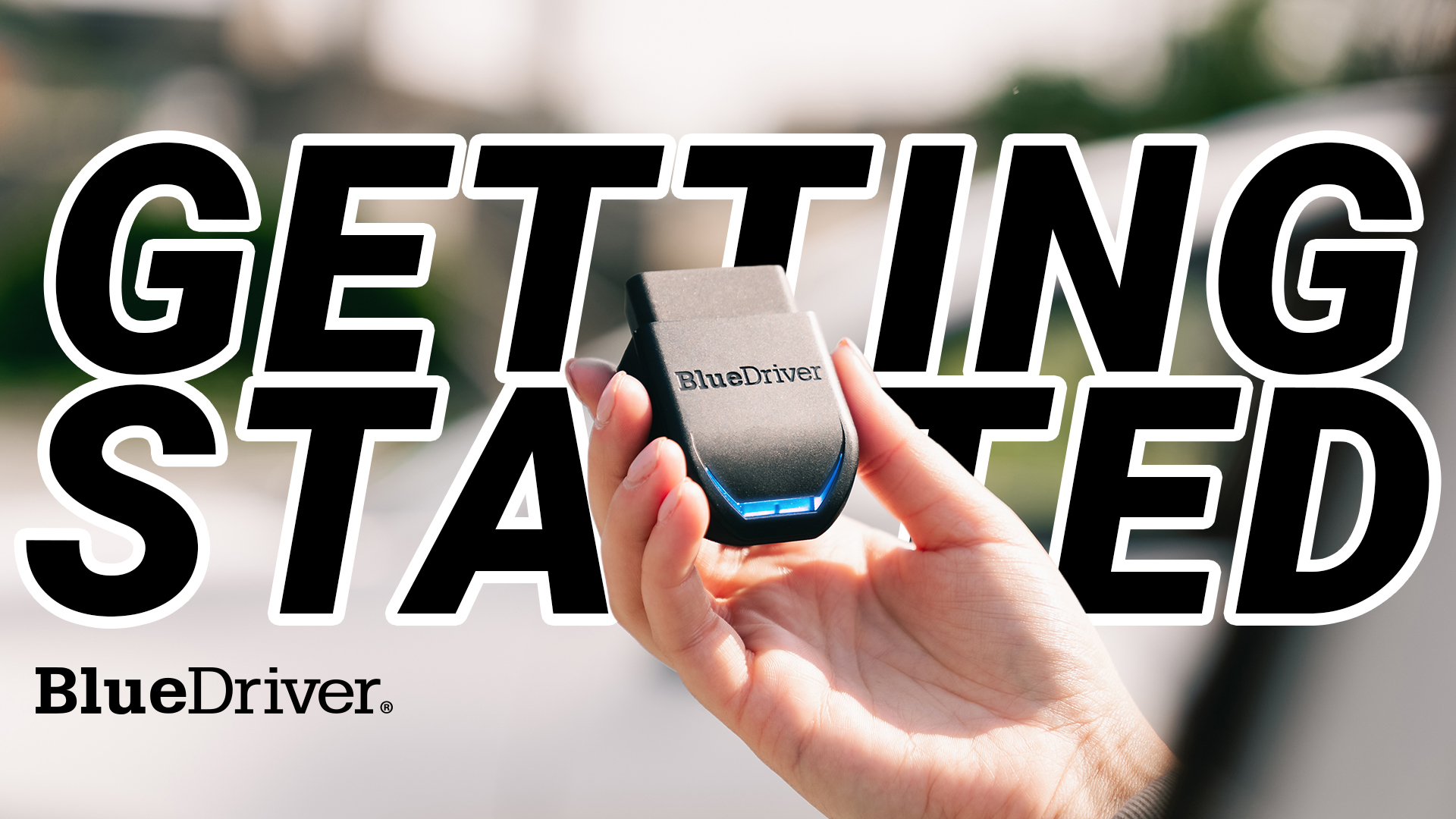
BlueDriver is a Bluetooth scan tool that works through a phone or tablet app. It can read more than basic engine codes on many supported vehicles. It may also show live data, create repair reports, and suggest likely fixes.
ANCEL AD310 is a wired OBD-II code reader. It has a built-in screen and needs no phone, account, or app. It is mainly designed to read and clear generic powertrain codes and check emissions readiness.
| Feature | BlueDriver | ANCEL AD310 |
|---|---|---|
| Connection | Bluetooth adapter and mobile app | Wired OBD-II cable |
| Phone required | Yes | No |
| Basic engine codes | Yes | Yes |
| Enhanced vehicle codes | On many supported models | No |
| ABS and airbag codes | Supported on some vehicles | Usually not supported |
| Live data | Yes, with app support | Basic live data |
| Repair reports | Yes | No |
| Internet needed | Often needed for updates and reports | No |
| Ease of use | Easy after setup | Very simple |
| Best for | Deeper home diagnosis | Fast code checks |
| Typical cost | Higher | Lower |
The biggest difference in the BlueDriver vs ANCEL AD310 comparison is diagnostic depth. BlueDriver acts more like a digital workshop assistant. ANCEL AD310 acts more like a basic warning-light reader.
What is BlueDriver?
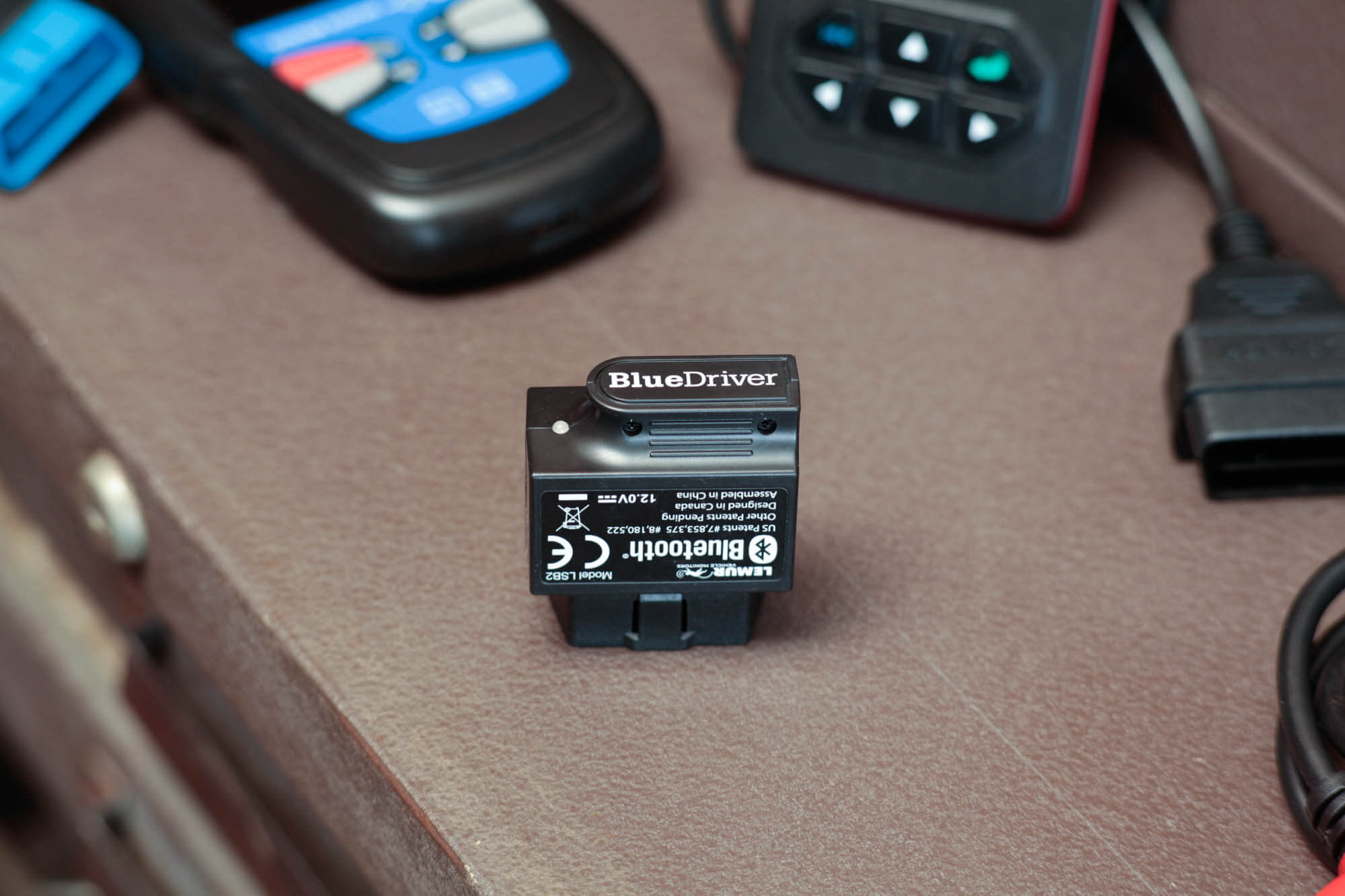
BlueDriver is a Bluetooth OBD-II scanner made for use with a smartphone or tablet. You plug the adapter into the vehicle, open the app, and view the results on your screen.
The app can read and clear diagnostic trouble codes. On supported vehicles, it can also access systems beyond the engine computer. These may include ABS, airbag, transmission, and body control systems.
BlueDriver’s enhanced features depend on the vehicle make, model, year, engine, and region. This point matters. A feature available on a 2018 Ford may not be available on a 2010 Toyota.
Main BlueDriver features
• Code reading and clearing for supported systems
• Live data graphs for items such as coolant temperature, fuel trims, oxygen sensor readings, and engine speed
• Freeze-frame data that shows vehicle conditions when a fault appeared
• Vehicle-specific repair reports
• Smog or emissions readiness checks
• Wireless use through a phone or tablet
• App updates and expanding vehicle coverage
The repair report is one of BlueDriver’s strongest features. It can group a fault code with possible causes and common repair paths. It does not replace a service manual or trained technician, but it can help you avoid guessing.

What is ANCEL AD310?
The ANCEL AD310 is a compact, handheld OBD-II scanner. It receives power from the car’s diagnostic port, so it does not need batteries or a separate charger.
Its purpose is simple. Plug it in, turn on the ignition, and check the engine computer for emissions-related trouble codes. The device can usually read and erase generic and manufacturer-specific powertrain codes that are available through standard OBD-II access.
The AD310 can also display some live data, freeze-frame information, vehicle information, and emissions readiness status. Its small screen and buttons keep the process direct.
Main ANCEL AD310 features
• Built-in screen
• No smartphone or app required
• Reads and clears engine fault codes
• Displays freeze-frame data
• Checks I/M readiness monitors
• Shows basic live sensor information
• Uses power from the OBD-II port
• Compact design for storage in a glove box
The AD310 does not normally provide the same enhanced access as BlueDriver. It is not the right choice if you need to diagnose an airbag light, ABS fault, electronic parking brake, or advanced transmission issue.

BlueDriver vs ANCEL AD310: Diagnostic features
Diagnostic coverage is the most important part of the BlueDriver vs ANCEL AD310 decision.
A basic code reader may show a code such as P0301. That code points to a cylinder one misfire. It does not prove that the spark plug, ignition coil, injector, or engine compression is the cause.
BlueDriver can provide more information around the code. It may show related codes, live data, and vehicle-specific repair suggestions. This extra data can help you build a better test plan.
ANCEL AD310 can still be useful. If your check engine light appears before an emissions inspection, the AD310 may tell you whether the issue is a loose fuel cap, an oxygen sensor fault, or another generic powertrain problem.
What each scanner can diagnose
BlueDriver is better suited to:
• Engine performance problems
• Fuel trim concerns
• Misfires
• Oxygen sensor faults
• Some transmission faults
• Some ABS and airbag faults
• Readiness monitor checks
• Live sensor analysis
ANCEL AD310 is better suited to:
• Basic check engine light checks
• Generic OBD-II codes
• Clearing a repaired engine fault
• Checking emissions readiness
• Quick used-car code scans
• Simple roadside diagnosis
The word “some” is important for BlueDriver. Enhanced coverage is not universal. Always check the current vehicle coverage inside the app before buying it for a specific repair.
BlueDriver vs ANCEL AD310: Ease of use
The ANCEL AD310 wins for immediate simplicity. There is no pairing process. You do not need to download an app or create an account. Connect the cable, turn the key on, and use the buttons.
BlueDriver takes a few more steps. You need a compatible phone, Bluetooth permission, the app, and sometimes an internet connection. Once it is set up, the process becomes easy, and the app is more comfortable for viewing graphs and long code descriptions.
This creates a useful trade-off:
• Choose ANCEL AD310 for fast plug-in access.
• Choose BlueDriver for a more guided digital experience.
In practical garage work, setup time matters. If you only want to check one code twice a year, the AD310 feels less demanding. If you plan to monitor a problem over several drives, BlueDriver is more useful.
One mistake I often see in DIY diagnostics is clearing the code too soon. Record the code and freeze-frame details first. Clearing the code can erase helpful evidence and reset emissions monitors.
BlueDriver vs ANCEL AD310: Live data and repair reports
Live data shows what vehicle sensors report while the engine runs. This can turn a vague warning light into a more focused test.
For example, long-term fuel trim that stays strongly positive may suggest a lean condition. Possible causes include a vacuum leak, weak fuel delivery, or an air measurement problem. The scan tool does not identify the failed part by itself, but it gives you a useful direction.
BlueDriver presents live data in a more useful format. Its app can display values and graphs, which makes changes easier to spot. You can watch coolant temperature rise, compare fuel trims, or observe oxygen sensor activity.
The AD310 can show basic live data, but its small display is less convenient for detailed analysis. It works best for a quick look rather than a long diagnostic session.
BlueDriver repair reports also add context. They may list common causes and repair suggestions for a specific code. Treat these suggestions as starting points, not final diagnoses. Parts should never be replaced only because a code mentions them.
Vehicle compatibility and system coverage
Both tools rely on OBD-II standards, but compatibility has two layers.
The first layer is basic engine and emissions communication. In the United States, most gasoline vehicles from the 1996 model year onward use standardized OBD-II access. Diesel and other markets may follow different dates and rules.
The second layer is enhanced manufacturer data. This includes systems and codes that are not always part of standard OBD-II. BlueDriver may support these functions on selected vehicles. ANCEL AD310 is much more limited in this area.
Before buying either tool, check:
• Vehicle year, make, and model
• Engine size and fuel type
• Country or market where the vehicle was sold
• Required diagnostic system
• Phone operating system for BlueDriver
• App coverage for enhanced features
A common buying mistake is assuming that “OBD-II compatible” means “can scan every module.” It does not. OBD-II usually guarantees access to standard emissions data, not every electronic system in the vehicle.

Which scanner is better for DIY car owners?
For most DIY owners, the answer depends on how often you work on cars.
BlueDriver is a better choice if you want to learn more about your vehicle. It gives you live data, code details, and reports in one app. It is also more helpful when a basic code does not tell the full story.
ANCEL AD310 is a better choice if you want a simple tool for occasional checks. It can help you decide whether a check engine light needs quick attention before visiting a repair shop.
Choose BlueDriver if you:
• Want deeper vehicle information
• Work on several cars
• Need live data graphs
• Want enhanced code access on supported vehicles
• Prefer repair reports on a phone
• Plan to learn basic vehicle diagnostics
Choose ANCEL AD310 if you:
• Want the lowest-cost option
• Do not want to use a smartphone
• Need a tool for basic engine codes
• Want a device that works without an app
• Check vehicles only a few times each year
• Need a simple tool for a used-car inspection
The BlueDriver vs ANCEL AD310 choice is not about one tool being good and the other being bad. It is about matching the tool to the job.

Which scanner is better for used-car checks?
Both scanners can help with a used-car inspection, but neither should be the only inspection tool.
The ANCEL AD310 can quickly check for stored codes and readiness monitors. This is useful because some sellers clear codes before showing a vehicle. If the monitors are not ready, the car may have been recently reset or may still have an emissions problem.
BlueDriver gives a deeper look. It may show pending codes, live data, and enhanced faults on supported vehicles. It can also help you notice whether sensor readings seem reasonable during a test drive.
Use this process:
-
Scan the vehicle before the test drive.
-
Record stored and pending codes.
-
Check readiness monitors.
-
Start the engine from cold if possible.
-
Watch coolant temperature and fuel trim data.
-
Drive through different speeds and loads.
-
Scan the vehicle again after the drive.
-
Combine scan results with a mechanical inspection.
A scan tool cannot detect every issue. It may not find worn suspension parts, low compression, a slipping clutch, hidden body damage, or a failing component that has not yet set a code.

BlueDriver vs ANCEL AD310: Pros and limitations
A fair BlueDriver vs ANCEL AD310 review must discuss limits as well as benefits.
BlueDriver advantages
• More detailed data on supported vehicles
• Wireless phone-based display
• Useful live data graphs
• Repair reports with possible causes
• Better access to enhanced systems on selected models
• Helpful for repeated diagnosis
BlueDriver limitations
• Requires a compatible phone or tablet
• Needs app setup and Bluetooth pairing
• Enhanced functions vary by vehicle
• A phone screen may be awkward in a busy engine bay
• It is more expensive than a basic reader
ANCEL AD310 advantages
• Low purchase cost
• Very easy to operate
• No app or account
• Powered through the vehicle
• Useful for basic engine code checks
• Easy to keep in a glove box
ANCEL AD310 limitations
• Limited system coverage
• No phone-based repair reports
• Small screen for live data
• Not designed for advanced coding or service functions
• Usually cannot diagnose ABS or airbag faults
Neither tool performs dealer-level programming, key coding, or every reset procedure. For those jobs, you may need a professional scan platform or a trained repair shop.
How to use either scanner safely
A scan tool is safe when used correctly, but it can still lead to poor decisions if you treat every code as a failed part.
Follow these steps:
-
Park safely and apply the parking brake.
-
Turn the ignition off before connecting the tool.
-
Find the OBD-II port under the dashboard.
-
Connect the scanner firmly.
-
Turn the ignition on without starting the engine.
-
Read and save all codes.
-
Review freeze-frame and readiness data.
-
Diagnose the cause before clearing codes.
-
Repair the confirmed problem.
-
Clear the code and complete a road test.
Do not clear a code simply to turn off the warning light. A check engine light can indicate a minor emissions fault, but a flashing light may signal an active misfire that can damage the catalytic converter.
Also, avoid working under the dashboard while driving. If you need live data during a road test, have a passenger operate the phone or use a safe mounting method.
Common diagnostic mistakes to avoid
The BlueDriver vs ANCEL AD310 comparison often focuses on features. Good diagnostic habits matter just as much.
The first mistake is replacing a sensor because its code name sounds clear. A P0420 code, for example, does not automatically mean the catalytic converter is bad. Exhaust leaks, sensor problems, fuel issues, and engine misfires can also affect the result.
The second mistake is ignoring pending codes. A pending code may show that the computer has noticed a problem but has not yet confirmed it through enough drive cycles.
The third mistake is skipping basic checks. Inspect the fuel cap, battery voltage, fuses, wiring, vacuum hoses, and fluid levels when appropriate. Many complex repairs begin with simple observations.
The fourth mistake is assuming a cleared code means a repair worked. Drive the vehicle under normal conditions and confirm that the fault does not return. Then check whether the readiness monitors have completed.
BlueDriver vs ANCEL AD310: Cost and value
The ANCEL AD310 usually offers better value for a driver who needs only basic code reading. Its lower price makes it a practical first tool for a home garage.
BlueDriver costs more, but its value grows when you use the extra functions. A single avoided diagnostic mistake may justify the higher price. For example, better data can prevent you from replacing a working oxygen sensor when the real problem is an intake leak.
Think about total value rather than purchase price:
• How many vehicles will you scan?
• Do you need ABS or airbag information?
• Will you use live data?
• Do you prefer printed-style repair guidance?
• Are you comfortable using a smartphone?
• Would a basic reader leave you needing another tool?
For a one-time check, ANCEL AD310 may be enough. For regular DIY repair, BlueDriver is usually the stronger long-term choice when your vehicles are supported.
BlueDriver vs ANCEL AD310: Final recommendation
The BlueDriver vs ANCEL AD310 decision is simple once you define your needs.
Buy BlueDriver if you want a richer diagnostic tool with live data, repair reports, and enhanced coverage on supported vehicles. It is the better choice for curious owners, home mechanics, and people who maintain more than one car.
Buy ANCEL AD310 if you want a basic, dependable code reader with no app, no pairing, and very little setup. It is ideal for checking a check engine light, monitoring readiness monitors, or keeping a scanner in the glove box.
If you are unsure, consider your most likely use. A basic code reader is enough to identify a warning light. A deeper scanner is better when you want to understand why the light appeared.
Frequently Asked Questions About BlueDriver vs ANCEL AD310
Is BlueDriver better than ANCEL AD310?
BlueDriver is better for advanced information, live data, repair reports, and supported enhanced systems. ANCEL AD310 is better for simple, low-cost engine code checks.
Can ANCEL AD310 read ABS or airbag codes?
The ANCEL AD310 is generally designed for standard engine and emissions diagnostics. It usually cannot access ABS, airbag, or other manufacturer-specific modules.
Does BlueDriver need a phone?
Yes. BlueDriver uses a Bluetooth adapter and a companion mobile app on a compatible phone or tablet. ANCEL AD310 has its own screen and does not need a phone.
Can both scanners clear a check engine light?
Yes, both can clear many engine-related diagnostic codes. Clearing a code does not repair the cause, and the light may return if the fault remains.
Which tool is better for checking a used car?
BlueDriver offers more information on supported vehicles, including live data and some enhanced codes. ANCEL AD310 is still useful for checking stored codes and emissions readiness monitors.
Will BlueDriver work on every OBD-II vehicle?
BlueDriver can communicate with most standard OBD-II vehicles, but enhanced features vary by make, model, year, engine, and market. Check the app’s current coverage before purchase.
Can ANCEL AD310 check emissions readiness?
Yes. The AD310 can display inspection readiness information for supported OBD-II vehicles. A vehicle may still fail inspection because of an active fault or incomplete monitor.
Do these scanners diagnose the exact failed part?
No. A trouble code identifies a monitored fault or system condition, not always the failed component. Proper diagnosis may require voltage checks, pressure tests, wiring tests, or mechanical inspection.
Conclusion
BlueDriver and ANCEL AD310 are built for different levels of vehicle diagnosis. BlueDriver offers more detail and broader capabilities on supported vehicles, while ANCEL AD310 provides fast and simple access to basic engine codes.
Choose BlueDriver if you want a tool that can grow with your diagnostic skills. Choose ANCEL AD310 if you want an affordable reader for occasional checks. Before buying, confirm vehicle compatibility and remember that scan data is a guide, not a final diagnosis.
Use the right tool, save the original codes, and test the actual cause before replacing parts. That habit will save money and make every future repair more confident.