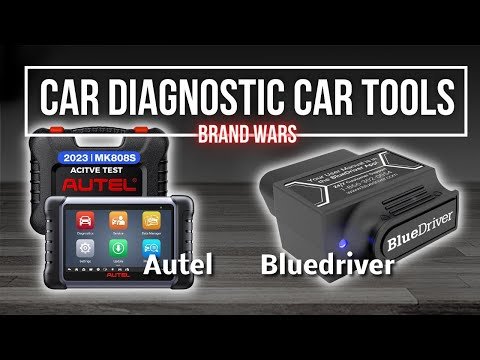
BlueDriver Vs Autel MaxiCOM MK808: Which Scanner Wins?
BlueDriver is simpler and cheaper, while Autel MaxiCOM MK808 offers deeper diagnostics and wider workshop coverage.
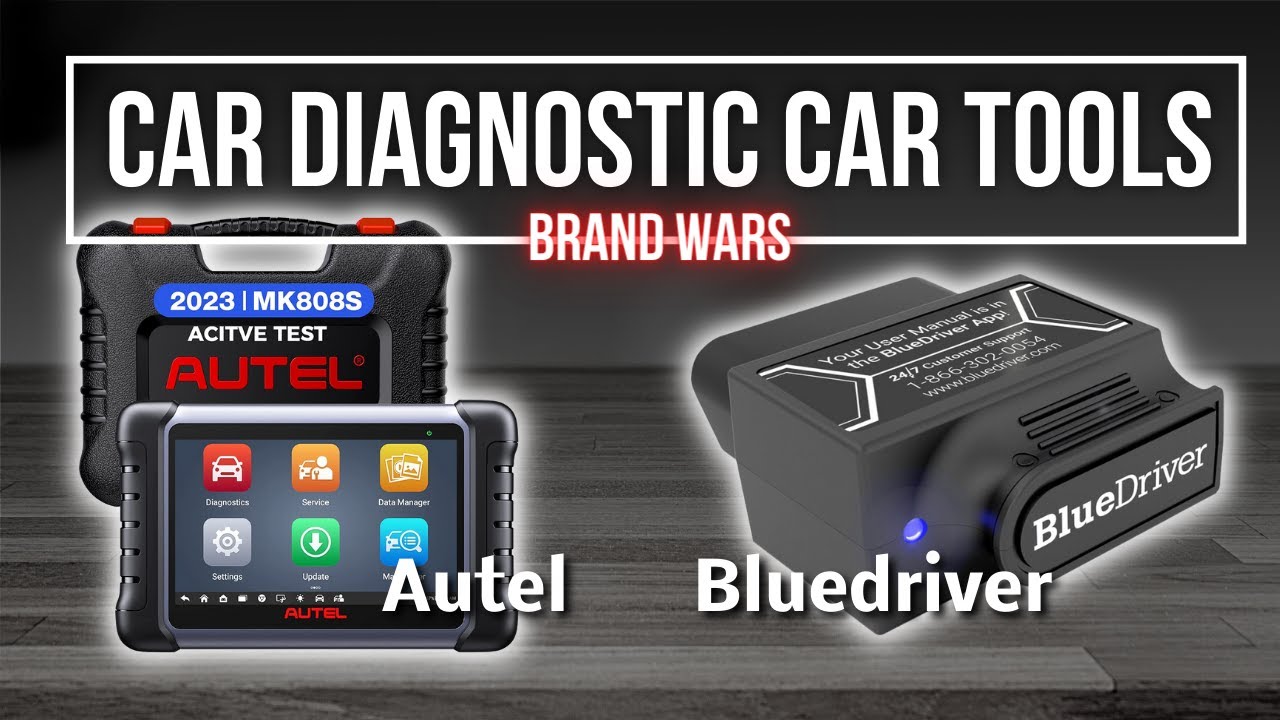
Choosing between BlueDriver vs Autel MaxiCOM MK808 depends on your goals, vehicle range, and comfort with diagnostic tools. BlueDriver turns your phone into a smart code reader for fast checks at home, while the Autel MaxiCOM MK808 works more like a compact professional scan tablet.
This guide compares their functions, vehicle coverage, service resets, live data, active tests, cost, ease of use, and real-world limits. By the end, you will know which tool fits your car, budget, and repair plans.

BlueDriver vs Autel MaxiCOM MK808 at a Glance
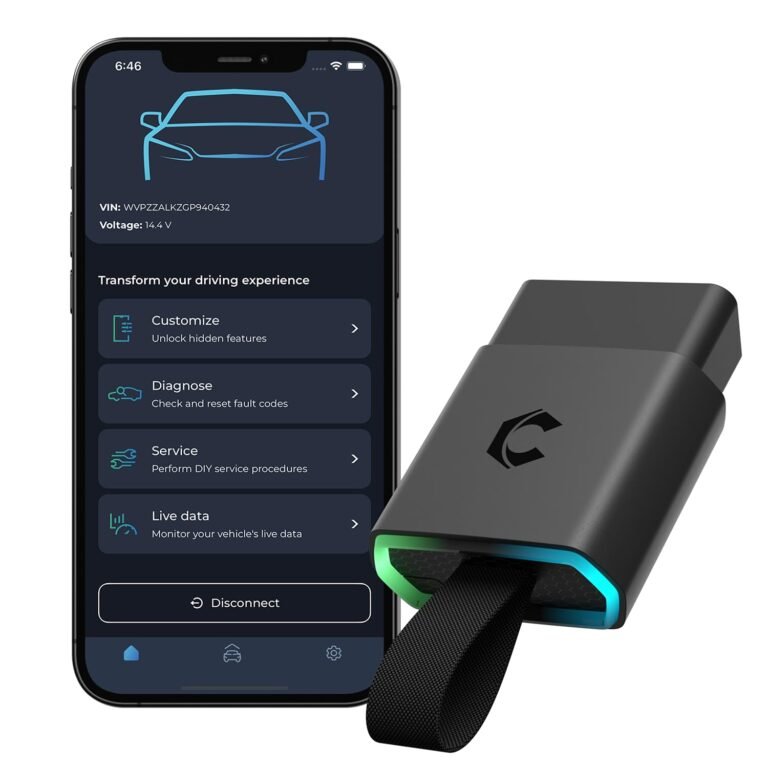
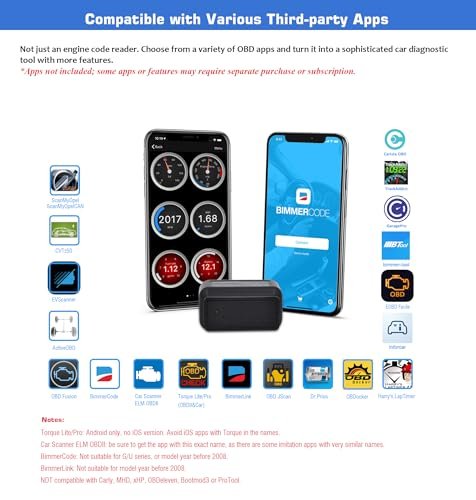
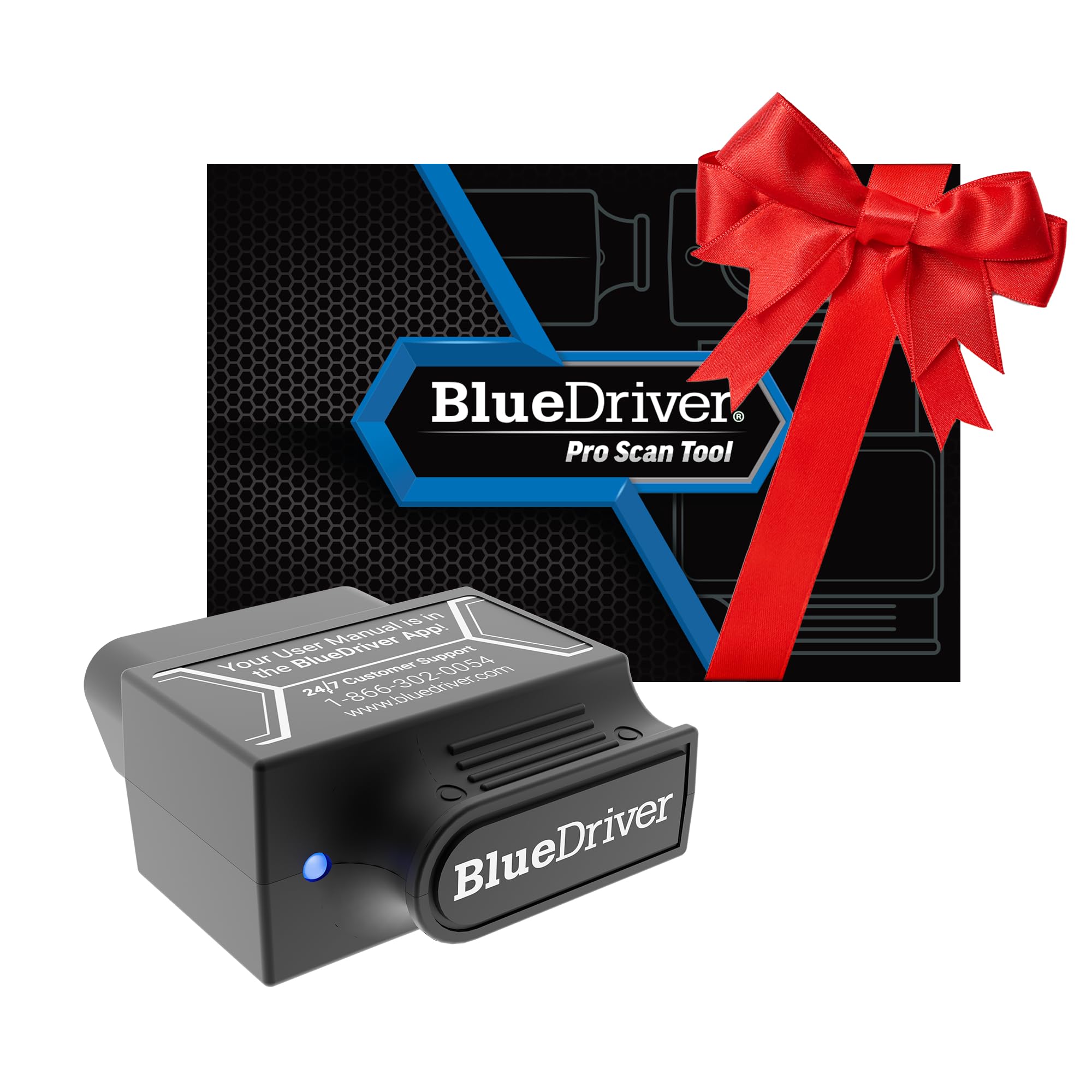
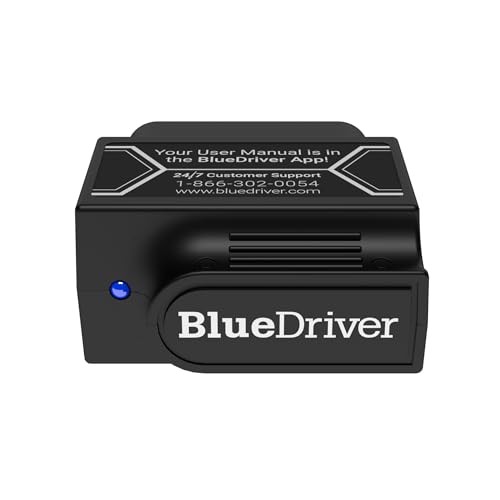
BlueDriver is a Bluetooth OBD2 adapter that connects to an Android or iPhone app. It focuses on easy code reading, enhanced vehicle data, repair reports, and live readings.
The Autel MaxiCOM MK808 is an Android-based diagnostic tablet. It connects to a vehicle through a cable and provides more advanced functions, service resets, special tests, and system access.
| Feature | BlueDriver | Autel MaxiCOM MK808 |
|---|---|---|
| Main design | Phone app and Bluetooth adapter | Dedicated diagnostic tablet |
| Basic OBD2 codes | Yes | Yes |
| Manufacturer-specific codes | Yes, on supported vehicles | Yes, with broader coverage |
| ABS and airbag access | Supported vehicles only | Broad coverage, depending on vehicle |
| Live data | Yes | Yes |
| Active tests | Limited or not available for most vehicles | Available on supported vehicles |
| Oil reset | Vehicle and app dependent | Yes on supported vehicles |
| Battery registration | Limited | Available on supported vehicles |
| DPF service functions | Limited | Available on supported diesel vehicles |
| Coding and programming | No | Limited special functions; not full ECU programming |
| Updates | App-based | Tablet software updates |
| Best for | DIY owners and quick diagnosis | Technicians and serious DIY users |
The biggest difference is depth. BlueDriver helps you understand a fault. The MK808 gives you more ways to test the system and complete service tasks.
Neither tool replaces a factory scan tool in every situation. Vehicle software, model year, region, and control module design can change what each device can do.
What Is BlueDriver?
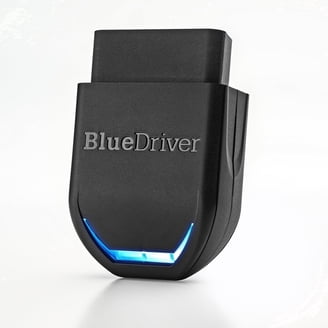
BlueDriver is a wireless OBD2 scanner made for consumers and mobile technicians. You plug the sensor into the vehicle’s OBD2 port, open the app, and connect through Bluetooth.
The app can read and clear diagnostic trouble codes. It can also show live data, freeze-frame information, smog check results, and repair suggestions for many supported vehicles.
BlueDriver’s key feature is enhanced diagnostics. A basic code reader may only read engine and transmission faults. BlueDriver can access systems such as:
• Anti-lock braking systems
• Airbag and supplemental restraint systems
• Body control modules
• Transmission modules
• Powertrain systems
The exact coverage depends on the vehicle. This point matters. A scanner may support ABS on a 2018 Ford but offer less coverage on a 2010 European model.
BlueDriver also creates repair reports. These reports explain the code, list possible causes, and show common fixes reported for similar vehicles. They are useful, but they should not be treated as a final diagnosis.
A fault code is a clue, not a verdict. For example, a lean-code report may point to a vacuum leak, weak fuel delivery, a dirty mass airflow sensor, or an exhaust leak. Testing still matters.
What Is the Autel MaxiCOM MK808?
The Autel MaxiCOM MK808 is a handheld diagnostic tablet built for deeper vehicle testing. It uses a touchscreen interface and a wired vehicle connection.
The MK808 can scan many control modules and display stored, pending, and permanent codes. It can also show live data in text, graph, or combined formats, depending on the vehicle.
Common service functions may include:
• Oil service reset
• Electronic parking brake reset
• Battery registration
• Steering angle calibration
• Diesel particulate filter service
• Throttle relearn
• Tire pressure system procedures
• Injector coding on supported models
• ABS bleeding on supported vehicles
• Suspension or ride-height calibration on supported vehicles
These functions are not universal. Autel lists supported operations by vehicle, system, and software version. A function shown in a product advertisement may not work on every car.
The MK808 is not the same as a full dealer-level programming tool. It usually cannot replace a factory system for tasks such as new module programming, key security work, or advanced online coding.
Still, it offers far more than a basic code reader. It is closer to a compact workshop scan tool than a simple consumer device.
BlueDriver vs Autel MaxiCOM MK808: Diagnostic Coverage
Diagnostic coverage is one of the most important parts of the BlueDriver vs Autel MaxiCOM MK808 comparison.
BlueDriver works best when you own a small number of vehicles and want clear information. Its app is easy to use, and its reports can save time during early troubleshooting.
The MK808 is better when you work on many makes and models. It can often enter more vehicle systems and perform more service procedures from one device.
However, “full system scan” does not mean identical coverage across all vehicles. Some vehicles expose more data through their diagnostic connector than others. Older cars may have limited communication, while newer cars may require special security access.
Before buying, check:
• Your exact vehicle year, make, and model
• Engine size and transmission type
• Whether the tool supports ABS and airbag modules
• Available service functions
• Software update requirements
• Regional vehicle coverage
This step prevents a common mistake: buying a scanner based only on its general feature list.
Live Data and Code Reading
Both tools can display live data, but they present it in different ways.
BlueDriver keeps the process simple. You can watch values such as:
• Engine coolant temperature
• Short-term and long-term fuel trim
• Oxygen sensor readings
• Vehicle speed
• Engine RPM
• Throttle position
• Intake air temperature
This data helps you find patterns. For example, high positive fuel trim at idle that improves at higher RPM may suggest a vacuum leak.
The MK808 offers a larger screen and more advanced display options. You can graph several parameters at once and compare sensor activity during a road test or service check.
The tablet can be more useful for faults that require data from several modules. A technician might compare wheel-speed signals while diagnosing an ABS problem or view battery voltage during a charging-system test.
BlueDriver is easier for quick checks. The MK808 is more useful when the diagnosis becomes a process rather than a single code lookup.

Active Tests and Special Functions
Active tests are a major advantage of the Autel MaxiCOM MK808.
An active test lets the scan tool command a vehicle component to operate. Depending on the vehicle, this may include:
• Turning a cooling fan on
• Activating a fuel pump
• Cycling an ABS pump
• Operating an EVAP purge valve
• Testing door locks
• Moving electronic throttle components
• Controlling windows or lights
These tests can save time because they help separate an electrical fault from a mechanical fault. If a cooling fan runs during an active test, the motor may be fine, and the issue could be a relay, fuse, sensor, or wiring problem.
BlueDriver is not designed around this level of control. It is mainly a reader and information tool.
This is where the BlueDriver vs Autel MaxiCOM MK808 choice becomes clear. If you only want to identify a warning light, BlueDriver may be enough. If you want to command components and verify system operation, the MK808 is the stronger option.
Active tests also require care. Do not activate a component without understanding what it does. A wrong command can create a safety risk or confuse the diagnosis.

Service Resets and Maintenance Tasks
BlueDriver may identify a service-related fault, but it is not a dedicated service reset tool for every vehicle.
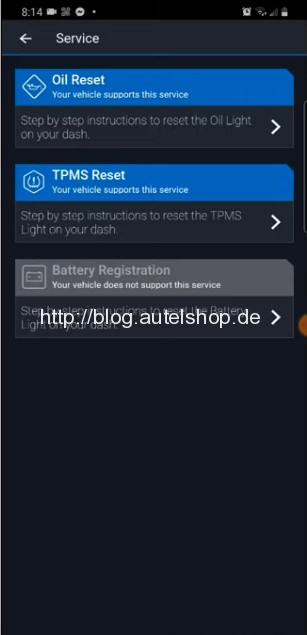
The Autel MaxiCOM MK808 has a much stronger set of maintenance functions. It can often reset service lights and support electronic procedures after repairs.
Examples include:
• Resetting the oil service reminder
• Registering a new battery
• Retracting an electronic parking brake
• Relearning a steering angle sensor
• Initiating a DPF regeneration
• Resetting a tire pressure system
• Relearning a throttle body
These tasks can reduce the need for a repair shop visit. They can also help after replacing parts at home.
There is one important warning. A reset should come after the repair, not instead of the repair. Clearing a warning light without fixing the cause is like turning off a smoke alarm while a fire is still burning.
Always follow the vehicle maker’s service instructions. Some procedures need a battery charger, stable voltage, or a specific drive cycle.

Ease of Use and Learning Curve
BlueDriver wins on simplicity. The adapter is small, the app is familiar, and most users can begin scanning within minutes.
Its report format is helpful for people who do not know every diagnostic term. It can make a check-engine light feel less mysterious.
The MK808 takes more time to learn. Its menus can include many systems and procedures. That depth is useful, but it may feel overwhelming to a first-time user.
The tablet also needs safe storage, charging, and software management. A phone-based tool is easier to keep in a glove box. A dedicated tablet is easier to read during testing.
My practical advice is simple:
• Choose BlueDriver if you want the shortest path from warning light to basic information.
• Choose the MK808 if you are willing to learn menus, test steps, and service procedures.
A good scan tool should make you more confident, not more confused. If a feature seems unclear, stop and check the service information before using it.
Hardware, Updates, and Portability
BlueDriver has two main parts: the adapter and your phone. This makes it light, portable, and easy to share between vehicles.
Your phone provides the screen and battery. The downside is that Bluetooth pairing, phone permissions, app compatibility, or an outdated operating system can sometimes interrupt the process.
The MK808 is a self-contained tablet. Its larger display is better for graphs and long diagnostic sessions. Its wired connection also avoids some wireless pairing problems.
Software updates matter for both devices. New vehicle systems and communication protocols can require updated software. Autel updates are normally handled through the tablet, while BlueDriver updates are managed through the mobile app.
Neither device should be left plugged in for long periods without a reason. Some vehicles keep the diagnostic port powered after the ignition is off. Over time, this may contribute to battery drain.
Price and Long-Term Value
BlueDriver usually costs less than the Autel MaxiCOM MK808. It is attractive for drivers who want better information than a basic generic OBD2 reader can provide.
The MK808 costs more because it includes dedicated hardware, wider system access, and service functions. Its value improves if you work on several vehicles or perform your own maintenance.
Think about your likely use:
• One personal car: BlueDriver may offer better value.
• Several family cars: BlueDriver can still be practical, but confirm coverage first.
• Frequent home repairs: The MK808 may save more shop visits.
• Professional or side work: The MK808 is usually the better starting point, though a higher Autel model may be needed for advanced work.
Software update policies and included coverage can change. Check current pricing and update terms before purchase rather than relying on an old review.
Real-World Examples
Imagine your check-engine light turns on during a commute. With BlueDriver, you can read the code in a parking lot, check live fuel data, and view a plain-language explanation.
That may be enough to decide whether the car is safe to drive or needs immediate attention.
Now imagine you replace a battery in a vehicle that requires battery registration. BlueDriver may help confirm charging-system data, but the MK808 may complete the registration procedure directly.
In another case, an ABS light appears after a wheel-speed sensor replacement. BlueDriver may read the ABS code on a supported vehicle. The MK808 may also show individual wheel-speed data, run an ABS-related test, and clear the code after the repair.
These examples show why there is no universal winner. The better tool depends on the question you need to answer.
Mistakes to Avoid When Using Either Scanner
A scan tool is only as useful as the test behind it. Avoid these common mistakes:
• Replacing parts based on one code alone. A code often identifies a circuit or system, not a failed part.
• Clearing codes before saving the report. Stored data can help reveal when and how the fault happened.
• Ignoring battery voltage. Low voltage can create several false communication and sensor codes.
• Assuming every function works on every car. Always verify vehicle-specific coverage.
• Using an active test without reading the instructions. Some tests operate moving, hot, or pressurized parts.
• Skipping a road test after repair. The code may return only under certain conditions.
• Treating a repair report as a factory service manual. Reports are helpful guides, not complete repair procedures.
A useful habit is to write down the original codes, freeze-frame data, test results, and repair performed. This creates a clear trail and makes repeat faults easier to solve.
Which One Should You Buy?
Choose BlueDriver if you want:
• A simple OBD2 scanner for home use
• Fast access to check-engine information
• A phone-based design
• Helpful repair-code explanations
• Basic live data and enhanced diagnostics
• Low cost and easy storage
Choose the Autel MaxiCOM MK808 if you want:
• Wider access to vehicle control modules
• More service resets
• Active tests on supported vehicles
• A large screen for graphs and data
• A tool for several makes and models
• A stronger platform for serious DIY repairs
For many drivers, BlueDriver is the sensible first tool. It offers useful information without the complexity of a workshop tablet.
For mechanics, advanced DIY owners, and people who maintain several vehicles, the MK808 is usually the better investment. It gives you more room to grow.
The best BlueDriver vs Autel MaxiCOM MK808 decision also depends on your vehicle list. Check official coverage before ordering, especially if you own a European vehicle, a newer model, a diesel, or a hybrid.
Frequently Asked Questions About BlueDriver vs Autel MaxiCOM MK808
Is BlueDriver better than the Autel MaxiCOM MK808?
BlueDriver is better for simple, affordable, and mobile diagnostics. The Autel MaxiCOM MK808 is better for deeper system access, active tests, and service procedures.
Can BlueDriver read ABS and airbag codes?
BlueDriver can read ABS and airbag codes on many supported vehicles. Coverage varies by year, make, model, and module, so confirm compatibility before buying.
Can the Autel MaxiCOM MK808 program vehicle keys?
The MK808 is not a full key-programming tool. Some key-related functions may require a specialized Autel device and security access.
Does the MK808 perform oil resets and battery registration?
Yes, the MK808 supports oil resets and battery registration on many compatible vehicles. The exact function depends on the vehicle and installed software version.
Does BlueDriver require a monthly subscription?
BlueDriver generally uses an app-based model rather than requiring a monthly diagnostic subscription for normal use. App features and supported coverage can change, so review the current terms before purchase.
Can either tool diagnose every vehicle problem?
No. Both tools read electronic data, but neither can replace mechanical tests, wiring checks, a multimeter, or factory repair information. Some faults also require dealer software or specialist equipment.
Is the Autel MaxiCOM MK808 suitable for beginners?
Yes, but it has a steeper learning curve than BlueDriver. Beginners should start with code reading and live data before using active tests or service functions.
Conclusion
BlueDriver vs Autel MaxiCOM MK808 is less about picking a universal winner and more about matching the tool to your work.
BlueDriver is compact, simple, and affordable. It is a strong choice for checking warning lights, viewing live data, and learning more about your personal vehicle.
The Autel MaxiCOM MK808 costs more, but it offers wider diagnostic access, active tests, and useful maintenance functions. It is the better choice for serious DIY repair, multiple vehicles, and regular workshop use.
Check coverage for your exact vehicle before buying. Then choose the tool that fits your skill level and repair plans. If this comparison helped, explore more diagnostic guides or share your own scanner experience in the comments.