Autel AP200 Vs ThinkDiag: Best Scanner Comparison
Autel AP200 is simpler and cheaper for one car, while ThinkDiag offers broader diagnostics and deeper service functions.
Choosing between Autel AP200 vs ThinkDiag can feel like comparing two small tools with very different goals. Both use a phone app, connect through Bluetooth, and can read fault codes. Yet their software plans, vehicle coverage, special functions, and ease of use are not the same.
After comparing their features, costs, app design, and real-world use cases, this guide will help you choose the right scanner for home repairs, used-car checks, or light professional work.
Autel AP200 vs ThinkDiag: Key Differences at a Glance
The main difference is simple: the Autel AP200 is a focused, user-friendly scanner, while ThinkDiag aims to provide wider workshop-style coverage through a subscription model.
| Feature | Autel AP200 | ThinkDiag |
|---|---|---|
| Connection | Bluetooth | Bluetooth |
| Phone support | Android and iOS | Android and iOS |
| Basic code reading | Yes | Yes |
| Full-system scanning | Available for supported brands | Available for supported brands |
| Live data | Yes | Yes |
| Active tests | Limited or vehicle dependent | More extensive on many vehicles |
| Service resets | Available on supported vehicles | Available on supported vehicles |
| Included software | Usually one vehicle brand | Plan and package dependent |
| Subscription model | Extra brands and updates may cost more | Many advanced functions need an active plan |
| Best for | DIY owners and light use | Enthusiasts and advanced users |
The Autel AP200 is often the better first scanner for one personal vehicle. ThinkDiag is usually more appealing if you work on several brands or need bi-directional tests.
However, software coverage changes by vehicle year, engine, control module, and region. Always check your exact vehicle before buying.

What Is the Autel AP200?
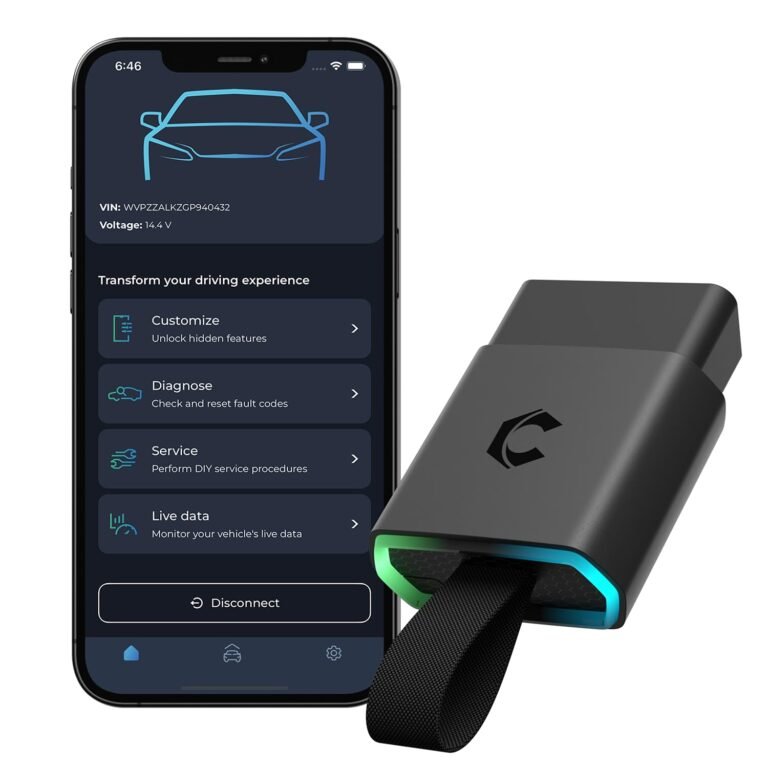
The Autel AP200 is a compact Bluetooth diagnostic adapter. It connects to the vehicle’s OBD2 port and sends data to the Autel MaxiAP200 mobile app.
It is designed for drivers who want more than a basic code reader. Depending on the selected vehicle software, it can scan control modules, show live data, clear fault codes, and perform selected maintenance functions.
Common features include:
• Engine fault code reading and clearing
• Live sensor data
• Full-system scans on supported vehicles
• Oil service reset
• Battery registration on selected models
• Electronic parking brake service
• Steering angle reset
• Diesel particulate filter functions on selected vehicles
• ABS and airbag diagnostics where supported
The key point is that the AP200 is not one universal tool with every function unlocked. Its abilities depend on the vehicle software inside the app.
Autel normally includes access to one vehicle manufacturer with the device. Additional brands and updates may require in-app purchases or a software plan. Prices and package rules can change, so confirm the current terms in the app store or Autel’s product information.
Strengths of the Autel AP200
The AP200 has several practical advantages:
• Small size makes it easy to keep in a glove box
• The app is fairly easy for beginners to understand
• It supports many popular vehicle brands
• It can display useful live data
• It costs less than many professional scan tools
• It works well for basic troubleshooting and maintenance
For example, if your check engine light comes on, the AP200 can help identify whether the issue relates to an oxygen sensor, misfire, fuel system, or another monitored area. It cannot replace a full mechanical inspection, but it can point you in the right direction.
Limits of the Autel AP200
The AP200 also has clear limits. Some advanced functions may be missing, locked behind a purchase, or unavailable for a particular model.
It may not perform every active test or coding task that a professional technician needs. It also depends heavily on the quality of the app, phone connection, and vehicle coverage.
A code reader tells you what the vehicle noticed. It does not always tell you why the problem happened. A faulty airflow code, for instance, could come from a sensor, wiring, air leak, or damaged control module.
What Is ThinkDiag?
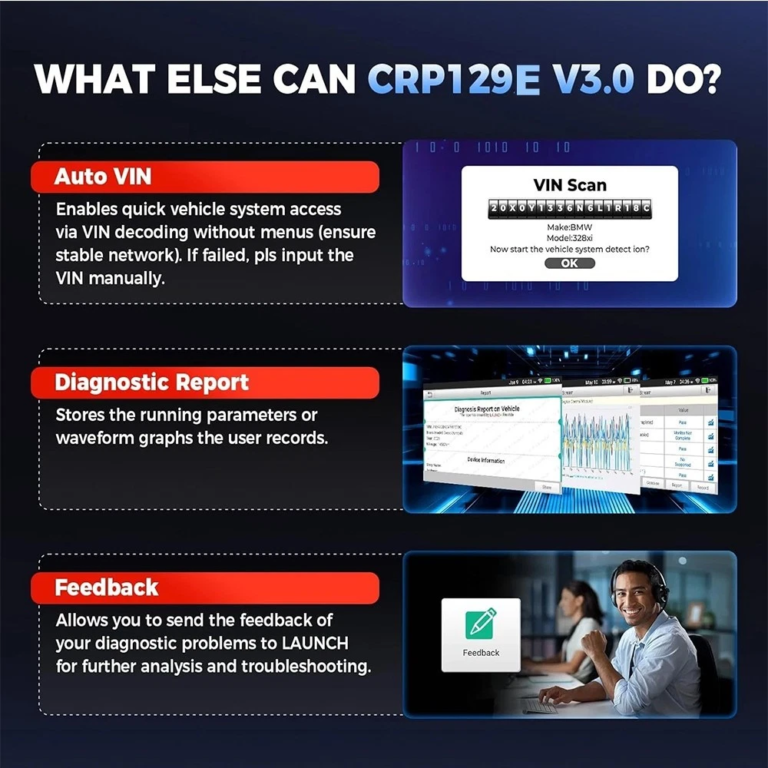
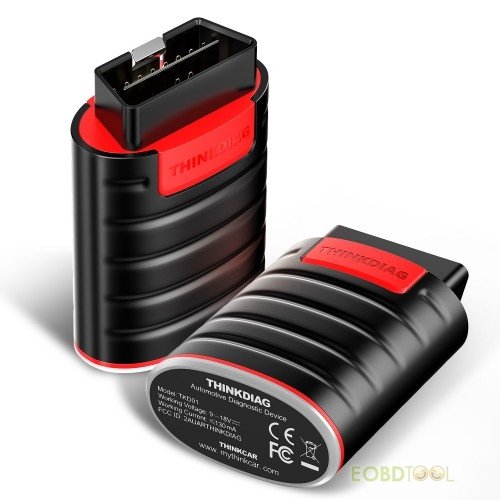
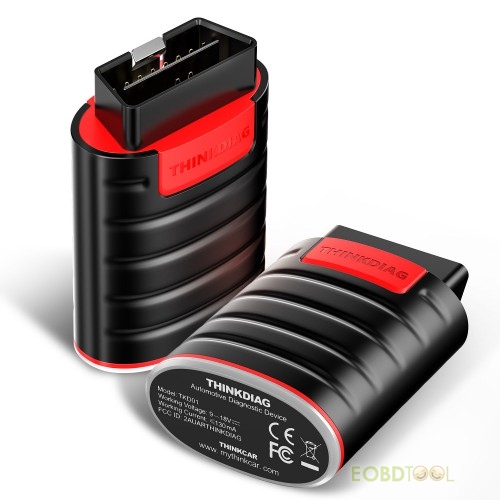
ThinkDiag is a Bluetooth diagnostic tool from TOPDON’s Launch-related product family. It works through a smartphone app and targets users who want more advanced diagnostic functions than a simple OBD2 reader provides.
ThinkDiag products may offer access to:
• Engine and transmission diagnostics
• ABS and airbag systems
• Body control modules
• Live data graphs
• Actuator or active tests
• Maintenance resets
• Key and immobilizer functions on selected vehicles
• Coding or configuration functions on selected vehicles
• Full-system health reports
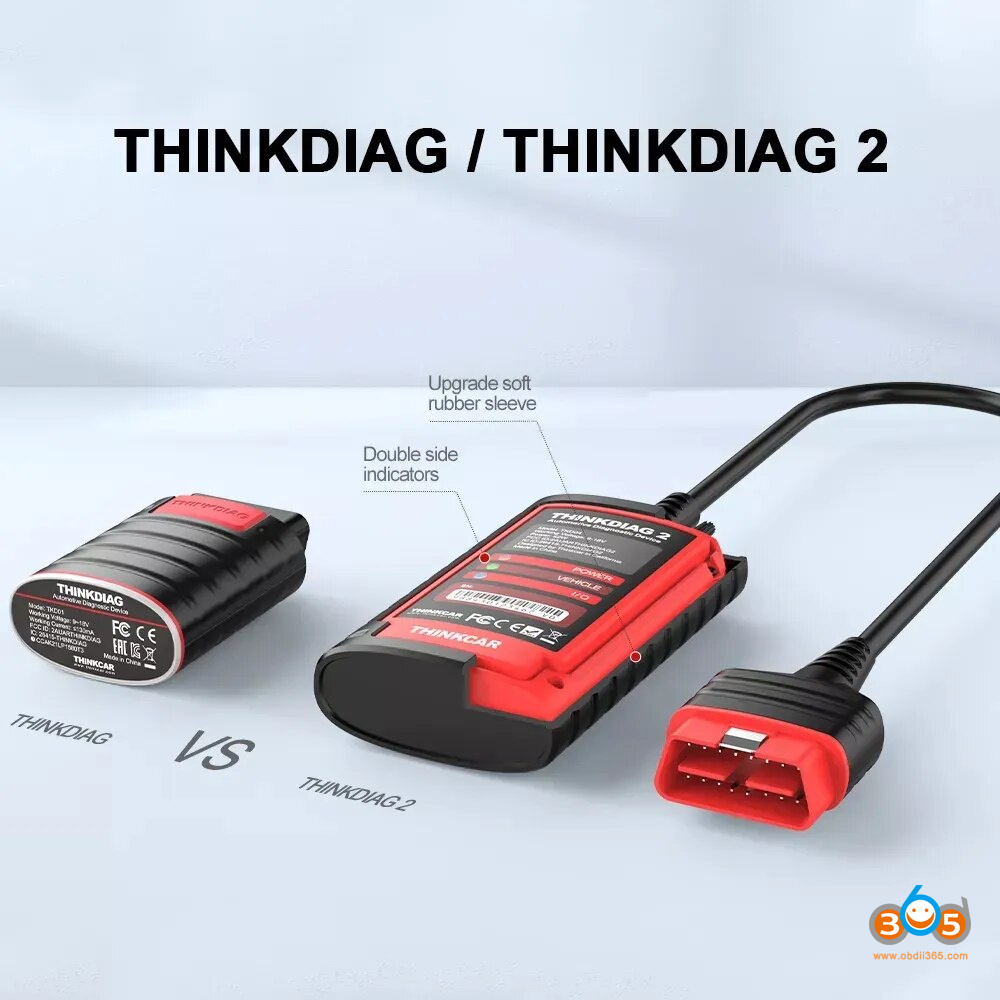
The exact features depend on the ThinkDiag model, app plan, vehicle, and software version. The original ThinkDiag and newer ThinkDiag 2 should not be treated as identical products. Hardware performance, supported protocols, and package options can differ.
Strengths of ThinkDiag
ThinkDiag can be a strong choice for users who need more than basic code reading.
Its main benefits include:
• Broad vehicle coverage
• More active tests on supported models
• Access to several diagnostic brands through paid plans
• Useful data graphs and system reports
• Better potential for advanced troubleshooting
• Stronger appeal for mixed-brand garages
An active test lets the scanner command a vehicle component. For example, it may activate a cooling fan, fuel pump, injector, or window motor. This can save time because you can test a part without waiting for the vehicle to operate it by itself.
Limits of ThinkDiag
ThinkDiag’s biggest drawback is its software cost. Many advanced features require a subscription or a specific software package.
The app may also feel more complex to a first-time user. A beginner can become confused when several vehicle systems, test menus, and service options appear on the screen.
ThinkDiag is not a magic key for every car. Coding, security access, key programming, and module configuration may require extra authorization, special cables, stable voltage, or factory-level procedures.

Autel AP200 vs ThinkDiag: Diagnostic Functions
When comparing Autel AP200 vs ThinkDiag, diagnostic depth matters more than the number of features printed on the box.
Both tools can usually read and clear diagnostic trouble codes on supported vehicles. Both may show live data and scan more than the engine computer. The difference appears when you need to test components, reset modules, or perform special procedures.
Basic diagnostics
For basic tasks, both tools can be useful:
• Read check engine codes
• Clear stored codes after repairs
• View freeze-frame information
• Monitor sensor readings
• Check readiness monitors
• Review battery voltage
• Scan selected control modules
The AP200 may be enough for a driver who owns one newer vehicle and mainly wants fault information. ThinkDiag becomes more useful when you repair several makes or need more system access.
Active tests and bi-directional control
Bi-directional control is one of ThinkDiag’s strongest potential advantages. It allows the tool to send commands to a control module and observe the response.
The Autel AP200 may offer some special tests, but coverage is often narrower. Do not assume that an active test available on one model will work on another model from the same brand.
A practical example is a cooling fan. A basic scanner may show a fan-related code. A bi-directional tool may command the fan on and off. If the fan does not respond, you can then inspect the fuse, relay, wiring, motor, and control signal.
Service functions
Both scanners can support service tasks, such as:
• Oil life reset
• Battery replacement registration
• Electronic parking brake release
• Steering angle calibration
• Throttle relearn
• DPF regeneration
• Tire pressure system functions
The exact list varies widely. Always confirm the function for the specific year, engine, and trim.
This is an important lesson from diagnostic work: never buy a scanner based only on a general feature list. Vehicle coverage is the real product.
Autel AP200 vs ThinkDiag: App and User Experience
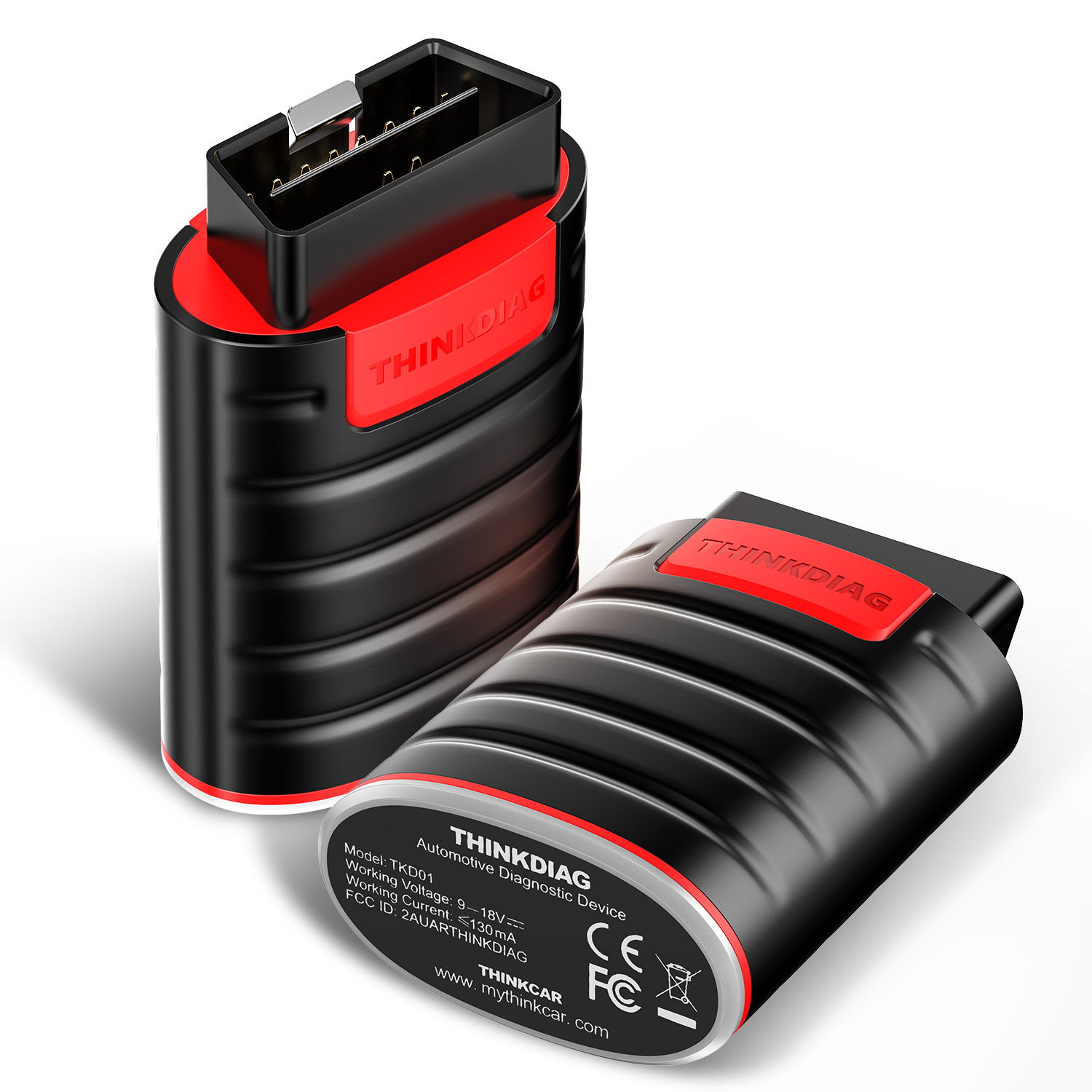
The Autel AP200 app is generally easier for casual users. Its menus tend to guide you through vehicle selection, system scans, and code reports without making the process feel too technical.
ThinkDiag can provide more information, but its deeper menus may require more patience. It is closer to a toolbox with many drawers. That is useful when you know what you need, but less comfortable when you are just starting.
Both tools require:
- Downloading the correct mobile app
- Creating an account
- Registering the adapter
- Selecting a vehicle brand
- Connecting to the vehicle
- Keeping the phone and adapter connected during testing
Use a strong phone battery and a stable internet connection during software downloads. Never unplug the adapter during a coding or module programming procedure.
Which app is easier?
Choose the Autel AP200 if:
• You want simple menus
• You mainly service one brand
• You are new to scan tools
• You need code reading and basic resets
Choose ThinkDiag if:
• You are comfortable with technical menus
• You need several vehicle brands
• You want active tests
• You plan to use advanced service functions
The best scanner is not always the one with the longest feature list. It is the one you can use correctly without guessing.
Subscription Costs and Long-Term Value
Software fees can change, so it is risky to quote one permanent price. The Autel AP200 and ThinkDiag both have costs beyond the hardware in many cases.
With the AP200, the purchase often includes access to one vehicle brand. Extra brands, updates, or advanced functions may cost more.
ThinkDiag usually places more emphasis on paid software access. Some plans cover one brand, while others may offer wider access for a set period. The plan may also affect special functions and update support.
Before buying, check:
• The cost of the first year
• The renewal price
• Whether one brand or several brands are included
• Which service functions require payment
• Whether software works offline
• Whether updates are required for newer vehicles
• Refund and activation rules
A cheaper adapter can become expensive if you need several brands each year. On the other hand, a subscription can be worthwhile if it saves even one diagnostic hour per month.
For a single-car owner, the Autel AP200 often offers better value. For a multi-brand user, ThinkDiag may provide more value despite higher software costs.

Autel AP200 vs ThinkDiag for Different Users
The right choice depends on your work, not just the scanner’s specifications.
Best for a home mechanic
The Autel AP200 is usually the safer choice for home use. It can help you understand warning lights, monitor live data, and complete common service resets.
It is also easy to carry and does not require a large tablet. For many drivers, that is enough.
Best for a multi-brand enthusiast
ThinkDiag may be the better fit if you maintain several cars from different manufacturers. Its wider software options and active tests can make it more flexible.
Still, calculate the yearly software cost before purchasing. Flexibility has a price.
Best for a small repair business
A small shop may prefer ThinkDiag if it needs broad coverage at a lower entry cost than a professional tablet. Yet a shop should test coverage on its most common vehicles before relying on it.
For regular programming, advanced security work, or heavy daily use, a dedicated professional scan tool may be a better investment.
Best for used-car inspections
Either tool can help during a used-car inspection. Look for stored codes, pending codes, readiness status, mileage data where available, and unusual live data.
Do not rely on a clean scan alone. A seller may have cleared codes shortly before the inspection. A short road test and a complete mechanical check are still essential.
Common Mistakes to Avoid
I often see new scan-tool users make the same mistakes. These errors can turn a helpful device into a source of confusion.
• Clearing codes before recording them
• Replacing parts based on one fault code
• Ignoring pending codes
• Using a weak battery during module work
• Assuming every service function is supported
• Skipping a road test after repairs
• Forgetting to check wiring and connectors
• Starting a reset without understanding its effect
Record the code, freeze-frame data, and live readings first. Then test the system logically.
For example, a P0171 lean code does not automatically mean the oxygen sensor is bad. The issue may be a vacuum leak, low fuel pressure, dirty mass airflow sensor, or exhaust leak.
Keep a battery charger connected when performing longer tests. Low voltage can create new faults and may interrupt communication with a control module.

How to Choose Between Autel AP200 vs ThinkDiag
Use this simple decision process:
- List the vehicles you work on. Include year, make, model, engine, and region.
- Check coverage for ABS, airbag, transmission, and body systems.
- Confirm the service functions you actually need.
- Compare first-year and renewal software costs.
- Decide whether you need active tests.
- Check phone compatibility and app reviews.
- Buy from a trusted seller with a clear return policy.
Choose the Autel AP200 when you want a low-cost tool for one main vehicle and common diagnostic work.
Choose ThinkDiag when you need broader brand access, more active tests, and deeper service coverage.
If you are unsure, start with your most important vehicle. Search the official coverage information by exact model and year. This small step can prevent a costly mistake.
Autel AP200 vs ThinkDiag: Final Verdict
The Autel AP200 is the better match for most casual DIY owners. It is compact, easy to learn, and capable of much more than a basic code reader.
ThinkDiag is the stronger option for advanced enthusiasts and mixed-brand users. It can offer wider coverage and more powerful functions, but its software plans and technical menus deserve careful review.
In this Autel AP200 vs ThinkDiag comparison, neither tool wins for every user. The AP200 wins on simplicity and low-cost personal use. ThinkDiag wins on flexibility and diagnostic depth when the required software is included.
Frequently Asked Questions About Autel AP200 vs ThinkDiag
Is the Autel AP200 better than ThinkDiag for home use?
The Autel AP200 is usually better for simple home diagnostics, especially if you own one main vehicle. ThinkDiag may be worth choosing if you need active tests or support for several brands.
Can Autel AP200 read ABS and airbag codes?
Yes, the AP200 can access ABS, airbag, and other systems on some supported vehicles. Coverage depends on the vehicle software, model year, and selected brand package.
Does ThinkDiag require a subscription?
Many advanced ThinkDiag functions and vehicle software packages require a subscription or paid activation. Check the current plan details before buying because prices and included features can change.
Can either scanner program keys?
Some ThinkDiag packages may support selected key or immobilizer functions, but coverage is limited and security access may be required. The Autel AP200 is generally not the first choice for professional key programming.
Do both scanners work with iPhone?
Both products are designed to work with supported Android and iOS devices through their mobile apps. Check the current app requirements before purchase, especially if you use an older phone.
Can these tools reset a check engine light permanently?
They can clear stored codes, but the light will return if the underlying fault remains. A proper repair and drive cycle are needed before the vehicle can confirm that the problem is fixed.
Which one is better for several car brands?
ThinkDiag is often better for several brands because its software plans can provide broader access. The total yearly cost should be compared with the price of a multi-brand professional scanner.
Conclusion
The Autel AP200 vs ThinkDiag decision comes down to simplicity versus depth. The AP200 is a smart choice for one-car owners, basic troubleshooting, and common maintenance resets. ThinkDiag is better suited to users who need wider vehicle coverage, active tests, and more advanced service tools.
Before you buy, check exact vehicle coverage and calculate the full software cost. Choose the tool that matches your real repairs, then use it with a clear testing plan instead of replacing parts based on codes alone. Explore the current coverage details, share your vehicle model in the comments, and choose with confidence.