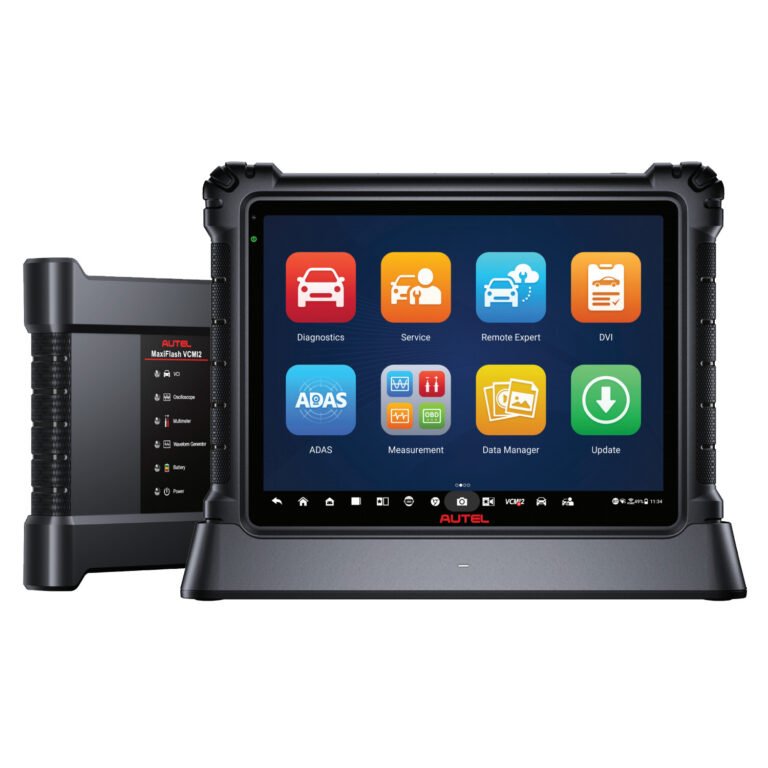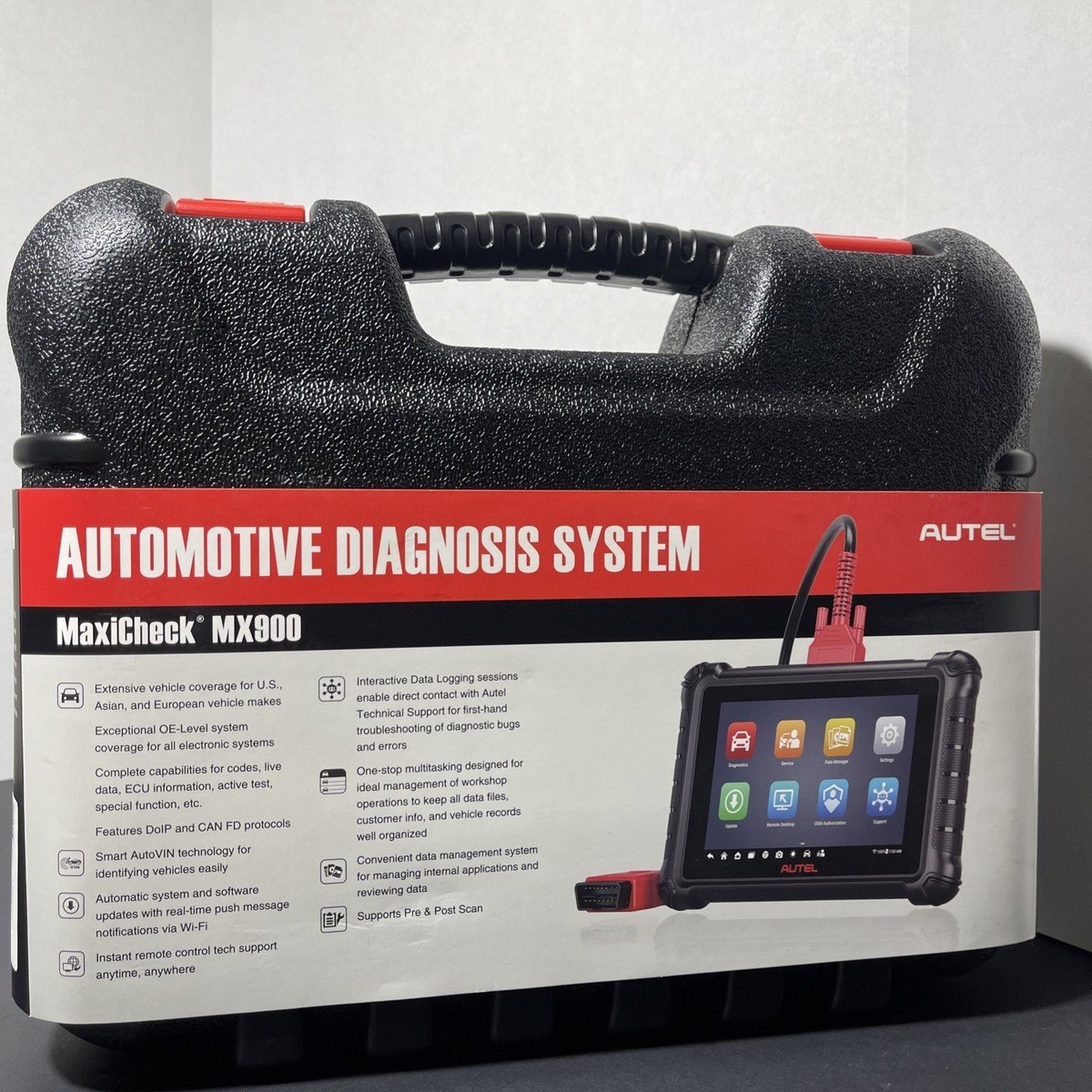
Autel Maxidas Ds808 Troubleshooting: Quick Fixes Guide
Autel MaxiDAS DS808 troubleshooting usually comes down to power, updates, vehicle communication, or settings.
If you use the Autel MaxiDAS DS808 often, you already know it is a strong scan tool when it works right. But like any diagnostic device, it can act up at the worst time, and that is when a clear troubleshooting process matters most. In this guide, I’ll walk you through the most common Autel MaxiDAS DS808 troubleshooting issues, what usually causes them, and the practical fixes I would use in the shop before assuming the tool itself has failed.

Common Autel MaxiDAS DS808 Troubleshooting Issues
The first thing I learned with the Autel MaxiDAS DS808 is that many “tool problems” are really connection or setup problems. A weak battery, a dirty DLC port, outdated software, or a vehicle that needs a different ignition state can make the tool look faulty when it is not.
Common DS808 symptoms include:
• No power or a dead screen
• Slow startup or freezing
• Failure to communicate with the vehicle
• Incomplete scans
• Update errors
• Wi Fi problems
• Touchscreen lag or app issues
A good troubleshooting mindset saves time. Instead of guessing, start with the simplest checks first. That approach has helped me more than once when a scan tool issue turned out to be nothing more than a loose connection.
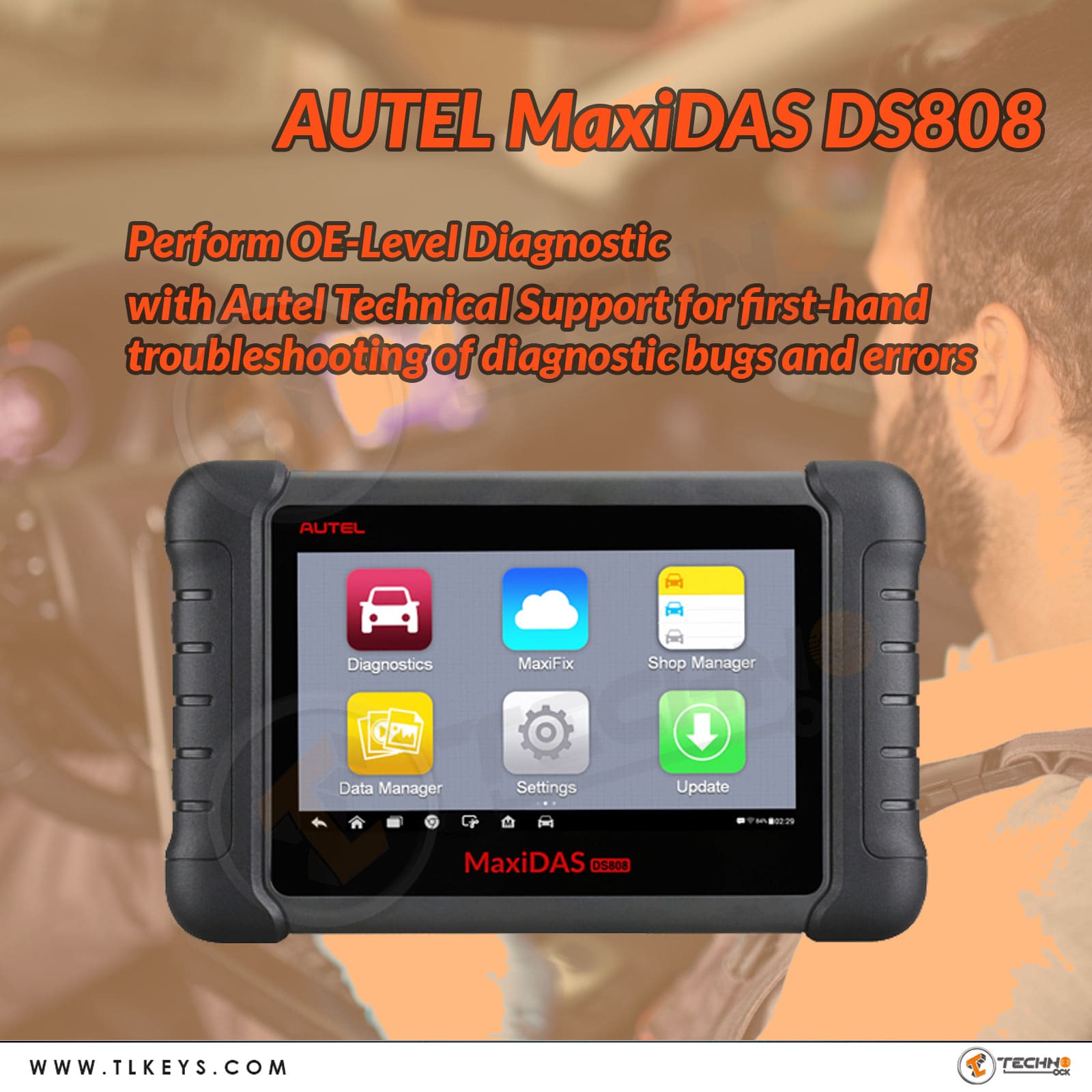
Why the Autel MaxiDAS DS808 Stops Working Properly
Most Autel MaxiDAS DS808 troubleshooting starts with understanding where the failure is happening. The issue may be in the tool, the cable, the car, the software, or the network connection.
Here are the most common causes:
• Low internal battery or poor charging
• Faulty OBD II cable or adapter
• Dirty or damaged vehicle DLC port
• Outdated firmware or vehicle software
• Weak Wi Fi signal during updates
• Incorrect ignition state on the vehicle
• System memory clutter or app glitches
• Vehicle communication limits on certain makes and models
In real use, I have seen the DS808 behave like it was “dead” only to come back after a full charge and a hard reboot. That is why I never jump straight to the worst case. Many issues are minor, but they hide behind the same symptoms as serious ones.
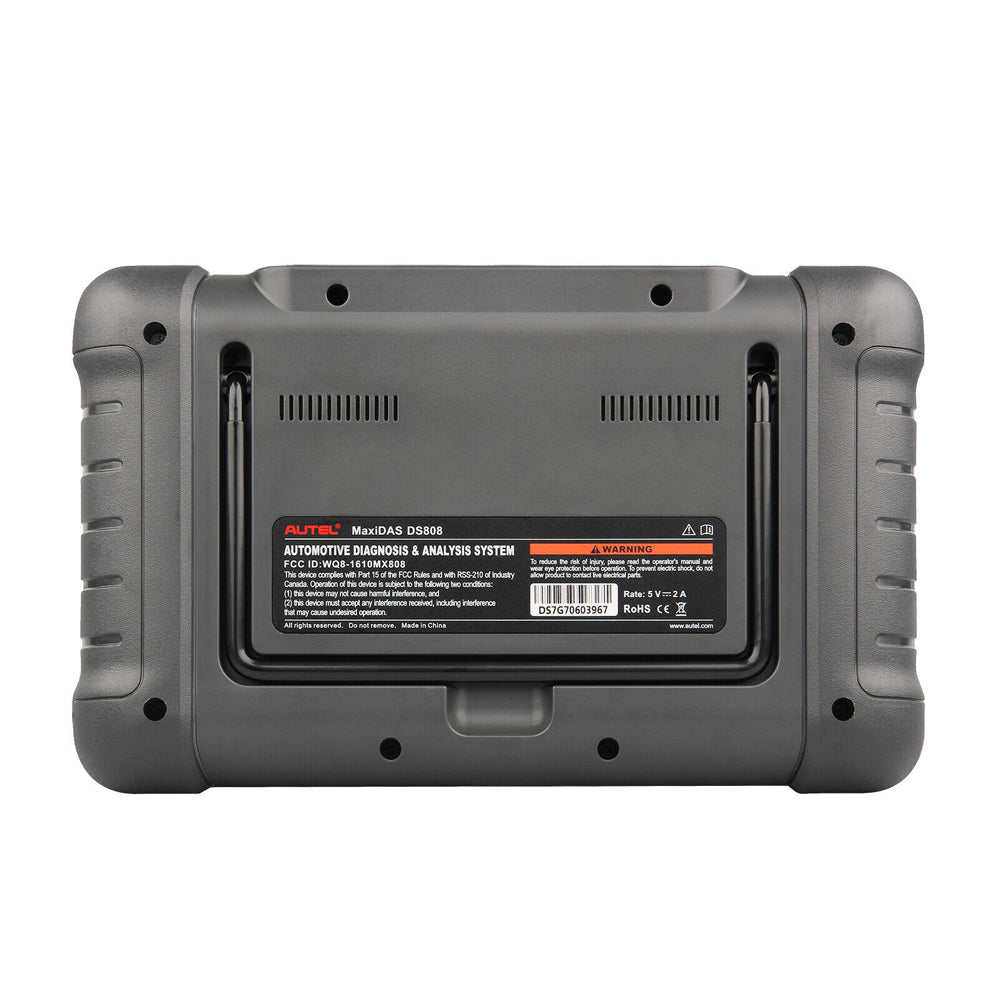
How to Troubleshoot Power and Startup Problems
If your Autel MaxiDAS DS808 will not turn on, freezes at the logo, or shuts down quickly, begin with power checks. These are the easiest problems to rule out, and they often point to the real issue fast.
Try these steps:
- Charge the DS808 with the original charger for several hours.
- Check the charging cable and adapter for damage.
- Inspect the charging port for dust or looseness.
- Hold the power button long enough for a full boot cycle.
- Perform a soft reset if the unit is frozen.
- Let the device cool down if it feels hot.
A mistake I have seen people make is using a weak third-party charger. The DS808 is a professional tool, and like a laptop, it needs stable power. If the battery is deeply drained, give it time before assuming it is broken.
Fixing Vehicle Communication Errors on the Autel MaxiDAS DS808
Vehicle communication problems are one of the biggest parts of Autel MaxiDAS DS808 troubleshooting. If the scanner cannot talk to the car, it cannot read codes, run tests, or access modules.
Start with these checks:
• Make sure the vehicle ignition is on, or in the correct accessory mode
• Confirm the OBD II connector is fully seated
• Inspect the vehicle DLC port for bent pins or dirt
• Test the tool on another vehicle if possible
• Make sure the vehicle battery is not too low
• Check whether the vehicle needs a specific adapter or cable
On some cars, especially newer ones or imported models, communication can be picky. I have had cases where the DS808 worked perfectly on one vehicle and struggled on another until I checked the ignition position and battery voltage. That is a classic reminder that the scanner is only one side of the equation.
Troubleshooting Autel MaxiDAS DS808 Update Problems
Update failures can make the tool feel outdated or unstable. Since the DS808 depends on software, maps, and vehicle coverage files, bad updates can affect performance right away.
Try this:
• Connect to a strong and stable Wi Fi network
• Make sure the tablet has enough storage space
• Close all other apps before updating
• Keep the charger connected during updates
• Reboot the device after the update finishes
• Retry the update if it stops midway
Update issues often come from interrupted internet service or low memory. I always recommend updating the tool in a place with a solid signal. A failed update is like trying to pour water through a cracked cup; the process matters as much as the content.
How to Handle Slow Performance and Freezing
If the Autel MaxiDAS DS808 feels slow, lags during scans, or freezes between menus, the fix may be simpler than you think. Over time, cached data, background tasks, or software conflicts can drag the device down.
Helpful steps include:
• Restart the tablet fully
• Close unused apps
• Clear storage if the device is nearly full
• Check for system updates
• Remove and reinstall problem vehicle software if needed
• Avoid using the device in extreme heat or cold
I once worked with a scan tool that seemed “broken,” but the real issue was just a nearly full memory card and too many updates stacked up. That is why maintenance matters. A clean system usually runs smoother and lasts longer.
Checking Cables, Connectors, and Adapters
A lot of Autel MaxiDAS DS808 troubleshooting comes down to the physical path between the tool and the car. If the cable or adapter is damaged, communication can fail even when the tablet itself is fine.
Inspect for:
• Cracked connectors
• Bent pins
• Loose fit at the OBD II port
• Frayed cable sections
• Worn adapters
• Debris inside the vehicle port
A quick visual check can save a lot of time. If the cable wiggles too much or the connector does not lock in firmly, do not ignore it. A weak physical connection can mimic software failure very well.
Solving Wi Fi and Network Issues
The DS808 needs a good network connection for updates, downloads, and online functions. If Wi Fi is unstable, you may see failed downloads, delayed syncing, or repeated login problems.
Try these fixes:
• Move closer to the router
• Restart the router and the DS808
• Reenter the Wi Fi password
• Forget and reconnect to the network
• Avoid public Wi Fi for major updates
• Test another network if one is available
Wi Fi problems are frustrating because they can look random. In practice, they usually are not random at all. They often come from weak signal strength, router issues, or a saved network profile that needs to be refreshed.
Restoring Stable Operation After a Reset
Sometimes the best move in Autel MaxiDAS DS808 troubleshooting is a reset or reboot. This clears temporary glitches and helps the device start fresh.
Use this sequence:
- Save any important data first.
- Exit running apps.
- Power off the device completely.
- Wait a few seconds before restarting.
- Reconnect to Wi Fi if needed.
- Test the scanner on a known good vehicle.
A reset is not a magic cure, but it often clears minor software jams. Think of it like restarting a phone that has too many apps open. It is simple, but it works more often than people expect.
Best Practices to Prevent Future DS808 Problems
Prevention is the easiest form of troubleshooting. If you take care of the Autel MaxiDAS DS808, it usually gives back stable performance and faster diagnostics.
Good habits include:
• Keep the battery charged regularly
• Update software on a stable network
• Store the device in a dry, cool place
• Use the original charger and cable
• Clean the connectors carefully
• Shut down the unit properly after use
• Avoid dropping the tablet or stressing the port
I have found that tools last longer when treated like work equipment instead of everyday gadgets. A scan tool that is charged, updated, and stored properly will usually be much more dependable when you really need it.
When the Problem May Be the Vehicle, Not the Tool
One of the most important parts of Autel MaxiDAS DS808 troubleshooting is knowing when the scanner is not the issue. Some cars have module faults, low voltage, aftermarket wiring, or communication limits that can block normal scanning.
Look at the vehicle side if:
• Multiple scan tools fail on the same car
• The battery voltage is weak
• The DLC port has no power
• The vehicle has recent electrical work
• A module is offline or damaged
This matters because a good technician does not blame the tool too fast. I have seen people replace or return scan tools that were working fine, only to later find a blown fuse or bad vehicle battery. That is an expensive lesson and an avoidable one.
Frequently Asked Questions of Autel MaxiDAS DS808 Troubleshooting
Why is my Autel MaxiDAS DS808 not turning on?
Most of the time, the battery is low or the charger is not delivering stable power. Try the original charger, let it charge longer, and inspect the port for damage.
Why does my DS808 say it cannot communicate with the vehicle?
This usually means the ignition is not in the correct position, the cable is not seated well, or the vehicle’s DLC port has an issue. Low vehicle battery voltage can also block communication.
How do I fix update failures on the Autel MaxiDAS DS808?
Use a strong Wi Fi connection, free up storage space, and keep the tool plugged in during updates. If the update fails again, reboot the device and try once more on a different network.
Why is my DS808 freezing during scans?
Freezing often comes from low storage, too many background apps, or outdated software. Restart the tool and close unused apps before scanning again.
Can a bad vehicle battery cause DS808 troubleshooting problems?
Yes, absolutely. A weak battery can prevent the scanner from communicating correctly and may cause false errors or partial scans.
Conclusion
Autel MaxiDAS DS808 troubleshooting becomes much easier when you follow a simple, step-by-step process. Start with power, cables, vehicle setup, updates, and network checks before assuming the scanner has a major fault. In many cases, the fix is small, practical, and fast.
The best takeaway is this: treat the DS808 like a professional tool that needs care, clean connections, and regular updates. If you keep that habit, you will save time, reduce stress, and get better results on every job. If this guide helped, keep exploring related diagnostic tips and share your own DS808 experience in the comments.