Autel MaxiCOM MK808 Troubleshooting: Fix Common Issues
Most Autel MaxiCOM MK808 problems come from weak power, outdated software, poor connections, or incorrect diagnostic steps.
The Autel MaxiCOM MK808 is a capable scan tool for many daily repair tasks, but even a good diagnostic tablet can freeze, lose communication, or show confusing codes. This guide explains Autel MaxiCOM MK808 troubleshooting in a clear, practical way, with steps that help you find the real cause instead of guessing or replacing parts too soon.
What the Autel MaxiCOM MK808 Can Do
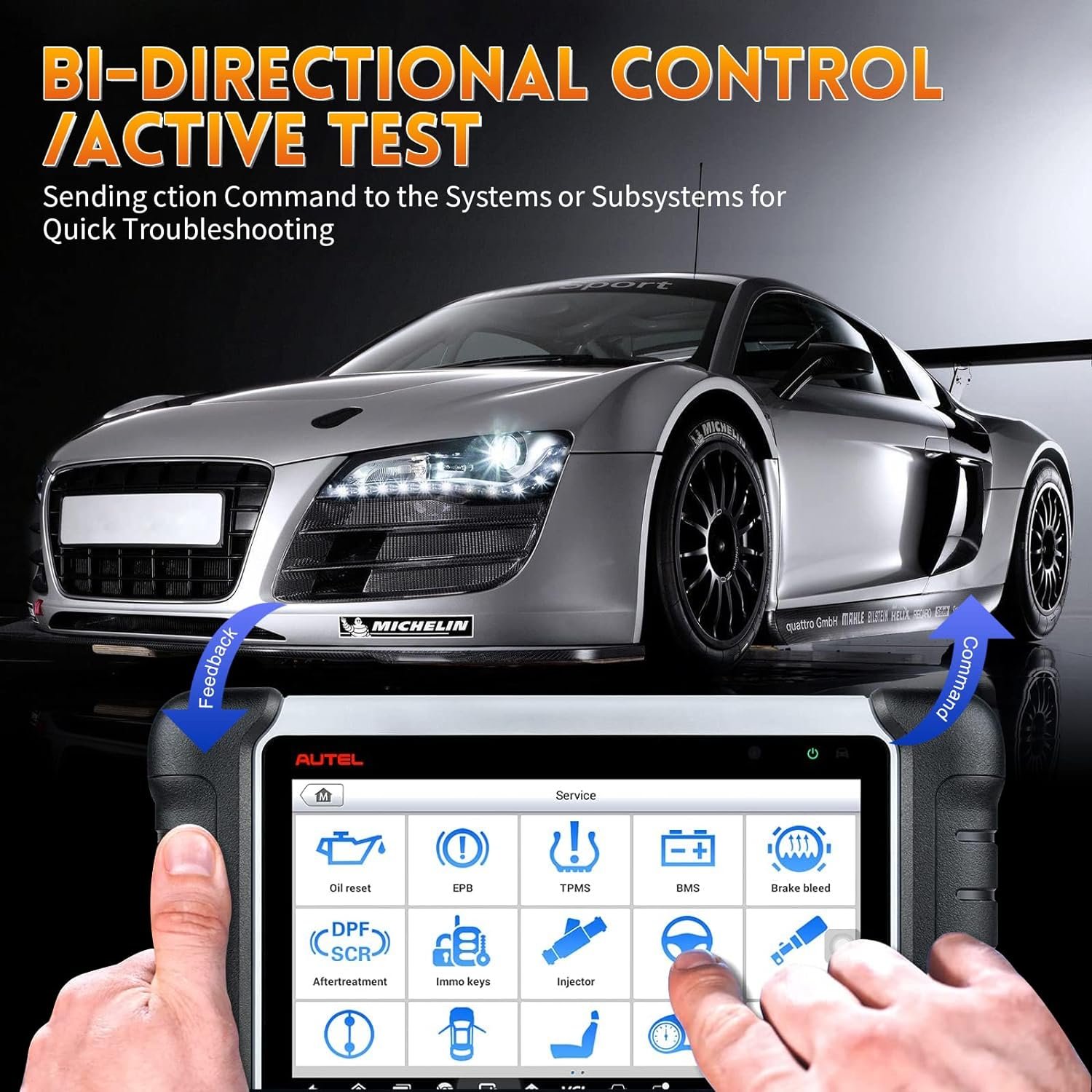
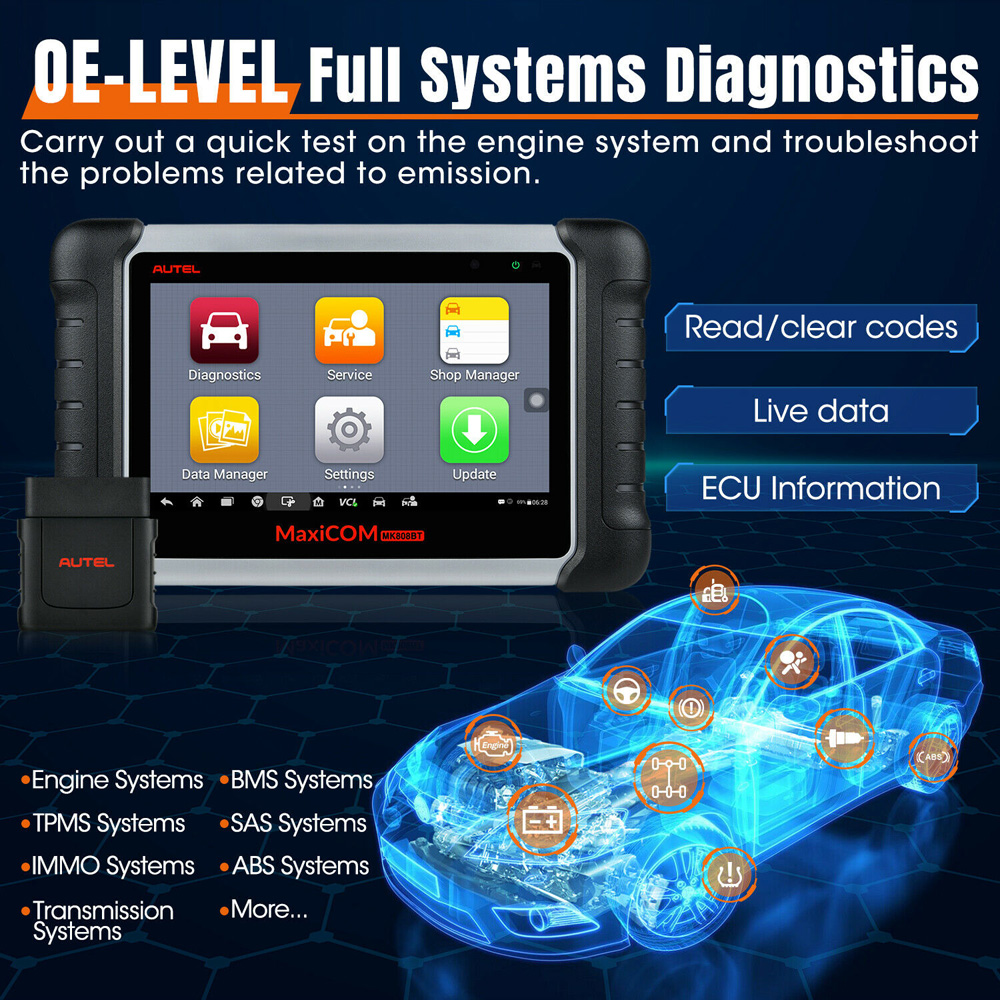
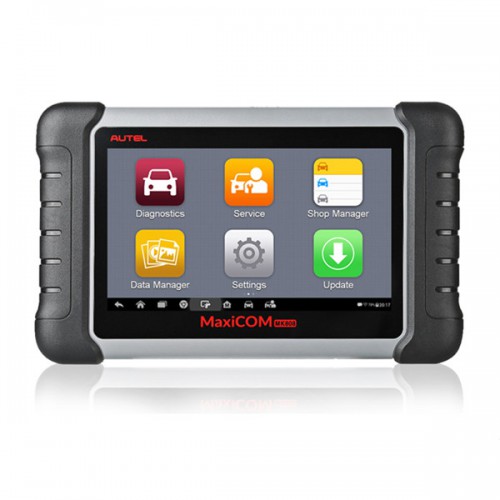
The Autel MaxiCOM MK808 is an Android-based diagnostic tablet for reading and clearing trouble codes, viewing live data, running active tests, and performing many service resets. Depending on the vehicle and software version, it may support functions such as oil reset, electronic parking brake service, battery registration, steering angle calibration, diesel particulate filter service, and throttle relearn.
It is important to understand one key point: the MK808 does not provide the same coverage on every vehicle. Vehicle systems, model year, market, equipment level, and software support all affect what the tool can access.
Common uses include:
• Reading powertrain, body, chassis, and network codes
• Viewing sensor data while the engine runs
• Checking readiness monitors
• Resetting selected maintenance systems
• Performing some bidirectional or active tests
• Saving diagnostic reports for later review
• Updating vehicle software coverage through Wi-Fi
A diagnostic code is not always proof that a part has failed. For example, a mass airflow code may result from an intake leak, damaged wiring, low voltage, or a dirty sensor. Good Autel MaxiCOM MK808 troubleshooting combines scan data with visual checks, voltage tests, and service information.

Autel MaxiCOM MK808 Troubleshooting: Start With the Basics
Many problems can be solved before you open a menu or run a system test. Start with the tablet, cable, vehicle battery, and ignition position. A weak foundation can make every later result unreliable.
Check the tablet battery
Charge the MK808 before a long scan or service procedure. A low tablet battery can cause shutdowns, slow menus, or interrupted communication.
Use the original charger when possible. If the tablet does not charge, inspect the charging port for dirt, damage, or a loose connection. Try a known-good outlet and cable before assuming the internal battery has failed.
Check vehicle voltage
Low vehicle voltage is one of the most common causes of failed scans and interrupted module programming. A healthy battery often measures near 12.6 volts with the engine off, although temperature and battery condition can change this reading.
During a scan, voltage should remain stable. If it drops sharply when the ignition is on, connect an approved battery maintainer. Never use a cheap charger that creates unstable voltage during a diagnostic procedure.
Confirm the ignition position
Most vehicles need the ignition switched on without starting the engine. Some tests require the engine to run, while others require the engine to remain off. Follow the instruction shown on the MK808 screen.
If the vehicle uses a push-button start system, press the button without pressing the brake or clutch when you need key-on, engine-off mode. The exact method can vary by vehicle.
Inspect the diagnostic connector
Look at the OBD-II port under the dashboard. Bent pins, corrosion, dirt, or a loose housing can prevent communication. Check that the cable fits firmly and does not pull out when you move your hand.
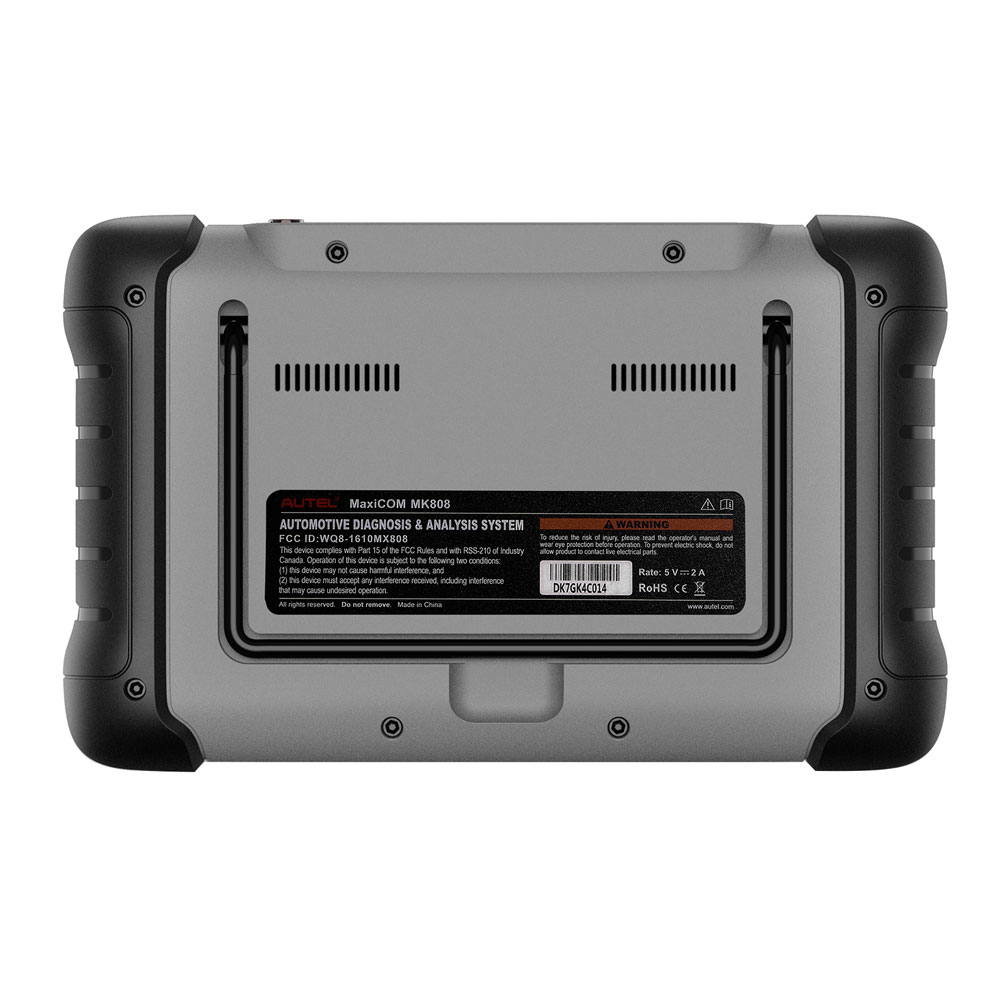
The diagnostic port should have proper power and ground. If the MK808 remains completely silent, test the vehicle connector with a multimeter or seek professional help.
MK808 Will Not Turn On or Keeps Freezing
A black screen, frozen logo, or repeated restart can be caused by low power, a software issue, or a hardware fault. Do not immediately perform a factory reset, because that can remove stored information and settings.
Try these steps in order:
- Connect the tablet to a reliable charger for at least 30 minutes.
- Hold the power button for several seconds.
- If the screen is frozen, use the device’s restart option or follow the official forced-restart procedure.
- Remove unnecessary accessories and try starting the tablet again.
- Check whether the tablet becomes hot during charging.
- Make sure the storage is not full.
- Record any error message before changing settings.
If the MK808 starts but freezes during a scan, the problem may be communication rather than the tablet itself. Stop the scan, cycle the ignition, reconnect the cable, and try one vehicle system at a time.
A common mistake is repeatedly tapping the screen while the tool is processing. This can open several commands or make the tablet appear more frozen. Give each screen a few seconds to respond.
If the tablet will not boot after charging and a restart, contact Autel support or an authorized service center. Opening the case may damage the unit and can affect warranty coverage.
MK808 Cannot Communicate With the Vehicle
“No communication” means the scanner cannot establish a session with the selected vehicle system. It does not always mean the vehicle control module is bad.
Use this basic communication checklist:
• Select the correct vehicle by VIN or manual entry.
• Confirm the model year and engine option.
• Turn the ignition to the correct position.
• Disconnect other aftermarket scan devices.
• Inspect the OBD cable and connector.
• Check battery voltage.
• Try a global scan before entering a single module.
• Confirm that the selected system is installed on the vehicle.
Vehicle selection errors are more common than many people expect. A similar model may use a different engine computer, network design, or security system. Recheck the VIN and compare it with the vehicle identification label.
Some vehicles require a security gateway connection or an approved access step before certain modules can be scanned. If the MK808 reaches some systems but not others, the issue may be access permission, vehicle software coverage, or a network fault.
If every scanner fails to communicate, inspect the vehicle first. Check the OBD port fuse, module power, module grounds, and network wiring. A damaged CAN bus wire can affect several control units at once.
Do not replace a control module based only on a no-communication message. Confirm power, ground, fuses, and network resistance with a wiring diagram and proper test tools.
MK808 Shows Wrong or Missing Vehicle Information
Incorrect vehicle information can lead to incomplete results or the wrong diagnostic menu. This often happens when automatic VIN detection reads the vehicle incorrectly.
Enter the VIN manually when needed. Compare the displayed vehicle with:
• The VIN plate
• The registration documents
• The engine label
• The vehicle build information
• The engine size and transmission type
If the vehicle has been modified, imported, or rebuilt, automatic identification may be less accurate. Older vehicles may also provide limited VIN data through the diagnostic connector.
When the MK808 lists several similar options, choose the exact engine and system shown in the service information. Do not select a nearby model simply because it appears to connect. The wrong selection can create false communication errors or limit available tests.
A helpful habit is to save a pre-scan report before clearing codes. This report provides a record of the original vehicle state and can help you compare results after repairs.
Autel MaxiCOM MK808 Software Update Problems
Software updates improve vehicle coverage, fix bugs, and add functions. However, an update can fail if the tablet has weak Wi-Fi, low battery, limited storage, or an expired software subscription.
Before updating:
• Charge the MK808 fully.
• Connect to a stable Wi-Fi network.
• Confirm the date and time are correct.
• Free storage space if needed.
• Keep the tablet connected to power.
• Avoid updating during an active vehicle scan.
If an update stops, restart the tablet and check the update application again. Do not repeatedly interrupt the process by turning the power off during installation.
A subscription renewal may be needed for the newest vehicle software. The tool may still operate with previously installed coverage, but newer models or updated functions may not be available without current downloads.
Check the software version under the tool’s settings or update area. If one vehicle brand fails to update while other brands work, the problem may involve that brand’s package rather than the whole tablet.
For repeated update errors, write down the exact error code, network type, software version, and date. Specific details help technical support diagnose the issue faster.

MK808 Live Data Looks Wrong
Live data is useful, but it must be read in context. A value that looks strange at idle may be normal during acceleration, cold start, or a regeneration event.
Start by checking these conditions:
- Is the engine fully warm?
- Is the vehicle at idle or under load?
- Are there related trouble codes?
- Does the value change when the sensor is tested?
- Does a known-good scan tool show a similar reading?
- Does the value match a mechanical or electrical test?
For example, engine coolant temperature should usually rise smoothly from a cold reading toward normal operating temperature. A reading of extremely low or high temperature on a warm engine may suggest a sensor, wiring, or connector issue.
Fuel trim data also needs care. High positive trim can point to a lean condition, but possible causes include vacuum leaks, low fuel pressure, exhaust leaks near the oxygen sensor, or inaccurate airflow measurement.
One lesson from hands-on diagnostic work is to avoid chasing a single unusual number. Watch patterns, compare related sensors, and test the circuit. Live data is a map, not the final answer.
Trouble Codes Return After Clearing
Clearing codes removes stored information, but it does not repair the cause. If the fault remains, the code may return at once or after the vehicle completes a drive cycle.
Follow a proper process:
• Save the original codes and freeze-frame data.
• Read the code definition and system description.
• Inspect connectors, wiring, fuses, and hoses.
• Test the related circuit before replacing a component.
• Repair the cause.
• Clear the codes.
• Complete the required drive cycle.
• Rescan the vehicle.
Some codes return only when specific conditions occur. An evaporative emission code may need a fuel level within a certain range, stable temperatures, and a completed leak test. An oxygen sensor code may return only after closed-loop operation begins.
Do not clear codes before recording them. This is one of the most costly beginner mistakes because freeze-frame information can disappear. That data may show engine speed, temperature, load, and vehicle speed when the fault occurred.
Also remember that a warning light and a stored code are not the same as a failed part. Use a wiring diagram, a multimeter, pressure tests, and manufacturer test procedures when required.
MK808 Service Functions Fail
Service functions can fail when the vehicle is not prepared correctly. The MK808 may display a message such as “conditions not met,” “function failed,” or “security access required.”
Before running a reset or active test, read every instruction on the screen. Then confirm:
• The battery voltage is stable.
• The ignition position is correct.
• The transmission is in the required gear.
• The parking brake is applied or released as directed.
• Doors, hood, and trunk are in the required position.
• The engine temperature is within the stated range.
• The vehicle is not in a low-power mode.
• No active communication fault is present.
For electronic parking brake service, the vehicle may need to be on level ground with the brake system prepared. For battery registration, confirm the replacement battery type and rating. A battery reset does not repair a charging problem.
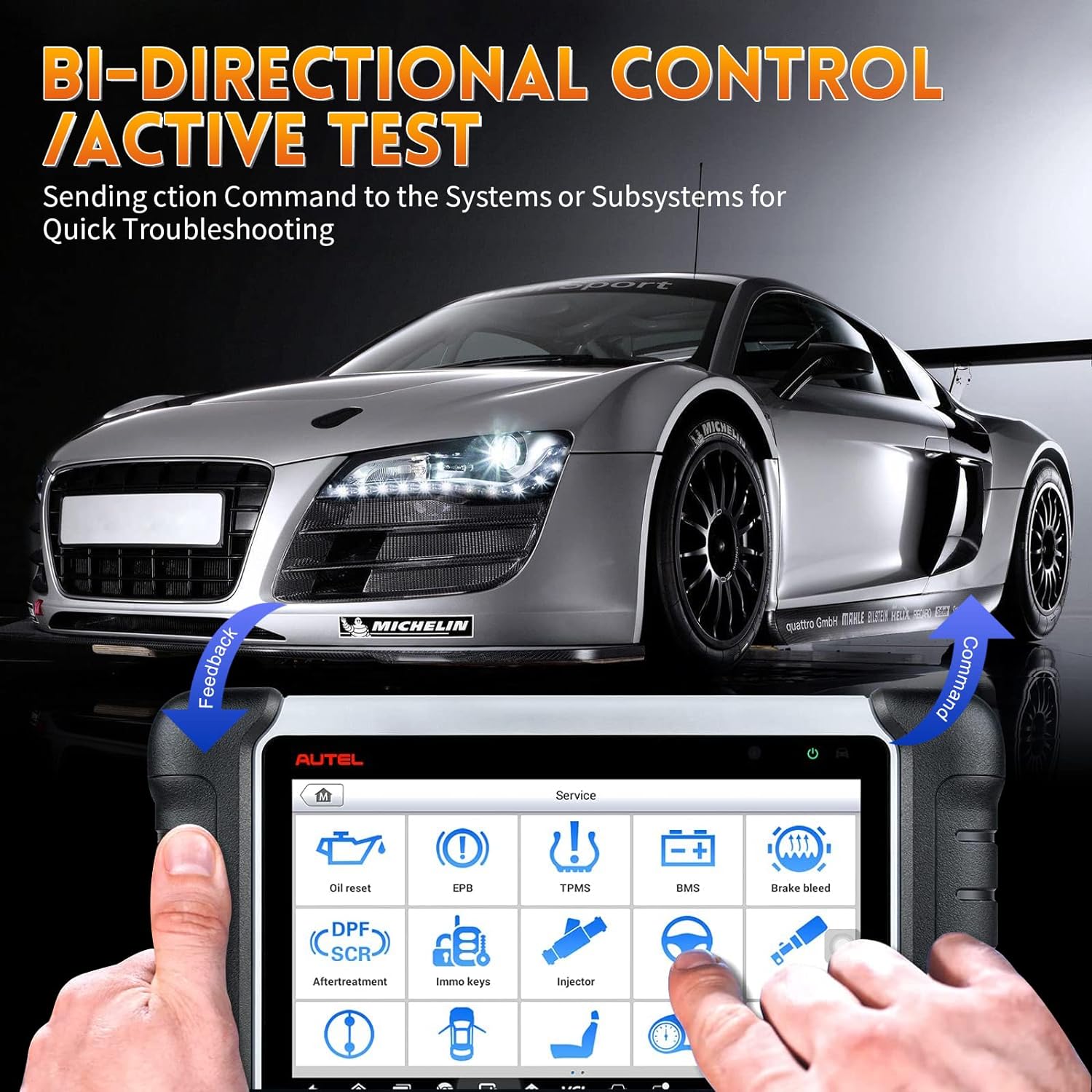
Active tests can move real parts. A fuel pump, cooling fan, throttle, injector, or actuator may operate during the test. Keep hands, tools, and clothing away from moving parts, and follow the vehicle maker’s safety steps.
Some functions are not supported on every vehicle. If the option is missing, that may be a coverage limitation rather than a fault with the MK808.

How to Use the MK808 Safely and Accurately
A scan tool can support a repair, but it cannot replace sound diagnostic practice. The best results come from combining electronic data with basic inspection and measured tests.
Use this workflow:
- Ask the driver what happened and when it started.
- Check warning lights and recent repairs.
- Perform a visual inspection.
- Test battery voltage and basic power supply.
- Run a full system scan.
- Save the report.
- Study codes and freeze-frame data.
- Test the suspected circuit.
- Repair the confirmed cause.
- Clear codes and verify the repair.
Follow safety rules whenever you work around a vehicle. Use wheel chocks, keep clear of moving parts, and avoid probing airbag circuits with test equipment unless the procedure specifically allows it. Disconnecting a battery can erase learned settings or create new issues on some vehicles.
In my experience, the biggest time saver is writing down the original condition before touching anything. A short record of codes, voltage, symptoms, and test results prevents repeated work and makes the repair easier to explain.
The MK808 also has limits. It may not perform advanced programming, manufacturer-level coding, or every security function. When the tool shows limited coverage, confirm the requirement with current repair information before continuing.
When to Contact Autel Support or a Professional
Some faults need more than normal Autel MaxiCOM MK808 troubleshooting. Contact support when the tablet cannot boot, repeatedly loses its license, or fails to install software despite stable power and Wi-Fi.
Seek a qualified automotive technician when:
• Several modules lose communication at once.
• The vehicle has suspected CAN bus damage.
• Programming or coding is required.
• A safety system remains active after basic checks.
• The vehicle battery voltage cannot be stabilized.
• The scan results conflict with physical test results.
• You are unsure about an airbag, brake, or high-voltage system.
Have the following details ready:
• MK808 model and serial number
• Vehicle year, make, model, and engine
• Software version
• Exact error message
• Battery voltage
• Steps already completed
• Photos or saved scan reports
Clear information reduces delays. It also helps separate a tool problem from a vehicle problem.
Frequently Asked Questions of Autel MaxiCOM MK808 Troubleshooting
Why does my Autel MaxiCOM MK808 say no communication?
Check the vehicle selection, ignition position, OBD cable, connector pins, battery voltage, and related fuses. If other scan tools also fail, inspect vehicle power, grounds, and network wiring before blaming the MK808.
How do I fix an Autel MK808 that keeps freezing?
Charge the tablet, restart it, check storage space, and install available system updates. If freezing happens only during one vehicle scan, inspect the cable, vehicle voltage, and selected vehicle information.
Can the MK808 clear every check engine light?
The MK808 can clear many diagnostic trouble codes, but clearing a code does not fix the fault. If the problem remains, the warning light or code will usually return after the vehicle detects the issue again.
Why will an MK808 update not install?
A weak Wi-Fi connection, low battery, incorrect date and time, limited storage, or an expired software subscription can stop an update. Connect the tablet to stable power and Wi-Fi, then retry the update from the official update area.
Why does a service reset fail on the MK808?
Service functions often require specific conditions, such as correct ignition status, stable voltage, proper battery data, or security access. Read the on-screen instructions and confirm that the vehicle and function are supported.
Is the Autel MaxiCOM MK808 suitable for professional diagnostics?
It is useful for many general diagnostic and service tasks, especially code reading, live data, and selected resets. Professional repair shops may still need manufacturer software or higher-level equipment for advanced coding, programming, and security functions.
Should I replace a part when the MK808 shows a related code?
No. A code identifies a monitored fault, not always the failed component. Test the wiring, power, ground, connectors, and related systems before installing a replacement part.
Conclusion
Effective Autel MaxiCOM MK808 troubleshooting starts with simple checks: stable battery voltage, correct vehicle selection, a sound OBD connection, current software, and the right ignition position. From there, use codes, freeze-frame data, live readings, and physical tests together.
The MK808 is a helpful guide, but it is not a crystal ball. Save scan reports, avoid guessing, follow safety steps, and confirm the repair with a second scan and drive cycle when needed. Apply these methods on your next diagnostic job, and explore the tool’s official service information for vehicle-specific procedures.