How to Calibrate Kitchen Scale
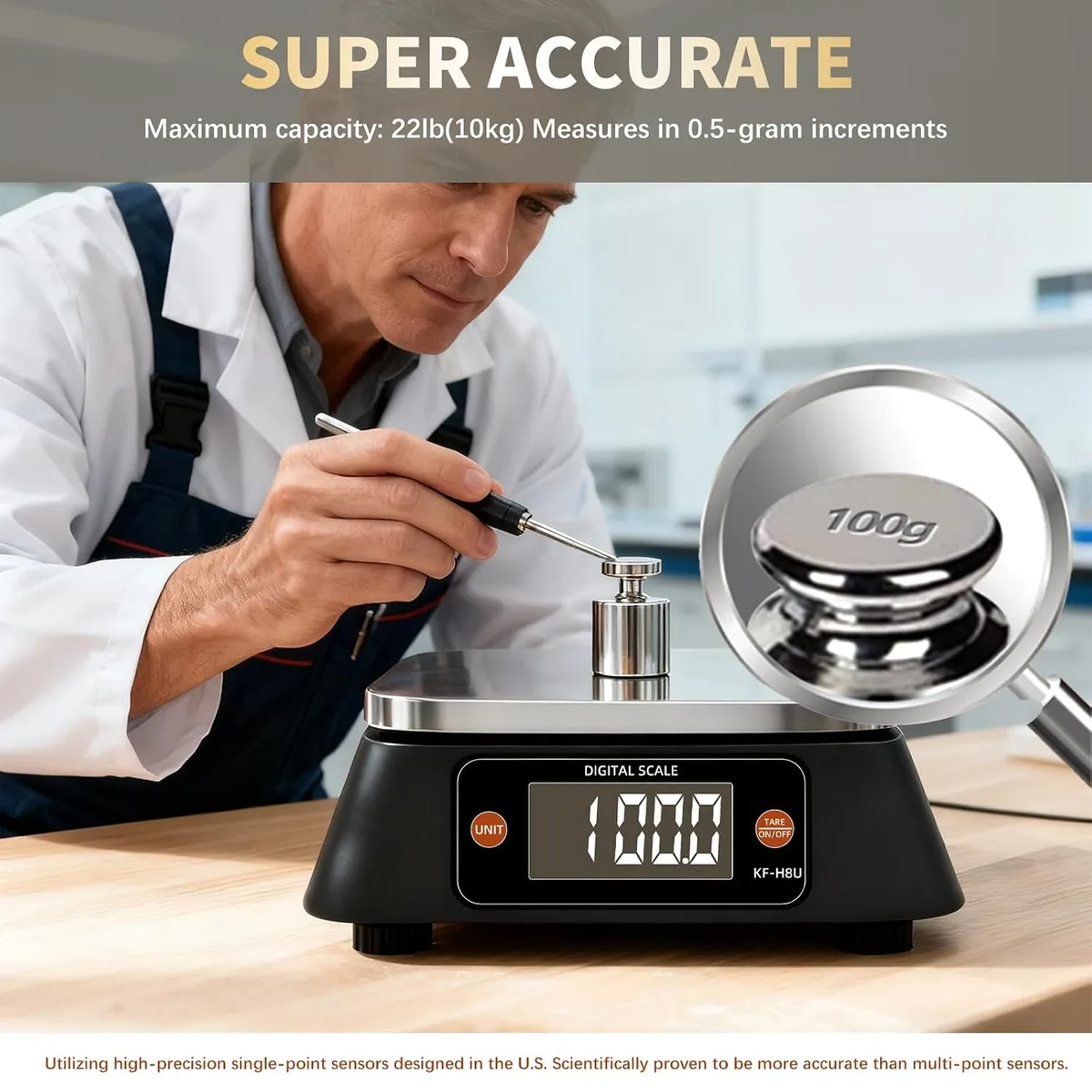
Image source: Bing (Web (fair-use with source credit))
Ever grab your kitchen scale only to find it’s showing wildly different weights for the same ingredient? You're not alone. When your scale isn't cooperating, it can throw off your baking, lead to inaccurate portion sizes, and generally cause a lot of frustration.
Thankfully, knowing how to calibrate kitchen scale devices usually brings them right back into reliable working order.
Manufacturer specifications indicate that most digital kitchen scales are designed for user calibration, often requiring a specific calibration weight. For example, some scales might need a 1000-gram certified weight to re-establish their zero point and accuracy. Let’s get your scale back to being your trusty kitchen companion.
Quick Answer
To calibrate a kitchen scale, put it in its specific calibration mode, usually by holding down a button while turning it on. Then, place the recommended calibration weight precisely in the center of the scale's platform when prompted. Wait for the scale to confirm the calibration, and then turn it off and back on.
Is Your Kitchen Scale Accurate?
Before you dive into calibration, it's smart to do a quick check to see if your scale is actually off, or if something else is going on. This helps you confirm that calibration is the right fix. Our research shows that a scale can be thrown off by a few different things.
- Zero Point Drift: Turn the scale on with absolutely nothing on it. It should immediately display "0" or "0.0". If it shows a number, try pressing the "Tare" or "Zero" button. If it stubbornly refuses to zero out, calibration is likely needed.
- Weight Discrepancy: Find an item with a known, consistent weight. A new bag of sugar (typically 4 pounds or 1 kilogram) or even a specific set of coins can work. Place this item on the scale. Does the displayed weight match its known weight? A small, consistent difference often points to calibration needs. Large fluctuations or completely wrong readings mean it's definitely time for an adjustment.
If your scale consistently under or over-weighs by a small margin, or won't return to zero, the calibration process is usually the solution.
Understanding Your Scale: Digital vs. Analog
Kitchen scales come in two main types: digital and analog. How you calibrate them differs significantly.
Digital scales use electronic sensors to measure weight and display it on an LCD screen. They’re generally more precise and often feature a "tare" function, which zeros out the weight of a container.
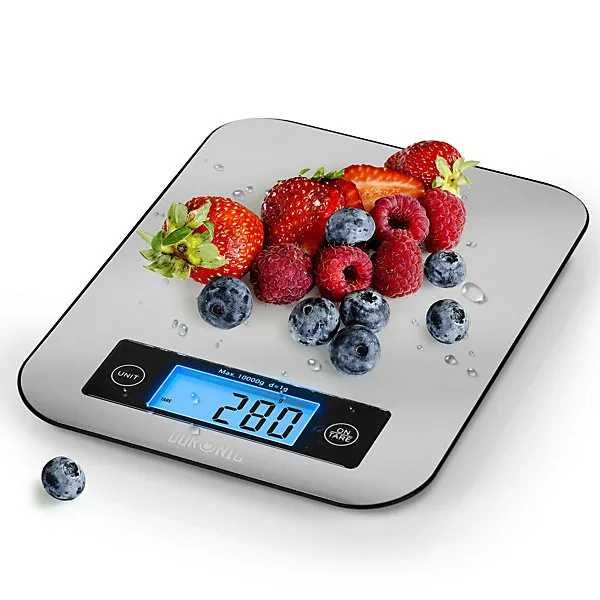
Digital scales offer electronic precision and easy-to-read displays.
Analog scales, on the other hand, use a spring mechanism and a dial with a needle to show the weight. They're typically more robust and don't require batteries, but can be less accurate over time without occasional adjustments.
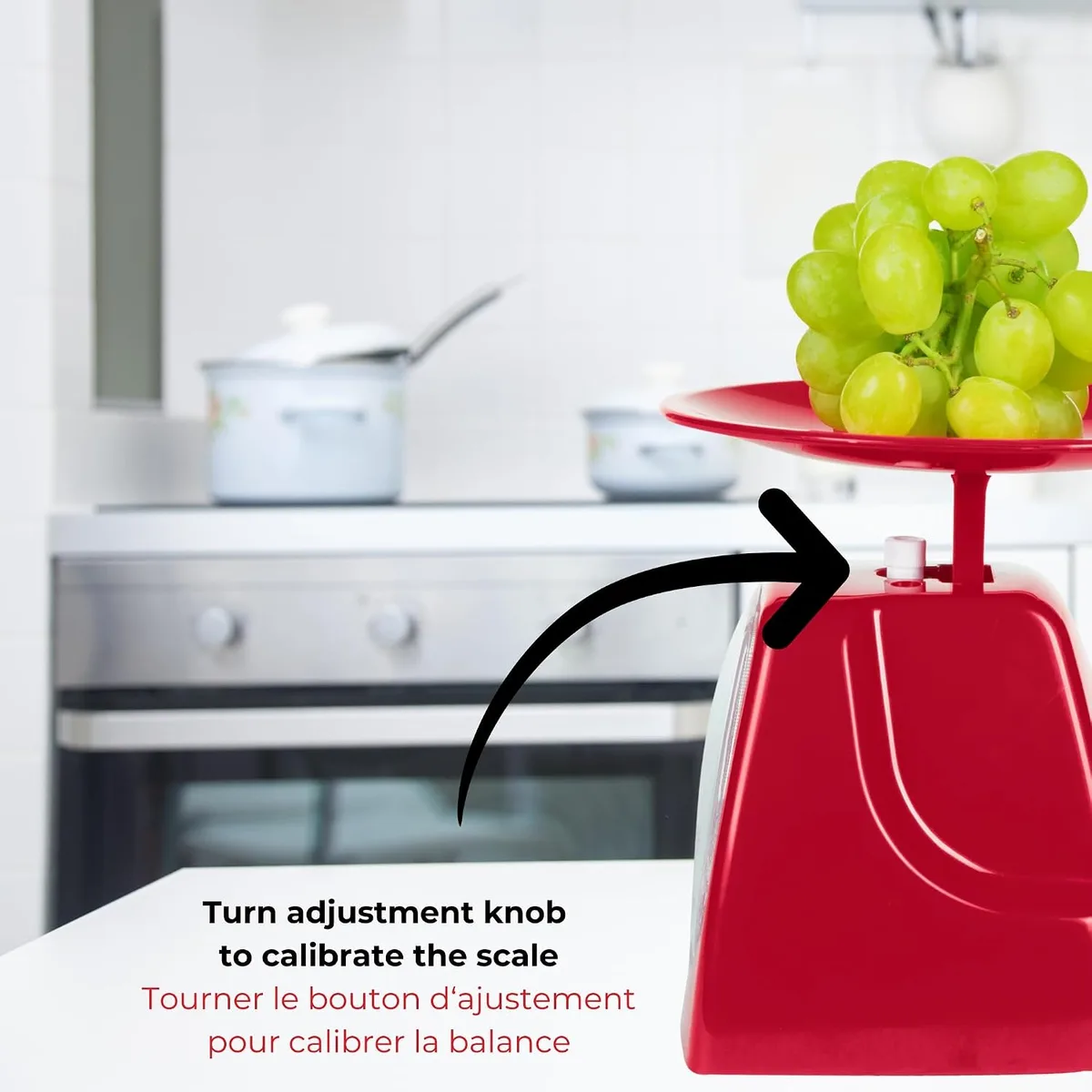
Analog scales rely on mechanical parts and may need physical adjustment.
Most modern scales are digital, and their calibration process is usually initiated through specific button commands. For analog scales, you'll typically adjust a physical knob or screw. Understanding which type you have is the first step in getting it working correctly.
How to Calibrate Your Digital Kitchen Scale
Calibrating a digital kitchen scale is a straightforward process, but it requires following specific steps for your particular model. The goal is to reset the scale's internal sensors to recognize a known weight accurately.
Finding Calibration Mode
This is the most crucial step because it varies by manufacturer. Your scale's manual is your best resource here. Look for sections on "Calibration," "CAL," or "Factory Reset." If you can't find the manual, search online for your specific scale's brand and model number followed by "calibrate." Common methods involve holding down one or two buttons while powering the scale on.
For instance, you might press and hold the "Mode" and "Tare" buttons simultaneously before turning the scale on.
Using a Calibration Weight
Once in calibration mode, the scale will usually display a prompt, often showing "CAL" or a specific weight value (e.g., 1000g or 500g). This is your cue to place a certified calibration weight, or an equivalent item with a precisely known weight, onto the center of the scale’s platform. Using an official calibration weight is always recommended for the highest accuracy.
If you don't have one, check your manual for suggested household items, but be aware that accuracy might be slightly compromised.
Confirming the Calibration
After you place the weight, the scale will take a moment to register it. It might show the weight value, then update to indicate successful calibration, often with a "PASS," "DONE," or "END" message, or it might simply return to the normal weighing screen. It’s good practice to turn the scale off and then back on to exit calibration mode and ensure it’s functioning correctly.
You can then test it with a known weight again to confirm the calibration was successful.
Calibrating an Analog Kitchen Scale
Analog kitchen scales operate mechanically, relying on springs and gears rather than electronics. Because of this, their calibration is a more hands-on, physical adjustment.
First, ensure the scale is on a perfectly flat and stable surface. If the needle on the dial isn't resting precisely on the zero mark with no weight on the platform, you'll need to make an adjustment. Look for a small screw or knob, usually located on the base or the side of the scale.
This is your adjustment point.
Carefully turn this screw or knob. You'll see the needle move on the dial. Continue adjusting it until the needle points exactly to zero.
Once zeroed, place a known weight onto the scale. If it doesn't read the correct weight, you may need to repeat the adjustment process or the spring mechanism itself may have become worn or damaged over time. If the scale is consistently off even after adjustment, it might be time to consider replacing it, as older analog mechanisms can lose their precision.
Common Kitchen Scale Problems & Troubleshooting
Even with proper calibration, kitchen scales can sometimes misbehave. Knowing these common issues and how to fix them can save you a lot of hassle.
- Inconsistent Readings: If your scale keeps showing different weights for the same item, check the surface it’s on. It needs to be perfectly level and stable. Even a slight wobble can cause readings to fluctuate wildly. Also, ensure the batteries are fresh; low power can lead to erratic behavior.
- "Err" or Error Messages: Many digital scales display error codes. "Err" often means the weight is too high for the scale’s capacity, or the scale is unstable. Consult your manual for specific error code meanings.
- Tare Function Not Working: If pressing "Tare" doesn't reset the scale to zero, it might indicate a sensor issue or a need for recalibration. Ensure there's no residue or object on the scale when you press Tare.
- Slow Response Time: If the scale takes a long time to settle on a weight, this could be due to low batteries or external factors like drafts or vibrations. Try moving the scale to a more protected location.
If a simple fix like fresh batteries or ensuring a level surface doesn't solve the problem, it’s usually a sign that the scale needs recalibration, or potentially, it's nearing the end of its reliable lifespan.
Alternatives to Calibration: Understanding Scale Limitations
While calibration is the primary method for fixing accuracy issues, understanding your scale's inherent limitations and other potential solutions is also important. Sometimes, the problem isn't that the scale is broken, but that you're expecting something it can't deliver.
For instance, if your scale’s maximum capacity is 5 kilograms (about 11 pounds), trying to weigh something heavier will naturally lead to an "Err" message or inaccurate readings. Always check your scale’s specifications for its weight limit. Similarly, if you need to measure very small quantities, like 0.1 grams for baking soda in a delicate recipe, you’ll need a scale specifically designed for that level of precision.
Not all kitchen scales can accurately measure such tiny amounts.
If your scale's display is difficult to read, or if it lacks a tare function, these are features that calibration won't fix. In such cases, exploring options for more accurate kitchen scales or scales with specific features like a built-in bowl might be a better long-term solution than repeatedly trying to adjust a scale that doesn't meet your needs.
When to Invest in a New Kitchen Scale
Sometimes, no amount of calibration or troubleshooting will bring an old kitchen scale back to its former accuracy. If you've tried everything and your scale is still unreliable, it’s probably time for an upgrade.
Scales can lose their precision over time due to wear and tear on internal components, especially if they've been dropped or overloaded. If your scale is consistently off by more than a few grams, even after recalibrating, its accuracy is compromised. This is critical for recipes that demand precision, like delicate pastries or scientific baking.
As of 2026, many excellent and affordable kitchen scales are available. Newer models often offer higher precision (measuring in single grams), better battery life (like rechargeable options), and enhanced durability, such as stainless steel surfaces. Investing in a new, accurate scale can prevent baking failures and ensure consistent results for all your culinary adventures.
For example, you might find you need a scale with a higher capacity, or one that can measure in smaller increments.
Frequently Asked Questions About Kitchen Scale Calibration
Why does my kitchen scale show different weights for the same item?
This usually happens when the scale isn't on a perfectly level surface, when the batteries are low, or when the scale itself needs recalibration to reset its sensors.
How often should I calibrate my kitchen scale?
It's a good idea to calibrate your kitchen scale whenever you notice inaccurate readings, after moving it, or if it's been exposed to significant temperature changes. For most home users, recalibrating once every few months or as needed is sufficient.
Can I use a coin as a calibration weight?
Some manuals might suggest using a specific coin if you know its exact weight, but it’s not as accurate as a certified calibration weight. Coin weights can vary, and their accuracy isn't guaranteed for precise calibration.
What should I do if my scale won't enter calibration mode?
Ensure you are following the exact button sequence for your model. If it still won't engage, try replacing the batteries first, as low power can affect function. If that doesn't work, your scale might have a more significant internal issue.