Garmin Vs Nextbase Dash Cam: Best Choice Compared
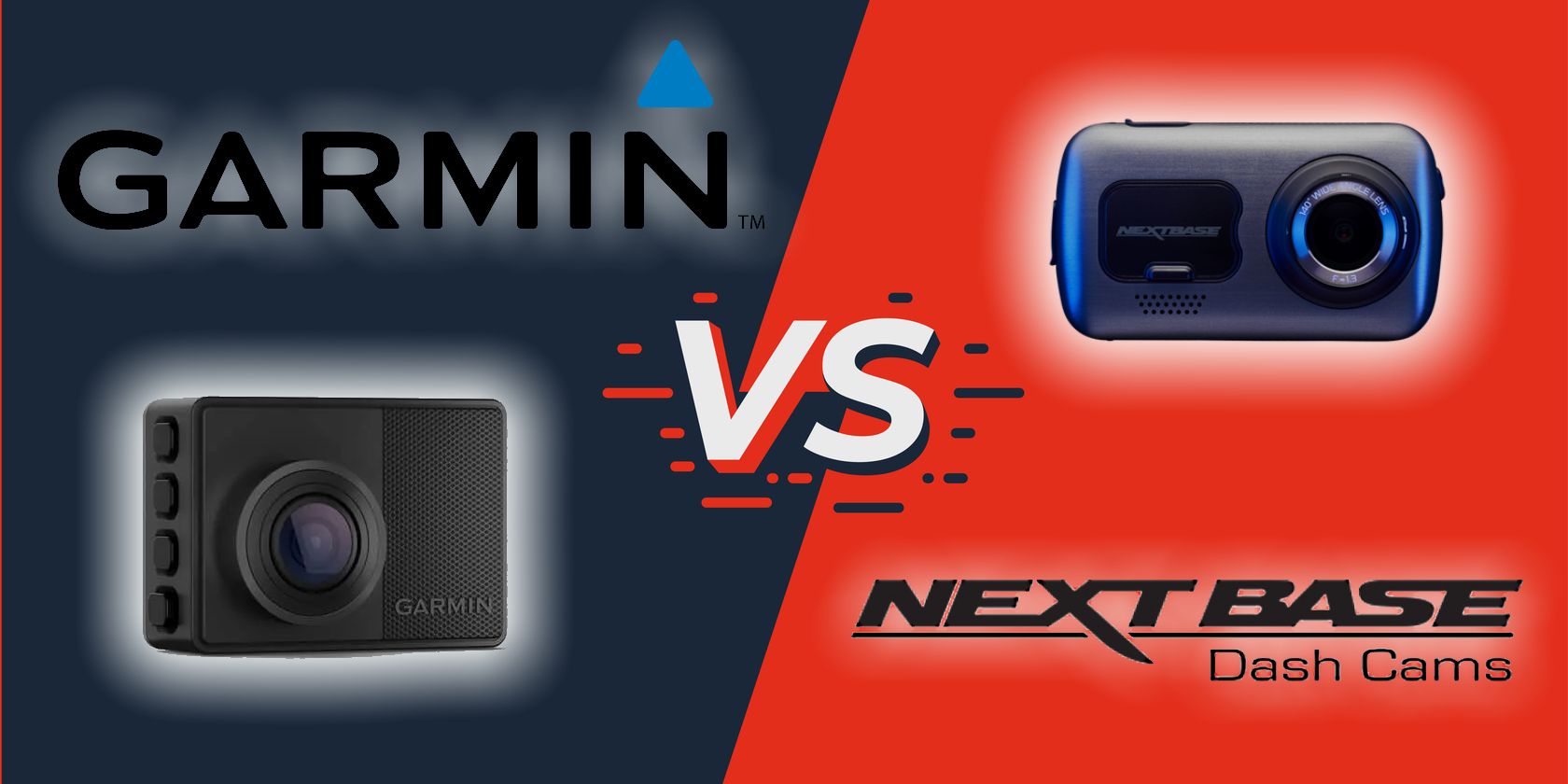
Garmin offers a smaller, simpler dash cam, while Nextbase delivers more screen options and stronger video features.
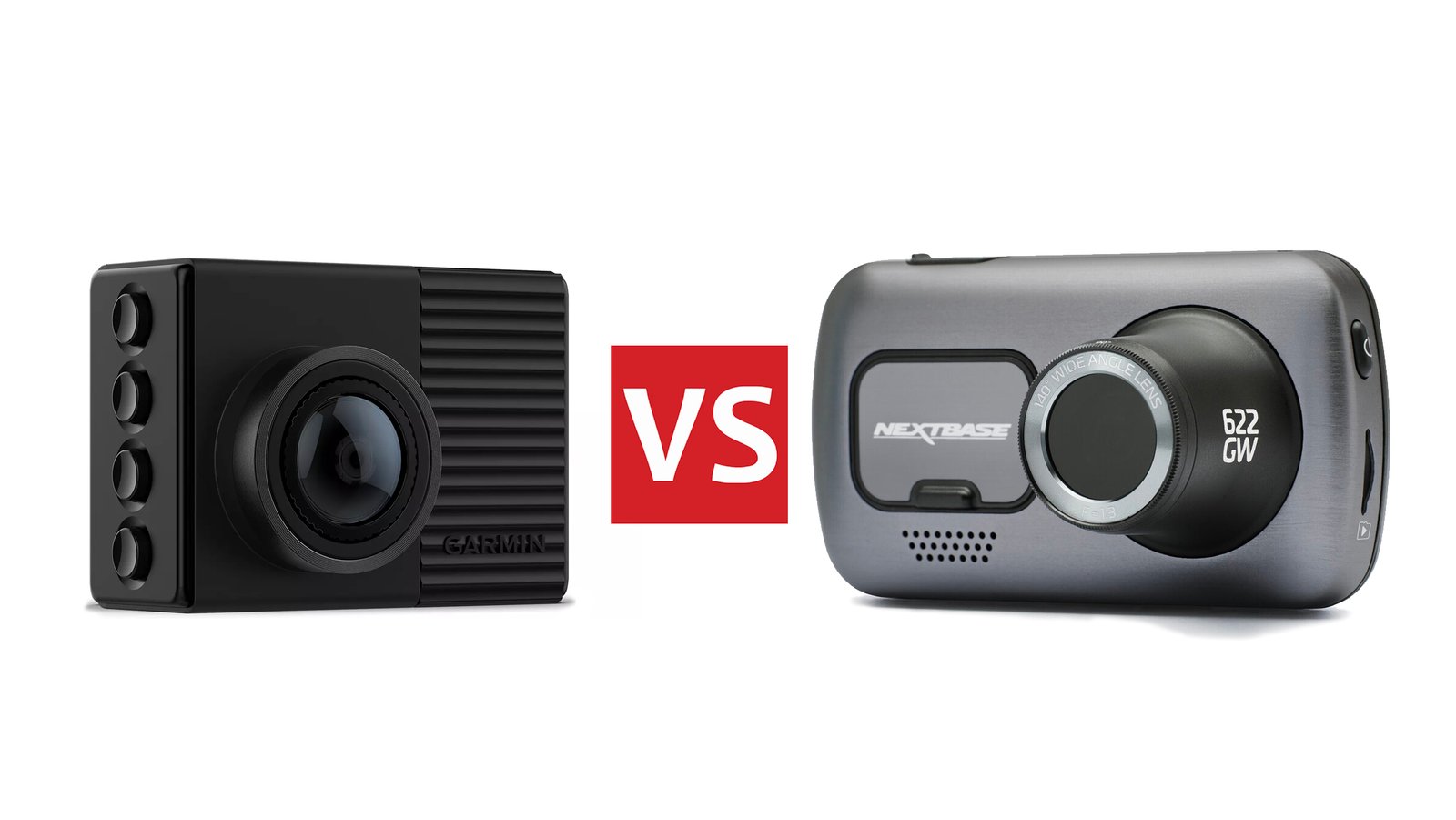
Choosing between Garmin and Nextbase is not as simple as comparing camera resolution. Both brands make reliable dash cams, but they suit different drivers. Garmin focuses on compact design, easy controls, GPS, and a clean driving experience. Nextbase offers a broader range, larger screens, sharper video on select models, and smart connected features.
This Garmin vs Nextbase Dash Cam guide compares video quality, installation, storage, parking mode, smartphone tools, pricing, and daily use. It also explains which brand makes more sense for commuters, rideshare drivers, families, and anyone who wants clear proof after a crash.
Garmin vs Nextbase Dash Cam: At a Glance
Garmin and Nextbase are both well-known dash cam brands in the United States and other major markets. They make front cameras, dual-camera systems, rear cameras, and models with GPS or cloud tools.
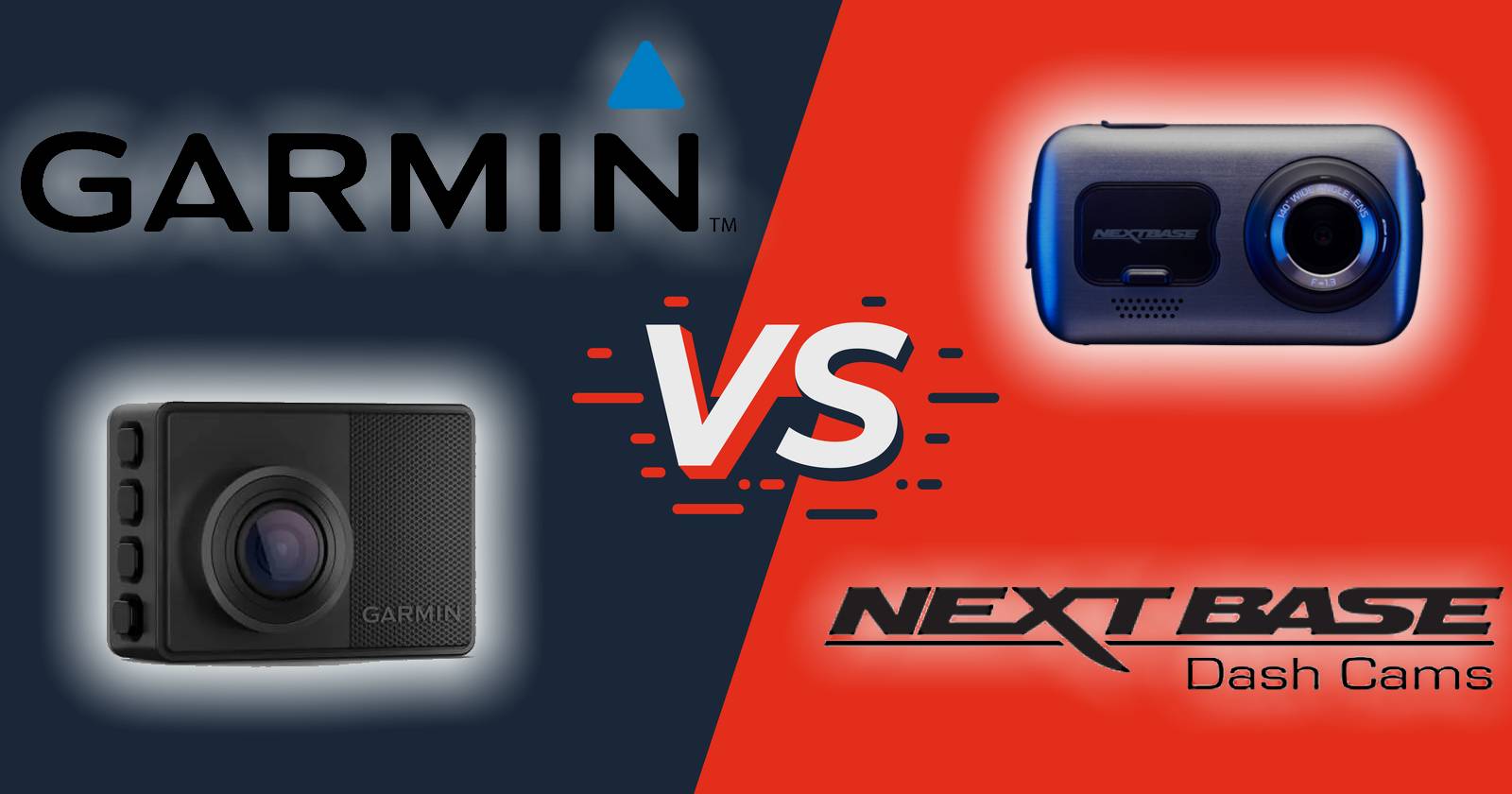
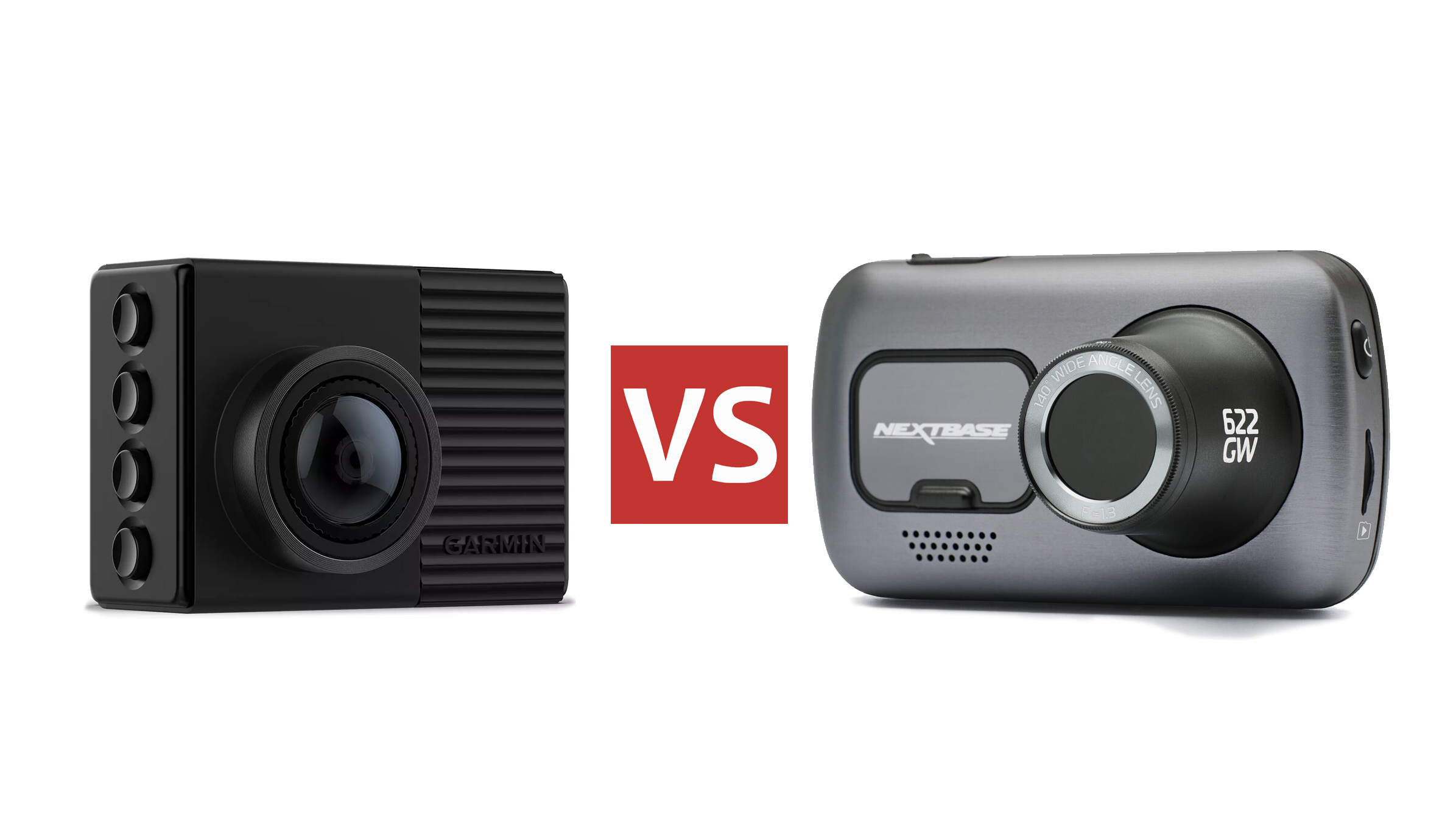
The main difference is their design approach. Garmin dash cams are often small and discreet. Nextbase dash cams often place more focus on a built-in display, modular cameras, and high-resolution recording.
| Feature | Garmin | Nextbase |
|---|---|---|
| Best known for | Compact cameras and simple operation | Broad model range and strong video options |
| Video quality | Good to excellent, depending on model | Good to excellent, with several 4K choices |
| Built-in screen | Often absent on smaller models | Common on many models |
| GPS | Available on many models | Available on many models |
| Rear camera choices | Available with select systems | Wide range of modular rear cameras |
| Smartphone app | Garmin Drive app | MyNextbase Connect and related tools |
| Cloud storage | Available with select plans and devices | Available on select connected systems |
| Best for | Drivers who want a discreet setup | Drivers who want more hardware choices |
The best Garmin vs Nextbase Dash Cam is not always the most expensive one. A basic 1080p camera may be enough for a city commuter, while a 4K camera can help capture plate details at a greater distance.
Video Quality and Recording Performance
Video quality is one of the first things people check when comparing dash cams. Resolution matters, but it is only one part of the picture. Lens quality, dynamic range, night processing, frame rate, and mounting stability also affect the final clip.
Garmin offers several compact cameras with clear daytime video. Higher-end Garmin models can record in 4K, which gives a sharper image than standard 1080p. A smaller Garmin camera may not have a large screen, but its footage can still be easy to review through the phone app.
Nextbase has a strong range of high-resolution cameras. Models such as the 622GW have been known for 4K recording, while other Nextbase cameras target 1440p or 1080p users. This gives buyers more room to balance price, image quality, and storage needs.
Daytime video
During the day, both brands can capture useful evidence of traffic lights, road signs, and nearby vehicles. A 4K model may show more detail, but the difference depends on distance and lighting.
For example, a 4K camera may help identify a license plate in a car ahead. Yet glare, rain, a dirty windshield, or fast motion can still reduce clarity. No dash cam can guarantee a readable plate in every situation.
Night video
Night recording is more difficult. Street lights, headlights, and dark roads can confuse a camera sensor. Garmin and Nextbase both use image processing to improve low-light clips, but results vary by model.
In my dash cam testing and comparison work, I have found that a stable mount often matters as much as a small jump in resolution. A loose camera creates blur and vibration. A well-mounted 1080p camera can produce more useful evidence than a poorly mounted 4K camera.
Wide-angle coverage
A wide lens captures more of the road and nearby lanes. This can help during a side-impact crash or a difficult merge. However, very wide lenses can make distant objects look smaller.
When comparing a Garmin vs Nextbase Dash Cam, check the stated viewing angle, but do not judge the camera by that number alone. A balanced lens with low distortion is often more useful than an extremely wide lens.

Design, Display, and Ease of Use
Garmin often appeals to drivers who want a small camera behind the rearview mirror. Models such as the Garmin Dash Cam Mini series are designed to stay out of sight. This can reduce distractions and keep the windshield looking tidy.
Many Garmin cameras use voice control or a smartphone app instead of a built-in display. That design keeps the unit small, but reviewing video may require your phone.
Nextbase usually provides more display options. A built-in screen lets you change settings, align the camera, and review clips without opening an app. This can be helpful for drivers who prefer physical controls and clear menus.
The larger body of some Nextbase models may be more noticeable. It can also take up more windshield space. Before buying, check whether the camera can sit behind your mirror without blocking your view.
Installation experience
Both brands use adhesive or suction mounts, depending on the model. Adhesive mounts usually look cleaner and stay firm, while suction mounts are easier to move between cars.
A typical installation includes:
- Clean the windshield with a dry, lint-free cloth.
- Position the camera behind the rearview mirror.
- Connect the power cable without blocking airbags.
- Run the cable along the headliner and door trim.
- Test the camera from the driver’s seat.
- Format the memory card in the camera.
One mistake I often see is mounting the lens too high or too low. Aim for a level view with enough sky to show traffic signals but enough road to capture lane activity. Also, keep the lens inside the cleaned part of the windshield.

GPS, Safety Alerts, and Smart Features
GPS can record the vehicle’s location and speed. This information may help explain where an event happened. It can also help organize video clips after a long drive.
Garmin includes GPS in many models and is known for practical driver assistance features. Depending on the model, these may include forward collision warnings, lane departure alerts, red-light camera alerts, and voice commands.
Nextbase also offers GPS on many cameras. Some models include emergency response or connected services. Features vary by region, phone type, subscription, and exact model, so buyers should read the current product details before paying extra for a feature they may not use.
Voice control
Garmin’s voice control can be useful when you need to save a clip without touching the camera. A simple command may be safer than reaching toward the windshield.
Nextbase models with a screen often rely more on touch controls and physical buttons. That can feel more familiar, but drivers should only operate the camera when parked.
Parking mode
Parking mode records activity when the vehicle is parked. It can be useful in a parking lot, driveway, or street-side space. However, parking recording usually needs a hardwire kit or another constant power source.
A dash cam may not record properly in parking mode if the car cuts power to the 12-volt socket. Some systems also need motion or impact detection, while others use time-lapse recording.
Before choosing a Garmin vs Nextbase Dash Cam for parking protection, confirm:
• Whether a hardwire kit is required
• Whether the kit includes low-voltage protection
• Whether the camera supports buffered recording
• How long the camera can remain active
• Whether a cloud plan is needed
• Whether the feature works with your vehicle
Do not install a hardwire kit without understanding your vehicle’s fuse system. Poor installation can drain the battery or create an electrical problem.

Smartphone Apps and Cloud Storage
Garmin uses its Drive app with compatible cameras. The app can help connect to the camera, view clips, change settings, and update software. Wi-Fi transfer can be convenient, although large 4K files may take time to download.
Nextbase offers app support for compatible cameras. Some Nextbase systems also offer connected services that can upload or store clips. These features may require a subscription, a supported phone, an internet connection, or a specific model.
Cloud storage sounds simple, but it has limits. Upload speed depends on your mobile connection. A camera may also need a special power connection to remain online while parked.
For most drivers, a memory card remains the main form of storage. Cloud tools are helpful for backup, but they should not be your only copy after a serious incident.
Memory card advice
Use a high-endurance microSD card that matches the camera’s requirements. Dash cams write files constantly, which can wear out ordinary cards.
Good habits include:
• Format the card in the camera every few weeks or months
• Replace the card when errors appear
• Use a larger card for 4K recording
• Save important clips to your phone or computer
• Avoid removing the card while the camera is recording
A 4K camera creates larger files than a 1080p camera. That means less recording time on the same card.
Garmin vs Nextbase Dash Cam: Which Is Better for Different Drivers?
The right choice depends on how you drive and what you value most. Here is a practical way to narrow it down.
Choose Garmin if you want a discreet camera
Garmin is a strong choice when you want a small unit that stays behind the mirror. It suits drivers who do not need a built-in screen and prefer voice commands or a phone app.
Garmin may also appeal to people who already use Garmin navigation or other Garmin products. The controls and app experience can feel familiar.
Choose Nextbase if you want a screen
Nextbase is often better for drivers who want to adjust settings and review clips directly on the camera. A screen can make installation easier because you can see the camera view at once.
It is also a good option if you want a wider choice of front, rear, and cabin camera accessories.
Choose a 4K model for greater detail
A 4K Garmin or Nextbase camera may be worth the extra cost if you drive on highways, travel at night, or want more detail from distant vehicles. Keep in mind that 4K uses more storage and may need a faster, higher-capacity memory card.
Choose a dual-camera system for broader evidence
A rear camera can show what happened behind your vehicle. A cabin camera can help rideshare drivers or families who want interior coverage.
Nextbase has a notable range of modular camera accessories. Garmin also offers multi-camera options, but availability depends on the model and market.

Price, Accessories, and Long-Term Cost
The purchase price is only part of the cost. You may also need a memory card, polarizing filter, rear camera, hardwire kit, replacement mount, or cloud plan.
Garmin models can range from simple budget cameras to advanced 4K systems. Nextbase also covers several price levels, from basic cameras to premium connected models.
When comparing total cost, make a short list:
• Camera price
• Memory card
• Installation kit
• Rear or cabin camera
• Replacement accessories
• Cloud subscription
• Warranty coverage
• Cost of professional installation
A cheaper camera may become less affordable if it needs extra parts. On the other hand, an expensive camera may not provide value if you only drive short trips in daylight.
One lesson I learned early is to avoid buying features “just in case.” If you do not need cloud storage, a cabin camera, or advanced alerts, put that money toward a better memory card and a safer installation.
Important Limitations to Know
A Garmin vs Nextbase Dash Cam comparison should also include the drawbacks. Every dash cam has limits.
First, video does not automatically prove fault. Police, insurance companies, and courts may consider road signs, witness accounts, traffic laws, and other evidence.
Second, GPS speed data may not always match the speed shown on your vehicle. Tire size, signal quality, and sensor differences can affect readings.
Third, driver alerts can be wrong. A camera may warn you about a lane line that is hard to see or a vehicle that is not truly dangerous. Treat these tools as reminders, not as a replacement for attention.
Finally, local laws matter. Some states regulate windshield-mounted devices, audio recording, or the way video is used. Check your state rules and avoid placing the camera where it blocks your view.

How to Choose the Right Dash Cam
Use these steps before you buy:
- Decide whether you need front-only, front-and-rear, or cabin recording.
- Choose 1080p, 1440p, or 4K based on your budget and detail needs.
- Check whether the camera has GPS.
- Confirm that the memory card is compatible.
- Decide if you need a screen.
- Check parking mode requirements.
- Review cloud costs and app support.
- Confirm the warranty and return policy.
- Measure the space behind your rearview mirror.
- Plan a safe cable route before installation.
For many people, the Garmin vs Nextbase Dash Cam decision becomes clear after these steps. Garmin usually wins on compact design and simple use. Nextbase often wins on display choices, modular accessories, and model variety.

Frequently Asked Questions About Garmin vs Nextbase Dash Cam
Is Garmin better than Nextbase for video quality?
Neither brand wins in every model. A premium 4K Garmin can outperform a basic Nextbase camera, while a high-end Nextbase can produce more detail than an entry-level Garmin. Compare the exact model, lens, night performance, and storage needs.
Which Garmin vs Nextbase Dash Cam is best for night driving?
Choose a model with strong low-light processing, a quality lens, and stable mounting. A 4K camera may help with detail, but clean glass and reduced glare are just as important.
Do Garmin and Nextbase dash cams record while parked?
Many models support parking mode, but the feature may require a hardwire kit or constant power. Check the exact camera and installation instructions before assuming parking recording will work.
Do I need a 4K dash cam?
You do not need 4K for basic incident recording. It can be useful when you want more detail from distant signs or license plates, but it creates larger files and usually costs more.
Are Garmin and Nextbase dash cams legal in the United States?
Dash cams are generally legal, but rules can differ by state. Windshield placement, audio recording, and privacy laws may apply, so check local requirements before installation.
Does a dash cam lower car insurance costs?
Some insurers may offer discounts for approved safety devices, but this is not guaranteed. Ask your insurance provider whether a dash cam qualifies and what documentation it requires.
Conclusion
The Garmin vs Nextbase Dash Cam choice comes down to your driving habits and preferred design. Garmin is a great fit for drivers who want a compact camera, simple controls, GPS, and a discreet windshield setup. Nextbase is often better for drivers who want a built-in screen, high-resolution options, or flexible rear and cabin camera accessories.
Do not choose by resolution alone. Check night footage, mount quality, parking power, memory card support, app features, and the full ownership cost. Pick the model that fits your car and your daily routine, then install it carefully and test it before you need it.