Cobra Dash Cam Vs Garmin: Which Is Best?
Cobra Dash Cam vs Garmin often comes down to video quality, smart features, ease of use, and total cost.
Choosing between Cobra and Garmin is not as simple as picking the most famous name. Both brands make reliable dash cams, but they serve different drivers. Cobra often focuses on strong video, radar alerts, and useful driver tools, while Garmin is known for compact designs, simple controls, GPS features, and a polished app experience.
This Cobra Dash Cam vs Garmin guide compares image quality, night recording, parking protection, storage, installation, smart features, reliability, and value. It also explains which brand fits commuters, road-trippers, families, and drivers who want a discreet camera.
Cobra Dash Cam vs Garmin: Key Differences
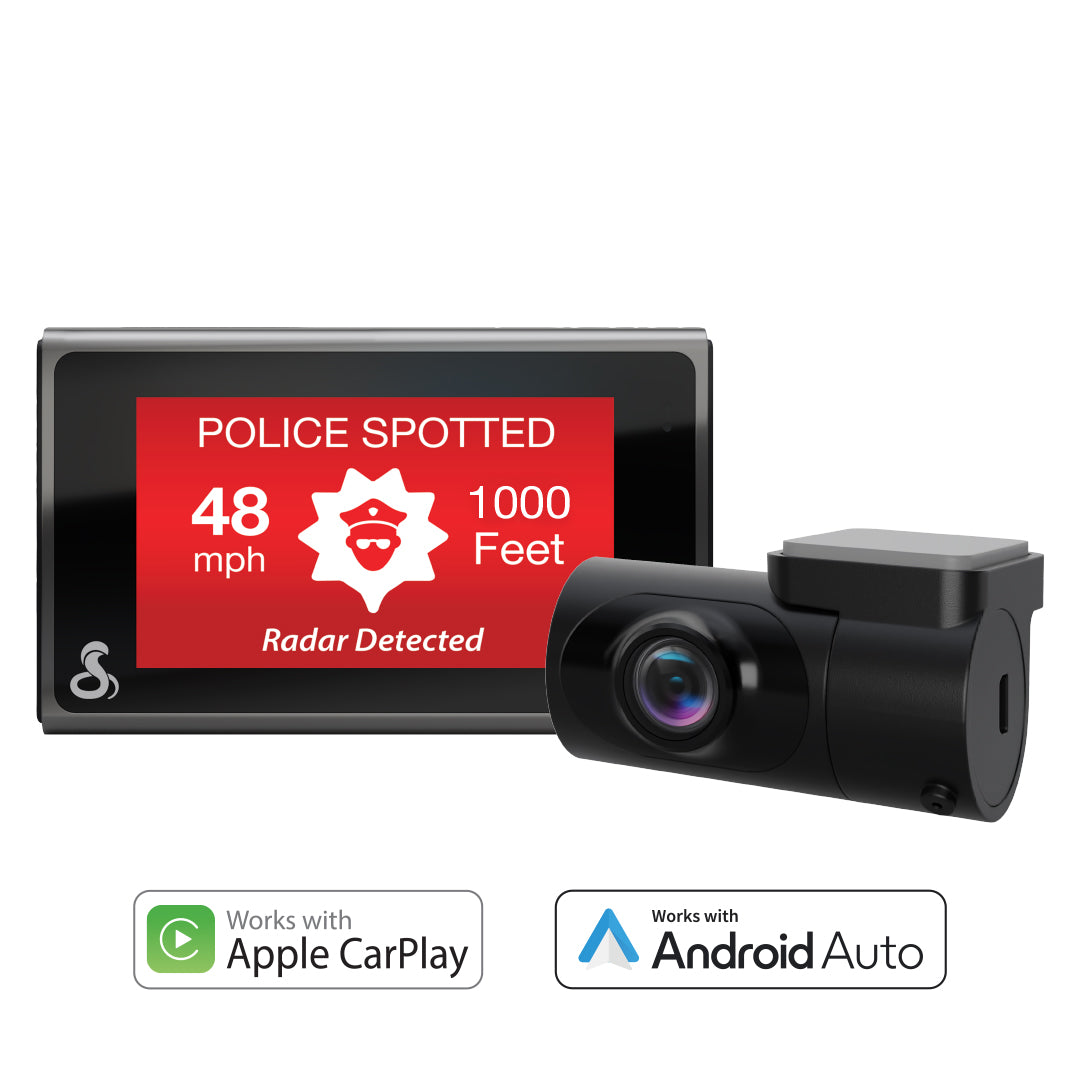
The clearest difference between Cobra and Garmin is product focus. Cobra offers dash cams with a broad mix of camera features, including high-resolution recording, wide viewing angles, dual-camera systems, and, on some models, radar detection. Garmin tends to keep the design smaller and the setup simpler.
A Cobra model such as the SC 400D may appeal to drivers who want front and rear coverage with advanced alerts. Garmin models such as the Dash Cam Mini 3, Dash Cam 57, or Dash Cam X310 may appeal to people who want a small camera with reliable recording and easy daily use.
Here is a simple overview:
| Feature | Cobra dash cams | Garmin dash cams |
|---|---|---|
| Main strength | Feature-rich systems and broad coverage | Compact design and easy operation |
| Video options | Often includes high-resolution and dual-camera models | Strong video in a small body |
| Rear camera choices | Common on selected packages | Available on some systems, but varies by model |
| GPS | Available on many models | Common on many mid-range and premium models |
| Radar features | Available on selected Cobra models | Not a standard Garmin dash cam feature |
| Mobile app | Varies by model and phone | Usually simple and well integrated |
| Best for | Drivers who want more built-in tools | Drivers who want a clean, discreet setup |
The exact winner depends on the model. Comparing a premium Cobra camera with a basic Garmin model would not be fair. Always compare resolution, included accessories, storage support, and warranty terms at the same price level.
Video Quality and Recording Performance
Video quality is the heart of any dash cam. A camera may have many smart features, but it must capture clear footage when a license plate, traffic light, or road sign matters.
Cobra and Garmin both offer models with sharp daytime footage. Premium Cobra cameras often provide high-resolution front recording and may include a rear camera. Garmin also offers strong image quality, especially in newer models with improved low-light processing and high dynamic range.
Daytime recording
During the day, both brands can record useful evidence when installed correctly. Look for:
• At least 1440p front video if you want extra detail
• A frame rate of 30 frames per second or higher
• Wide dynamic range for bright skies and dark cars
• A lens that stays clear and free of fingerprints
A 4K camera can capture more detail than a 1080p camera, but resolution is not everything. A dirty lens, poor focus, heavy glare, or a low-quality memory card can ruin a 4K recording.
Night recording
Night video is more difficult. Street lights, headlights, rain, and deep shadows can confuse the sensor. A camera with good HDR can balance bright lights and dark roads better than a basic camera.
In a Cobra Dash Cam vs Garmin comparison, premium models from both brands can perform well at night. However, results vary by model and windshield. A camera mounted behind a tinted strip or placed too low may produce poor footage, even if its specifications look impressive.
Front and rear coverage
Rear coverage can be more valuable than a small increase in front resolution. A rear camera may document:
• A rear-end collision
• Tailgating or aggressive driving
• A hit while parked
• A vehicle leaving after a crash
Cobra offers several dual-camera packages. Garmin also supports front and rear recording on selected setups, but the rear camera may be an optional purchase. Check whether the package includes the rear unit, cable, mount, and power adapter.
Smart Features and Driver Assistance
Smart features can make a dash cam more useful, but they can also add cost and complexity. The best feature is the one that works when you need it.
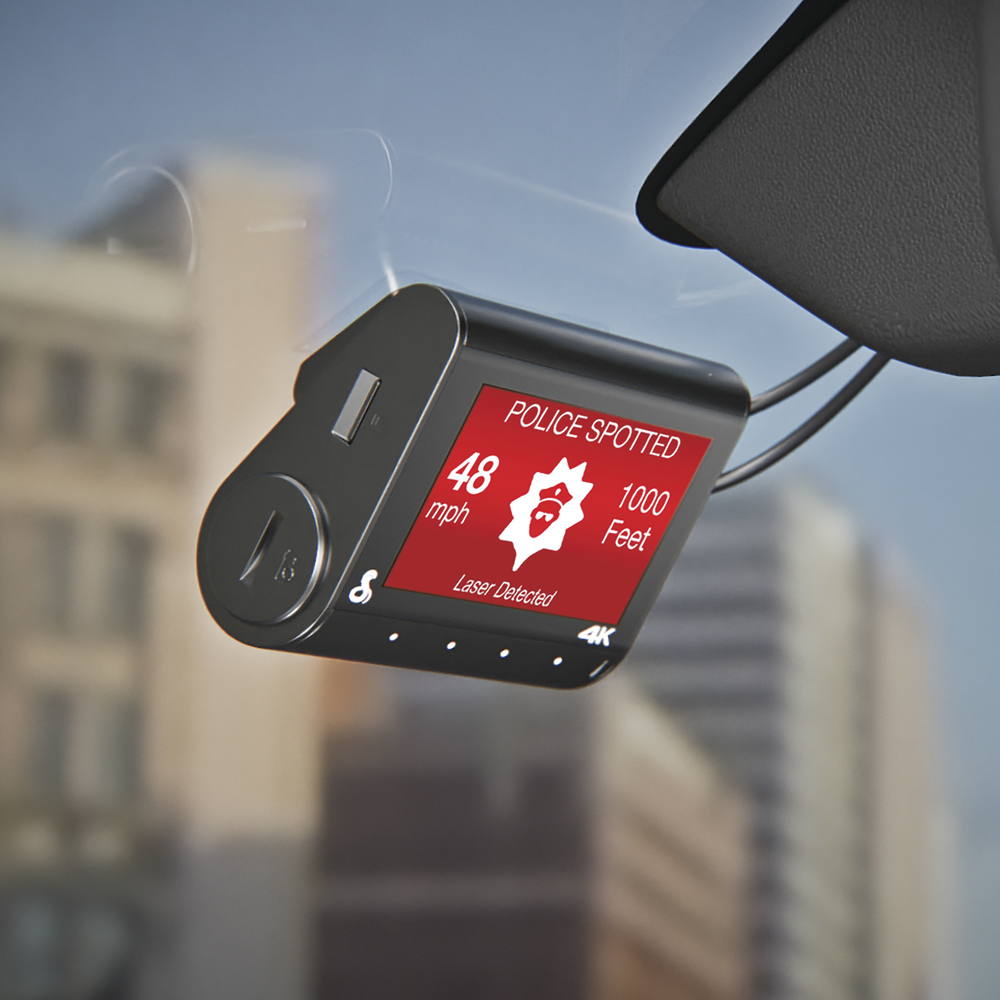
Cobra often stands out with advanced driver tools. Some Cobra models include radar detection, speed alerts, lane-related warnings, forward collision alerts, or a built-in display. These features may help drivers who spend a lot of time on highways.
Garmin focuses more on connected features and simple operation. Depending on the model, Garmin may offer GPS data, voice control, driver alerts, parking monitoring, and access to a cloud-connected system.
Radar detection
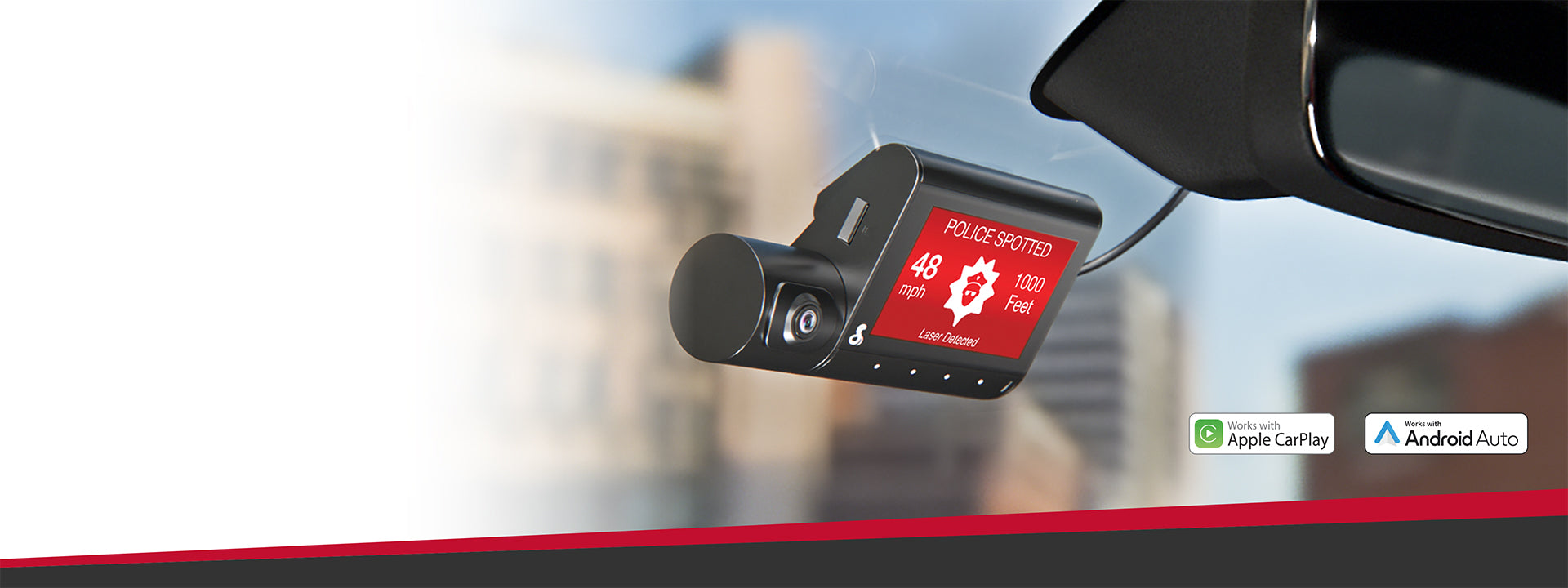
Radar detection is a major difference in the Cobra Dash Cam vs Garmin debate. Selected Cobra systems combine a dash cam with radar detection. This can alert drivers to certain radar signals used by law enforcement.
Radar detection is not the same as radar jamming. Jammers are illegal in many places, while radar detectors are regulated differently by state and vehicle type. Check local laws before using this feature.
Garmin dash cams generally do not compete with Cobra on built-in radar detection. If radar alerts are important to you, Cobra deserves closer attention.
GPS and speed data
GPS can record the route, speed, and location of a vehicle. This information may help explain where an incident happened. It can also help you review a trip later.
Some drivers prefer speed data to remain hidden from video playback. Others see it as useful evidence. Check the camera settings before recording, especially if you plan to share clips with an insurer or attorney.
Voice control
Voice control allows you to save a video, take a photo, or turn audio on and off without touching the camera. It is useful when you are driving, but it is not perfect in a noisy cabin.
Garmin has a strong reputation for simple voice interaction on supported devices. Cobra also includes voice features on some models. Test voice commands while parked, and do not rely on them as a replacement for safe driving.
Parking Mode and Incident Protection
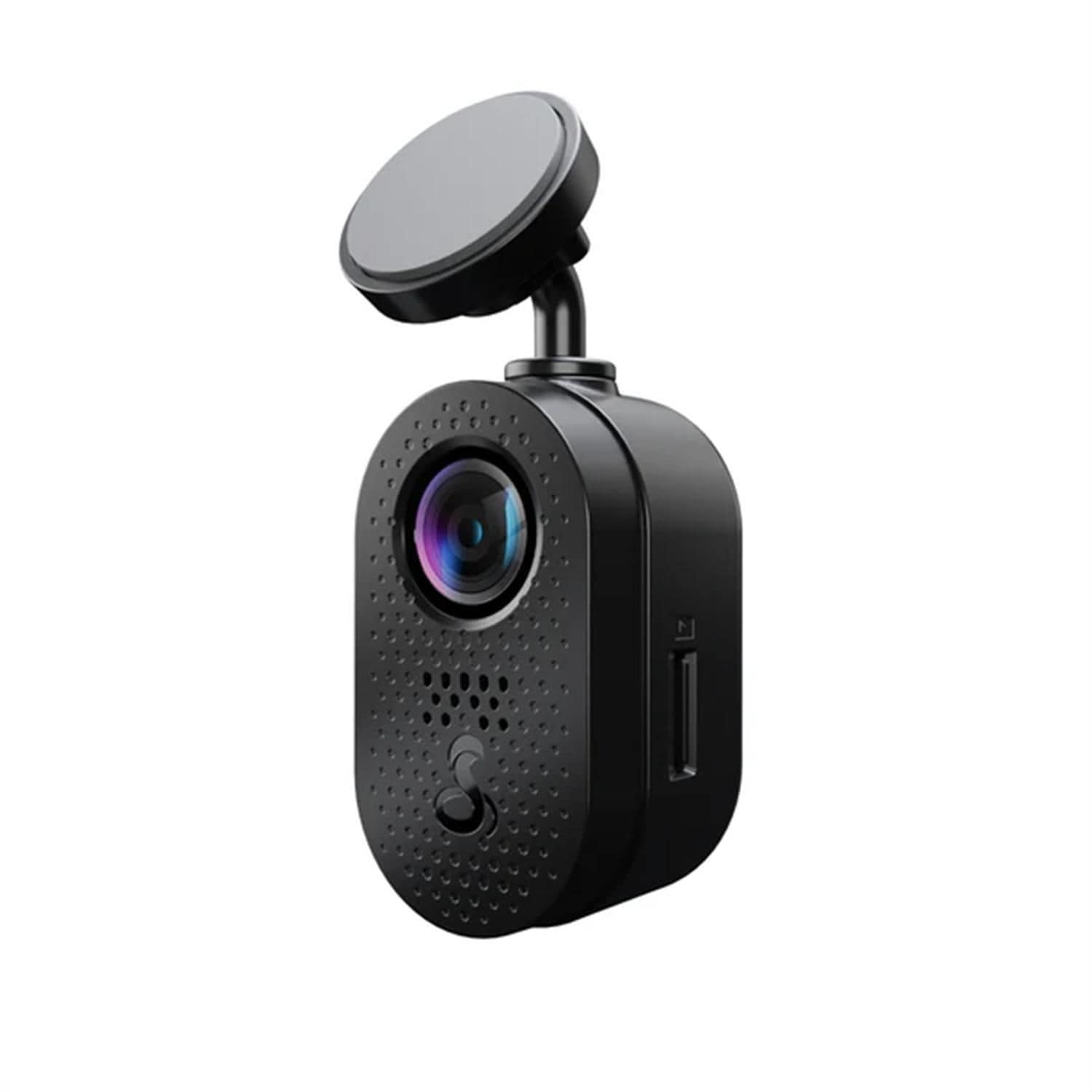
Parking mode watches for movement or impacts after you turn off the vehicle. It can help record a hit-and-run in a parking lot, but it requires more than just buying the camera.
Most parking modes need one of these power methods:
• A hardwire kit connected to the vehicle fuse box
• A compatible external battery pack
• A power source that stays active after the ignition is off
Without constant power, the camera may shut down when you leave the car. Some cameras use a low-power sleep mode and wake when they sense an impact. Others record short clips when they detect motion.
Cobra and Garmin both offer parking-related features on selected models. The key differences are how the feature starts, how much power it uses, and whether the required cable is included.
Important parking mode limits
Parking mode is not a perfect security system. A camera may miss an event if:
• The vehicle is too far from the movement
• A person walks outside the camera’s view
• The impact is too light to trigger the sensor
• The battery protection setting shuts the camera down
• The windshield is dirty or the view is blocked
A hardwire kit should include low-voltage protection. This feature stops the camera from draining the car battery too far. Installation should be done carefully, and professional help is wise if you are not comfortable working with vehicle wiring.
Installation and Daily Ease of Use
A dash cam should become almost invisible in your daily routine. If it is hard to install or annoying to operate, you may stop using it.
Garmin often has an advantage in compact design. Small models can hide behind the rearview mirror and reduce windshield clutter. This is useful in smaller cars or vehicles with limited dashboard space.
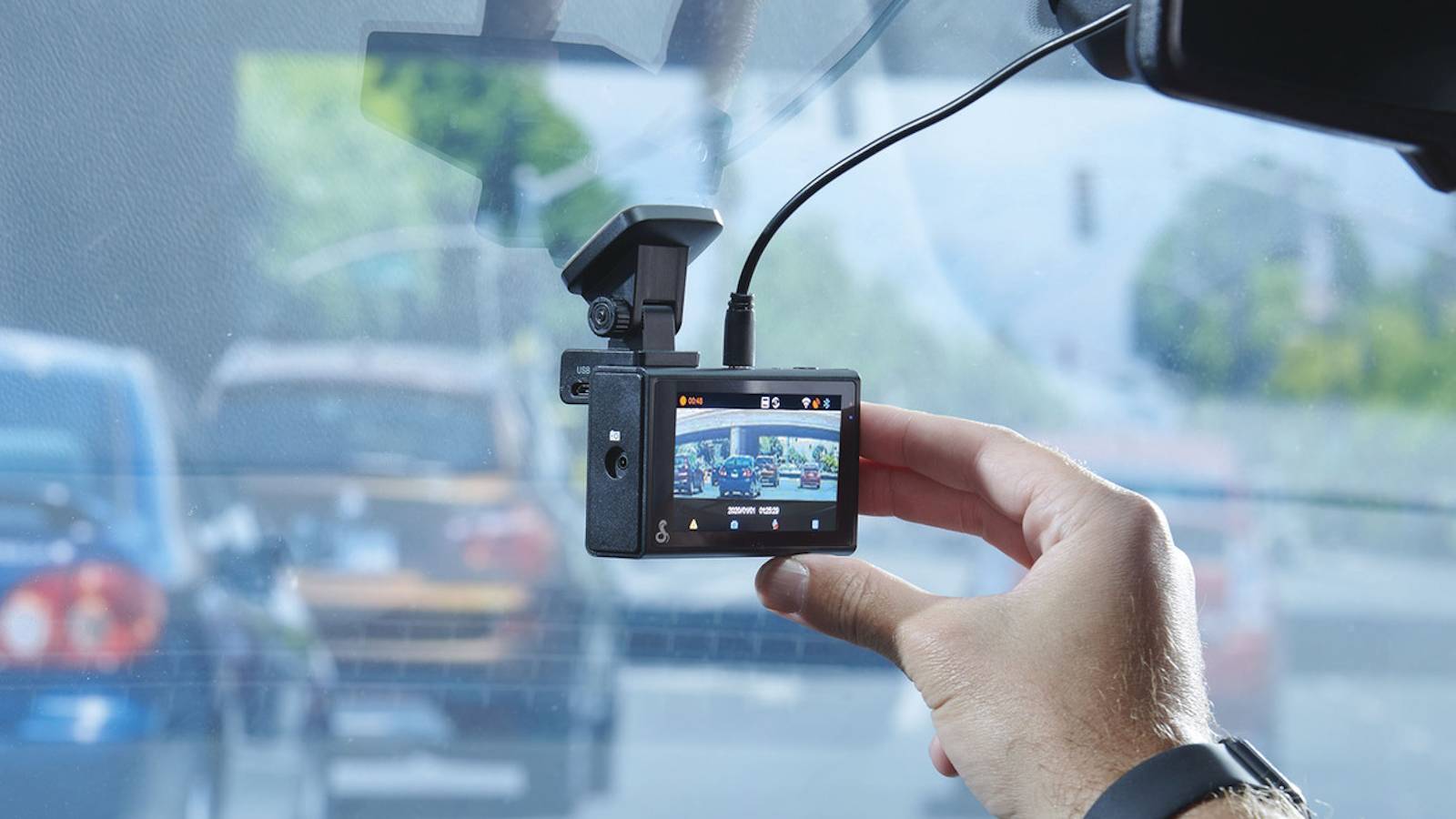
Cobra cameras may include larger screens and more controls. A screen can help with setup and alignment, but it also takes more space. Drivers who want a visible display may prefer Cobra. Drivers who want a discreet camera may prefer Garmin.
Basic installation steps
-
Clean the windshield with glass cleaner.
-
Mount the camera behind or near the rearview mirror.
-
Aim the lens so the road fills most of the frame.
-
Keep the horizon near the center of the image.
-
Route the cable along the headliner and door trim.
-
Format the memory card in the camera.
-
Test a short recording before driving.
Do not mount the camera where it blocks your view. Many states regulate windshield-mounted objects, so check local rules. A dash cam should protect your driving record, not create a visibility problem.
Mobile apps and file transfer
A good app makes it easier to view, download, and share footage. Garmin’s connected experience is often attractive to users who want simple access from a phone. Cobra app performance can vary between models.
Wi-Fi transfer is convenient for short clips. It is usually slower than removing the memory card and using a card reader for large files. Keep this in mind if you record long road trips or need several hours of video.
Storage, Memory Cards, and File Security
Dash cams record in a loop. When the memory card becomes full, the camera normally deletes the oldest unlocked files and continues recording.
A high-end camera needs a dependable card. Use a high-endurance microSD card designed for constant recording. A standard card made for photos may fail sooner under heat and repeated writing.
Practical storage tips
• Format the card in the camera on a regular schedule.
• Replace the card when the camera shows errors or missing clips.
• Lock important videos after an incident.
• Download evidence before removing the card.
• Keep a spare, compatible card in the vehicle.
A 128 GB card may store several hours of footage, but recording time depends on resolution, frame rate, rear-camera use, and file compression. Higher resolution fills the card faster.
Garmin and Cobra may support different maximum card capacities. Check the user manual for the exact model. Using a larger card than the manufacturer supports can lead to recording problems.
Reliability, Heat, and Long-Term Ownership
Dash cams live in a harsh environment. A parked car can become extremely hot in summer and very cold in winter. Heat is one of the main reasons memory cards, batteries, and electronic parts fail.
Many modern dash cams use a supercapacitor rather than a traditional lithium-ion battery. A supercapacitor usually handles temperature changes better and helps the camera safely save the final file after power is removed. Still, no device is immune to heat.
In a Cobra Dash Cam vs Garmin ownership comparison, reliability depends on more than brand reputation. It also depends on:
• The quality of the memory card
• Proper power installation
• Firmware updates
• Ventilation around the camera
• Regular inspection of saved clips
• The vehicle’s electrical system
My practical advice is to check your camera once a month. Turn on the vehicle, confirm that recording starts, and open one recent clip. This small habit can reveal a failed memory card before a crash happens.
A common mistake is installing a camera and forgetting it for a year. That is like keeping a fire extinguisher in the garage without checking whether it still works.

Which One Is Better for Different Drivers?
The best choice in the Cobra Dash Cam vs Garmin comparison depends on your needs, not just the brand name.
Choose Cobra if you want more built-in features
Cobra may be the better fit if you want:
• A front and rear camera package
• A built-in screen
• Radar detection on supported models
• A wide range of driver alerts
• A feature-rich highway driving system
Cobra can suit long-distance commuters, frequent highway drivers, and people who want one device to handle video recording and radar alerts.
Choose Garmin if you want a small, simple camera
Garmin may be the better fit if you want:
• A compact and discreet design
• Simple controls
• GPS on supported models
• Easy app access
• A clean installation with less windshield clutter
Garmin can suit city drivers, rideshare owners, families, and people who want dependable recording without a large screen.
Choose based on coverage first
If you often carry passengers or drive in busy traffic, front and rear coverage may matter most. If your main concern is a clean view of incidents ahead, a high-quality front camera may be enough.
For a family vehicle, I usually give extra weight to rear coverage and parking protection. A low-speed parking lot collision can be just as stressful as a highway incident, and rear footage may answer questions that front video cannot.
Cobra Dash Cam vs Garmin: Price and Value
Price changes with sales, bundles, and new releases. A basic camera from either brand may cost much less than a premium dual-camera system.
Do not compare prices by resolution alone. A fair value comparison should include:
• Front camera quality
• Rear camera availability
• GPS
• Parking mode
• Required hardwire kit
• Memory card support
• App quality
• Warranty and customer support
• Firmware update history
A cheaper camera may become more expensive after you add a rear camera, memory card, polarizing filter, and hardwire kit. On the other hand, a premium model may include features you never use.
Think of the purchase as a safety tool. If a camera captures clear evidence during one serious incident, it may pay for itself. Yet no dash cam guarantees an insurance discount or proves fault on its own. Insurers and courts may evaluate the full situation, including traffic laws, witness statements, and video authenticity.
Common Mistakes to Avoid
Many dash cam problems come from setup mistakes rather than defective products. Avoid these issues before your first drive.
• Using a low-quality or counterfeit memory card
• Mounting the camera too high or too low
• Leaving protective film on the lens
• Failing to format the card in the camera
• Ignoring firmware updates
• Forgetting to enable audio or GPS when needed
• Hardwiring without low-voltage protection
• Sharing a clip without saving the original file
• Touching the camera while driving
Video can support your account of an event, but it should remain clear and original. Save the full clip, keep the memory card safe, and avoid editing the only copy.
Local privacy laws also matter. Audio recording rules differ by state, and some areas treat conversations as private. If passengers regularly ride in your vehicle, tell them about audio recording or disable the microphone when appropriate.
How to Make a Fair Model-to-Model Comparison
Search results often compare brands when the real decision is between two specific cameras. Use the same checklist for both products.
-
Compare front resolution and frame rate.
-
Check whether both cameras use HDR or similar low-light processing.
-
Confirm the viewing angle and whether it creates heavy distortion.
-
Check if a rear camera is included or sold separately.
-
Review the maximum supported memory card size.
-
Confirm whether parking mode needs a separate cable.
-
Compare GPS, Wi-Fi, Bluetooth, and cloud features.
-
Read the warranty terms and return policy.
-
Look for recent firmware support.
-
Calculate the full installed cost.
This approach makes the Cobra Dash Cam vs Garmin decision more accurate. Product pages may highlight impressive features, but the user manual often reveals important limits.
For example, a camera may advertise cloud storage, but that service may require a subscription. A model may support parking mode, but the hardwire kit may cost extra. These details affect real-world value.

Frequently Asked Questions About Cobra Dash Cam vs Garmin
Is Cobra better than Garmin for dash cams?
Cobra may be better for drivers who want advanced features, radar detection on selected models, or a bundled front and rear system. Garmin may be better for drivers who prefer a compact camera, simple controls, and a polished connected experience.
Which has better video quality, Cobra or Garmin?
Neither brand wins across every model. Premium Cobra and Garmin cameras can both record clear daytime footage, while night quality depends on the sensor, HDR processing, lens, windshield, and installation.
Does Garmin make a dash cam with radar detection?
Garmin dash cams are not generally known for built-in radar detection. Selected Cobra models combine dash cam recording with radar features, but availability and legality depend on the model and location.
Is a rear camera worth buying?
A rear camera is worth considering if you want broader evidence during crashes, tailgating, and parking incidents. It adds installation work and cost, but rear coverage can document events that a front camera cannot see.
Do Cobra and Garmin dash cams record while parked?
Selected models from both brands support parking monitoring. Parking mode often requires a hardwire kit or another continuous power source, and the exact recording method varies by model.
Do I need GPS on a dash cam?
GPS is useful for recording route and location data, and it may help explain where an incident occurred. It is not essential for basic video recording, and some drivers prefer not to include speed information in footage.
What memory card should I use with a Cobra or Garmin dash cam?
Use a reliable high-endurance microSD card that matches the manufacturer’s capacity and speed recommendations. Format it in the camera and replace it when errors, skipped clips, or corrupted files appear.
Conclusion
The Cobra Dash Cam vs Garmin decision is mainly about priorities. Cobra is often the stronger choice for drivers who want more features, radar detection on supported products, larger displays, or front and rear coverage. Garmin is often the better fit for drivers who want a compact design, simple setup, GPS options, and a clean daily experience.
Before you buy, compare specific models rather than relying on the brand name. Check night video, parking power needs, memory card support, app quality, warranty coverage, and the full cost of accessories.
Choose the camera you will install correctly, maintain regularly, and actually use. Review the latest model details, compare real-world footage, and share your experience with the Cobra Dash Cam vs Garmin options in the comments.