FIXD Vs Carly Scanner: Which OBD Tool Wins?
FIXD is simpler for basic car health checks, while Carly offers deeper diagnostics and coding for supported vehicles.
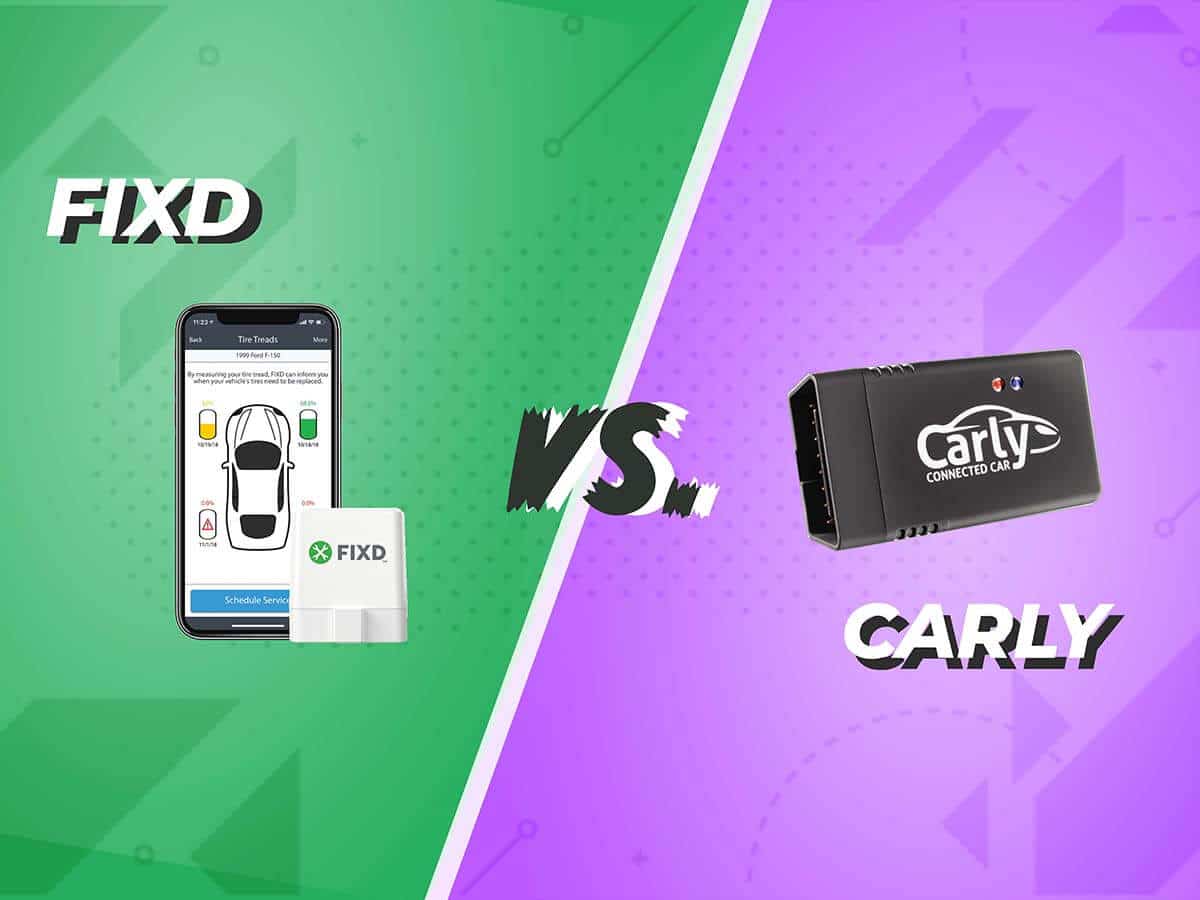
Choosing between FIXD vs Carly Scanner depends on what you want from a car diagnostic tool. FIXD is built for easy fault-code reading, maintenance reminders, and help for everyday drivers. Carly is more advanced, with deeper manufacturer-level scans, live data, service functions, and coding on some vehicles. This guide compares their features, cost, ease of use, compatibility, and real-world value so you can choose with confidence.
FIXD vs Carly Scanner: Quick Comparison
FIXD and Carly Scanner both connect to a vehicle’s OBD-II port. This port is usually under the dashboard near the steering wheel. Once connected, each tool uses a phone app to read data from the car’s computer.
The main difference is the target user:
• FIXD is made for drivers who want simple answers and maintenance help.
• Carly is made for owners who want deeper system access and advanced car customization.
| Feature | FIXD | Carly Scanner |
|---|---|---|
| Main purpose | Basic diagnostics and maintenance tracking | Advanced diagnostics, coding, and service tools |
| Ease of use | Very easy for beginners | Easy for basic use, more complex for advanced tools |
| Fault-code reading | Yes | Yes |
| Maintenance reminders | Strong feature | Available, depending on vehicle |
| Live data | Available in supported functions | Broad live data on supported cars |
| Coding and customization | Limited | Stronger on selected vehicles |
| Vehicle coverage | Broad OBD-II coverage, with some limits | Brand and model support varies |
| Subscription model | Many features may require a plan | Advanced features often require a plan |
| Best for | Everyday drivers and families | Enthusiasts and owners who need deeper scans |
FIXD is like a dashboard translator. It turns a warning light into simple language. Carly is closer to a workshop scan tool in a phone app, but its advanced functions depend heavily on the car’s make, model, year, and control modules.

What Is FIXD?
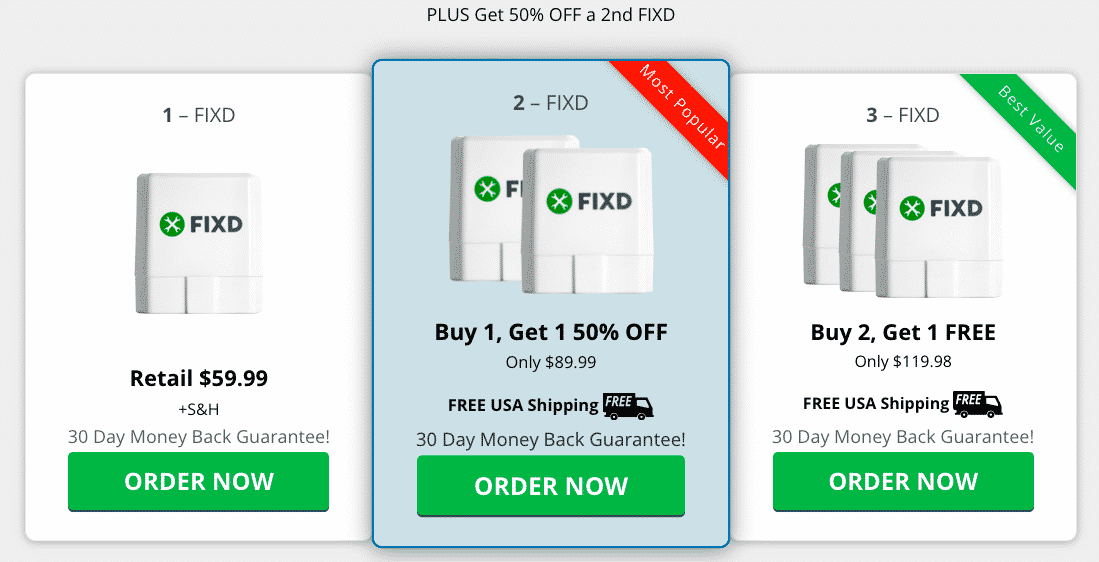
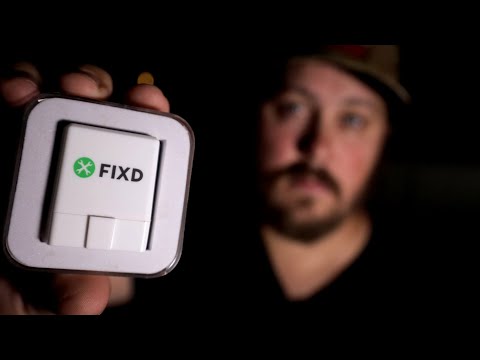
FIXD is a small wireless diagnostic sensor that plugs into a vehicle’s OBD-II port. It connects to a smartphone through the FIXD mobile app. The app reads diagnostic trouble codes and explains what they may mean.
The device is designed for people who do not want to visit a repair shop for every warning light. It can help identify issues such as:
• Engine misfires
• Oxygen sensor faults
• Evaporative emissions problems
• Catalytic converter warnings
• Battery or voltage-related faults
• Fuel and air mixture problems
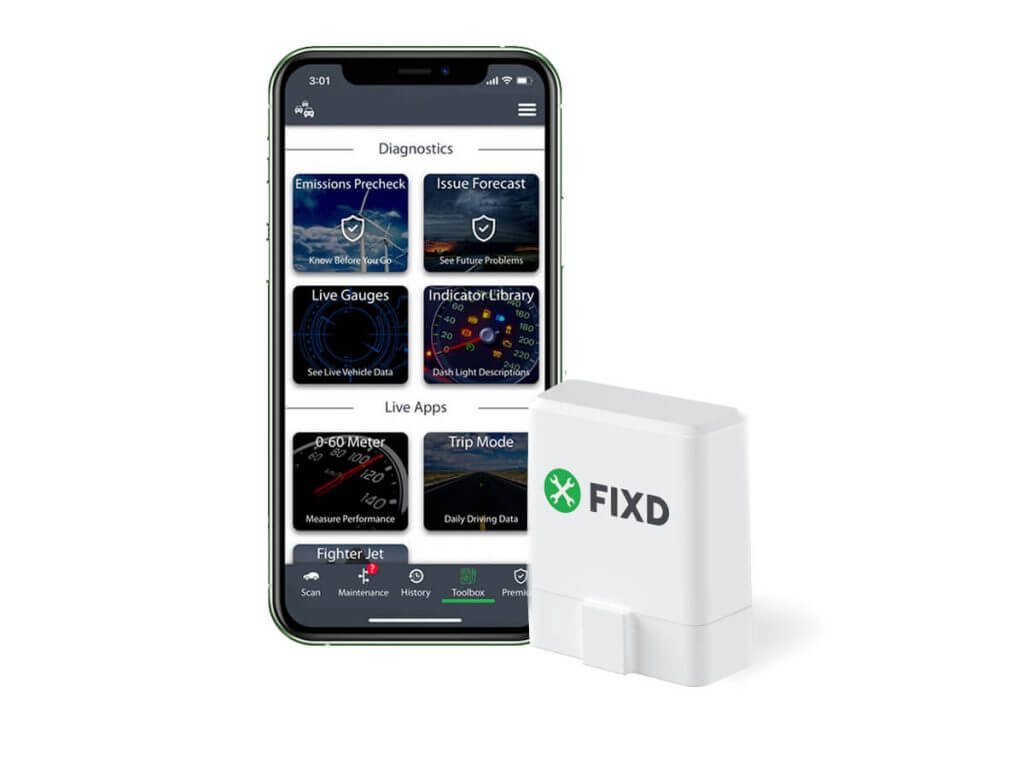
FIXD also tracks vehicle mileage and can send maintenance reminders. These reminders may include oil changes, tire rotations, air filter replacement, and other common services. The exact reminders can vary by vehicle and mileage settings.
One useful feature is multi-vehicle monitoring. A household with several cars can use multiple sensors and view them in one account, although extra sensors and premium features may cost more.
What FIXD Does Well
FIXD has a clear advantage in simplicity. The app often explains a code in plain English and gives a general repair cost range. That can help you decide whether a problem is urgent or safe to investigate later.
FIXD is also useful for used-car owners. For example, a buyer can scan a car before purchase and check for stored or pending trouble codes. However, a clean scan does not prove that a car is perfect. A seller may have recently cleared the codes, and some mechanical problems do not trigger a code at all.
FIXD Limitations
FIXD is not a full replacement for a professional scan tool. It may focus mainly on the engine and emissions system, while advanced shop tools can access airbag, transmission, body, chassis, and other modules.
The app may also use general code descriptions. A code tells you where the computer found a problem, but it does not always identify the failed part. For example, an oxygen sensor code may result from a wiring issue, exhaust leak, vacuum leak, or sensor failure.
What Is Carly Scanner?
Carly Scanner is a mobile diagnostic system that combines a wireless adapter with the Carly app. It is known for deeper vehicle scans, live data, service functions, and coding on supported vehicles.
Carly’s capabilities vary by brand. BMW, Mercedes-Benz, Volkswagen, Audi, Toyota, and other makes may have different available features. A function that works on one model may not work on another model from the same brand.
Common Carly functions may include:
• Reading and clearing trouble codes from several control units
• Viewing live sensor data
• Resetting selected service indicators
• Running battery registration on supported cars
• Performing electronic parking brake service on supported vehicles
• Checking used-car data on some models
• Coding comfort and convenience features
• Performing certain adaptations or calibrations
Carly is attractive to owners who want more than a check-engine scan. It can sometimes change settings such as lighting behavior, automatic locking, digital displays, or other comfort features. These options are not universal, and they depend on software support for the specific vehicle.
Carly Scanner’s Strengths
The biggest strength in the FIXD vs Carly Scanner comparison is depth. Carly can scan more than the engine module on supported vehicles. This matters because modern cars have many computers, and a basic OBD-II reader may not see faults outside the powertrain system.
Carly can also provide more useful information for enthusiasts. A person working on a BMW, Mercedes-Benz, or Volkswagen may want access to manufacturer-specific codes rather than only generic OBD-II codes.
Carly Scanner’s Limitations
Carly requires more research before purchase. You should check the official compatibility list for your exact year, model, engine, and region. Even two cars with the same badge may support different functions.
Advanced features can also carry subscription costs. The price structure may change, so check the current app and product details before ordering. Some users may find it frustrating to buy an adapter and then discover that a desired coding or service function is unavailable for their car.

FIXD vs Carly Scanner: Diagnostic Features
Both tools can read diagnostic trouble codes, but they do not provide the same level of access.
FIXD is best for standard engine and emissions codes. These codes follow widely used OBD-II rules in vehicles sold in the United States. The app then explains the code and suggests possible causes.
Carly usually goes deeper on supported vehicles. It may scan several modules, including systems that a basic reader cannot reach. This can help when the check-engine light is off but another warning appears, such as an airbag, transmission, or body control fault.
Still, neither tool should be treated as a magic repair button. A code is a clue, not a final diagnosis. A skilled technician may need a wiring diagram, a multimeter, a smoke machine, pressure tests, or a manufacturer scan system to confirm the cause.
Example: A Check-Engine Light
Suppose your car shows a P0171 code. This often means the engine is running too lean. FIXD may explain the code and list possible causes, such as an intake leak or fuel problem.
Carly may provide more live data on a supported vehicle. You could compare fuel-trim values, oxygen sensor readings, and engine conditions. That extra data can shorten diagnosis, but it still requires mechanical knowledge.
In my experience helping people compare car scanners, the most common mistake is replacing the part named in the code without testing anything else. Start with the simplest causes, inspect connectors and hoses, and clear the code only after recording the original information.

FIXD vs Carly Scanner: Ease of Use
FIXD is usually the better choice for first-time users. The app uses plain language, and the setup process is designed for people who may know little about diagnostics.
The typical FIXD setup looks like this:
-
Find the OBD-II port under the dashboard.
-
Plug in the FIXD sensor.
-
Download the app and create an account.
-
Pair the sensor with your phone.
-
Select the vehicle and scan for codes.
-
Review the code explanation and maintenance information.
Carly is also fairly easy for basic scanning. Its advanced features need more care. You may need to choose a specific vehicle profile, download brand-related software, or follow instructions before making a coding change.
A useful rule is this: if you only want to know why the check-engine light is on, FIXD feels less intimidating. If you want to change vehicle settings or inspect several modules, Carly offers more power but demands more attention.
FIXD vs Carly Scanner: Compatibility
Compatibility is one of the most important parts of the FIXD vs Carly Scanner decision.
FIXD works with many gasoline vehicles sold in the United States that support standard OBD-II communication. Most 1996 and newer gasoline cars in the US use OBD-II. Diesel vehicles, hybrid systems, electric vehicles, and imported models may have different limits.
Carly’s compatibility is more specialized. The app may support a vehicle for basic diagnostics but not for coding or advanced service functions. Always check:
• The exact model year
• The engine type
• The vehicle market or region
• The supported control modules
• The required adapter
• The specific feature you want to use
Do not assume that compatibility with a brand means compatibility with every vehicle from that brand. This is a key lesson in the FIXD vs Carly Scanner comparison. Feature support can change with software updates, and manufacturers may restrict access to certain systems.
FIXD vs Carly Scanner: Maintenance and Service Functions
FIXD has a strong focus on routine maintenance. It can help track mileage and remind you about common service tasks. This is helpful for busy drivers who forget oil changes or tire rotations.
Carly can offer more technical service functions on supported cars. These may include service resets, battery registration, electronic brake service, and other maintenance procedures. The exact list depends on the vehicle.
Service resets need special care. Resetting a reminder does not complete the maintenance. If you reset an oil-service indicator without changing the oil, the dashboard may look normal while the car still needs attention.
Battery registration is another example. Some vehicles need the battery management system to know that a new battery was installed. Carly may support this on certain models, but the correct battery type and capacity must still be selected.
FIXD vs Carly Scanner: Coding and Customization
Coding is where Carly often pulls ahead. Coding means changing software settings inside a vehicle’s control modules. It can unlock or adjust features that are already built into the car.
Possible coding examples include:
• Changing automatic door-lock behavior
• Adjusting welcome-light settings
• Modifying window or mirror functions
• Changing dashboard display options
• Enabling selected comfort features
Coding is not the same as tuning the engine. It usually changes vehicle behavior or convenience settings rather than horsepower.
FIXD is not designed as a major coding platform. Its focus is diagnosis and maintenance, not customization. If coding is a major reason for your purchase, Carly is usually the more suitable option, provided your exact vehicle supports the feature.
Coding can cause problems if interrupted or used incorrectly. Keep your phone charged, avoid disconnecting the adapter during a change, and do not code a feature without understanding its purpose. When in doubt, save the original settings or ask a qualified technician.

FIXD vs Carly Scanner: Cost and Subscription Value
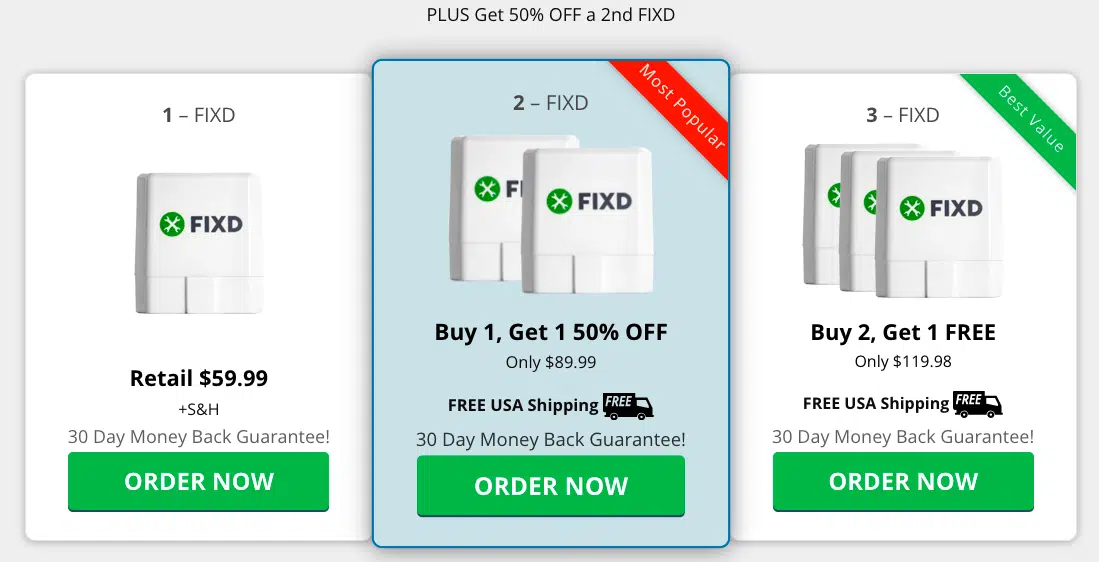
The purchase price is only part of the cost. Both products may offer free or limited functions and place advanced tools behind a subscription or in-app purchase.
FIXD may require a premium plan for features such as expanded maintenance information, enhanced vehicle monitoring, or additional insights. Carly commonly uses a subscription model for advanced diagnostics, coding, and brand-specific features.
Because prices and plans change, compare the current total cost rather than relying on an old review. Ask these questions:
• Is the adapter included?
• Are basic scans available without a subscription?
• Does the plan cover one vehicle or several?
• Are advanced features tied to a vehicle brand?
• Can the subscription be canceled easily?
• Will the app continue to support your vehicle after an update?
For a driver who uses a scanner once or twice a year, FIXD may provide better value through simplicity. For an enthusiast who performs regular repairs or coding, Carly may justify its cost through deeper access.
FIXD vs Carly Scanner: Real-World Use Cases
The best choice depends on the problem you want to solve.
Choose FIXD If You Want Basic Car Monitoring
FIXD is a good match if you want to:
• Understand a check-engine light
• Track service intervals
• Monitor a family vehicle
• Check a used car for stored codes
• Avoid unnecessary trips to a repair shop
• Use a simple app with clear explanations
It is especially useful for parents, commuters, and owners of older cars who want an early warning system.
Choose Carly If You Want Advanced Vehicle Access
Carly may be better if you want to:
• Scan multiple control modules
• View deeper manufacturer-specific data
• Reset supported service systems
• Register a replacement battery
• Perform selected electronic service tasks
• Code comfort and convenience features
• Work on a supported European or luxury vehicle
Carly is often more appealing to a hands-on owner who already understands basic car systems.
Use Both Tools?
Some owners may use FIXD for simple daily monitoring and Carly for advanced work. That can make sense, but buying both is not necessary for most people. Choose the tool that matches your actual needs instead of paying for features you will never use.
Safety Tips for Using a Car Scanner
A scanner can provide valuable information, but it cannot replace safe repair practices.
Follow these tips:
• Read and save the original codes before clearing them.
• Do not clear a code just to turn off the warning light.
• Stop driving if the check-engine light is flashing, the engine is severely shaking, or the car loses power.
• Avoid coding changes when the vehicle battery is weak.
• Do not use a service function unless you understand the procedure.
• Confirm the vehicle profile before changing settings.
• Use a repair manual or trusted technician for serious faults.
A flashing check-engine light can indicate a misfire that may damage the catalytic converter. A scanner helps identify the issue, but prompt repair matters more than the app you choose.
Common Mistakes to Avoid
Many scanner problems come from user errors rather than bad hardware.
The first mistake is assuming that a code names the failed part. It does not. The second is buying based only on the product name without checking exact vehicle support.
Another mistake is ignoring battery voltage. Low voltage can create strange electronic faults and interrupt coding. Before advanced work, make sure the battery is healthy and the vehicle is stable.
Finally, do not judge a scanner only by how many features it lists. A smaller tool that you understand and use often can be more valuable than a powerful tool that stays in a drawer.
Which Is Better: FIXD or Carly Scanner?
FIXD is better for most everyday drivers who want simple diagnostic information and maintenance reminders. It offers a friendly starting point and can help reduce confusion when a warning light appears.
Carly is better for experienced owners who need deeper scans, manufacturer-specific information, service functions, or coding. Its value depends strongly on vehicle compatibility and subscription access.
The clearest answer in the FIXD vs Carly Scanner debate is this:
• Choose FIXD for simplicity, maintenance tracking, and basic engine diagnostics.
• Choose Carly for advanced diagnostics, coding, and supported service procedures.
• Choose neither as a replacement for a trained mechanic when the fault is serious or unclear.
Frequently Asked Questions About FIXD vs Carly Scanner
Is FIXD better than Carly Scanner for beginners?
Yes, FIXD is usually easier for beginners because it focuses on simple explanations and basic vehicle health information. Carly can also handle basic scans, but its advanced tools may feel complex to a new user.
Can FIXD clear check-engine codes?
FIXD can generally read and clear supported diagnostic trouble codes through the app. Clearing a code does not repair the cause, so record the code and investigate the problem first.
Can Carly Scanner code every car?
No, Carly cannot code every car or every feature. Coding support depends on the vehicle’s make, model, year, software, control modules, and the specific feature you want to change.
Does Carly scan more systems than FIXD?
On supported vehicles, Carly can scan more control modules than a basic FIXD setup. The exact coverage varies, so check the compatibility information for your specific car before buying.
Do FIXD and Carly require subscriptions?
Some features on both platforms may require a subscription or paid plan. Basic functions and current prices can change, so review the latest plan details before purchasing.
Can either scanner diagnose a car completely?
No. Both tools provide useful data, but a scan cannot replace a full mechanical inspection. Some problems produce no trouble code, and many codes require additional testing to find the true cause.
Which scanner is better for buying a used car?
FIXD is often easier for a quick check of engine and emissions codes. Carly may reveal more information on supported vehicles, but neither scanner should replace a professional inspection, road test, title check, and service-history review.
Conclusion
FIXD and Carly Scanner serve different types of car owners. FIXD keeps diagnostics simple and adds useful maintenance tracking, while Carly provides deeper access for supported vehicles, including advanced scans, service functions, and coding.
For a straightforward warning-light tool, choose FIXD. For hands-on work on a compatible vehicle, choose Carly. Check compatibility, review subscription costs, and treat every trouble code as a starting point rather than a final diagnosis. Explore the current product details for your car, then choose the scanner you will actually use and understand.