FIXD Vs BlueDriver: Best OBD2 Scanner Comparison
FIXD is simpler for maintenance tracking, while BlueDriver offers deeper diagnostic data for hands-on troubleshooting.
Choosing between FIXD vs BlueDriver depends on how you use your car. One feels like a friendly maintenance coach that explains warning lights in plain English. The other works more like a compact scan tool for drivers who want detailed codes, live data, and repair reports. This guide compares their features, accuracy, cost, ease of use, vehicle support, and real-world value so you can choose with confidence.
FIXD vs BlueDriver at a glance
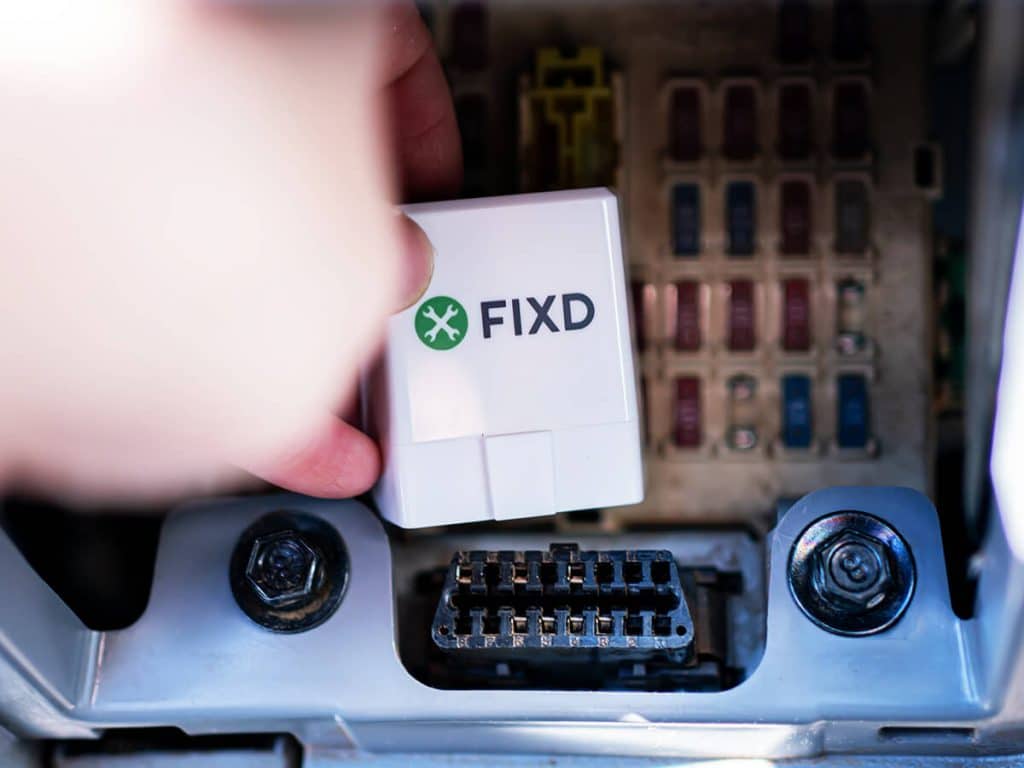
FIXD and BlueDriver both connect to a car’s OBD2 port. This port is usually under the dashboard near the steering wheel. Once connected, each device sends vehicle data to a smartphone app.
The main difference is their purpose. FIXD focuses on preventive maintenance and simple explanations. BlueDriver focuses on deeper diagnostics and technical data.
| Feature | FIXD | BlueDriver |
|---|---|---|
| Main purpose | Maintenance tracking and simple diagnostics | Advanced OBD2 diagnostics |
| App support | iPhone and Android | iPhone and Android |
| Code reading | Yes | Yes |
| Code clearing | Yes, where supported | Yes, where supported |
| Maintenance reminders | Strong feature | Limited |
| Multi vehicle tracking | Strong feature | Available, but less maintenance focused |
| Live data | Available on supported vehicles and plans | Strong feature |
| Repair reports | Basic explanations and repair guidance | Detailed repair reports |
| Enhanced manufacturer codes | More limited | Strong on supported vehicles |
| Subscription | Some features may require a plan | Core app features generally use a one-time purchase model |
| Best for | Everyday drivers and maintenance planning | DIY owners and deeper fault diagnosis |
The best choice is not always the device with more technical features. A driver who only wants to understand a check engine light may prefer FIXD. A person diagnosing a rough idle, sensor issue, or intermittent fault may get more value from BlueDriver.

What is FIXD?
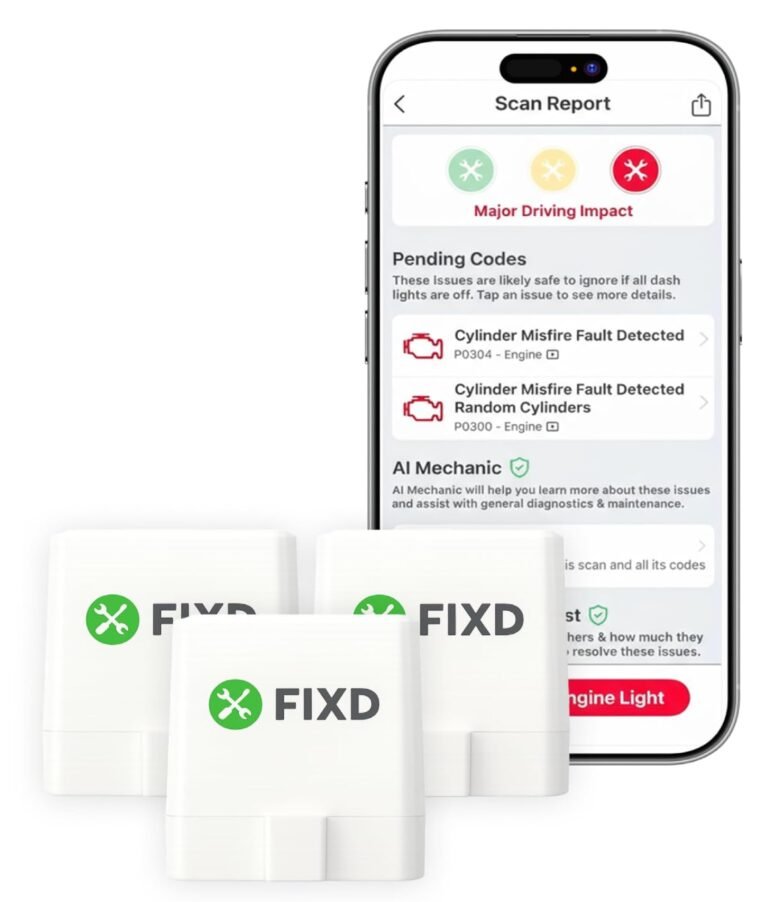
FIXD is a small vehicle sensor that connects to the OBD2 port. Its smartphone app translates diagnostic trouble codes into simple language. It also helps track maintenance tasks such as oil changes, tire rotation, filters, and other service needs.
The system is designed for drivers who may not know much about automotive repair. Instead of showing only a code such as P0420, FIXD can explain the likely issue and show possible repair costs or severity. This can make a stressful warning light feel more manageable.
FIXD can also monitor more than one vehicle. Families with several cars may use it to track mileage and service needs in one app. This is one reason the FIXD vs BlueDriver choice often favors FIXD for household maintenance.
FIXD strengths
• Simple explanations for diagnostic trouble codes
• Maintenance reminders based on mileage and time
• Support for tracking several vehicles
• Easy setup for most users
• Useful alerts for people who forget routine service
• A clear interface designed for non-mechanics
FIXD limitations
FIXD is not a complete replacement for a professional scan tool. Its explanations are helpful, but a code does not always identify the exact failed part. For example, an oxygen sensor code can result from wiring, an exhaust leak, a vacuum issue, or the sensor itself.
Some FIXD features may depend on the subscription level. App features, pricing, and vehicle coverage can change, so check the current terms before buying. Also, the sensor can report data only when the vehicle’s OBD2 system makes that data available.

What is BlueDriver?
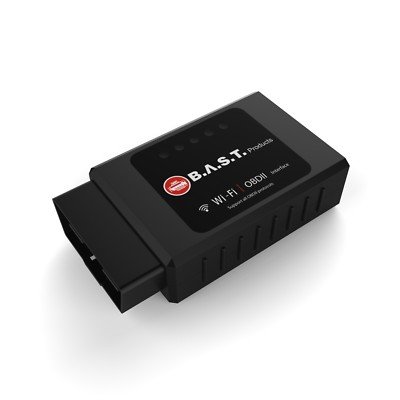
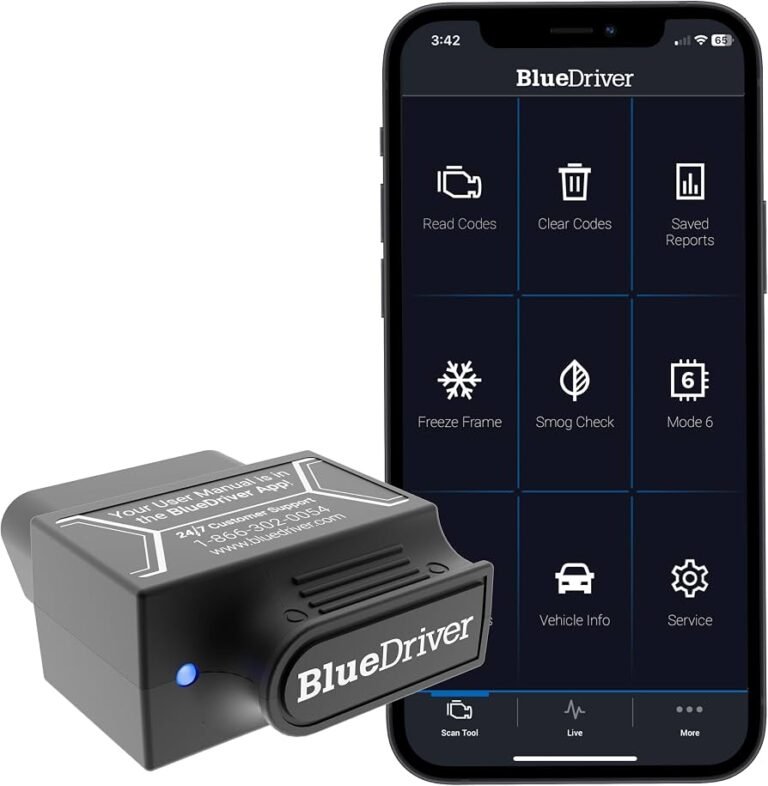
BlueDriver is a Bluetooth OBD2 scan tool paired with a mobile app. It is built for people who want more technical information than a basic code reader provides.
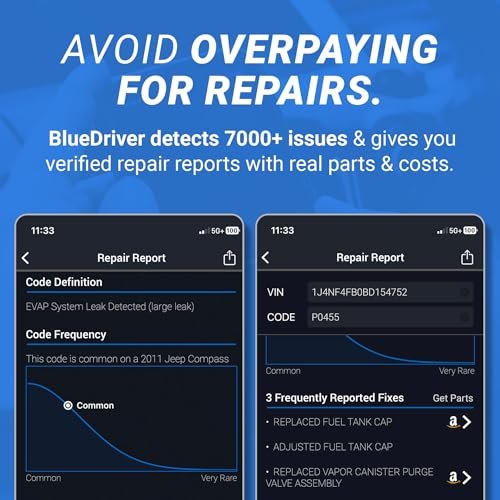
BlueDriver can read and clear trouble codes, display live data, and provide repair reports for supported vehicles. It may also access enhanced manufacturer-specific systems, such as certain airbag, transmission, ABS, or body control codes. Coverage varies by make, model, year, and system.
The app often shows possible causes, reported fixes, and technical details linked to a specific fault. That can help a DIY owner decide whether a problem is worth diagnosing at home or taking to a repair shop.
BlueDriver strengths
• Detailed code descriptions
• Live sensor readings
• Vehicle-specific repair reports
• Access to some enhanced manufacturer codes
• No regular maintenance subscription for core scanning features in many cases
• Useful data for experienced DIY owners
BlueDriver limitations
BlueDriver can feel less friendly to a first-time car owner. Live data is valuable, but it can also create confusion. A graph full of sensor values does not automatically tell you which part to replace.
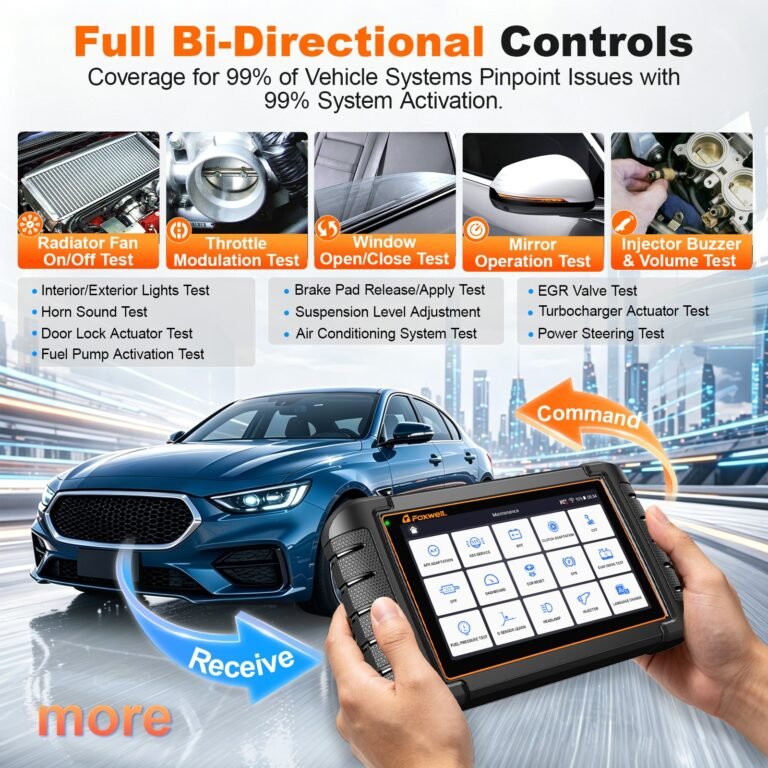
BlueDriver is also not a full factory scan tool. It may not support every module, active test, service reset, or advanced programming function. Professional repair shops often use higher-end tools with broader system access.
FIXD vs BlueDriver: key differences
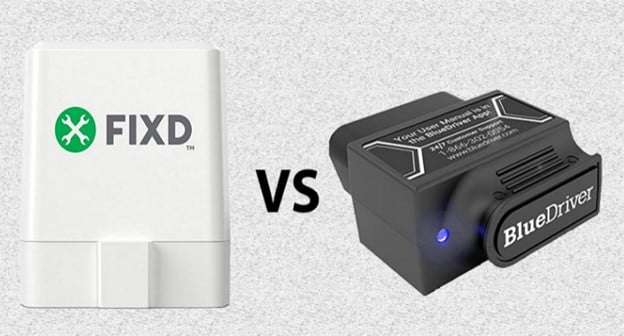
The clearest FIXD vs BlueDriver difference is the level of information each product emphasizes. FIXD answers, “What might this warning mean, and what maintenance should I plan?” BlueDriver answers, “What data can help me find the fault?”
Ease of use
FIXD is usually easier for beginners. The app uses simple wording and gives the driver a starting point. This is helpful when the check engine light appears during a commute or road trip.
BlueDriver requires more curiosity. You may need to compare live readings, search code definitions, and test basic causes. It is still easier than a professional scan tool, but it rewards users who want to learn.
Diagnostic depth
BlueDriver generally has the advantage for diagnostic depth. Its live data and enhanced code access can reveal more information on supported vehicles.
FIXD is better at turning that information into a simple action plan. However, simple does not mean perfect. Both tools provide clues, not guaranteed diagnoses.
Maintenance tracking
FIXD has a clear advantage for maintenance tracking. The app can remind you about common service tasks and keep vehicle information in one place.
BlueDriver is more focused on fault diagnosis. You can use it alongside a maintenance log, but maintenance planning is not its central strength.
Multiple vehicles
FIXD is a strong choice for families, rideshare drivers, or anyone managing several cars. Its design makes it easy to switch between vehicles and monitor service needs.
BlueDriver can also be used with different vehicles, but its main value comes from the scan data. If you want a digital service calendar, FIXD may feel more natural.
Subscription and long-term cost
Cost is an important part of the FIXD vs BlueDriver decision. FIXD may offer a low-cost sensor but place some advanced features behind a subscription. BlueDriver commonly uses a device purchase with core app access included, although current pricing and features should be confirmed before purchase.
A subscription is not automatically bad. It may pay for software updates, maintenance tools, support, and expanded content. Still, calculate the cost over two or three years rather than looking only at the first purchase price.

Diagnostic accuracy and real-world limits
Both devices use the vehicle’s onboard diagnostic system. The underlying code comes from the car’s control module, not from the app itself. This means FIXD and BlueDriver can often report the same basic code.
The difference is how each app presents and expands that information. BlueDriver may provide more technical detail and vehicle-specific repair data. FIXD may explain the same code in a way that is easier for a new driver to understand.
A diagnostic trouble code is not a final verdict. It is more like a smoke alarm. The alarm tells you that something needs attention, but it does not always identify the exact source of the smoke.
For example, code P0301 usually indicates a misfire in cylinder one. Possible causes include:
• A worn spark plug
• A failing ignition coil
• A fuel injector problem
• A vacuum leak
• Low compression
• A wiring or control issue
Replacing a part based only on the code can waste money. A smart next step is to inspect related components, look for symptoms, and use live data when appropriate.
In practical comparisons, this is where BlueDriver can help an informed DIY owner. FIXD can still help by explaining severity and suggesting common causes, but it should not replace proper testing.

Which device is better for different drivers?
The right FIXD vs BlueDriver choice depends on your comfort level, vehicle, and goal.
Choose FIXD if you:
• Want simple explanations
• Need maintenance reminders
• Manage several household vehicles
• Are new to car diagnostics
• Want to understand whether a warning may be urgent
• Prefer a clean and friendly app
FIXD is especially useful for people who want to avoid missed oil changes and routine service. It can also help a driver speak more clearly with a mechanic.
Choose BlueDriver if you:
• Enjoy DIY repairs
• Want live sensor data
• Need more detailed code information
• Plan to diagnose drivability problems
• Want access to some enhanced manufacturer codes
• Prefer to avoid an ongoing subscription for basic scanning
BlueDriver may be a better fit for someone who already understands terms such as fuel trim, coolant temperature, misfire counters, and oxygen sensor voltage.
Consider both if:
• One person in the household wants maintenance reminders
• Another person performs deeper repairs
• You own several vehicles with different needs
• You want a simple tool now and more technical access later
Using both can be useful, but it may be unnecessary for most drivers. Start with the tool that matches your main need.

FIXD vs BlueDriver for check engine lights
Both products can help you understand a check engine light. First, connect the device with the engine off. Then turn the ignition on, open the app, and scan for codes.
If the light is steady, you can often drive carefully while arranging diagnosis. If the light is flashing, stop driving when safe. A flashing light may indicate an active misfire that can damage the catalytic converter.
Use this basic process:
-
Record the exact code before clearing it.
-
Note when the light appeared.
-
Write down symptoms such as shaking, poor acceleration, or hard starting.
-
Check for simple causes, including a loose fuel cap when relevant.
-
Research the code using the vehicle’s make, model, year, and engine.
-
Test the likely causes before replacing parts.
-
Clear the code only after repairs or basic checks.
Clearing a code does not repair the problem. It also resets emissions monitors, which may matter during a state inspection. If you clear the light just before an inspection, the vehicle may not be ready for testing.

FIXD vs BlueDriver for maintenance
FIXD has the stronger maintenance role. It can help organize service intervals, but owners should still follow the vehicle manufacturer’s maintenance schedule. The schedule in the owner’s manual takes priority over a generic app reminder.
Maintenance needs vary by driving style. Short trips, extreme heat, heavy traffic, towing, and dusty roads can place extra stress on a vehicle. A car driven only on weekends may need a different service approach from a vehicle used for daily delivery work.
BlueDriver can still support maintenance by showing data that points to a developing issue. For example, unusual coolant temperature or fuel trim readings may encourage earlier inspection. However, live data should be interpreted with the correct specifications for that vehicle.
One lesson worth remembering is that an app is a reminder, not a mechanic. The best tool is the one that helps you take the right next step.

Setup and everyday use
Both devices are designed for simple setup, but Bluetooth permissions can sometimes cause trouble. Install the official app, enable Bluetooth, plug the adapter into the OBD2 port, and follow the pairing instructions.
Keep the vehicle parked during setup. Do not use the app while driving unless a passenger is operating it. Some live data functions can distract you from the road.
Common setup problems include:
• The adapter is not fully inserted
• The vehicle is not in the correct ignition position
• Bluetooth permission is disabled
• Another phone is connected
• The app needs an update
• The vehicle does not support the requested data
A useful habit is to remove the adapter after scanning if the manufacturer warns against leaving accessories connected. Some vehicles keep the OBD2 port powered after shutdown, which may slowly drain the battery over a long period.
Compatibility and vehicle support
Most cars sold in the United States from the 1996 model year onward use OBD2 emissions diagnostics. That does not mean every vehicle supports every feature in FIXD or BlueDriver.
Coverage depends on:
• Vehicle make and model
• Model year
• Engine type
• Control module
• Emissions system
• App software support
• Regional vehicle standards
Diesel vehicles, electric vehicles, hybrids, and older imports may have different support limits. Electric vehicles may not expose the same engine data as gasoline cars. Some features may work on a vehicle while enhanced systems do not.
Before buying, use the manufacturer’s compatibility checker. Look for support not only for the vehicle but also for the exact feature you want, such as ABS codes or transmission data.
Privacy, safety, and buying tips
Connected car tools collect some vehicle and app data. Review permissions and privacy settings before creating an account. Use the official app, update the firmware when offered, and avoid unknown third-party downloads.
Safety matters too. Never diagnose a vehicle while distracted. A scan tool cannot replace a brake inspection, tire check, fluid check, or professional diagnosis when a serious symptom appears.
Before buying, ask yourself:
• Do I want maintenance reminders or deeper scan data?
• Do I own one vehicle or several?
• Am I comfortable reading technical information?
• Will a subscription provide enough value?
• Does the tool support my exact vehicle?
• Do I need ABS, airbag, or transmission diagnostics?
Avoid buying based only on a large feature list. A feature is useful only if it works with your vehicle and you know how to apply the result.
Frequently Asked Questions About FIXD vs BlueDriver
Is FIXD better than BlueDriver?
FIXD is better for simple explanations, maintenance reminders, and tracking several vehicles. BlueDriver is better for live data, enhanced codes, and hands-on troubleshooting.
Does BlueDriver read more codes than FIXD?
BlueDriver often provides broader access to manufacturer-specific codes on supported vehicles. Coverage varies by make, model, year, and module, so confirm compatibility before purchase.
Can FIXD and BlueDriver clear check engine lights?
Both may clear supported diagnostic codes. Clearing a code does not fix the cause, and it can reset emissions readiness monitors.
Does FIXD require a subscription?
Some FIXD features may require a paid plan, depending on the current package. Review the latest pricing and feature list before buying because plans can change.
Does BlueDriver work without a subscription?
BlueDriver has commonly offered core scanning through the device and app without a recurring subscription. Confirm the current purchase terms, since product features and policies may change.
Can either tool diagnose ABS or airbag problems?
BlueDriver may access certain ABS, airbag, and other enhanced systems on supported vehicles. FIXD and BlueDriver are not guaranteed to support every module, so check the exact vehicle coverage.
Are FIXD and BlueDriver safe to leave plugged in?
It depends on the vehicle. Some OBD2 ports remain powered after the car is turned off, so leaving an adapter connected for a long time may affect the battery.
Which is better for a beginner?
FIXD is usually the easier starting point for a beginner. BlueDriver can also work well for new users, but its deeper data may take more time to understand.
Can these tools replace a mechanic?
No. They are diagnostic aids, not complete repair systems. A mechanic may need professional equipment, physical inspection, wiring tests, or manufacturer procedures.
Conclusion
FIXD vs BlueDriver is less about finding one universal winner and more about choosing the right type of help. FIXD stands out for simple code explanations, service reminders, and multi-vehicle tracking. BlueDriver stands out for live data, detailed reports, and deeper diagnostics on supported vehicles.
Choose FIXD if you want a calm guide for maintenance and warning lights. Choose BlueDriver if you want to investigate faults and learn more about how your vehicle’s systems work. Check compatibility, compare long-term cost, and use any scan result as a starting point rather than a final diagnosis.
Explore the current feature lists for your vehicle, choose the tool that matches your skill level, and share your experience with FIXD or BlueDriver in the comments.