Why Is My Treadmill Speed Not Working
If you've been searching "why is my treadmill speed not working", you're not alone. It's one of the most common treadmill complaints, and it usually points to one of four culprits: the console, the motor controller, the speed sensor, or the belt system. The good news is that most of these are fixable at home with basic tools and a little patience.
In our research, most speed failures trace back to a loose sensor or a worn drive belt, not a dead motor. Standard residential treadmills run on a 110-120V household circuit and draw about 10 to 15 amps under load. As of 2026, the basic drivetrain design hasn't changed much, so the same troubleshooting steps work across most popular brands.
Before you call a repair technician, let's work through what your treadmill is telling you.
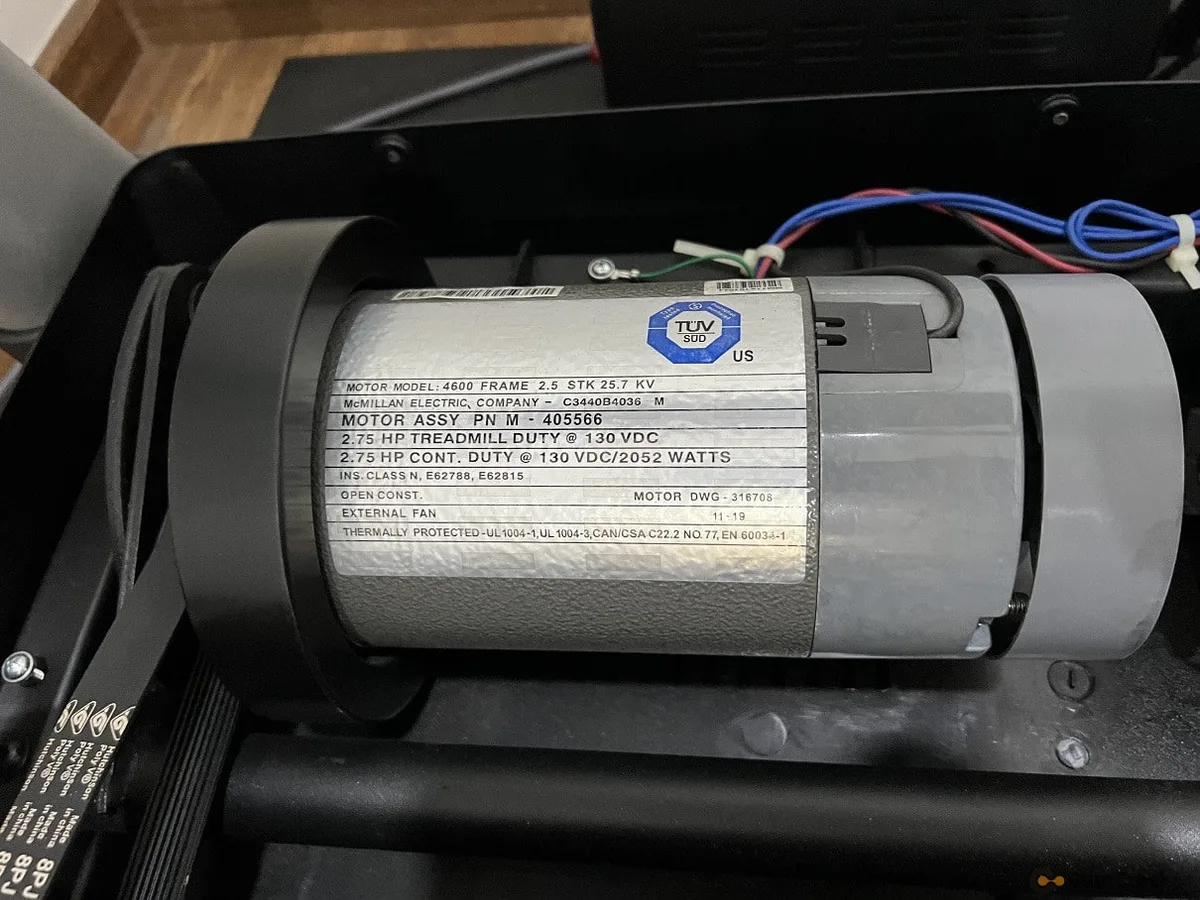
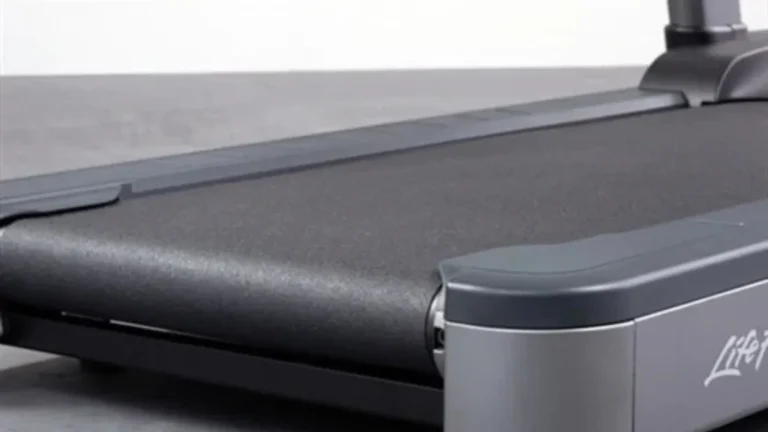
Image source: Bing (Web (fair-use with source credit))
Quick Answer: Why Your Treadmill Speed Drops, Stalls, or Won't Respond
Quick answer: Your speed problem is usually one of four parts. The speed sensor, motor controller, drive belt, or walking belt. It can also be the safety key or a tripped reset breaker.
Check the simple stuff first, then work through the drivetrain.
Think of your treadmill as a chain. You press a speed button. The console sends a signal to the motor controller.
The controller powers the drive motor, which spins the front roller. Then the walking belt moves. A break anywhere in that chain ruins your speed.
The symptom tells you which link is broken. A belt that won't move while the console reads zero points to an electrical issue. A belt that moves but struggles under your weight points to friction or a slipping drive belt.
Matching the symptom to the cause saves you hours of guessing.
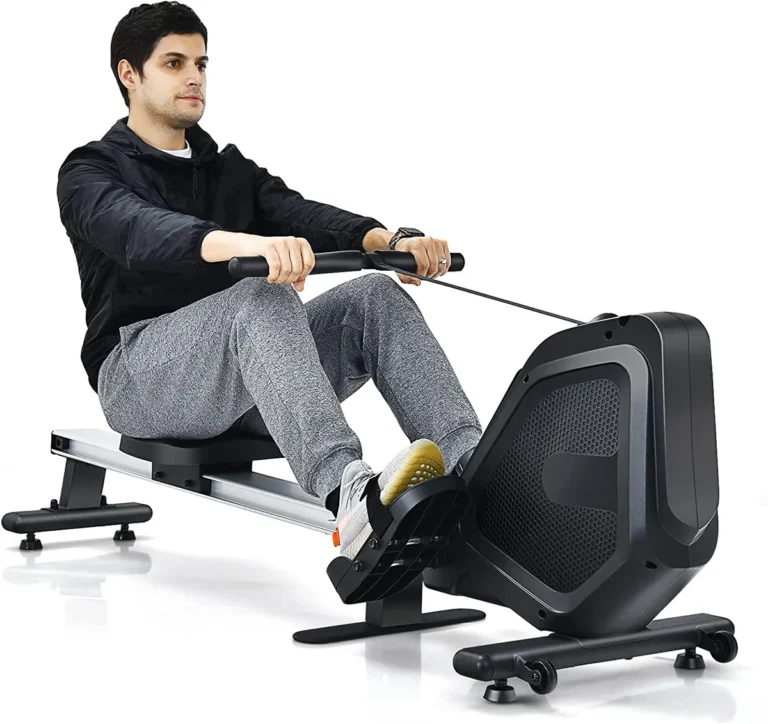
If the treadmill is beyond saving, you may still want to stay active. We've compared the key differences between elliptical and rowing machines if you're thinking about switching.
The Quick Fixes You Should Rule Out First
Before you remove the motor hood, check the ordinary stuff. These five-minute fixes solve a surprising number of speed problems.
- Safety key. The console can light up but refuse to run when the key isn't fully seated. Check the magnet on the end too. A weak magnet won't signal the console.
- Wall outlet. Plug a lamp or phone charger into the same outlet. If it doesn't work, you've found the issue. Most treadmill manuals recommend a dedicated 15-amp circuit.
- Internal reset breaker. Look for a small button or switch on the frame near the power cord. It trips when the motor draws too much current. Press it in and try again.
- Cooldown period. Motor controllers have thermal overload protection. They shut down when hot. If your treadmill dies after 10 to 15 minutes but works fine cold, overheating is the culprit.
If all of that checks out, you've cleared the easy stuff. Now it's time to read the symptoms and start real troubleshooting.
What Your Treadmill Is Telling You: Reading the Symptoms
The exact symptom is your best diagnostic tool. Use the table below to narrow down the cause fast.
| Symptom | Most likely cause | Your first move |
|---|---|---|
| Console shows speed, belt won't move | Motor controller or drive motor | Test controller output with a multimeter |
| Belt moves but won't speed up | Drive belt slipping or walking belt too tight | Inspect drive belt tension |
| Works for 10 minutes, then fades | Overheating motor controller | Let it cool down, then test again |
| Speed surges or stutters | Speed sensor misaligned or loose wiring | Check sensor gap and connections |
| No display on console | Power supply or console issue | Check outlet, reset breaker, safety key |
| Belt moves but speed stays at zero | Speed sensor not reading the magnet | Adjust sensor gap to about 1/8 inch |
Can you hear the motor hum? If the console shows speed but the belt sits still, listen closely. A humming motor that won't turn often means the controller is sending power, but the motor itself is stuck.
If you hear nothing at all, the controller may not be sending power in the first place.
Speed that drops when you step on the belt points to friction or a loose drive belt. Both feel identical. The belt crawls until you add weight, then it stalls.
Our research and aggregate repair reports keep pointing to the same pattern. Owners replace the motor before checking the sensor. Don't do that.
A $15 speed sensor can create symptoms that feel exactly like a dead motor. The symptom-first approach applies to other home gym equipment too. A squeaky elliptical often has a worn bearing, not a broken crank arm.
The DIY Troubleshooting Workflow: From Error Codes to Drive Belt
Once you've narrowed things down, it's time to open the hood. You'll need a Phillips screwdriver, a flat-head screwdriver, an Allen wrench, and a multimeter. Most treadmill hoods come off with four to eight screws.
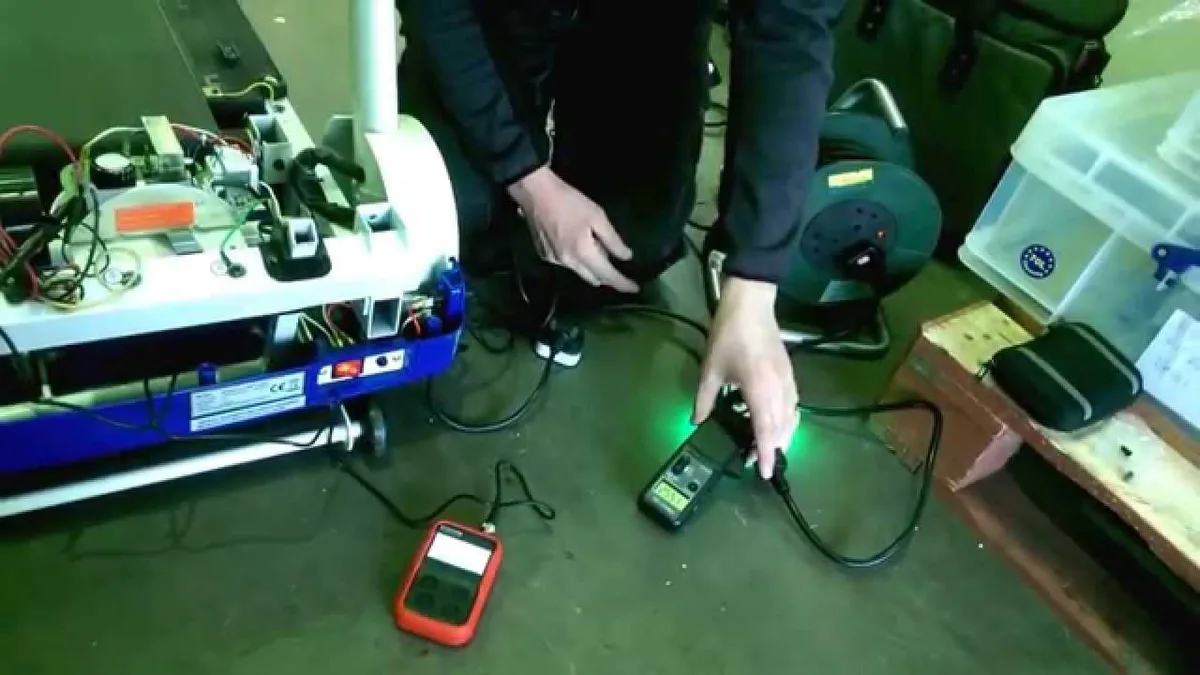
Image source: Bing (Web (fair-use with source credit))
Follow these steps in order.
- Unplug the treadmill. Wait five minutes for the capacitors on the motor controller to discharge. This step is not optional.
- Remove the motor hood. Set the screws aside in a small cup so you don't lose them.
- Spin the front roller by hand. It should move freely. If it feels stiff, the walking belt may be over-tightened.
- Inspect the drive belt. Look for cracks, fraying, or a glazed, shiny surface. Press down on the midpoint. It should flex about half an inch. Replace it if it's stretched.
- Check the speed sensor. Find the magnetic pickup near the front roller. The gap should be about 1/8 inch. A folded business card works as a feeler gauge.
- Test the motor with a multimeter. Touch the probes to the motor leads. You want continuity and a low resistance reading. No continuity means the motor is dead.
- Test the motor controller. Check input voltage first. It should match your wall voltage. Then press speed and test the output. No output usually means a failed controller.
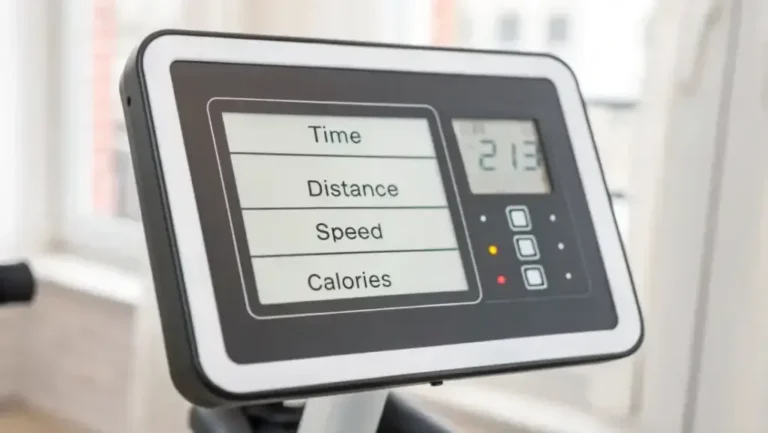
Pay attention to error codes during this. Many consoles flash something like E1, E2, or E5. Your owner's manual decodes those, and they often point straight to the sensor or controller.
If you smell burning or see melted wires, stop. Replace the controller before running the motor again. Once the treadmill is fixed, follow a simple upkeep schedule to avoid repeat failures.
Common Mistakes That Make Treadmill Speed Problems Worse
Many repair calls we see never needed a repair at all. They needed less guesswork and more patience. Here's where people go wrong.
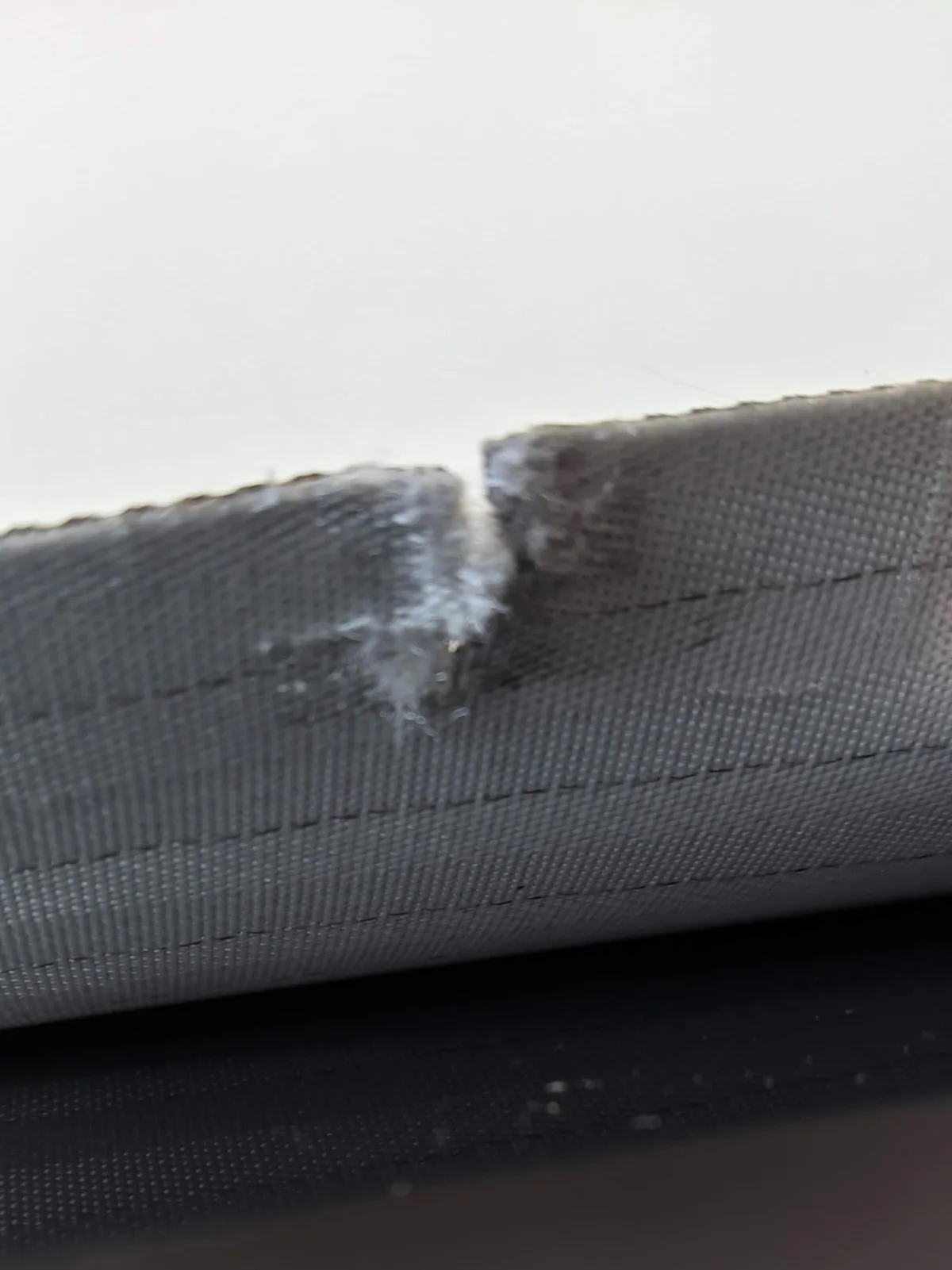
Image source: Bing (Web (fair-use with source credit))
- Over-tightening the walking belt. A too-tight belt strains the motor and makes speed lag. You should be able to lift the belt edge about two to three inches off the deck.
- Replacing parts before testing. A new motor controller won't fix a misaligned sensor. Test first, buy second.
- Skipping lubrication. A dry walking belt creates drag. The motor works harder, speed drops, and eventually the controller overheats. Follow your manual's lubrication schedule.
- Using mismatched aftermarket parts. Not every compatible part matches your wiring. Check the pin layout and part number before ordering.
- Ignoring the error code. If the console shows a code, look it up. That code is the machine telling you exactly what's wrong.
- Bypassing the safety key. Never tape it down or unplug it to keep the console running. That's how serious injuries happen.
Safety isn't something to shortcut. The Consumer Product Safety Commission tracks treadmill-related injuries and stresses the importance of the safety key. The same smart habits apply to other home cardio gear.
Regular cleaning and maintenance keep moving parts working longer.
If you need to keep training while the treadmill is down, grab a set of dumbbells for a few days. Strength work won't replace your run, but it will keep you moving.
When to Call a Technician or Replace the Treadmill
Not every speed problem is a DIY fix. Know when to stop and call a pro.
Call a technician if you see any of these:
- Burned or melted wiring. That means a serious electrical failure.
- A motor that smells hot or smokes. Running it again could cause more damage.
- A failed controller after a power surge. The surge may have damaged other electronics too.
- The treadmill is still under warranty. Opening the motor hood yourself can void coverage.
Cost matters too. A service call usually runs between $100 and $300, and that's before parts. A new motor controller often costs $100 to $200.
A replacement motor can run $150 to $400.
Run the math against a new treadmill. If your machine is older than eight years and the motor and controller both need replacing, the repair bill can approach half the price of a new unit. At that point, replacing the treadmill makes more sense.
For comparison, a simple speed sensor replacement costs around $15 to $40 in parts. A new drive belt runs $20 to $50. Those repairs are worth doing yourself.
If you're shopping for a replacement, the same decision process applies. Think about how an elliptical or an exercise bike might fit your space and budget.
Your Treadmill Speed Troubleshooting Map
Here's the whole process in one glance. Save this for next time.
| If you see this | Check this first | Then do this |
|---|---|---|
| No display at all | Outlet, safety key, reset breaker | Test outlet with another device |
| Console works, belt won't move | Motor controller and drive motor | Test with a multimeter |
| Belt moves, speed won't increase | Drive belt tension | Adjust or replace drive belt |
| Speed fades after 10 minutes | Motor controller overheating | Cool down, check ventilation |
| Speed surges or jumps | Speed sensor gap | Adjust sensor to 1/8 inch |
| Speed reads zero while belt moves | Speed sensor or magnet | Align sensor with the magnet |
Most of these fixes take under an hour. The most common one, a misaligned sensor, takes five minutes. Start with the cheapest and simplest repair first.
If you're still stuck, grab your model number and call the manufacturer's support line. They can walk you through diagnostic mode and verify error codes.
Frequently Asked Questions
Is it safe to jog when the belt is slipping?
No. A slipping belt can lurch or stall under load, which can throw you off balance. Stop using the treadmill until you fix the tension or replace the drive belt.
Jogging on an unstable belt is a fall risk.
Why does my treadmill slow down when someone heavier steps on it?
A heavier user increases friction between the walking belt and the deck. If the belt is loose or the deck is dry, the motor has to work harder. Tighten the belt, lubricate the deck, and check the drive belt for wear.
Does a treadmill need a dedicated circuit?
Most standard home treadmills work best on a dedicated 15-amp circuit. If other appliances share the same circuit, a sudden amp draw can trip the breaker or cause speed fluctuations. Plug the treadmill into its own wall outlet if possible.
Can a firmware update fix speed problems on digital consoles?
Sometimes, but only if the console itself is glitching. Check your manufacturer's support page for firmware updates. If the motor and sensor check out, a console update might resolve communication errors between the display and the controller.
How often should the drive belt be replaced?
Most manufacturers recommend inspecting the drive belt every six months. Replacement depends on usage, but a typical home treadmill needs a new drive belt every three to five years. Look for cracks, fraying, or a glazed surface as signs of wear.