How to Maintain a Kitchen Scale
A well-maintained kitchen scale means accurate recipes and reliable portioning every time. If you're tired of guesswork or inconsistent results, understanding how to maintain your scale is key. This guide breaks down what you need to know.
Think of your kitchen scale as a precision tool; a little attention keeps it performing at its best. Manufacturer specifications often detail recommended cleaning protocols, and adhering to them can prevent common issues. Let's dive into the specifics.
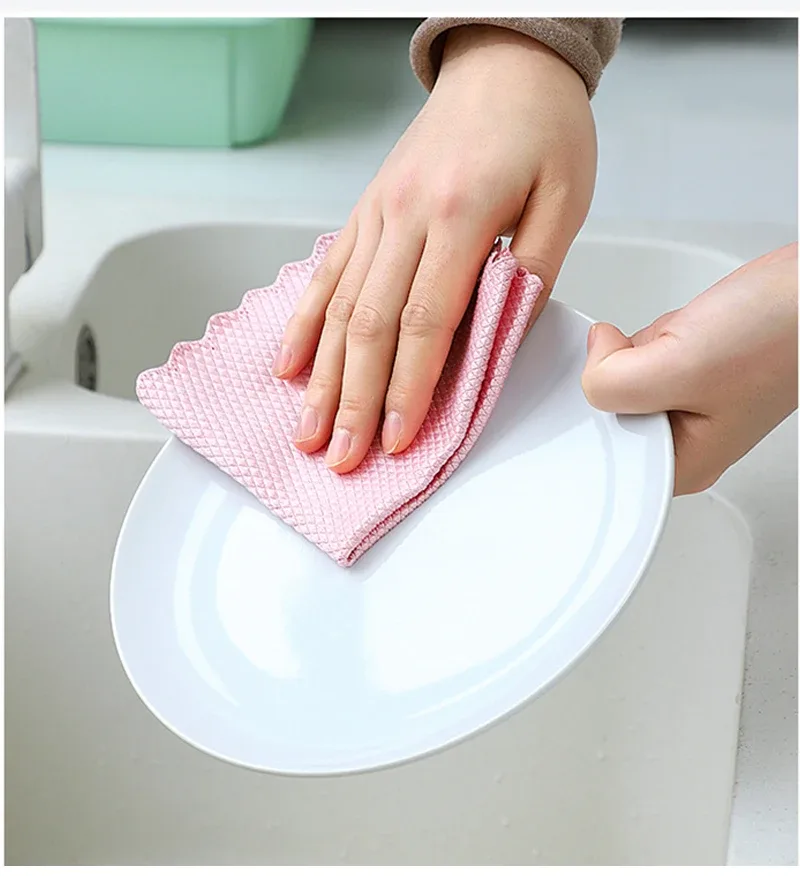
Image source: Bing (Web (fair-use with source credit))
Quick Answer
To maintain a kitchen scale, clean it regularly with a damp cloth. For digital models, check batteries and calibrate if accuracy wavers. Avoid water submersion and harsh chemicals.
Store it on a flat surface.
Digital Scale Cleaning: A Quick Wipe-Down
Keeping your digital scale clean is mostly about simple, regular upkeep. Think of it as part of your kitchen routine, like wiping down counters. This prevents food particles from building up and affecting performance or hygiene.
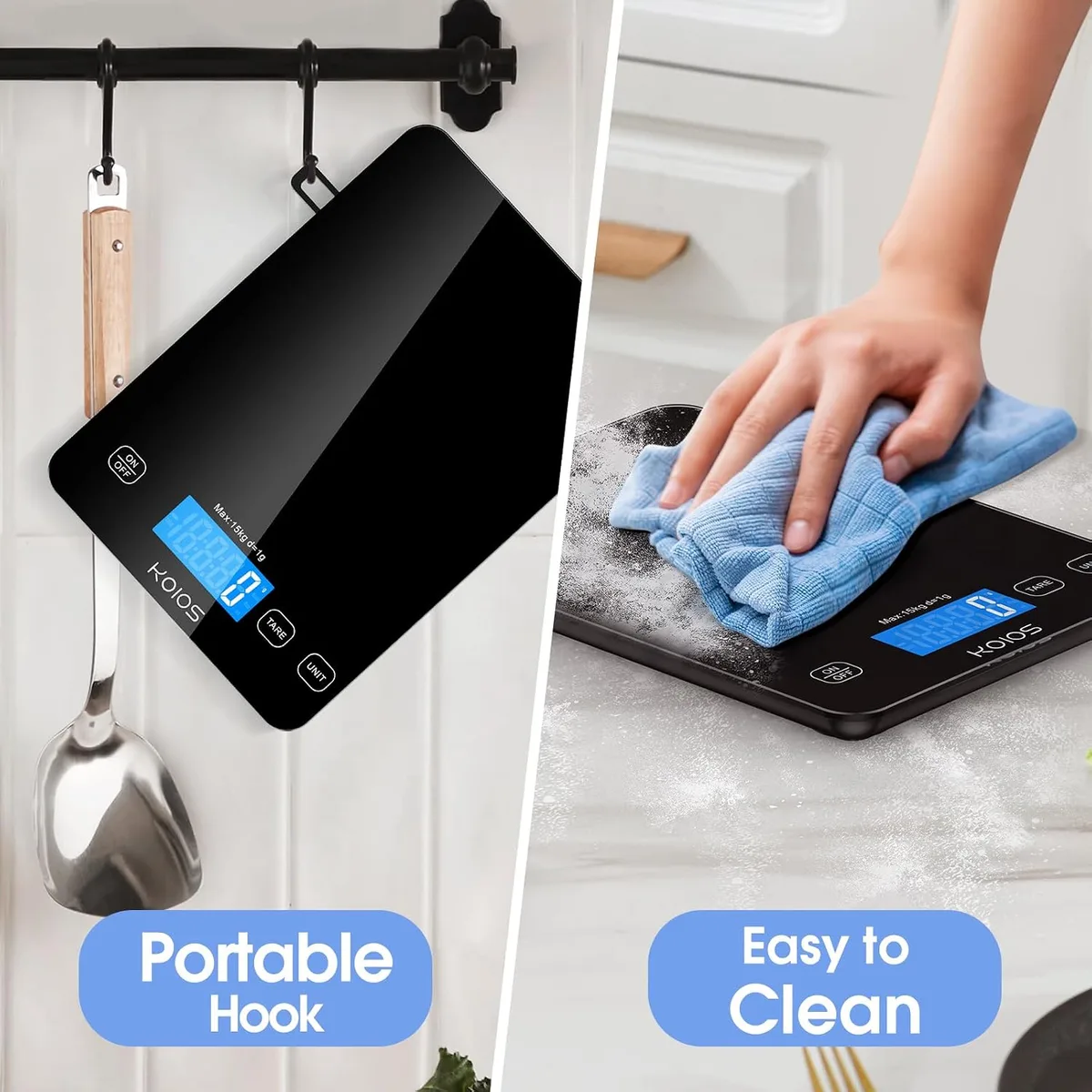
Image source: Bing (Web (fair-use with source credit))
What to Use for a Gentle Clean
Our research indicates that most digital scales, especially those with stainless steel or plastic platforms, handle gentle cleaning solutions best. You'll primarily need a soft, damp cloth for daily wiping. For tougher, sticky, or greasy residues, a little mild dish soap can be used.
A dry, soft towel is essential for thoroughly drying the scale afterward.
Crucially, never submerge your digital scale in water. Electronics and water don't mix, and this is the fastest way to damage the internal components. Manufacturer documentation often warns against this with clear "do not immerse" symbols.
Handling Spills and Grime
If something spills on your scale, act fast. The sooner you address a mess, the easier it is to remove without lasting damage.
- Turn off the scale: Always power down the device before cleaning any spills.
- Wipe up immediately: Use your damp cloth to soak up as much of the spill as possible.
- For stubborn spots: You can use a cloth that's barely damp with a mild cleaning solution. This could be a drop of dish soap diluted in water, or a very dilute vinegar solution. Be extremely careful not to let any liquid drip into the scale's buttons, seams, or display.
- Rinse and dry: Follow up with a clean, damp cloth to remove any soap residue, and then dry the surface completely with your soft towel.
Drying and Storage
Proper drying is as important as the cleaning itself. Ensure the scale's platform and any surrounding areas are bone dry before you use it again or put it away. For storage, place your digital scale on a flat, stable surface.
Avoid stacking heavy items on top of it, as this could potentially damage the platform or internal sensors. Some people prefer to store them in a drawer or cupboard, which is perfectly fine as long as the surface is level.
Digital Scale Battery Management
Power is essential for your digital scale to function, and managing its batteries correctly ensures it's always ready when you need it. Most digital scales use standard alkaline batteries, often AA or AAA.
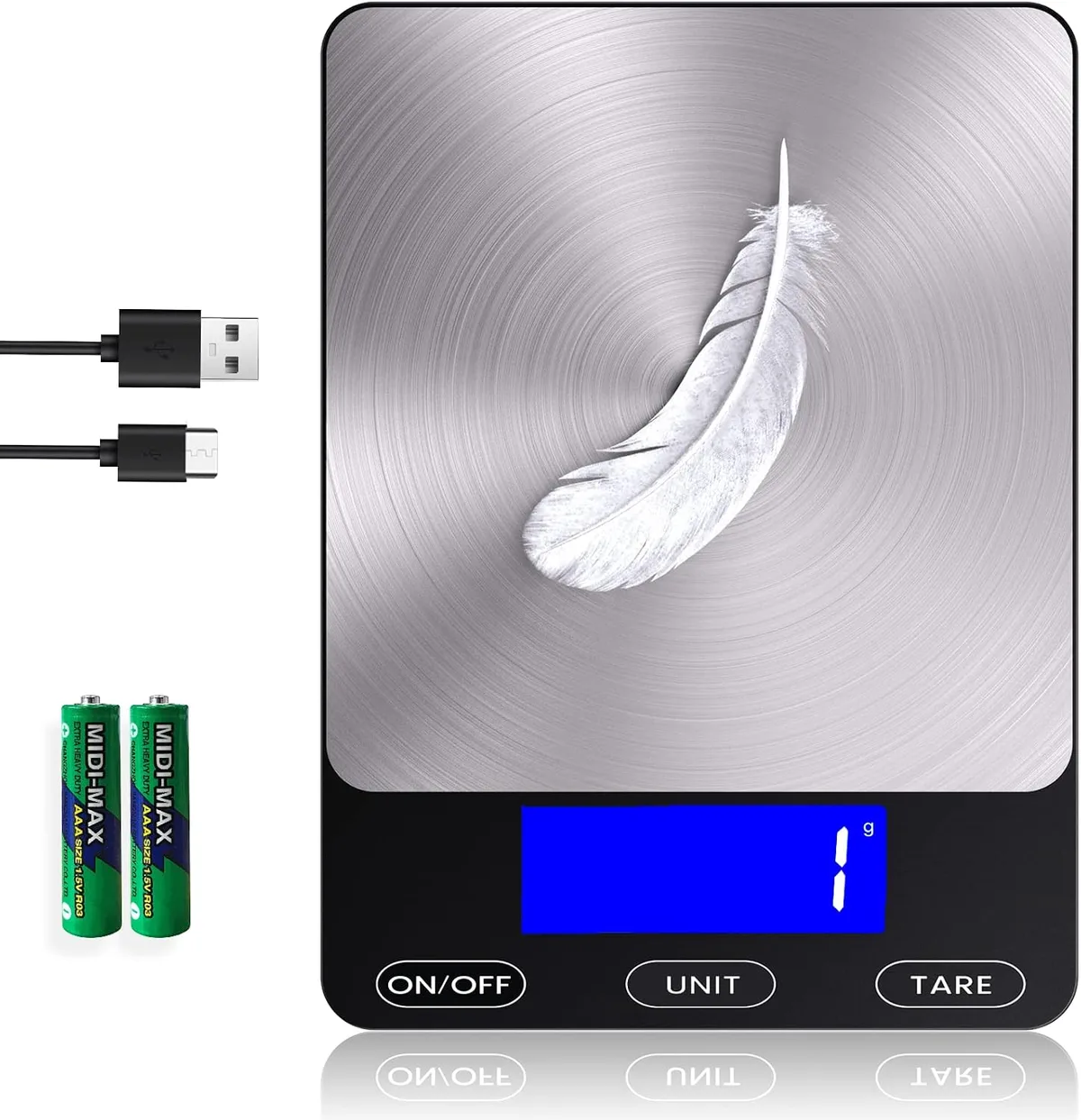
Image source: Bing (Web (fair-use with source credit))
When and How to Replace Batteries
Digital scales are designed to let you know when their power is running low. Most scales will display a specific symbol or message on their screen when the batteries are nearly depleted. This is your cue to get replacements.
Sometimes, a scale might start behaving oddly, displaying incorrect numbers or turning off unexpectedly, as the batteries weaken.
To replace the batteries, you'll typically need to open a small compartment on the underside of the scale. This usually involves sliding or unscrewing a cover. Ensure you insert the new batteries with the correct polarity, matching the positive (+) and negative (-) markings inside the battery compartment.
Aggregate buyer feedback often highlights that using high-quality, fresh batteries leads to more consistent performance and a longer operational life before the next replacement is needed.
Best Practice: Removing Batteries for Storage
If you know you won't be using your kitchen scale for an extended period, say, more than a month, it’s a wise practice to remove the batteries. This simple step can prevent potential issues like battery leakage. Battery acid can corrode the contacts and damage the scale's internal circuitry, leading to costly repairs or even rendering the scale unusable.
This is a common recommendation found in manufacturer user manuals as a preventative maintenance measure.
Digital Scale Calibration: Ensuring Accuracy
Accuracy is the main reason we use a kitchen scale, and calibration is the process that guarantees it. Over time, or after being moved or bumped, a scale's internal sensors can drift slightly. Calibration helps to re-align these sensors to their precise factory settings.
Signs Your Scale Needs Calibration
Several indicators suggest your scale might be out of calibration and needs attention. If you weigh the same item multiple times and get slightly different results, or if the scale doesn't return to zero perfectly after use, it's a sign. When you weigh known objects (like a new bag of sugar that states its net weight, or a standard weight) and the scale reads incorrectly, calibration is likely needed.
If the scale has been accidentally dropped, jostled significantly, or experienced extreme temperature changes, recalibration is recommended to ensure accuracy. Sometimes, a scale that feels sluggish or takes a long time to settle on a reading might indicate a need for recalibration, though it could also point to low batteries.
The Calibration Process (Consult Your Manual!)
The exact steps for calibrating a digital kitchen scale vary significantly between manufacturers and models. However, the general process typically involves placing a specific, known weight onto the scale's platform at the prompt of the scale itself. You’ll usually need to press and hold a specific button (often labeled "CAL," "Mode," or "Tare") when powering the scale on to enter calibration mode.
The scale's display will then guide you. It might ask you to place a certain weight (e.g., 1000g, 500g) on the platform. For the most reliable results, it’s best to use official calibration weights designed for scales.
These are precisely manufactured to a specific mass. If your scale didn't come with calibration weights, you might need to purchase them separately. A common requirement is a weight of 1 kilogram (1000 grams).
Once the correct weight is placed and recognized, the scale will usually indicate that calibration is complete. It's vital to follow your specific model's instructions meticulously, as an improperly calibrated scale can lead to inaccurate measurements. You can typically find this information on the manufacturer's website or in the printed manual that came with your scale.
Mechanical Scale Care
Mechanical kitchen scales, often featuring a dial instead of a digital display, are simpler in design. Their primary mechanism relies on a spring system. While generally more robust than digital scales against water damage, they still require proper care to maintain accuracy and longevity.
Simple Cleaning for Mechanical Models
Cleaning a mechanical scale is straightforward and similar to its digital counterpart, but with less concern about electronics. Use a soft, damp cloth to wipe down the weighing platform regularly. If you've weighed sticky or oily items, a mild soap solution on the damp cloth can help.
Always dry the scale completely with a soft towel after cleaning to prevent any metal parts from rusting. Avoid harsh chemicals or abrasive scrubbers that could scratch the surface or damage the dial's markings.
Adjusting the Zero Point
The main maintenance concern for mechanical scales is ensuring they consistently start at zero. Over time, the spring mechanism can stretch or settle, causing the needle to drift. Most mechanical scales have a small knob or dial located near the base or the dial itself.
With nothing on the scale platform, observe where the needle points. If the needle is not precisely on the zero mark, gently turn the adjustment knob until the needle aligns perfectly with zero. This simple adjustment is crucial for ensuring accurate measurements.
If the mechanism feels stiff or doesn't adjust properly, it might indicate internal wear. In such cases, a mechanical scale may need professional attention or replacement, as complex internal parts can be difficult to service at home.
Common Scale Problems and Fixes
Even with diligent care, scales can act up. Knowing how to troubleshoot common issues can save you frustration and potentially a costly repair or replacement.
Scale Won't Turn On
If your digital scale refuses to power on, the first thing to check is the batteries. Aggregate buyer feedback often points to dead or improperly inserted batteries as the primary culprit. Ensure the positive (+) and negative (-) ends of the batteries are correctly aligned with the markings inside the battery compartment.
Try a fresh set of batteries from a different pack. Sometimes, corrosion or debris can build up on the metal contacts in the battery compartment; gently clean these with a pencil eraser or a cotton swab lightly dampened with rubbing alcohol (ensure it dries completely before reinserting batteries). Make sure the battery compartment door is fully closed and latched, as some scales have a safety mechanism that prevents them from powering on if the door isn't secured.
If these steps don't resolve the issue, and you've confirmed the batteries are good and correctly installed, there might be an internal electronic fault. At this point, consult your scale's manual for further troubleshooting or consider contacting the manufacturer.
Inaccurate Readings
An inaccurate scale is practically useless. If you suspect your scale isn't measuring correctly, several factors could be at play. Scales are sensitive to uneven surfaces; ensure yours is on a flat, solid, and stable countertop or table.
Avoid placing it on soft surfaces like towels, rugs, or countertops that flex when you lean on them. The tare function allows you to zero out the weight of a container, but if you tare with something heavy already on the scale and then add your ingredients, the reading will be off by the tared amount. Always tare after placing your container.
Most kitchen scales have a maximum weight capacity, often around 5 kilograms (11 pounds) for standard digital models; exceeding this limit can damage the load cells. Check your scale's specifications for its maximum load. For digital scales, drift over time is a common cause of inaccuracy, so performing a calibration sequence is often the solution.
For mechanical scales, an incorrect zero point is the most frequent cause of inaccurate measurements; always ensure the needle is exactly on zero before you start weighing.
Error Messages on Digital Scales
Digital scales often display error codes or messages when something isn't right. These codes are designed to help diagnose the problem quickly. "Err" or "Overload" typically means the weight on the platform exceeds the scale's maximum capacity; remove some weight immediately to prevent damage.
"Lo" or a battery symbol indicates low battery power, signaling it's time to replace the batteries. "Unst" or "Unstable" means the scale detects movement or an unstable surface, or the weight is fluctuating; ensure the scale is on a solid surface and not being bumped. "CAL" or "Err CAL" might mean the scale is in calibration mode or that a calibration attempt failed; follow the calibration procedure carefully or try again.
If it persists, there may be a calibration issue that needs manual intervention. Consult your scale's user manual for a specific list of error codes and their meanings.
When to Consider a New Scale
While maintenance can extend the life of your kitchen scale, there comes a point where replacement might be the more practical solution. If your scale consistently exhibits problems that can't be resolved through cleaning, battery changes, or calibration, it might be time for an upgrade. Persistent inaccuracy, where the scale continues to give unreliable measurements after troubleshooting, suggests its internal components may be failing.
Physical damage, such as cracks in the platform or a broken display, might also necessitate a new scale. Sometimes, you might simply need a scale with more desired features, like a higher weight capacity or finer measurement increments (e.g., 0.1g for baking). If a repair professional quotes a price that's close to or exceeds the cost of a new, comparable scale, replacement is usually the more economical choice.
For instance, many basic digital kitchen scales are available for under $25 as of 2026.
FAQs About Kitchen Scale Maintenance
How often should I clean my kitchen scale?
It's best to give your scale a quick wipe down after each use, especially if you've spilled something on it. For deeper cleaning, a more thorough wipe with mild soap can be done weekly or whenever it appears visibly dirty.
Can I use harsh cleaners like bleach or oven cleaner on my scale?
No, you absolutely should not use harsh cleaners like bleach, ammonia, or oven cleaner. These can damage the scale's surface, lettering, or internal components. Stick to mild dish soap and water or a dilute vinegar solution for cleaning.
My digital scale is showing a strange symbol I don't recognize. What should I do?
First, refer to your scale's user manual. It will usually have a section detailing error codes and what they mean. If you can't find the manual, search online for your scale's model number along with "error codes." The symbol often indicates a specific problem like low battery, overload, or an unstable reading.





2 Comments