Stand Mixer Not Turning On
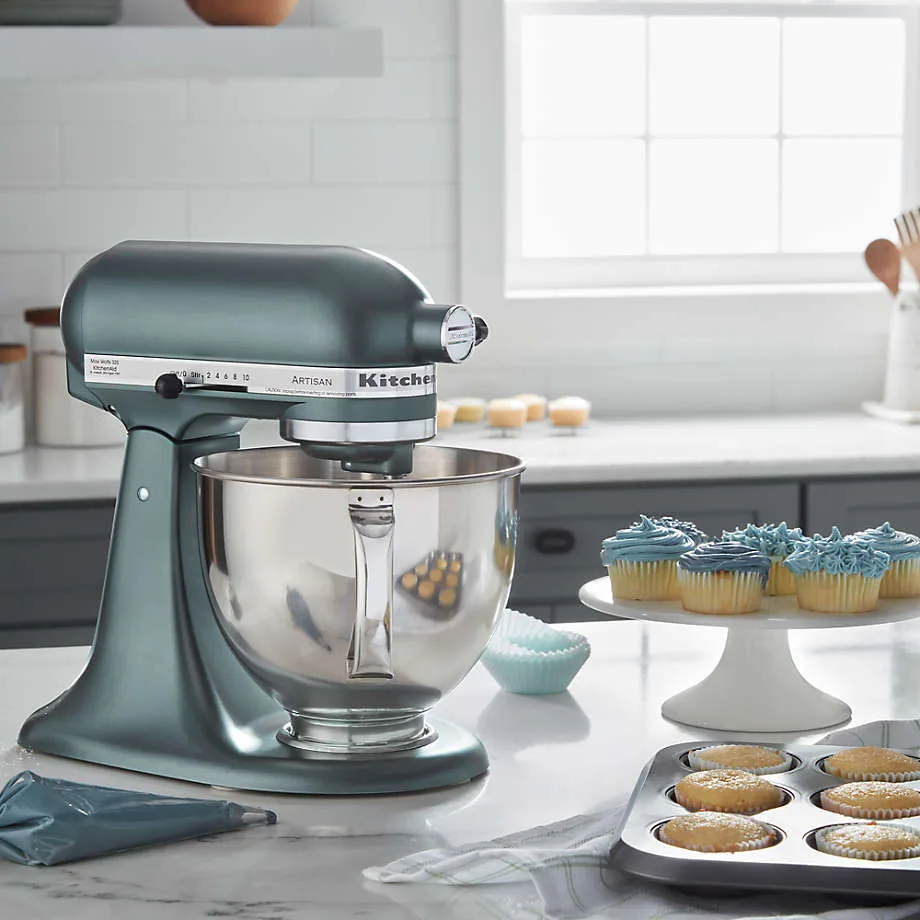
Image source: Bing (Web (fair-use with source credit))
Stand Mixer Not Turning On? Let's Get It Working Again.
Your stand mixer has gone silent, and the dough is waiting. It’s a common kitchen frustration, but often, a stand mixer not turning on isn't a death sentence for the appliance. Many times, it’s a simple issue that you can sort out yourself with a little systematic checking.
We've gathered information from manufacturer specifications and aggregate user reports to help you diagnose the problem. Usually, the solution involves a quick check of power connections, settings, or a brief cooldown period. Let's walk through the most common reasons your mixer might be unresponsive and how to fix them, aiming for you to get back to baking in no time.
Quick Answer
If your stand mixer isn't turning on, first check the power cord is fully plugged in and the outlet is working. Ensure the speed dial isn't set to zero and the bowl or attachments are properly locked. If it recently stopped, it might have tripped an internal overload protector and needs to cool down for about 15-30 minutes before trying again.
Quick Check: Is It Really Off the Grid?
Before you panic or start searching for replacements, let's run through the absolute basics. It sounds simple, but sometimes the most straightforward things are overlooked in the heat of baking. This initial check covers the most common culprits that prevent a mixer from powering up.
- Plugged In: Is the power cord seated firmly in the wall outlet? Give it a solid push.
- Outlet Alive: Is that same outlet powering other devices? If not, the issue might be with your home's circuit breaker. Head to your breaker box and see if the relevant switch has tripped. Flipping it back on can solve the problem instantly.
- Zero is Not Go: Many mixers won't engage if the speed control dial is exactly on zero or a specific "off" position. Try nudging it just slightly past zero to see if that makes a difference.
Step 1: The Simple Stuff First (Power & Settings)
If the quick check didn't spark life into your mixer, we'll move onto slightly more involved, but still very common, checks. These focus on how the mixer receives power and how its internal safety features are engaged.
Power Cord & Outlet
The connection between your mixer and the wall is critical. Sometimes, subtle issues here can prevent the motor from even attempting to start.
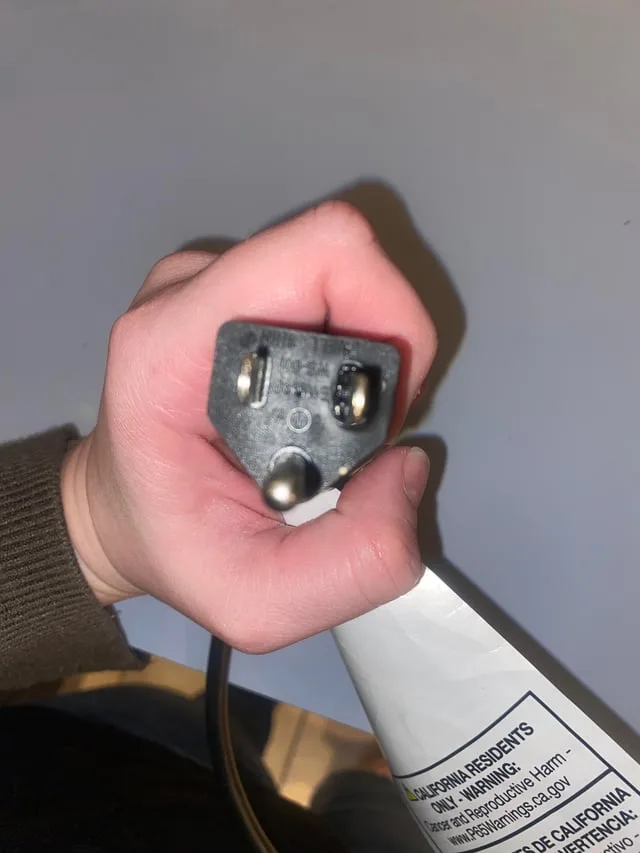
- Cord Integrity: Inspect the entire length of the power cord. Look for any cuts, fraying, exposed wires, or kinks. A damaged cord is not only a reason the mixer might not turn on, but it can also pose a significant safety hazard, including the risk of electric shock. If you find any damage, it's often safer and more cost-effective to replace the mixer than to attempt a repair on a damaged cord.
- Outlet Functionality: As mentioned, test the outlet with another small appliance, like a lamp or a phone charger. If that device also doesn't work, the problem is with the outlet or your home's electrical system, not the mixer itself.

Image source: Web (Bing) / auctions.yahoo.co.jp (Web image (fair-use with source credit))
Speed Dial & Bowl/Attachment Lock
Most modern stand mixers incorporate safety mechanisms to prevent accidental starts or operation when not assembled correctly. These are designed to protect you and the appliance.
- Speed Dial Position: While you might have nudged it earlier, double-check the speed dial. Ensure it's moved decisively out of the "off" or "0" position. Some mixers require a specific "unlock" position before they'll power up.
- Bowl Security: Your mixer won't operate if the mixing bowl isn't correctly seated and locked into its base. Give the bowl a firm push down and a slight twist to ensure it's snug and engaged with the locking mechanism. Many mixers have a small indicator or a click sound when the bowl is properly secured.
- Attachment Engagement: Similarly, the beater, whisk, or dough hook attachment needs to be correctly inserted into the mixer head and locked into place. If the attachment isn't fully engaged, the mixer's safety interlock will prevent it from turning on.
Step 2: The Next Level: Cooling & Resetting
If your mixer was running and then suddenly stopped, or if it’s still unresponsive after checking power and settings, the next logical step involves its internal safety features designed to prevent damage.
Understanding Overload Protection
Stand mixers contain internal components, typically a thermostat or a thermal cutout switch, that act as an overload protector. This is a crucial safety feature. Its job is to shut off the motor if it detects that the motor is working too hard, drawing too much current, or overheating.
This prevents permanent damage to the motor.
If you've been mixing a particularly thick dough, running the mixer on high speed for an extended period, or if the motor was struggling, it might have triggered this overload protector. Manufacturer specifications often indicate motor wattage ratings that, when exceeded under strain, can lead to this safety shutdown.
The "Cool Down" Method
When the overload protector trips, the mixer will stop working. It won't restart until it has cooled down sufficiently.
- Unplug: First, unplug the mixer from the wall outlet. This is a critical safety step before any troubleshooting.
- Wait: Let the mixer sit undisturbed for a period, typically 15 to 30 minutes. This allows the motor and internal components to cool down to a safe operating temperature.
- Test: After the cooling period, plug the mixer back in and try turning it on at a lower speed. If it was an overload issue, it should now respond. If you’re trying to mix a very dense batter, consider reducing the load or using a more powerful mixer; for instance, some tasks might benefit from a unit rated for higher wattage, perhaps above 1000 watts.
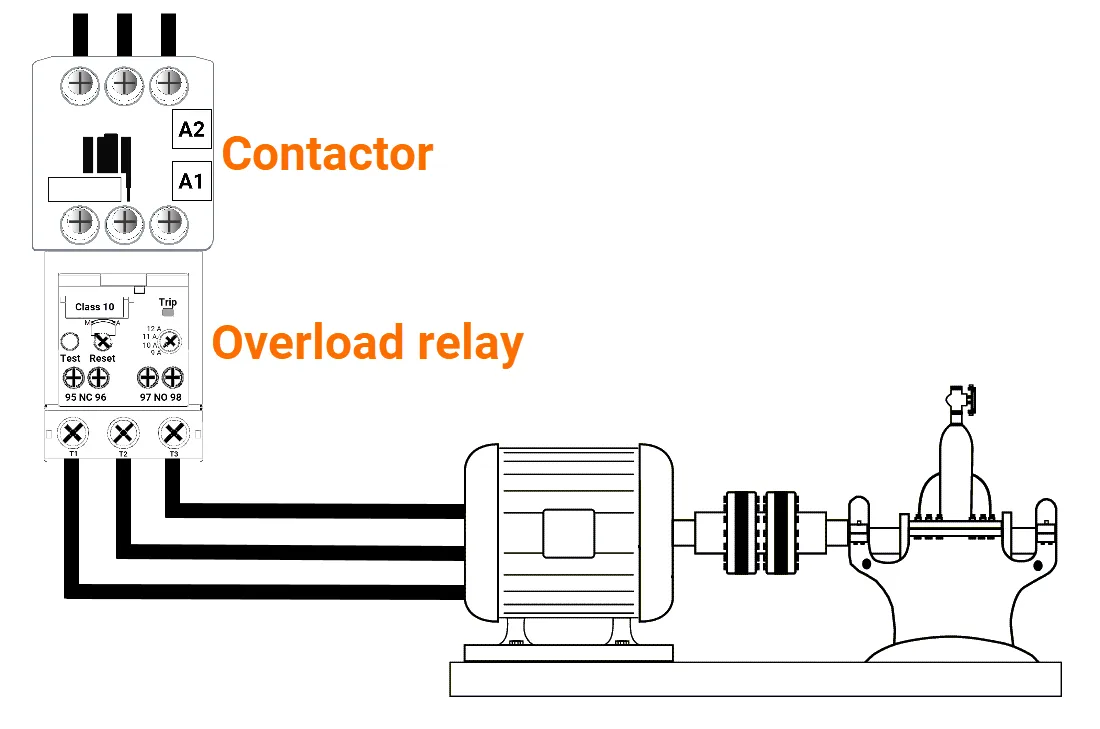
Image source: Bing (Web (fair-use with source credit))
Step 3: Digging a Bit Deeper: Inspecting the Mixer
If the basic power checks, setting confirmations, and the cool-down period haven't revived your stand mixer, it's time to look for more subtle clues that might indicate an internal issue. While you shouldn't typically open the appliance yourself, external indicators can point towards internal problems.
Visual Check for Cord Damage
Beyond obvious cuts, the power cord can develop internal breaks or loose connections where it enters the mixer housing. Sometimes, the insulation might look fine, but the internal wires have fractured.
- Flex the Cord: Gently flex the cord at various points, especially near the plug and where it meets the mixer body. If you notice any flickering of nearby lights (if plugged in) or if the mixer briefly kicks on and then off as you flex it, this strongly suggests an internal break in the cord's wiring.
- Connection Point: Examine where the power cord enters the mixer. Is there any sign of strain, cracking, or loose housing that might suggest the internal wires have become detached? A loose connection here is a common point of failure.
Signs of Internal Issues
While you shouldn't attempt to open the mixer casing without proper knowledge and tools, there are external signs that point to internal problems. These require professional assessment or consideration of a replacement.
- Unusual Noises: If you can get the mixer to power on briefly (perhaps after cooling) and it makes grinding, buzzing, or clicking sounds that aren't typical operational noises, this could indicate a motor problem or a dislodged internal part. For example, a distinct crunching might mean gears are stripped.
- Smells: A burning smell emanating from the mixer, especially when plugged in or when you try to turn it on, is a serious sign of motor or wiring issues. This indicates an electrical problem that requires immediate attention and should not be ignored due to fire risk.
Common Mistakes That Stop Your Mixer Cold
It’s easy to get tripped up when troubleshooting. Recognizing these common errors can save you time and prevent unnecessary frustration when your stand mixer refuses to turn on.
- Ignoring the Outlet: Assuming the outlet works just because another device usually works there. Breakers can trip without warning, or a specific outlet on a circuit might have failed independently. Always test the specific outlet with a known working device.
- Forgetting the Safety Locks: Many users forget that the bowl, splash guard, or attachment must be perfectly aligned and locked. Even a slight misalignment can prevent the power from engaging, leading to confusion. For instance, a beater that isn't fully seated won't allow the motor to engage.
- Overloading the Motor: Pushing the mixer beyond its intended capacity for too long. Overloading isn't just about thick doughs; it can also be prolonged high-speed operation or attempting to process ingredients that are too hard or frozen. Manufacturer guidelines, often found in the user manual, are there for a reason.
- Not Allowing Cool Down: Assuming the mixer is faulty immediately after it stops mid-task. The overload protector is a feature, not a flaw, and requires a simple waiting period to reset.
- Assuming the Worst: Immediately thinking the motor is dead without checking the simpler power and connection points. This can lead to prematurely replacing a perfectly good, albeit temporarily stalled, appliance.
When to Call in the Pros or Consider a New Mixer
You've checked the power, confirmed settings are correct, allowed for cooling, and inspected visible components. If your stand mixer is still stubbornly refusing to turn on, it’s time to evaluate your next steps. This usually involves seeking professional help or making a decision about the appliance's future.
- Warranty Check: First, see if your mixer is still under warranty. Most manufacturers offer a warranty period, often one year from the date of purchase, for defects in materials and workmanship. If it is, contact the manufacturer directly. They will guide you through their specific repair or replacement process, which usually involves sending the unit in or providing documentation for a local service center.
- Manufacturer Support: Even if your warranty has expired, the manufacturer's customer support is a valuable resource. They can offer advanced troubleshooting advice, connect you with authorized repair centers, or provide information on replacement parts. For instance, if a specific part like the speed control switch is the suspected issue, they might confirm its availability.
- Repair vs. Replace Decision: If out of warranty, you'll need to weigh the cost of professional repair against the price of a new stand mixer. For older models or less expensive mixers, repair costs might approach or exceed the price of a new unit. However, for high-end or beloved models, professional repair might be a worthwhile investment. You can often get a quote from an appliance repair shop to help make this decision.
If repair is not feasible or cost-effective, it might be time to explore new models. As of 2026, the market offers a wide range of stand mixers with varying features and price points, from compact units ideal for small kitchens to powerful machines designed for heavy-duty baking tasks. You can find options that fit specific needs, whether that's best compact stand mixer options for limited space or when a best powerful hand mixer offers more flexibility.
Alternative: What If You Need to Bake NOW?
When your trusty stand mixer is out of commission, and that cake or batch of cookies absolutely must be made, don't despair. You likely have alternatives already in your kitchen that can save the day. Thinking about these backup options can mean the difference between a successful baking project and a frustrating halt.
- Hand Mixer: A good hand mixer is often the most direct substitute for a stand mixer for many tasks. While less powerful for very stiff doughs, they excel at creaming butter and sugar, whipping eggs, and mixing batters. Our research on best hand mixer for baking highlights models with strong motors capable of handling most common baking needs.
- Whisk and Elbow Grease: For lighter batters, meringue, or whipped cream, a good old-fashioned whisk and some physical effort can work wonders. It's more time-consuming and physically demanding, but it gets the job done when no electric mixer is available.
- Food Processor: Some food processors can handle simple doughs or batters, though they are not ideal for everything and can overwork ingredients if not used carefully. It's a less common but sometimes viable option in a pinch.
When a Mixer is More Than Just a Mixer
The decision to repair or replace a stand mixer often goes beyond just functionality and cost. For many home bakers, the stand mixer is a central tool, almost an extension of their creative process. A mixer’s capacity, measured in quarts, is a key indicator of its workload capability, for instance, a 5-quart mixer is common for families, while 7-quart models tackle larger batches.
- Emotional Attachment: Some mixers are gifts or have been part of family traditions for years. The memories and emotional connection can heavily influence the decision to repair, even if it's more expensive than buying new.
- Investment in Baking: Serious bakers often invest in high-quality, durable stand mixers that are designed for longevity and repairability. For these users, a non-functional mixer represents a significant disruption to their hobby or even small business.
- Sustainability: Opting for repair aligns with a more sustainable lifestyle, reducing waste and extending the life of an appliance. This is a growing consideration for many consumers as they think about their environmental impact.
Frequently Asked Questions About a Silent Mixer
### Why did my stand mixer suddenly stop working?
Your stand mixer likely stopped working suddenly due to its internal overload protector tripping. This safety feature engages when the motor overheats or works too hard, shutting it down to prevent damage. It will typically restart after cooling down for 15-30 minutes.
### Can a stand mixer be fixed if the motor is burned out?
If the motor has truly burned out, repair is usually not cost-effective for most consumer-grade stand mixers. While some internal components can be replaced, a burnt-out motor often means it's time to consider replacing the appliance, especially if it's an older or less expensive model.
### Is it safe to use a stand mixer with a damaged power cord?
No, it is absolutely not safe to use a stand mixer with a damaged power cord. Exposed wires or fraying can lead to electric shock, fire hazards, and further damage to the appliance. The cord should be replaced by a qualified technician or the mixer replaced entirely.
### How can I tell if the problem is my outlet or the mixer?
You can tell by testing the outlet with another small appliance that you know works, such as a lamp or phone charger. If that other device also doesn't power on, the issue is likely with your home's electrical circuit or the outlet itself. If the other device works fine, the problem is almost certainly with your stand mixer.