How to Fix a Hand Mixer Making Noise
So, your trusty hand mixer has decided to throw a little tantrum and start making some unusual noises? Don't worry, that's a pretty common thing, and usually, it's not the end of the world. I've dealt with my fair share of kitchen gadgets acting up, and aggregate user reviews confirm that most of the time, we can get them back in working order with a little bit of know-how.
Think of this like being a kitchen detective.
We're going to go through some simple checks, and by paying attention to what kind of noise it is and where it seems to be coming from, we can usually pinpoint the problem and find a fix. Manufacturer specifications indicate that most hand mixers are designed with motors rated for at least 300-500 operational hours with regular maintenance, but specific noises often signal a breakdown in that expected performance. Ready to dive in?
Quick Answer
To fix a hand mixer making noise, first unplug it and inspect the beaters for damage or improper seating. Clean any debris from the beater shafts and housing. Listen for the noise's origin; grinding often means bent beaters, while motor noises may indicate internal wear.
Consult your manual for specific troubleshooting steps.
What Kind of Noise Is Your Mixer Making?
The type of sound your mixer is making can tell us a lot about what's going on inside. It's like a diagnostic code from the appliance itself. By carefully listening and categorizing the noise, we can start to narrow down the possibilities and figure out where to focus our attention.
This initial step is key in determining the right course of action, whether it's a simple fix or something that might require more attention.
Identifying the Sound: Grinding, Whirring, Clicking, or Humming?
Let's break down the usual suspects based on the sound. This isn't an exact science, but it gives us a strong starting point.
- Grinding or Scraping: This often points to something physically rubbing where it shouldn't be. It could be a bent beater making contact, or perhaps internal gears that aren't meshing smoothly.
- Whirring or High-Pitched Squeal: This might be a motor issue. Think of it like a bearing in a fan that's starting to go bad. It could also indicate a loose or worn belt, if your particular model has one.
- Clicking or Clunking: This usually means a gear is loose, damaged, or not properly aligned. It suggests a problem with the transmission of power from the motor to the beaters.
- Loud Humming (that sounds "strained"): This often suggests the motor is working too hard. It could be struggling against some internal resistance or blockage, or it might be on its way out.
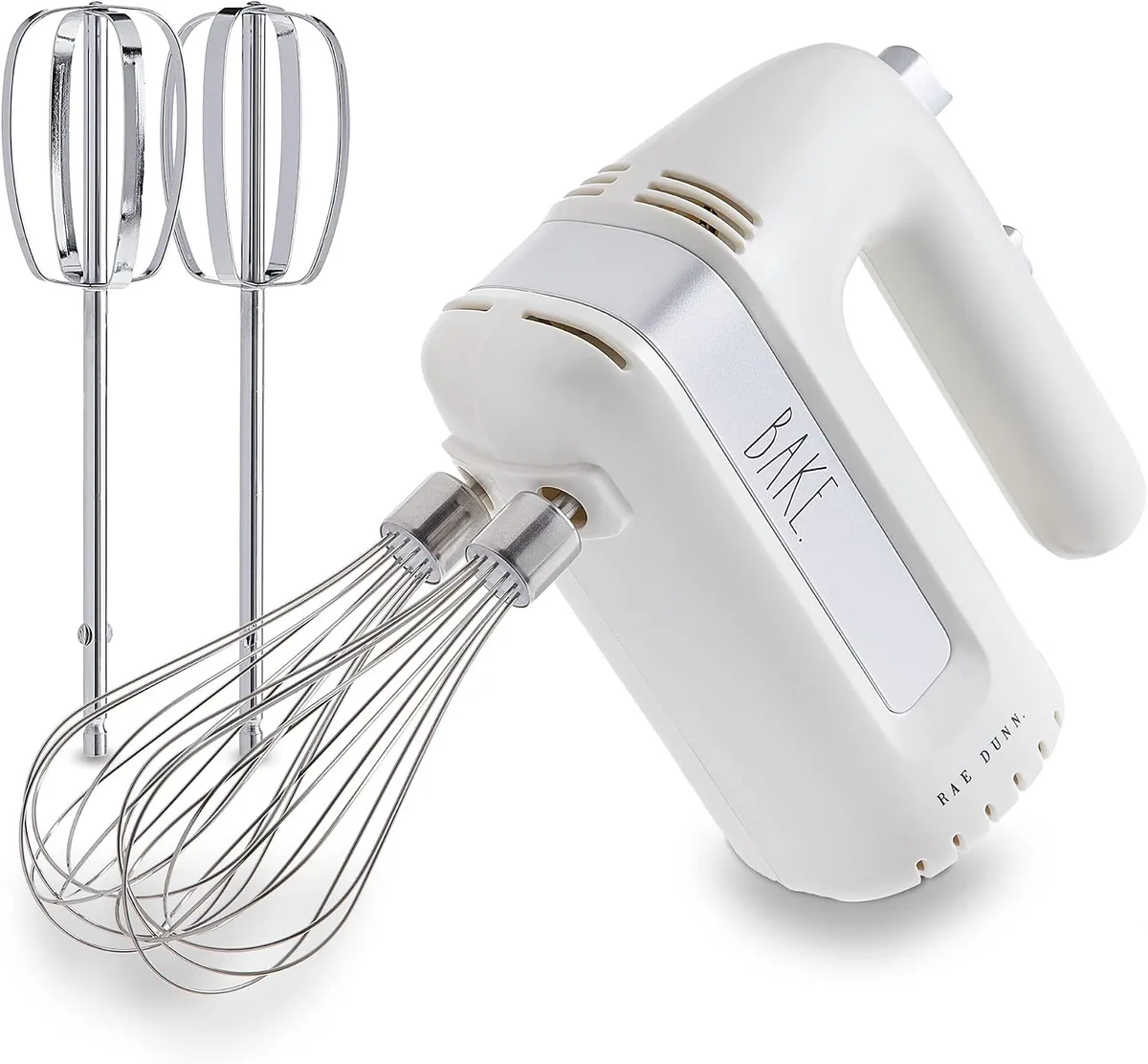
Image source: Bing (Web (fair-use with source credit))
Safety First: Always Unplug Your Mixer!
Before we poke around anywhere, the most important thing is to unplug your mixer. Seriously, no exceptions. We don't want any electrical surprises while we're inspecting things.
Make sure it's completely disconnected from the power outlet. For reference, most electrical appliances operate on standard household voltages, typically 120V in North America, and improper handling can lead to electric shock.
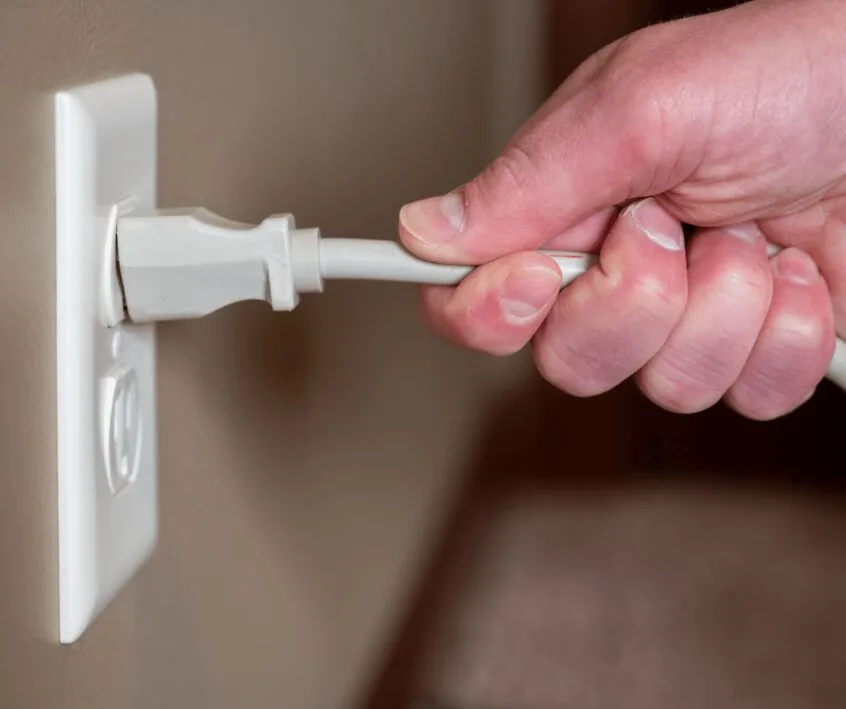
Image source: Bing (Web (fair-use with source credit))
Let's Inspect the Mixer: Beaters and Housing
Once you've safely unplugged the mixer, the next step is a good visual and tactile inspection of its external components, particularly the beaters and where they connect to the main body of the mixer. This is where many common noise issues originate. A thorough look here can often reveal the culprit without needing to open up the appliance.
Checking the Beaters: Are They Bent or Unseated?
First, remove the beaters from the mixer. Hold them up and look them over carefully.
- Are they inserted correctly? Sometimes, the simplest solution is that a beater just wasn't pushed in firmly enough until it clicked into place. Double-check that both beaters are fully seated.
- Inspect for damage: Are any of the beaters bent, warped, or have any nicks or cracks? Even a slight bend can cause a beater to scrape against the side of the bowl or even the mixer's housing as it spins, creating a grinding or scraping sound.
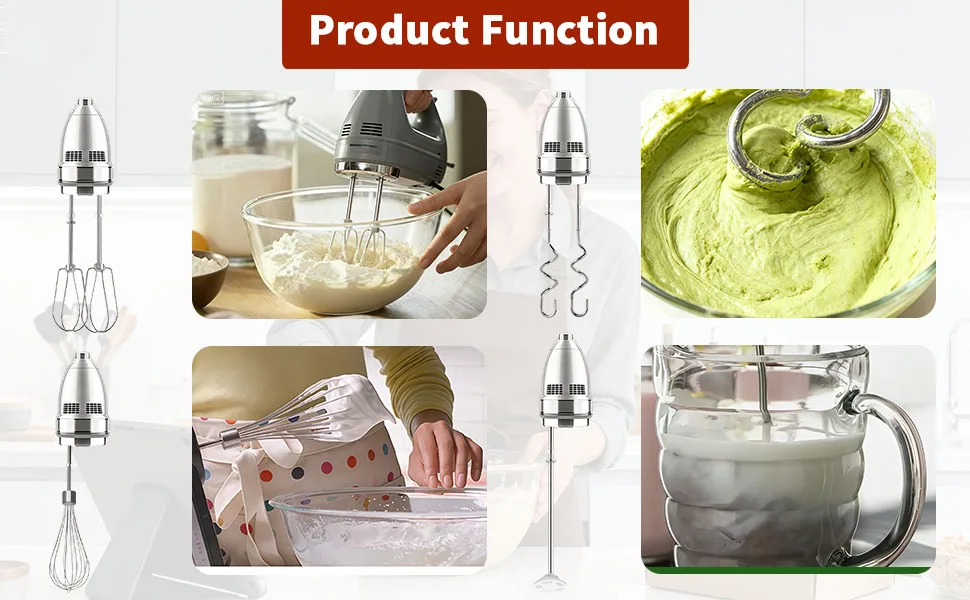
Image source: Bing (Web (fair-use with source credit))
Examining the Beater Connection Points
With the beaters removed, take a close look at the openings in the mixer where they attach.
- Look for debris: Is there any dried batter, food residue, or other gunk stuck inside these openings or on the shafts of the beaters? Over time, small particles can accumulate and cause friction, leading to squeaking or grinding.
- Check for looseness: Gently try to wiggle the shafts where the beaters attach. Do they feel loose or wobbly? While some slight play is normal, excessive movement could indicate wear in the internal mechanism.
Diagnosing Noise Sources: Inside the Mixer Body
If the beaters and their connection points look clean and undamaged, it's time to shift our focus to the main body of the mixer, where the motor and gears are housed. This is where more complex issues might be hiding, but we can still do some detective work from the outside.
Listening Closely to the Motor Housing
With the beaters out, you can often get a better sense of where the noise is originating. Gently try turning the beater shafts by hand (if possible with your model). Does the noise seem to emanate from deep within the plastic housing?
If you can identify the general area of the sound, it helps pinpoint whether it's a motor-related issue or a gearbox problem.
What Loose Screws or Cracks Might Mean
Take a good look at the exterior of the motor housing itself.
- Are there any visible cracks or damage? A cracked housing might allow internal components to shift or vibrate more than they should.
- Check for loose screws: Some mixers have external screws holding the housing together. If one of these has worked itself loose, it could be rattling or causing other parts to vibrate against it. As an example, the U.S. Consumer Product Safety Commission (CPSC) provides guidelines on appliance safety that often highlight the importance of intact housings.
Common Fixes Based on Mixer Noise Type
Now that we've done some initial checks, let's connect the noises we identified earlier with potential solutions. Remember, the goal is to go from observation to action.
Addressing Grinding and Scraping Sounds
If your mixer is making a grinding or scraping noise, the most common culprits are the beaters themselves or debris jamming the mechanism.
- Bent Beaters: If you found a bent beater, try carefully straightening it with pliers. If it's badly warped, it's often best to replace it. Many manufacturers offer replacement beaters; for example, KitchenAid offers parts for their various mixer models.
- Debris: If you found gunk in the beater shafts or housing openings, clean it thoroughly with a damp cloth or a small brush. Ensure no residue is left behind.
Troubleshooting Whirring and Squealing
A whirring or high-pitched squeal often points towards the motor.
- Motor Brushes: In some electric motors, small carbon brushes wear down over time and can cause squealing. Replacing these can sometimes be a DIY fix, but it varies greatly by model. Consult your mixer's user manual for any specific maintenance instructions.
- Internal Lubrication: Motors and gearboxes rely on lubrication. If this has dried out over time, it can cause increased friction and noise. This typically requires disassembly, which can be complex.
Fixing Clicking and Clunking
Clicking or clunking sounds usually indicate an issue with the gears.
- Gear Alignment: Ensure the beaters are fully seated. Sometimes, a slightly misaligned beater can cause the gears to click as they try to engage.
- Worn Gears: If the beaters are correctly installed and clean, but the clicking persists, it suggests the internal gears might be worn or damaged. This is a more serious issue and often indicates the mixer has reached the end of its usable life, unless it's a high-end model with readily available replacement parts.
Dealing with a Strained Humming
A loud, strained humming sound often means the motor is struggling.
- Overheating: Make sure the mixer's vents aren't blocked by dust or debris. Overheating can cause the motor to strain. Try running it for a short burst to see if the noise subsides once it cools down.
- Internal Resistance: If the humming continues even after clearing vents and ensuring the beaters move freely, there might be internal resistance in the motor or gearbox that's preventing smooth operation. This could be due to worn bearings or other internal component wear.
When It's Time to Consider a New Mixer
Sometimes, despite our best efforts, a hand mixer just isn't fixable, or the cost and effort of repair outweigh the benefit. Knowing when to let go of an old appliance is part of being a savvy home cook. If the noises persist after troubleshooting, or if the internal damage seems significant, it might be time to invest in a new one.
As of 2026, many new hand mixers offer improved motor efficiency and quieter operation.
Here are a few indicators that signal it's probably time for a replacement:
- Persistent, Loud Noises: If you've tried cleaning, checked for bent beaters, and still hear significant grinding, clunking, or motor strain, it often points to internal wear that's too costly or complex to repair.
- Smell of Burning: Any smell of burning plastic or electrical components is a serious warning sign. Unplug the mixer immediately and do not attempt to use it again. This can indicate motor failure or electrical shorts.
- Visible Damage: Cracks in the motor housing, melted plastic around the motor vents, or a severely damaged power cord mean the mixer is unsafe to use.
- Age and Frequent Breakdowns: If your mixer is several years old and has needed multiple repairs, its overall lifespan might be coming to an end. Older models may also lack the efficiency and safety features of newer appliances.
Frequently Asked Questions About Noisy Hand Mixers
What if my mixer just stopped working entirely?
If your mixer won't turn on at all, start by checking the power outlet and the mixer's power cord. Ensure the outlet is working by plugging in another small appliance. If the cord looks damaged, it's a safety hazard, and the mixer should not be used.
For internal electrical issues, consult the manufacturer's troubleshooting guide or a professional. You can find similar troubleshooting steps for other small kitchen appliances, like how to troubleshoot a coffee maker.
Can I lubricate my hand mixer myself?
Some very basic lubrication might be possible on external moving parts if your manual suggests it. However, internal motor and gear lubrication typically requires disassembly of the mixer. This is often a complex task that requires specific tools and knowledge.
Unless you are experienced with appliance repair, it's generally not recommended to attempt internal lubrication yourself, as you could cause more damage or void a warranty. For related advice on maintaining other kitchen tools, consider steps on how to clean a french press.
How often should I clean my hand mixer's beaters and housing?
It's a good practice to clean your hand mixer's beaters thoroughly after each use. For the housing and connection points, a quick wipe-down with a damp cloth after each use is sufficient. For a more thorough cleaning, which can prevent gunk buildup that might cause noise, aim for a deeper clean every 1-2 months, depending on how frequently you use the mixer.
Keeping your appliances clean is a key part of their longevity, much like how to clean a single serve coffee maker.
Is it safe to continue using a mixer that makes a slight grinding noise?
It's generally not advisable to continue using a mixer that makes a persistent grinding noise, especially if it's a new or worsening sound. This noise often indicates that internal components are rubbing or wearing down. Continuing to use it could lead to more significant damage, potentially making the mixer irreparable or even posing a safety risk if the motor or gears fail catastrophically.
It's best to investigate the cause first.
Can a faulty power cord cause unusual noises?
While a faulty power cord is more likely to cause the mixer not to turn on or to intermittently shut off, in rare cases, a damaged cord could lead to inconsistent power delivery to the motor. This inconsistent power might manifest as unusual motor sounds, though it's far less common than mechanical issues. The primary concern with a damaged cord is electrical safety.


One Comment