Autel Maxiap Ap2500 Troubleshooting: Fast Fixes Guide
Autel MaxiAP AP2500 troubleshooting is usually caused by app, Bluetooth, vehicle, or update issues.
If you work with scan tools often, you know how one small glitch can stop the whole job. I’ve seen Autel MaxiAP AP2500 troubleshooting come down to simple things like a weak phone connection, a stale app version, or a loose OBD2 plug. In this guide, I’ll walk you through the real-world fixes, the common causes, and the practical checks that save time when the Autel MaxiAP AP2500 stops responding the way it should.

What the Autel MaxiAP AP2500 Does and Why Problems Happen
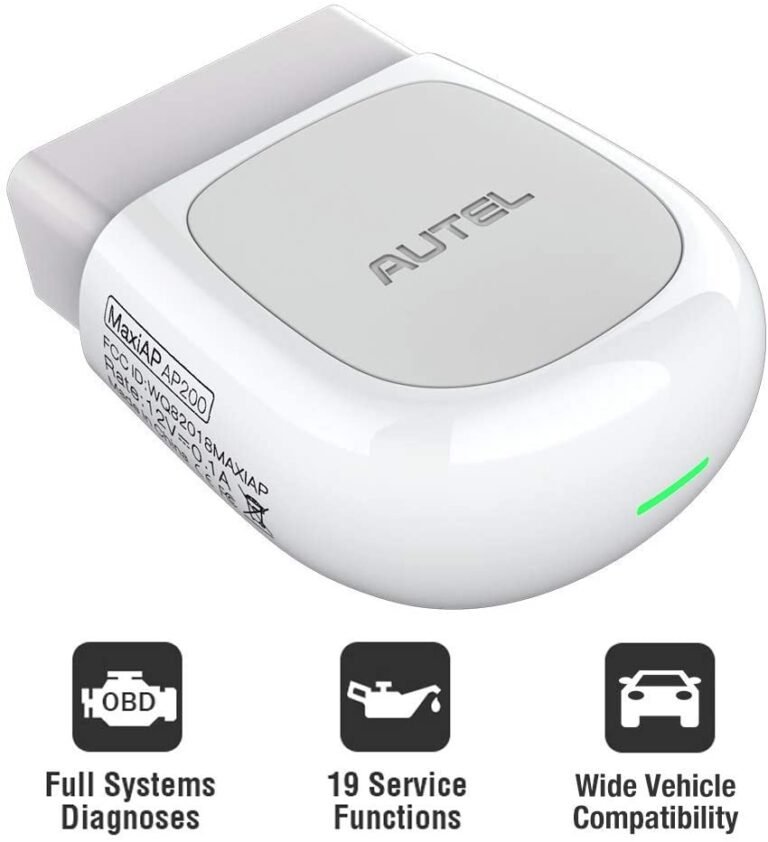
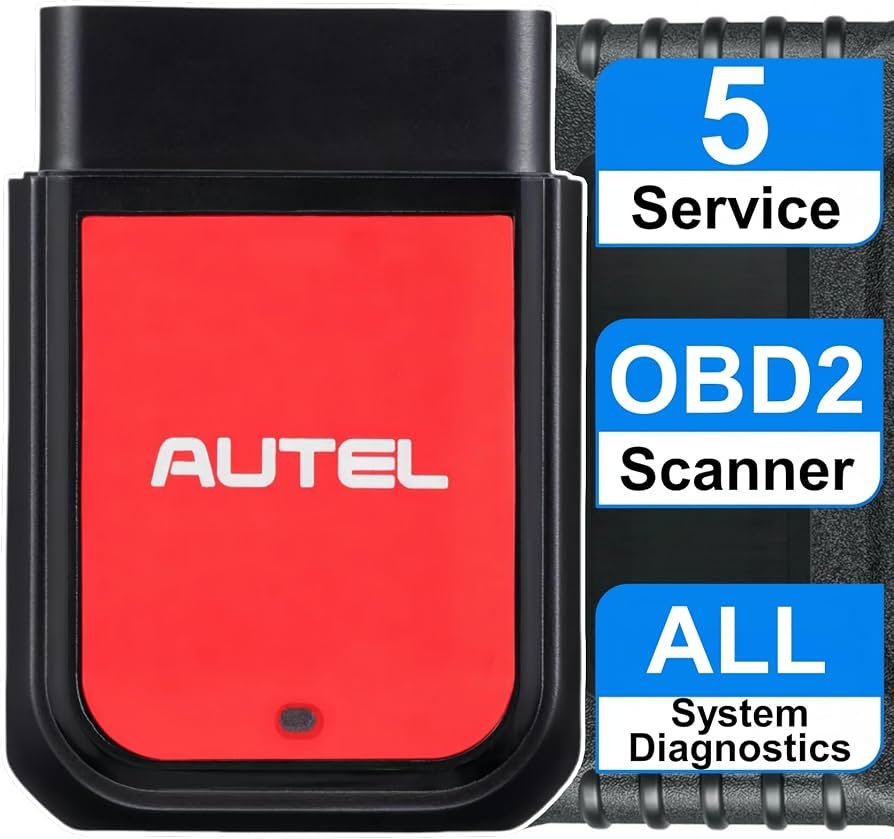
The Autel MaxiAP AP2500 is a compact diagnostic tool that works with a mobile device and app to read vehicle data, run tests, and help with basic troubleshooting. Like most Bluetooth-based scan tools, it depends on three things working together: the vehicle, the adapter, and the app. If one part slips, the whole setup can feel broken.
Most Autel MaxiAP AP2500 troubleshooting starts with connection problems. In my experience, that is the number one place people get stuck. The tool may look fine, but if the app does not pair correctly or the vehicle port has power issues, you will see errors fast.
Common causes include:
- A weak or unstable Bluetooth connection
- An outdated Autel app
- A car battery that is too low
- A bad OBD2 port connection
- Phone permission issues
- Vehicle compatibility limits
- Interrupted firmware updates
The good news is that many of these issues are easy to fix if you go step by step. Think of it like checking the chain on a bike before blaming the road.

First Checks Before Deep Troubleshooting
Before you dig into advanced Autel MaxiAP AP2500 troubleshooting, start with the basics. This saves a lot of time and helps you avoid chasing the wrong problem.
Confirm the vehicle has power
Plug the adapter into the OBD2 port and look for signs of life. If the vehicle battery is weak, the scanner may not connect properly. Some vehicles need the ignition in the ON position before communication starts.
Check the OBD2 port
A loose or dirty port can stop the Autel MaxiAP AP2500 from working. Make sure the connector is seated fully and not wobbling. If the port is damaged, the tool may power on but still fail to communicate.
Restart the phone and app
I have fixed more scan tool problems with a simple restart than I care to admit. Close the Autel app, restart your phone, and try again. This clears small app glitches that can block pairing.
Make sure Bluetooth is enabled
The AP2500 depends on a stable wireless link. Turn Bluetooth off and back on, then re-pair the device if needed. If your phone has too many saved Bluetooth devices, remove old entries that may cause confusion.
Update the app
An outdated app can create pairing and function errors. Check for updates inside the app store and inside the Autel ecosystem if available. Updates often include bug fixes, vehicle coverage changes, and better stability.
Common Autel MaxiAP AP2500 Troubleshooting Problems and Fixes
This is where most users need help. Below are the problems I see most often, along with the fix that usually works.
The tool will not connect to the phone
This is one of the most common Autel MaxiAP AP2500 troubleshooting issues. Usually, the adapter is fine, but the phone cannot complete the link.
Try this:
- Turn Bluetooth off and on again
- Delete the old pairing and reconnect
- Move the phone closer to the adapter
- Remove other nearby Bluetooth devices
- Reinstall the app if pairing still fails
If the connection still drops, test the adapter with another phone. That simple switch can tell you whether the issue is the tool or the device you are using.
The app says the vehicle is not supported
Vehicle coverage can be a real limitation. Not every tool supports every car system, and not every feature works on every model.
What to check:
- The vehicle year, make, and model
- Whether the problem is with one module or all modules
- Whether basic OBD2 functions work but advanced features do not
- If the app has the latest vehicle data
I have seen people think the scanner is broken when the real issue was compatibility. That can be frustrating, but it is not unusual.
The adapter powers on but cannot read codes
If the AP2500 powers up but fails to read diagnostic trouble codes, the vehicle side is often the culprit. This can happen if the OBD2 port has power but no communication lines are active.
Try these steps:
- Confirm ignition is on
- Check if the car starts and runs normally
- Test another vehicle if possible
- Inspect fuses related to the diagnostic port
- Try a different phone or app session
Some vehicles are picky about voltage. A low battery can make the module communication shaky, even if the dash lights still work.
The app freezes or crashes
App crashes are usually software related, not hardware related. This is where Autel MaxiAP AP2500 troubleshooting becomes more about the phone than the adapter.
Fixes that often help:
- Clear the app cache
- Update the phone OS
- Free up storage space
- Close background apps
- Reinstall the app
If the crash happens after an update, the new version may have a bug or need a device restart. I always recommend testing after each change so you know what actually fixed it.
Live data looks slow or incomplete
Slow live data can make the tool seem weak, but the issue is often communication speed or vehicle support. Some cars send data in a limited way, and some phones handle the app better than others.
Check the following:
- Bluetooth signal strength
- Phone performance
- Vehicle support for live data
- Whether other apps are running
- Whether the engine is on and stable
Live data can be like trying to listen to a radio in a storm. The signal may be there, but the quality depends on everything around it.

Step-by-Step Autel MaxiAP AP2500 Troubleshooting Process
When the issue is not obvious, use a structured process. This keeps you from guessing and helps you isolate the real fault.
Step 1: Verify power and connection
Make sure the vehicle has enough battery power and the adapter is fully seated in the OBD2 port. Check for any indicator lights on the tool. If there is no power, the problem is likely with the port, fuse, or vehicle battery.
Step 2: Re-pair the device
Remove the AP2500 from your phone’s Bluetooth list. Then pair it again through the app or setup screen. This fixes many connection glitches caused by corrupted pairing data.
Step 3: Test the app on another phone
If possible, use a second phone or tablet. This is one of the fastest ways to rule out device-specific issues. If the scanner works on the second phone, your first phone likely has a software or permission problem.
Step 4: Update everything
Update the app, phone software, and any available scanner firmware. Outdated software can create strange behavior that looks like hardware failure. In diagnostic work, staying current saves a lot of guesswork.
Step 5: Try another vehicle
If the AP2500 works on one car but not another, the tool may be fine. That points you toward the vehicle side, such as port wiring, module support, or power issues. This is one of the most useful checks in real life.
Best Practices to Avoid Future Problems
The best Autel MaxiAP AP2500 troubleshooting is the kind you never need to do. A few habits can keep the tool running smoothly and reduce repeat issues.
Keep the app updated
New app versions often improve compatibility and stability. Check updates regularly, especially before working on a new vehicle. A small update can save a big headache.
Use a charged phone
A weak phone battery can cause Bluetooth drops, app lag, and random shutdowns. Keep your phone charged before long diagnostic sessions. I learned this the hard way during a busy day when my scanner failed simply because the phone was almost dead.
Inspect the OBD2 port
Do a quick visual check before every scan. Bent pins, dirt, or a loose connector can create fake software problems. A clean, firm connection matters more than people think.
Avoid interrupting updates
If the app or firmware is updating, do not close it or let the battery die. Interrupted updates can create unstable behavior. It is like pulling a book out of the printer halfway through the job.
Store the tool properly
Keep the adapter in a dry place away from heat and moisture. Physical care matters because wireless tools still have hardware that can wear out. A little prevention goes a long way.
When the Problem May Need Professional Help
Some Autel MaxiAP AP2500 troubleshooting issues are not DIY fixes. If the adapter does not power on, gets too hot, or fails on multiple devices and vehicles, the hardware may be damaged. In that case, it is better to contact support or a qualified repair center.
You should also seek help if:
- The app repeatedly crashes after reinstalling
- The adapter will not pair with any phone
- The vehicle port has no power and fuse checks are unclear
- You suspect a communication fault inside the vehicle
- The tool behaves differently after a firmware update
Being honest about limits is part of good troubleshooting. Not every problem is on the user side, and not every tool issue can be fixed with settings alone.
Practical Tips from Real-World Use
After using diagnostic tools in busy shop-like settings, a few patterns stand out. Most failures are not dramatic. They are small, annoying, and easy to overlook.
Here are the habits that help most:
- Start with the simplest fix first
- Test one change at a time
- Do not assume the scanner is bad right away
- Keep the phone, app, and tool updated
- Use another vehicle to separate tool issues from car issues
One mistake I see often is changing too many things at once. That makes it hard to know what solved the problem. Slow, clear steps beat random switching every time.
Frequently Asked Questions of Autel MaxiAP AP2500 Troubleshooting
Why is my Autel MaxiAP AP2500 not connecting to Bluetooth?
This is usually caused by pairing errors, Bluetooth interference, or an outdated app. Delete the old connection, restart the phone, and pair again close to the adapter.
Why does the AP2500 power on but not read my car?
The vehicle may have a port, fuse, or communication issue, even if the adapter gets power. Try another car, confirm ignition is on, and check whether the app is fully updated.
Can a low car battery cause Autel MaxiAP AP2500 problems?
Yes, a weak vehicle battery can cause unstable communication or failed scans. Diagnostic tools need steady voltage to talk to control modules properly.
Why does the app keep freezing during a scan?
Freezing often comes from phone performance, app bugs, or low storage space. Clear cache, close background apps, and update both the app and phone software.
Does the Autel MaxiAP AP2500 work on all vehicles?
No, vehicle support depends on the make, model, year, and the function you want to use. Basic OBD2 features may work on many cars, but advanced features can be limited.
What should I do if none of the troubleshooting steps work?
Test the AP2500 on another phone and another vehicle if possible. If it still fails everywhere, contact support or a repair professional because the adapter may be faulty.
Conclusion
Autel MaxiAP AP2500 troubleshooting becomes much easier when you break it into simple checks. Start with power, pairing, app updates, and vehicle compatibility before assuming the tool is defective. Most of the time, the fix is smaller than it first looks.
If you keep a steady process and test one thing at a time, you will solve more problems with less stress. Use the steps in this guide the next time the Autel MaxiAP AP2500 acts up, and you will save time, avoid guesswork, and get back to the job faster.
If this guide helped you, explore more diagnostic tips, stay current with app updates, and share your own AP2500 experience in the comments.