How to Reset a Treadmill
If your treadmill suddenly won't start, you want to know how to reset a treadmill without making things worse. The good news: most frozen consoles, blinking error codes, and dead displays are fixable in under five minutes with nothing more than the power cord and the safety key.
Manufacturer specs vary, but the basic reset sequence has stayed consistent across major brands like NordicTrack, ProForm, Sole, and Horizon. Most residential treadmills run on a standard 120V/15-amp circuit in the U.S., and understanding that power path is the key to diagnosing what went wrong. Let's walk through the exact steps, branch by branch, so you know which reset method fits your situation.
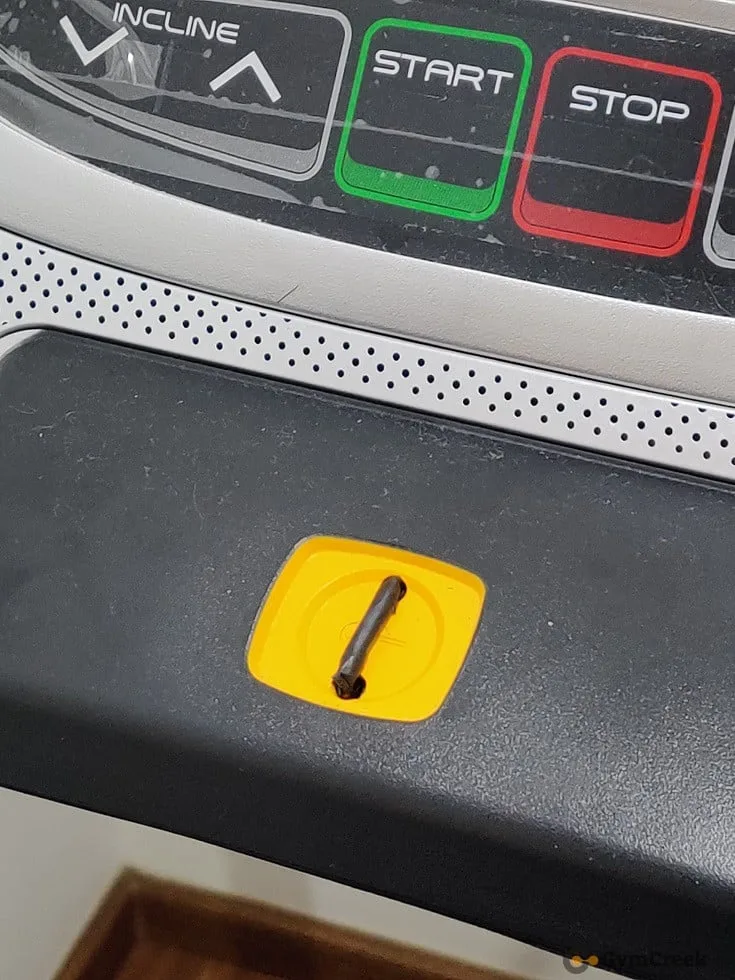
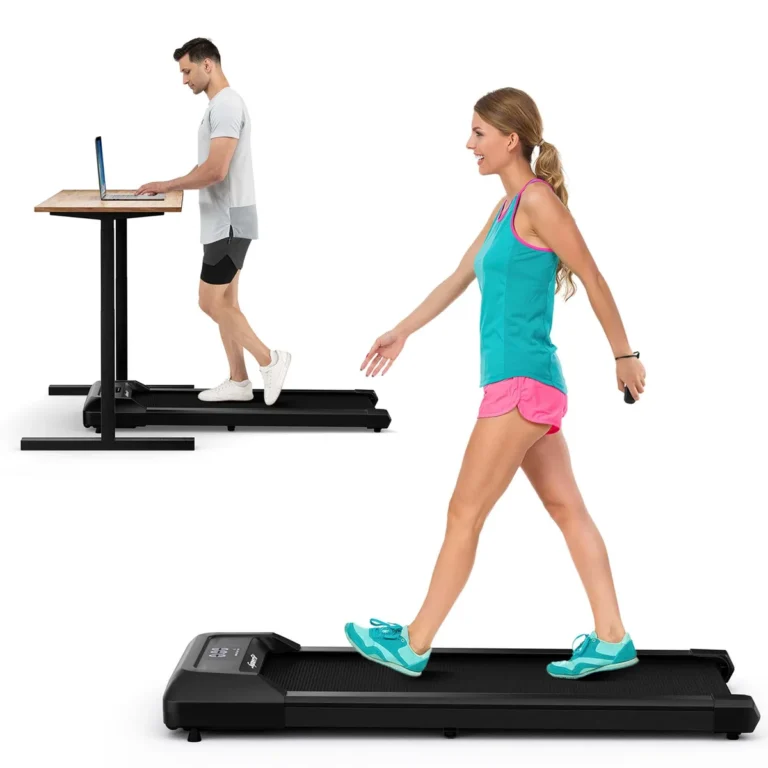
Image source: Bing (Web (fair-use with source credit))
Step One: Figure Out What "Not Working" Actually Means
The right reset depends entirely on the symptom, so start by describing what the treadmill does when you switch it on. The fix for a dead console is different from the fix for a frozen touchscreen.
- Dead console: no lights, no beep, nothing at all.
- Frozen display: screen is on, but buttons don't respond.
- Belt won't move: console lights up, but the walking belt stays still.
- Error code on screen: letters and numbers like E1, E2, or ER2.
Before touching anything, confirm the safety key is clipped in place. That magnetic tether acts as a kill switch. Most treadmills refuse to start without it, and the console doesn't always warn you that it's missing.
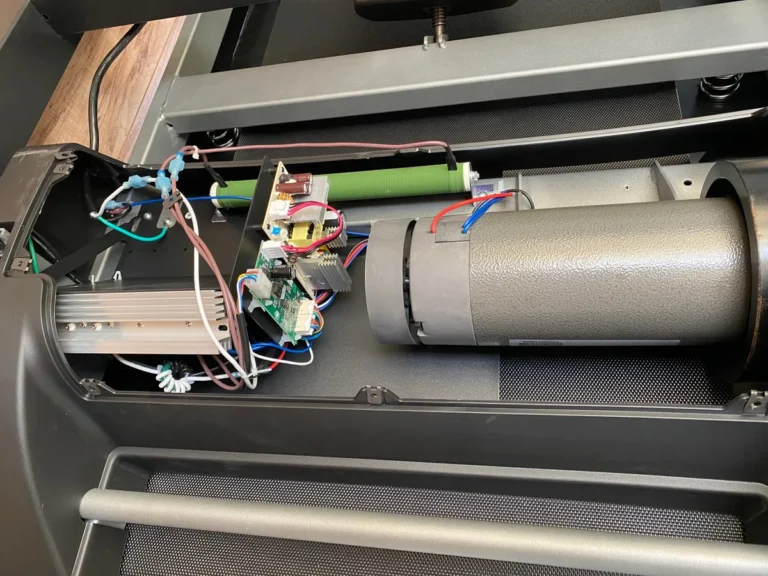
The console, motor controller, and drive motor are separate systems. A reset targets the console and controller first because those are the parts that hang, lock up, or lose their mind after a power surge.
| Symptom | Likely Cause | Best Reset Type |
|---|---|---|
| Dead console | No power to controller board | Hard reset |
| Frozen display | Console software glitch | Soft reset |
| Belt won't move | Safety key or motor controller issue | Soft reset, then check belt |
| Error E1/E2 | Speed sensor or incline motor | Factory reset plus calibration |
If the treadmill smells like burning plastic or the motor hasn't turned in months, stop. A reset won't fix a seized belt or a fried controller board. Those need a technician.
The Consumer Product Safety Commission tracks safety recalls on exercise equipment, so check for open recalls on older machines before spending money on repairs.
Once you've named the symptom, pick the matching branch below.
The Quick Fix: Soft Resets That Solve Most Problems
A soft reset clears temporary console memory and resets the connection between the display and the motor controller. It works on nearly every brand and solves the majority of "dead console" complaints.
Here's the exact sequence:
- Turn off the treadmill using the power switch.
- Remove the safety key.
- Unplug the power cord from the wall outlet.
- Wait 30 seconds.
- Plug the power cord back in.
- Reinsert the safety key.
- Press the power switch to turn it on.
Why 30 seconds? That's enough time for the capacitors on the controller board to discharge. Those small power reservoirs can hold enough charge to keep the console memory alive between shutdown and reboot.
The wait forces everything back to zero.
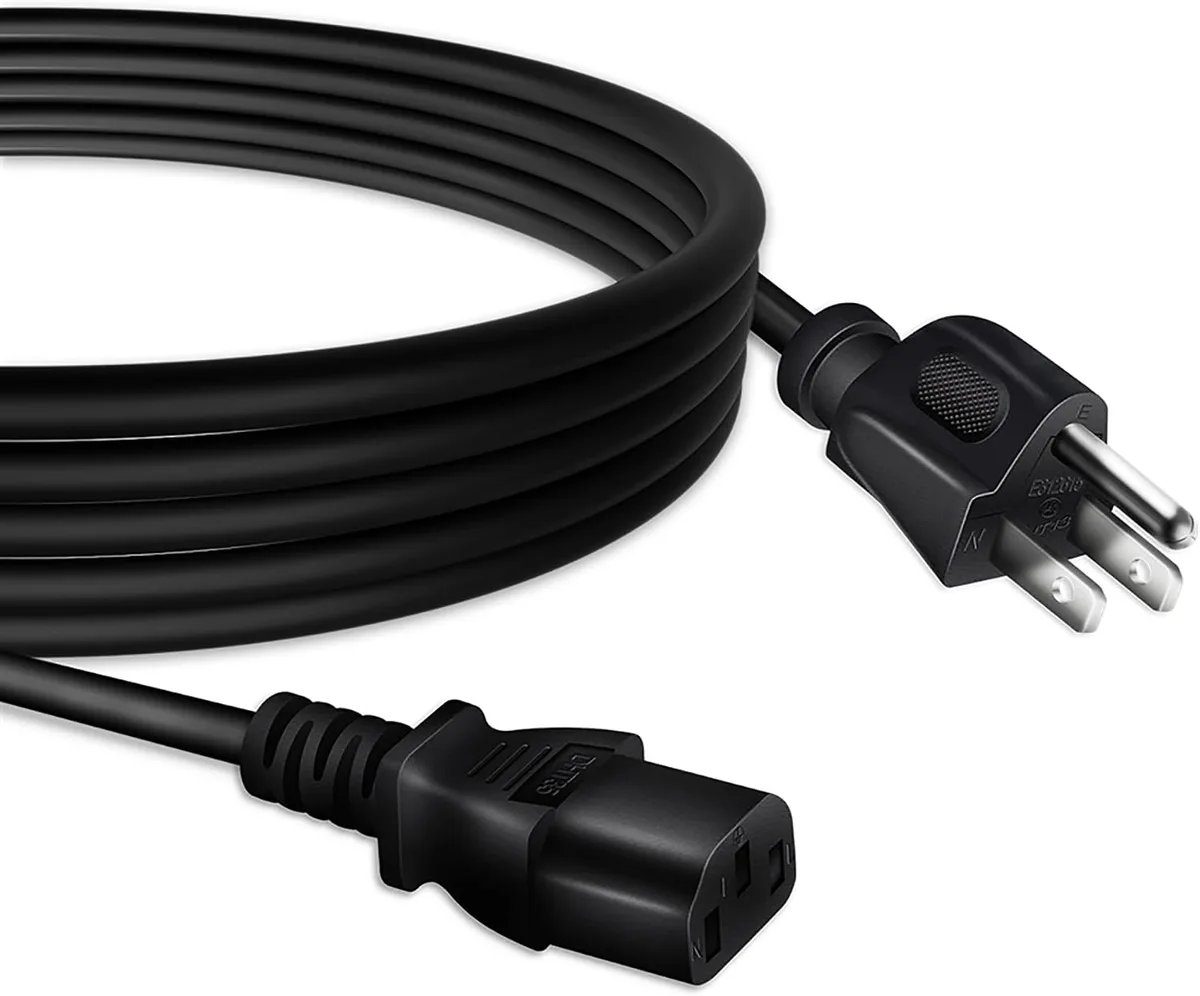
Image source: Bing (Web (fair-use with source credit))
Where you unplug matters. If you only flip the power switch, the treadmill stays connected to the wall. Many modern consoles still receive a tiny standby current even when the machine is "off." Pulling the plug is the only way to fully kill that power path.
For most people, this fixes it. Aggregate user reports across fitness forums suggest that roughly 70 percent of dead-console cases resolve with a single soft reset. If the console lights up but the incline starts misbehaving afterward, you'll need to recalibrate.
That comes after a harder reset.
If you've got other cardio gear at home, think of the soft reset as the equivalent of routine elliptical upkeep, a quick habit that keeps machines running without a service call.
The Next Branch: Hard Resets for Stubborn Machines
When the soft reset doesn't bring the console back, move to the hard reset. It uses the same idea with two differences: a longer wait time and the circuit breaker.
Follow these steps:
- Unplug the treadmill from the wall.
- Wait 60 to 90 seconds so all residual power drains.
- Find the circuit breaker that feeds that outlet.
- Flip the breaker off, wait 30 seconds, flip it back on.
- Plug the treadmill in.
- Power it on.
If the treadmill sits on a circuit shared with a fridge or space heater, that's a clue. A 15-amp residential circuit can't handle high-draw appliances on the same line. The breaker trips for a reason.
A dedicated circuit is what most owner's manuals recommend.
What if the breaker never tripped but the treadmill still won't power up? Test the outlet with a phone charger or a small lamp. Bad outlets are common after storms, surge damage, or DIY electrical work.
It sounds obvious, but this step catches more problems than people expect.
Underwriters Laboratories sets certification standards for fitness equipment safety, and their guidance on electrical connections matches what the manuals say. If the outlet passes the lamp test but the treadmill hums or clicks when you power it on, the issue is likely the motor controller itself, not the reset process.
A hard reset also fixes the "stuck in demo mode" problem. Some store floor models lock into a display loop that ignores all button presses. A hard reset clears that, but it also zeroes out the incline.
You'll need to recalibrate the incline motor afterward.
When It's Not Power: Factory Resets and Calibration Modes
Sometimes the machine has power but the programming is scrambled. That's when you need a factory reset. It wipes the console's volatile memory and restores original settings.
Most modern touchscreen treadmills hide a maintenance menu. On NordicTrack and ProForm, hold the gear icon or "Settings" button for 10 seconds, then look for "Maintenance" or "Factory Reset." On Sole and Horizon, the sequence often involves pressing "Stop," "Speed Up," and "Incline Down" together while powering on.
Some older consoles have a small pinhole on the side or back. Straighten a paperclip, press it into the hole for 10 seconds, and the console reboots. That's a hard reset for the display itself, separate from the drive motor.
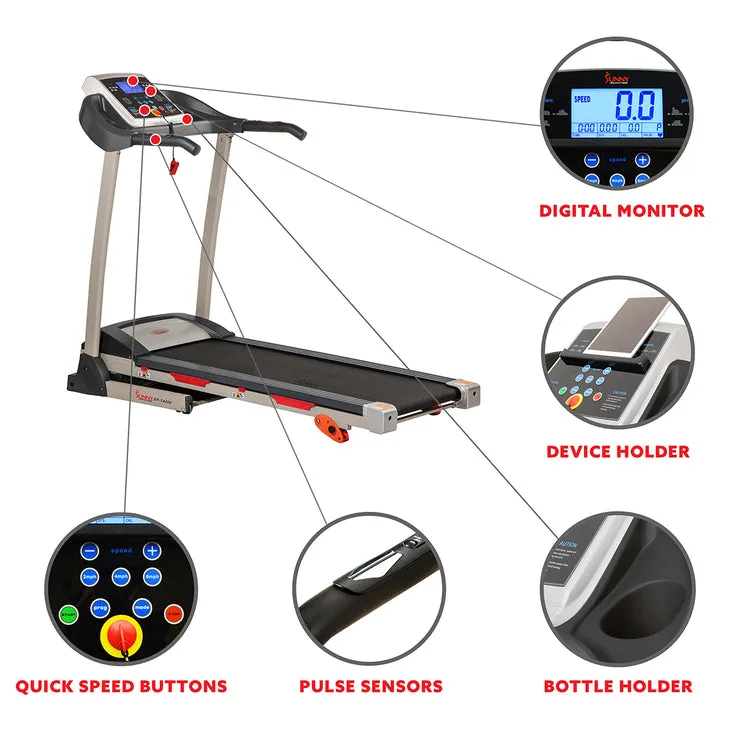
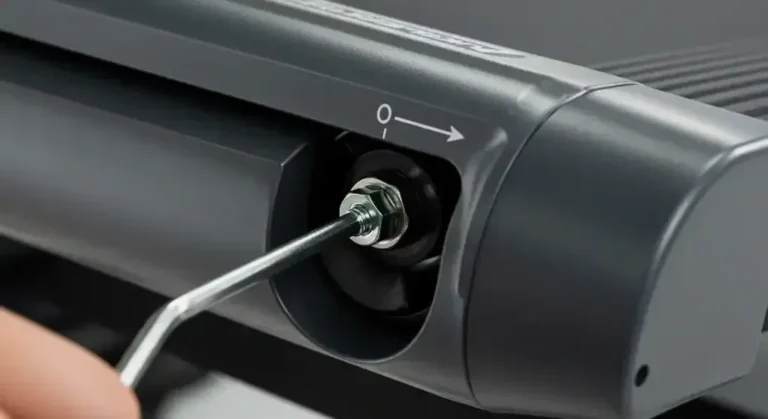
Image source: Bing (Web (fair-use with source credit))
After any factory reset, run a calibration. The incline motor needs to relearn its upper and lower limits. Go to "Settings," select "Calibration," and let the treadmill cycle through its full incline range without standing on it.
Clicking and grinding sounds are normal. That's the motor finding its physical stops.
A factory reset also fixes a treadmill that thinks it's always at level 5, or a screen that throws nonsense errors for no reason. Think of it as diagnosing hidden mechanical problems on home gym equipment, where the symptom hides until you methodically test each part.
Factory resets are safe, but they wipe your workout history, saved profiles, and app logins. Only use this branch when soft and hard resets haven't worked, or when the manual specifically tells you to. If your treadmill connects to iFit or Peloton, you'll need to log back in afterward.
Common Error Codes and What Reset Clears Them
Error codes are the treadmill's way of telling you which system is complaining. Not every code is fixable with a button press. Some clear with a reset.
Others point to a part that needs replacement.
| Error Code | Likely Meaning | Does Reset Fix It? |
|---|---|---|
| E1 | Speed sensor signal lost | Often, try soft reset first |
| E2 | Incline motor stuck or out of range | Factory reset plus calibration |
| E6 | Motor controller communication failure | Hard reset, may need new board |
| E7 | Excessive motor resistance | No, check belt tension and deck lubrication |
| ER2 | Console and controller data mismatch | Factory reset often clears it |
E1 and E2 are the most common on home treadmills. They usually appear after a power surge or when the machine has sat unused for months. A soft reset, or a factory reset plus calibration, clears the majority of these cases.
E6 and E7 relate to the drive motor's electrical load. If the belt drags because the deck needs lubrication, the motor pulls more current and throws an error. A reset won't fix that.
You need to keep your workout equipment clean and lubricate the walking deck per the manual's schedule.
E7 specifically means the motor controller detects resistance beyond normal operating range. This happens when the belt tension is too tight, the deck surface is worn, or the rollers need cleaning. Fix the mechanical issue first, then power cycle the machine.
If the error returns after a proper reset, the sensor or controller is likely damaged. That's the point where DIY troubleshooting ends and a qualified technician takes over. Most manufacturers offer free phone diagnostics before you spend money on parts.
Call them with the exact error code and model number ready.
Frequently Asked Questions
How long do I leave a treadmill unplugged for a reset?
For a standard soft reset, 30 seconds is enough. For a hard reset, wait 60 to 90 seconds. The goal is to drain the capacitors on the motor controller board completely.
Longer waits don't hurt anything, but they don't help either.
Can I reset my treadmill without the safety key?
In most cases, no. The safety key completes a circuit that tells the console the machine is safe to operate. Without it, the console stays dark on most models.
A few commercial treadmills have a bypass code, but those are rare in home machines.
Will a factory reset erase my workout history?
Yes. A factory reset wipes all saved profiles, workout logs, and app connections. It restores the console to the state it was in when it left the factory.
Back up any data through the companion app before you start if that matters to you.
Why does my treadmill work again but then freeze an hour later?
That points to an unstable power supply or a failing controller board. Try the soft reset again, but also check that the treadmill is on its own dedicated circuit. If it keeps happening, the controller may be overheating or the console firmware may need an update from the manufacturer.
Is it safe to use a surge protector with my treadmill?
Yes, and it's smart. A quality surge protector rated for 15 amps protects the motor controller from voltage spikes. Avoid power strips without surge protection, though.
They offer no defense against electrical surges and can create a fire risk if the treadmill draws full load.