How to Use a Digital Kitchen Scale
Ever stared at a baking recipe that calls for ingredients by weight and felt a pang of confusion? You're not alone. While volume measurements with cups and spoons are common, using a digital kitchen scale offers a new level of precision that can transform your cooking and baking.
It's a simple tool, but understanding how to wield it unlocks more consistent results and less kitchen guesswork.
Manufacturer specifications for many popular digital kitchen scales indicate accuracy within 0.1 grams, a level of detail simply unattainable with traditional measuring cups. This accuracy is crucial for delicate recipes where ingredient ratios make all the difference. Let's get you comfortable with this essential kitchen gadget.
Quick Answer
To use a digital kitchen scale, place it on a flat surface, turn it on, put your container on it, press "tare" to zero the display, then add your ingredient. You can switch units between grams and ounces using the unit button. This ensures precise ingredient weights, leading to more consistent recipes.
Unboxing and Finding the Right Spot
When you first get your digital kitchen scale, give it a quick once-over. Most come ready to go, maybe with a small plastic tab to pull on the batteries, or you might need to insert them yourself.
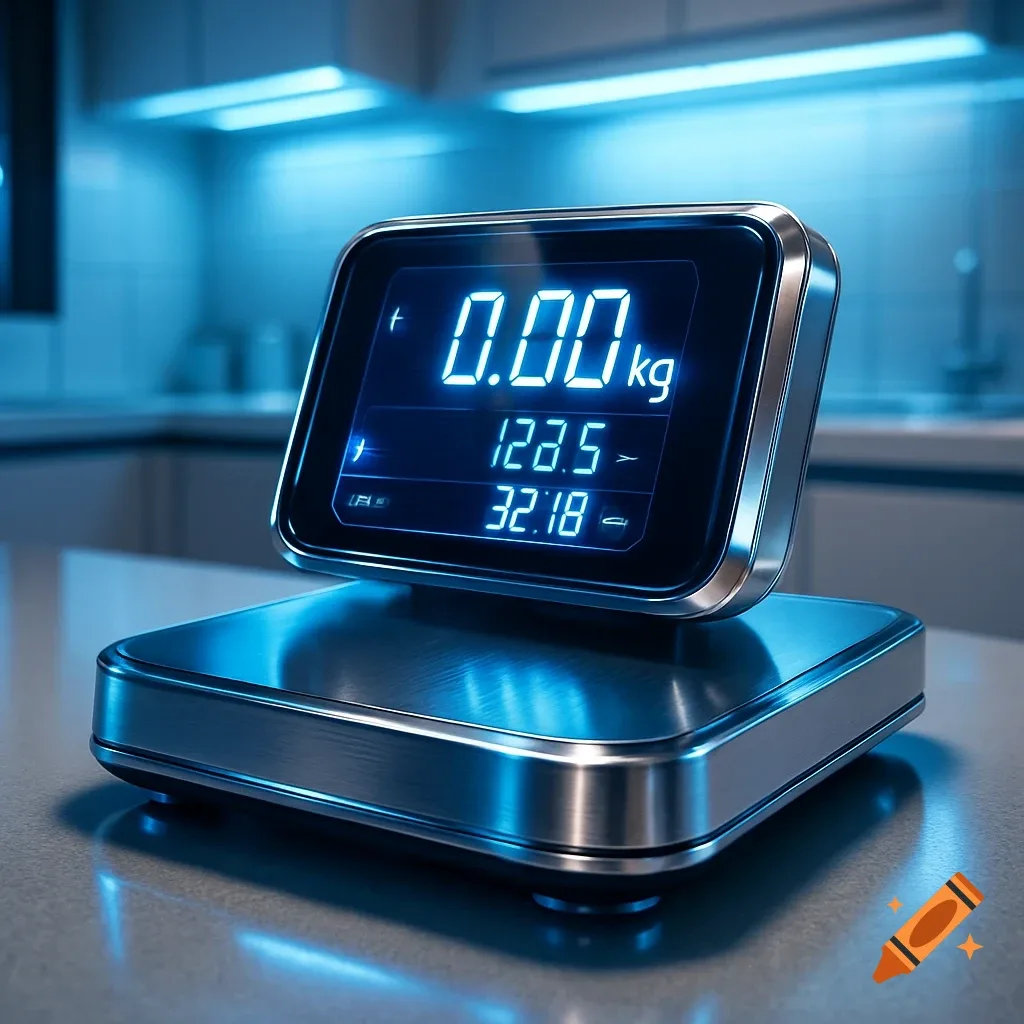
Image source: Bing (Web (fair-use with source credit))
The absolute most important thing for accurate readings is where you put the scale. Manufacturer guidelines consistently stress the need for a firm, flat, and level surface. Think of your kitchen counter or a sturdy cutting board.
Avoid anything that wobbles, like a soft mat or a slightly uneven countertop. Even a slight tilt can throw off your measurements, especially when you're working with precise weights.
Understanding the Tare Button: Your Key to Simplicity
The "tare" button is, hands down, the most frequently used and perhaps the most important function on your digital kitchen scale. It's designed to make your life easier by allowing you to subtract the weight of any container you're using. This means you only measure the ingredient itself.
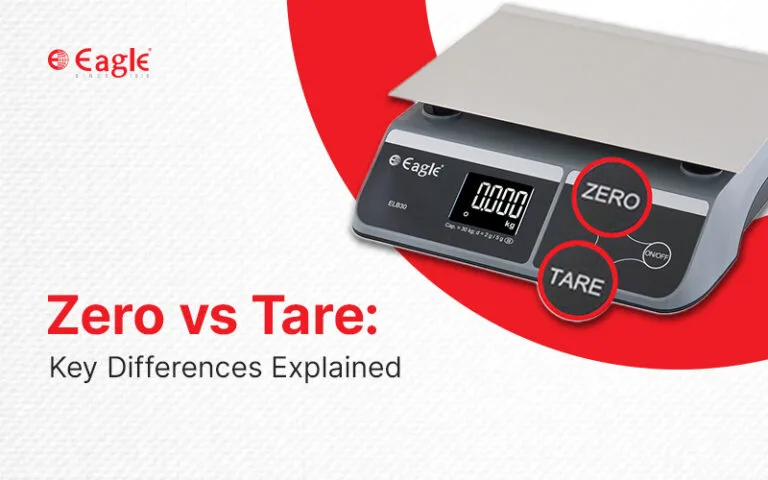
Image source: Bing (Web (fair-use with source credit))
Here’s how it works in practice:
- Place Your Container: Put your mixing bowl, measuring cup, or plate directly onto the center of the scale’s platform.
- Press "Tare": Hit the tare button. The display will reset to zero.
- Add Your Ingredient: Now, start adding the ingredient into the container. The scale will show only the weight of that ingredient, ignoring the weight of the bowl.
This process is repeatable. If you're adding multiple ingredients to the same bowl, just tare the scale after adding each one. This keeps your measurements clean and accurate for every component of your recipe.
This feature is fundamental to how to use a digital kitchen scale effectively, especially for complex recipes.
Mastering Unit Conversions: Grams to Ounces and Beyond
Recipes can come from all over the world, and so do their preferred units of measurement. You'll find many baking recipes, especially those originating from Europe, calling for ingredients in grams. Conversely, some American recipes might use ounces.
Your digital scale can handle this seamlessly with its unit conversion feature.
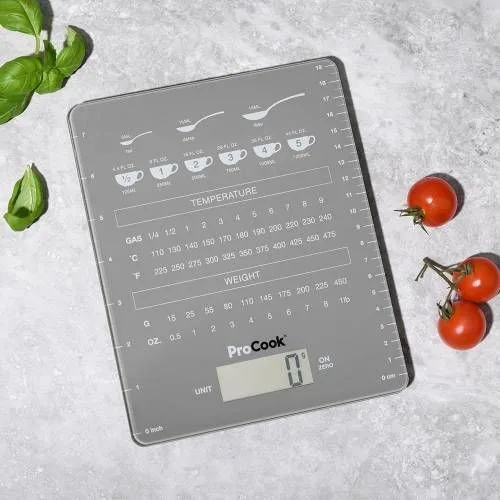
Image source: Bing (Web (fair-use with source credit))
Most digital scales have a dedicated button for this, often labeled "Unit," "Mode," or with symbols like "g/oz."
- Find the Button: Locate this button on your scale's control panel.
- Cycle Through Units: Pressing it will cycle through the available measurement units, such as grams (g), ounces (oz), pounds (lb), milliliters (ml) for liquids, and sometimes even fluid ounces (fl oz).
- Select Your Unit: Simply press the button until your desired unit appears on the display.
This flexibility is incredibly useful. For instance, if you're following a recipe that requires 250 grams of flour, you can set your scale to grams. If another recipe calls for 4 ounces of chocolate chips, you can switch to ounces.
Being able to switch units easily prevents calculation errors and ensures you're following recipe instructions precisely. For more complex tasks like preparing coffee, understanding different settings is key. For example, learning how to use a French press involves precise coffee-to-water ratios.
Step-by-Step: Weighing Ingredients Accurately
Getting precise measurements is the primary reason most people learn how to use a digital kitchen scale. It’s a straightforward process once you’re familiar with the tare function and unit selection. Here’s a detailed breakdown of how to weigh ingredients for any recipe:
Preparation:
- Power On: Ensure the scale is on a stable, flat surface. Press the "On/Off" button to power up your scale. Wait for the display to show zeros or indicate it’s ready.
- Select Units: If your recipe specifies grams, ensure the scale is set to "g." If it calls for ounces, switch to "oz." This prevents measurement errors.
- Position Your Container: Place your mixing bowl, measuring cup, or any other vessel directly in the center of the scale platform.
Weighing Process:
- Tare the Container: Press the "Tare" button. The display should immediately reset to 0.0.
- Add Ingredient: Begin adding your ingredient into the container. The scale will display the weight of the ingredient as you add it.
- Achieve Target Weight: Add your ingredient slowly until you reach the exact weight specified in your recipe.
For Multiple Ingredients:
- Tare Between Additions: If your recipe calls for multiple ingredients in the same bowl, tare the scale again after adding the first ingredient and before adding the second. Repeat this for each subsequent ingredient.
- Clear the Scale: Once you've finished weighing all ingredients for that bowl, you can typically press "Tare" one last time to zero it out, or simply remove the bowl and turn the scale off.
This method ensures that each ingredient's weight is measured independently, which is vital for accurate results in everything from simple cookies to complex breads. For other kitchen tasks that require precision, like preparing coffee, understanding the process is also key. For example, learning how to use a pour over coffee maker involves precise coffee-to-water ratios.
Common Mistakes and How to Avoid Them
Even with a straightforward tool like a digital kitchen scale, there are a few common pitfalls that can lead to inaccurate measurements or even damage to the device. Being aware of these can save you frustration and ensure your results are always spot-on.
- Using an Unstable Surface: This is the number one culprit for inaccurate readings. A wobbly table or a soft kitchen mat can cause the scale to fluctuate or give a reading that’s off. Solution: Always place your scale on a hard, flat, and level surface, like a granite countertop or a thick, stable cutting board.
- Not Taring Properly: Forgetting to tare after placing your bowl, or taring after adding some of the ingredient, will lead to incorrect measurements. You'll end up with more or less of an ingredient than intended. Solution: Make taring the very first step after placing your container on the scale, before adding any ingredients.
- Overloading the Scale: Most kitchen scales have a maximum weight capacity. Exceeding this limit can damage the scale or cause it to display an error message. Solution: Check your scale's specifications for its maximum capacity and avoid weighing items that exceed it. If you need to weigh very heavy items, you might need a different type of scale.
- Water Damage: Digital scales are electronic devices and are not waterproof. Spills, or washing the scale under running water, can easily damage the internal components. Solution: Wipe the scale clean with a damp cloth only. Never submerge it or use harsh cleaning sprays directly on the surface. If you experience spills, dry it immediately. If your coffee maker has issues, you might need to fix a coffee maker leaking water, as some appliances are more sensitive to moisture than others.
- Not Centering the Load: While most scales are quite forgiving, placing a heavy item significantly off-center might slightly affect the reading. Solution: Try to place your bowls or ingredients as close to the center of the scale platform as possible for the most consistent results.
Avoiding these simple mistakes will significantly improve your experience and the accuracy of your cooking.





2 Comments