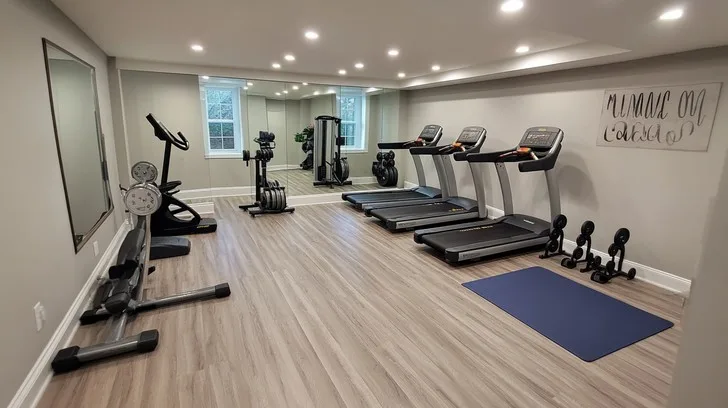
How to Start a Treadmill
Standing in front of a treadmill, figuring out how to start a treadmill without looking like you're wrestling it is a mini rite of passage. The answer is simpler than people expect: attach the safety clip, straddle the belt, and only then press Start. In our research, the most common beginner errors come from pressing buttons before standing in the right position, or stepping onto a belt that's already moving.
Nail that order, and you'll be walking comfortably within 30 seconds.
Per the ASTM F2115 standard, the safety standard covering motorized treadmills, the emergency stop and the slow ramp-up speed are built around this same sequence. Most home and gym models start at just 0.5 mph, which feels almost imperceptibly slow. That's deliberate.
Let's look at the safe way to get moving, why "just press start" misses the point, and exactly which buttons do what.
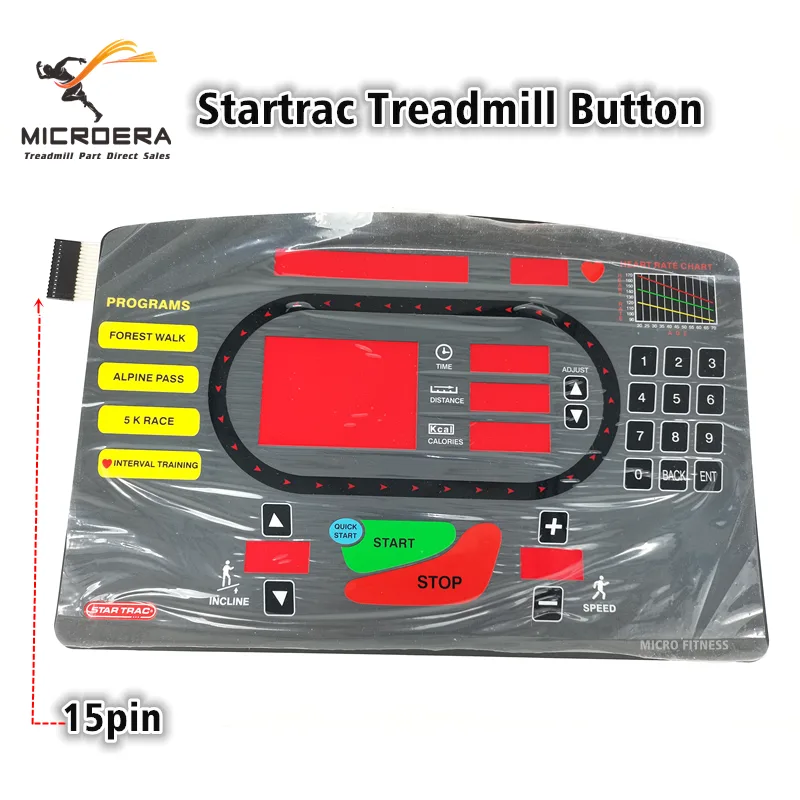
Image source: Bing (Web (fair-use with source credit))
Quick Answer
To start a treadmill, clip the safety key to your shirt. Stand on the side rails, straddling the belt. Press Start and wait for the belt to move.
Step onto the belt one foot at a time. Keep your pace slow until you find your balance.
Why a Simple "Press Start" Isn't Enough
There's a reason gym staff don't just point at the big green button. The belt starts moving the instant you hit Start, and if you're standing on the deck, you have to react before you've even settled in. That's how new users end up clutching the handrails and shuffling awkwardly.
The correct method is to stand on the side rails, straddling the belt, so you're stepping onto a machine that's already in motion.
There's also the safety key, a magnetic clip that must be attached to the console with its tether clipped to your shirt. Without it, most treadmills refuse to start at all, and if the key is tugged, the belt powers down instantly. So the button alone is only half the system.
If you're comparing cardio equipment, many low-impact alternatives like ellipticals skip this startup dance entirely, which makes them easier for absolute beginners to just step onto and go.
Still, the treadmill's sequence exists for a reason. Once you've done it a few times, it takes about five seconds, and the muscle memory sticks. The danger lives in skipping the safety key or jumping on while the belt is rolling, both of which are completely avoidable.
So before you ever touch Start, learn where everything is.
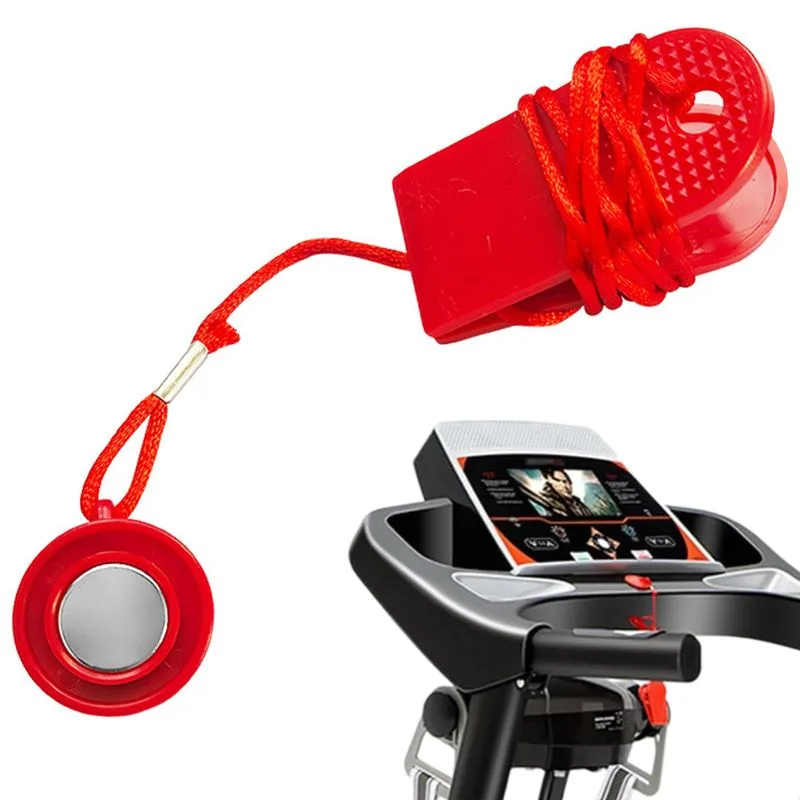
Image source: Bing (Web (fair-use with source credit))
Know the Machine: The Parts That Keep You Safe
Before you press anything, take five seconds to find the controls below. They're laid out slightly differently on every machine, but they all share the same job. Knowing them in advance is what turns a clumsy first attempt into a smooth, confident start.
| Part | Where you'll find it | What it does |
|---|---|---|
| Safety key | Console, often a red magnet | Cuts power if pulled; machine won't run without it |
| Handrails | Front sides | Offer balance when stepping on and off; not for gripping mid-run |
| Side rails | Plastic platforms beside the belt | The safe place to stand while starting and stopping |
| Start / Quick Start | Center console | Begins belt movement at the lowest speed |
| Stop / Pause | Center console, often red | Slows and halts the belt; usually the largest button |
| Speed +/- keys | Below the display | Adjust belt speed in small steps, usually 0.1 mph |
The safety key deserves extra attention. Keep it clipped to your clothing, not dangling loose, or it won't function if you trip. Also, don't place your feet on the belt until you've confirmed which key does what.
It's the same principle as adjusting the rest of your cardio gear before a workout; on a treadmill, that prep just happens in the first second.
You'll also want to locate the power switch, usually at the base near the plug or at the front of the frame. Some consoles don't respond to Start until the main power is on. That's a simple fix, but only if you notice it early.
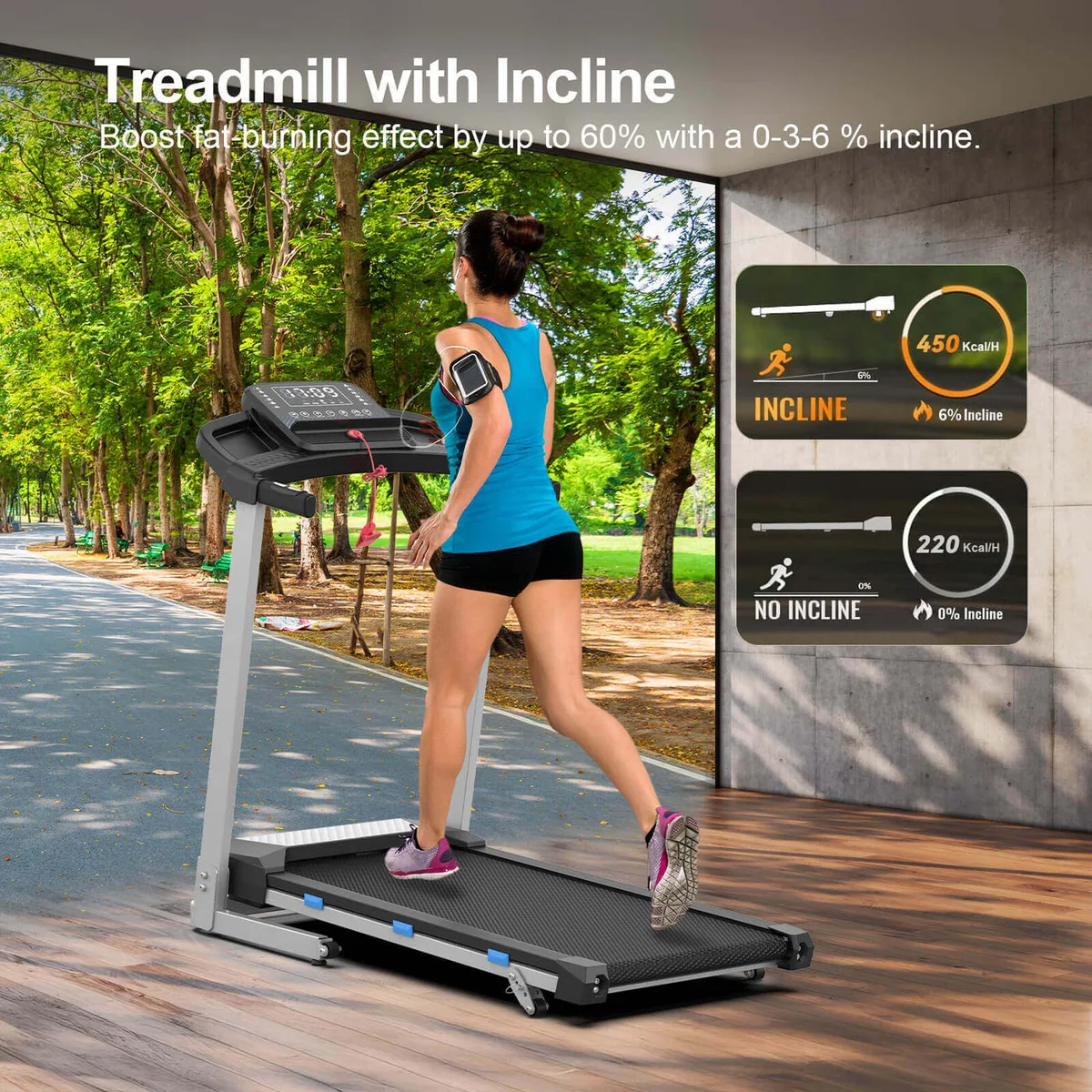
Image source: Bing (Web (fair-use with source credit))
How to Start a Treadmill Safely, Step by Step
Once you know the layout, the actual startup is short. Follow this exact sequence every single time, and you'll never have a sketchy first step again.
Step 1: Clip the safety key
Attach the magnetic key to the console and clip the other end of the tether to your shirt, near the chest. This is non-negotiable. If the treadmill starts while you're not attached, the key can't protect you.
Step 2: Stand on the side rails
Place both feet on the plastic side rails, straddling the belt. Hold the handrails lightly, just enough to steady yourself. Your center of gravity should be directly over your feet, not leaning forward.
Step 3: Press Start or Quick Start
Hit the Start button. On most machines, the belt begins turning at 0.5 mph, which feels almost too slow to matter. That's fine.
You're not looking for speed yet; you're looking for balance.
Step 4: Step onto the belt
Wait until the belt is moving steadily, then step on one foot at a time. Keep a light touch on the handrails for the first few seconds. Once your feet find the rhythm, let go and walk naturally.
Step 5: Warm up before touching speed
Stay at the slow starting speed for at least a minute. Use that time to check your stride and posture. Only after you feel stable should you reach for the speed keys.
That's the whole process. It's deliberately short because the safety depends on positioning, not button-mashing. If the console has a "Manual" mode, use it for your first few sessions; preset programs can jump your speed or incline at moments you'll not be ready for.
What Speed Should You Start At? (And When to Increase It)
Start slow. Not "modest" or "easy," but genuinely slow. Most treadmills default to 0.5 mph when you press Start, and that's your cue to get comfortable before asking the machine to do anything more.
| Speed | What it feels like | Who it's good for |
|---|---|---|
| 0.5 mph | Barely moving; easier than walking | Getting your feet under you |
| 2–3 mph | Casual walking | Most beginners starting a warm-up |
| 3.5–4 mph | Brisk walking | Building endurance and heart rate |
| 4.5+ mph | Light jogging | Runners or experienced walkers |
Increase speed only after you've walked at a comfortable pace for two or three minutes. The standard advice is to bump speed in 0.1 mph steps, so you don't feel a sudden jolt. Holding the handrails while raising speed is fine at first, but you should let go once the belt settles.
As of 2026, most newer consoles also show a "speed range" on the display, which helps, but your body is the better guide. If you're breathing hard enough that you can't talk easily, back off. If you're reaching for the rails to keep up, slow down.
What about incline? Don't touch it during the first few sessions. Your goal is rhythm and stability, not extra difficulty.
Once you can walk at 3 mph for 15 minutes without gripping the rails, then you can start adding a 1% incline and see how it changes the effort.
How to Stop a Treadmill — Because Stopping Is Half the Skill
Stopping safely matters just as much as starting, and most near-miss moments happen here. People press Stop, feel the belt slow, and immediately jump off onto the side rails. That's how ankles get twisted.
Press the Stop button and keep walking as the belt decelerates. Let the belt do its job and come to a full halt first. Only then step onto the side rails.
It adds about three seconds, and those three seconds protect your knees and balance.
In an emergency, pull the safety key off the console. The belt stops almost instantly. That's what the key is there for.
Use it freely if you stumble or feel dizzy. You can reattach the key and restart in seconds.
A few practical notes. Always reduce the speed to a slow walk for at least two minutes before you fully stop. This cools down your heart rate and prevents the lightheaded feeling that hits when you go from 4 mph to zero instantly.
And if the machine needs a reset after a sudden stop, that's normal; refer to the console's error display.
If your treadmill ever shudders or squeaks while decelerating, don't ignore it. Like routine upkeep on an elliptical machine, catching a minor belt issue early keeps the whole motor running smoothly for years.
Common Mistakes People Make When Starting a Treadmill
Even experienced gym-goers occasionally fumble these steps. Here are the six most common errors we've noticed across user reviews and trainer advice, along with the easy fix for each.
| Mistake | Why it's risky | The fix |
|---|---|---|
| Starting while standing on the belt | You'll get thrown off balance | Straddle the belt on the side rails first |
| Forgetting the safety clip | Machine won't start, or no emergency stop | Clip it to your shirt before pressing anything |
| Jumping off before the belt stops | Wrist and ankle injuries | Wait for a full stop, then step off |
| Gripping handrails the whole time | Poor posture and a false sense of stability | Use them only for the first few seconds |
| Increasing speed too quickly | Feeling like you're chasing the belt | Raise speed in 0.1 mph steps |
| Starting at 3+ mph | Way too fast for a cold start | Let the 0.5 mph default do its job |
Some of these mistakes are simple slips, like pressing Stop but stepping off early. Others are habit, like leaning hard on the rails. The pattern in aggregate reviews is clear: most treadmill mishaps happen in the first ten seconds and the last ten seconds.
Slow down at both ends.
Troubleshooting: When the Treadmill Won't Start
A treadmill that refuses to start is usually a simple problem in disguise. Walk through these four checks in order, and you'll often find the fix in under a minute.
Check the safety key. If the key isn't seated properly in its slot, the console won't respond. Some machines have a small magnet in the key, and the machine won't detect a weak or dirty magnet. Wipe the key and the slot with a dry cloth, then reinsert.
Check the power switch. Many home models have a switch near the plug or at the base of the frame that looks like off but sits in neutral. Flip it off, wait a few seconds, and flip it back on. The console should boot up and show a display.
Check the belt. On some treadmills, the belt locks the motor if it's seized or if the deck is too tight. If the belt doesn't slide forward easily when you manually push it, you'll need to adjust the tension before starting.
Check for error codes. Consoles often show a blinking code like "E1" or "Err." The meaning lives in your owner's manual or the manufacturer's support page. As of 2026, most brands also provide a quick lookup on their official websites.
If none of these work, the issue is likely a motor or wiring problem. That's a job for a professional, not a weekend DIY project. Don't risk a shock or a damaged board; call the manufacturer's support line or a licensed repair technician.
Frequently Asked Questions About Starting a Treadmill
How do I start a treadmill at the gym?
Look for the Quick Start button, which is standard on almost all gym consoles. Clip the safety key to your shirt, stand on the side rails, and press Quick Start. The belt will start at its lowest speed, usually 0.5 mph.
Step on and adjust from there.
Why won't my treadmill start even after I press Start?
Check the safety key first. If it's not attached or seated properly, the console won't respond. Next, verify the power switch near the base is fully on.
If the machine still has no display, check for a blown fuse or a tripped circuit breaker.
Can I start a treadmill with the incline already raised?
You can, but you shouldn't. A raised incline adds difficulty to your very first steps, which increases the risk of slipping. Keep the incline flat for the first few minutes until you're walking steadily.
Only raise it after you're comfortable.
Is it okay to press Stop and step off immediately?
No. Press Stop, then keep walking until the belt fully halts. Stepping off while the belt is still moving can twist your ankle or throw you off balance.
Let the belt come to a complete stop, then step onto the side rails.
Do I need a safety key on every treadmill?
Most motorized treadmill manufacturers include a safety key as standard. If your home model doesn't have one, check the manual, as a missing key can disable the safety brake system. A machine without a functioning safety key isn't safe to use.