How to Reset a Kitchen Scale
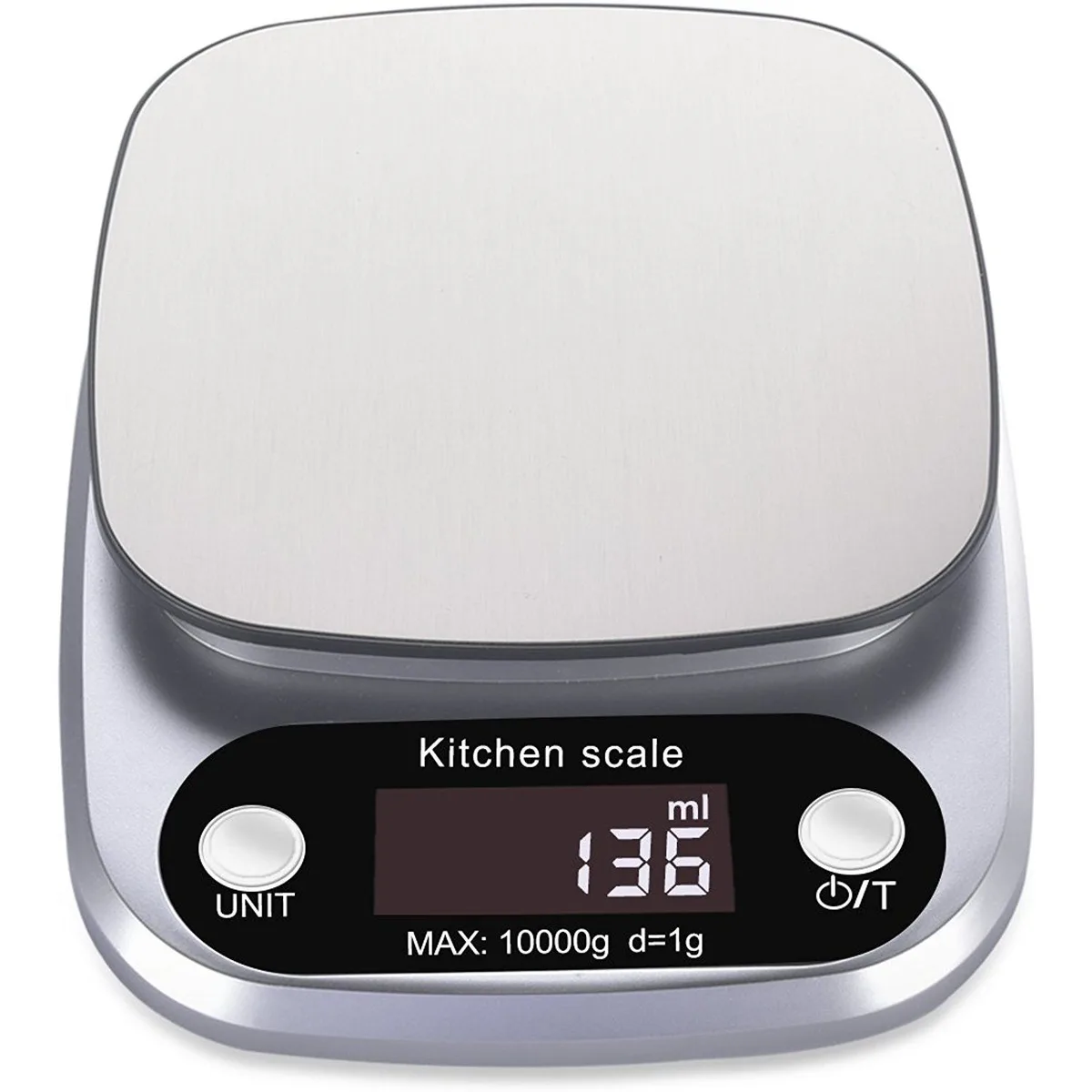
Image source: Bing (Web (fair-use with source credit))
Is your kitchen scale showing you gibberish, not going back to zero, or just generally acting weird? You're not alone. Sometimes, these essential kitchen gadgets need a little nudge to get back on track.
Knowing how to reset a kitchen scale can save you time and frustration, ensuring your recipes are as accurate as possible.
Manufacturer specifications for many digital kitchen scales indicate a need for periodic recalibration or reset to maintain accuracy within +/- 0.5 grams. Fortunately, most resets are straightforward and don't require any special tools. Let's break down the common methods to get your scale working correctly again.
Quick Answer
To reset a kitchen scale, first try a simple power cycle: turn it off, remove batteries (or unplug), wait 10-30 seconds, then reinsert batteries (or plug back in) and turn it on. If that fails, consult your manual for button combination resets or check for a recessed reset button. Ensure the scale is on a level surface afterward.
Why Is Your Kitchen Scale Acting Up?
A kitchen scale is a pretty simple device, but like any electronic gadget, it can develop quirks. If yours is misbehaving, it's usually due to one of a few common issues. Recognizing the symptoms is the first step to fixing it.
Think about when you last changed the batteries or if the scale took a tumble. These small events can sometimes lead to the scale losing its calibration or encountering a minor software glitch. Manufacturer specifications for many digital kitchen scales indicate a need for periodic recalibration to maintain accuracy within +/- 0.5 grams.
Fortunately, most resets are straightforward and don't require any special tools.
Quick Fixes: Resetting Your Kitchen Scale
Resetting your kitchen scale is usually the first and most effective step when it starts acting strangely. The process varies slightly between models, but we can break down the most common methods you'll encounter.
If your scale is displaying erratic numbers, not returning to zero, or seems unresponsive, try these methods. They are designed to clear temporary errors and restore the scale to its default state. As of 2026, these are the standard approaches recommended by most manufacturers for basic troubleshooting.
The Simple Power Cycle (Most Common)
This is the go-to method for many electronic devices, and your kitchen scale is no exception. It involves completely cutting the power to the unit for a short period. This allows any residual electrical charge to dissipate, effectively clearing the scale's temporary memory and any minor glitches.
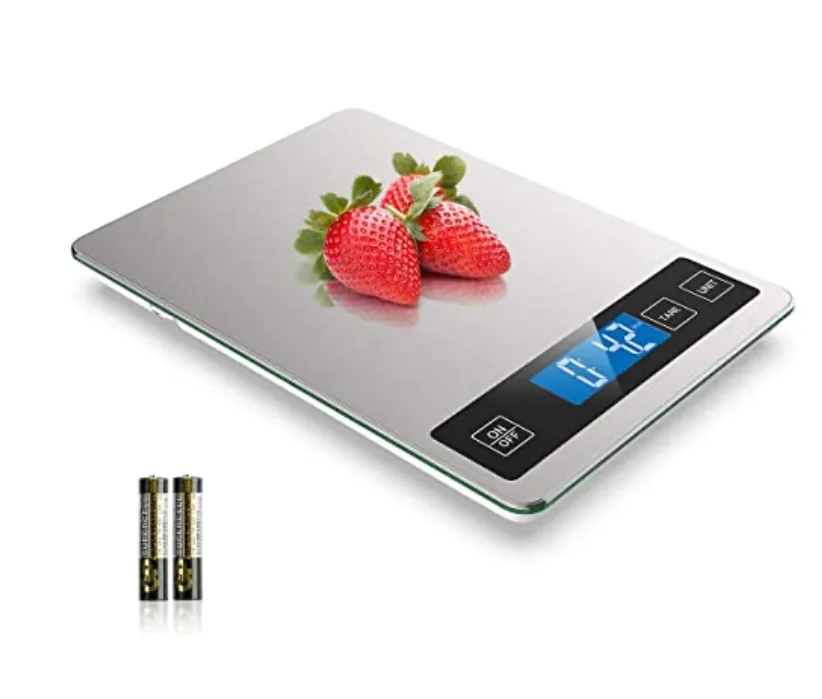
- Step 1: Turn it Off. Make sure the scale is completely powered down.
- Step 2: Remove Power. If your scale uses batteries, carefully remove them from the compartment. If it's an AC-powered model, unplug it from the wall outlet.
- Step 3: Wait. Let the scale sit with no power for at least 10 to 30 seconds. This brief pause is crucial for the internal components to fully reset.
- Step 4: Restore Power. Reinsert the batteries or plug the AC adapter back into the wall.
- Step 5: Turn it On. Press the power button to boot up the scale.
After completing these steps, place a known weight on the scale to check if it's providing accurate readings. If the problem persists, move on to the next method.
The Button Combination Reset (Check Your Manual)
Some kitchen scales, especially those with more advanced features or specific calibration modes, might require a specific button combination to initiate a reset. This method is less common for very basic models but is worth exploring if the simple power cycle doesn't do the trick.
Your scale's instruction manual is the definitive guide for this. Look for sections titled "Troubleshooting," "Reset," "Factory Settings," or "Calibration." These instructions will detail which buttons to press and for how long.
Here are some common combinations reported in user feedback:
- Hold Tare/Zero: Press and hold the "Tare" or "Zero" button while simultaneously turning the scale on.
- Hold Power: Press and hold the "Power" button for an extended period (often 5-10 seconds) while the scale is on or during startup.
- Multiple Buttons: Some models may require pressing two or three buttons simultaneously.
Important Note: If you're unsure about the correct button sequence, avoid guessing. Incorrectly entering a calibration mode can lead to further inaccuracies if not performed correctly. Always refer to your specific model’s manual.
The Recessed Button Reset (If Applicable)
A smaller subset of kitchen scales includes a tiny, recessed reset button, usually found on the underside or back of the unit. This type of reset is often a more thorough system reset than a simple power cycle.
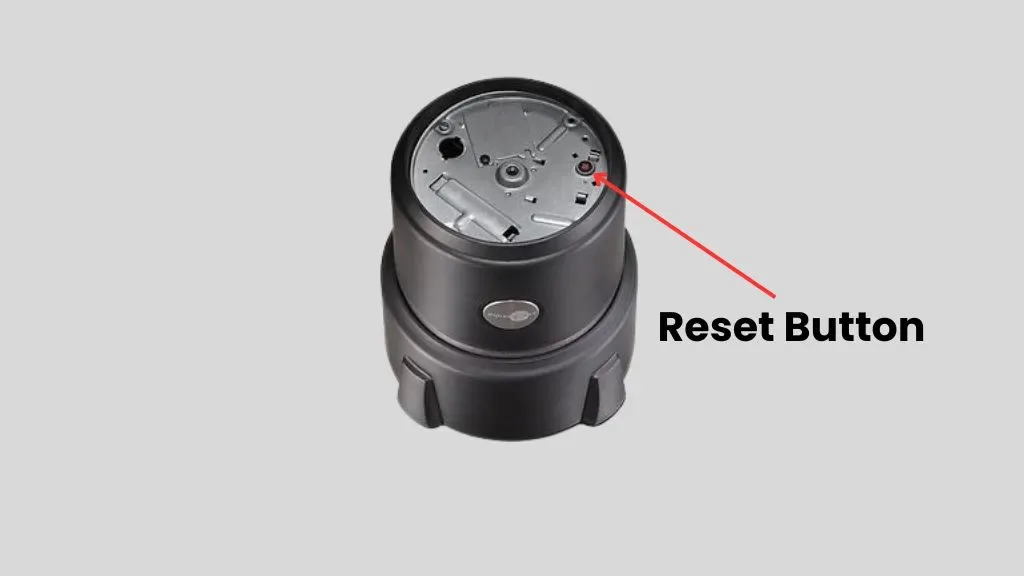
- Step 1: Remove Batteries. As with the power cycle, start by removing the batteries. This ensures the scale has no power.
- Step 2: Locate the Button. Look for a small hole, often labeled "Reset," "RST," or similar, on the scale's casing.
- Step 3: Use a Tool. You'll typically need a pointed object, like a paperclip, the end of a pen, or a toothpick, to press this button.
- Step 4: Press and Hold. Gently insert the pointed object and press the button. Hold it down for approximately 5 to 10 seconds.
- Step 5: Restore Batteries and Power On. Reinsert the batteries and then press the power button.
This method is particularly effective for clearing out stubborn software glitches that other methods might not address.
When a Reset Might Not Be Enough: Other Troubleshooting
If you've gone through the reset procedures and your kitchen scale is still acting up, it might be time to look at other potential causes. Sometimes, the issue isn't a software glitch but something more physical or environmental affecting the scale's performance.
For instance, if your scale is consistently off by a noticeable amount, it might need recalibration rather than a simple reset. Some scales have a dedicated calibration mode, detailed in their manuals, which often requires placing specific weights on the platform. If you're troubleshooting a coffee maker that's leaking water, the issue is likely mechanical, not a software error, and requires a different approach to fixing.
Here are a few other common troubleshooting steps:
- Level Surface: Ensure the scale is placed on a flat, stable, and completely level surface. Even a slight tilt can throw off sensitive readings.
- Battery Strength: Low or weak batteries can cause erratic behavior. Try replacing them with a fresh set, even if they aren't completely dead.
- Overload: If the scale was recently used to weigh something very heavy, it might have entered an error state. A reset often clears this, but it's worth considering if the issue started after a heavy item was weighed.
- Environmental Factors: Extreme temperatures or high humidity can sometimes affect the performance of electronic devices. If your kitchen is unusually hot, cold, or damp, this could be a factor.
- Obstructions: Check the scale's platform for any debris, food particles, or anything that might be obstructing it from sitting perfectly flat or interfering with the load cell.
If you've tried these steps and still face problems, you might want to consult your scale's manual for advanced troubleshooting or consider contacting the manufacturer for support. Sometimes, a device may require professional repair or replacement, especially if it’s older or has sustained physical damage.
Avoiding Common Scale Reset Mistakes
While resetting a kitchen scale is generally straightforward, a few common slip-ups can prevent it from working correctly or even cause new issues. Being aware of these pitfalls can save you a lot of frustration.
One frequent mistake is not waiting long enough during the power cycle. Residual power can keep the scale's memory active, meaning a quick unplug and plug-back-in won't fully clear the glitch. Another error is trying to force a reset without consulting the manual, especially when dealing with button combinations, which could potentially put the device into an unintended mode, like a calibration sequence.
Here are some common mistakes to steer clear of:
- Not Waiting Long Enough: When performing a power cycle, don't rush the 10-30 second wait time after removing power. This is crucial for the internal components to discharge and the memory to clear.
- Using the Wrong Tool: For recessed reset buttons, using something too large or too sharp can damage the button or the scale's casing. A standard paperclip is usually sufficient.
- Guessing Button Combinations: If your manual doesn't clearly state a reset combination, avoid experimenting. You might accidentally enter a calibration mode that requires specific weights to complete, leading to more confusion.
- Ignoring the Surface: Assuming the scale is on a level surface without checking can lead to perceived inaccuracies that aren't actually a problem with the scale itself.
- Not Checking Batteries: If the scale is battery-powered, assuming the batteries are fine when they're actually weak can lead you down the wrong troubleshooting path. Always try fresh batteries first if other methods fail.
- Attempting to Reset During Operation: Ensure the scale is completely off and unplugged (or batteries removed) before attempting any reset procedure, especially button combinations.
By understanding these common mistakes, you can approach the reset process more effectively and increase your chances of getting your kitchen scale back to its precise, reliable self.
FAQs About Resetting Kitchen Scales
How long does it take to reset a kitchen scale?
Most reset procedures, like the simple power cycle or a button combination, take less than a minute to perform. The waiting time during a power cycle is typically 10-30 seconds.
Do I need to recalibrate after resetting?
Often, a reset is enough to fix minor glitches. However, if the scale still seems inaccurate after a reset, you might need to perform a full calibration, which usually involves using specific weights. Check your manual for calibration instructions.
Can resetting my scale delete saved settings?
For most basic kitchen scales, resetting them returns them to their factory default state. This means any custom unit preferences or saved weights (if your scale has those features) will likely be erased. It's good practice to note any custom settings before attempting a reset.
What if my scale has no buttons for resetting?
If your scale has a minimalist design and no obvious buttons for a reset, the primary method is almost always the power cycle: remove batteries or unplug it, wait 30 seconds, and then reconnect power. Some very simple scales might not have a formal "reset" function beyond this.
Is it safe to reset my kitchen scale?
Yes, resetting your kitchen scale is perfectly safe. It's a standard troubleshooting step and is designed to resolve operational issues without causing any damage to the internal components. It's akin to rebooting any other electronic device.
When to Call it Quits or Seek Expert Help
If you've diligently followed all the reset procedures, checked for common issues, and consulted your manual, but your kitchen scale remains uncooperative, it might be time to consider other options. Sometimes, a device has reached the end of its reliable lifespan, or the problem requires more specialized attention.
For instance, if a coffee maker is constantly leaking water despite troubleshooting, it might indicate a worn-out seal or a crack in a component. Similarly, if your scale's display is permanently damaged, or if it consistently shows overload errors even when empty, a simple reset won't fix it. In such cases, continued attempts to fix it might lead to further damage.
As of 2026, many consumer-grade scales are designed for replacement rather than in-depth repair due to cost-effectiveness.
Here’s when you might need to re-evaluate:
- Persistent Inaccuracy: If the scale consistently reads weights incorrectly even after multiple resets and attempted recalibrations (using known weights), the load cell or internal circuitry might be faulty.
- Physical Damage: Dropped scales, cracked casings, or damaged display screens usually signal that the unit is beyond simple fixes. Trying to repair significant physical damage can be dangerous and ineffective.
- Display Issues: A completely blank display, flickering digits, or garbled symbols that don't resolve after a reset suggest a potential hardware failure in the screen or its driver.
- Water Damage: If the scale has been submerged or exposed to significant liquid, internal corrosion can occur. Resetting won't fix this, and it could pose an electrical hazard.
- Age and Wear: Even well-maintained scales have a lifespan. If your scale is several years old and has begun showing multiple, intermittent issues, it might simply be worn out.
If you suspect a hardware failure, your best course of action is to consult the manufacturer for warranty service or inquire about replacement options. For appliance issues beyond simple fixes, resources for how to fix a coffee maker or how to fix a toaster oven can guide you on when DIY is feasible or when professional help is needed. In the case of most kitchen scales, replacement is often the most practical solution once troubleshooting fails.