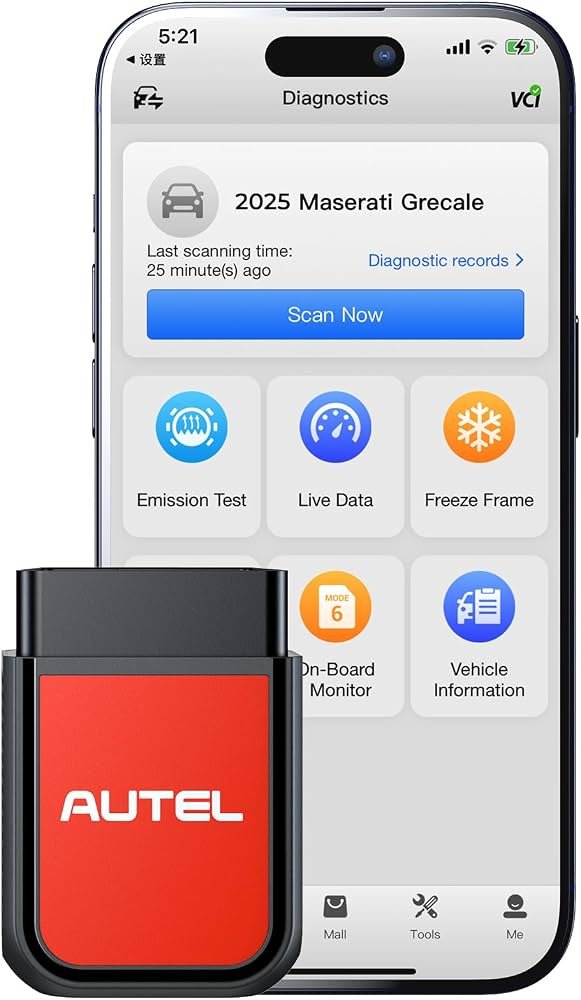
Can An OBD2 Scanner Reset The Oil Light: Easy Guide
Yes, many OBD2 scanners can reset the oil light, but some vehicles need a manual reset.
If you have ever changed your oil and still seen that stubborn oil light stay on, you already know how annoying it feels. An OBD2 scanner can often clear that reminder in seconds, but the real answer depends on your car’s make, model, and the type of oil life system it uses.
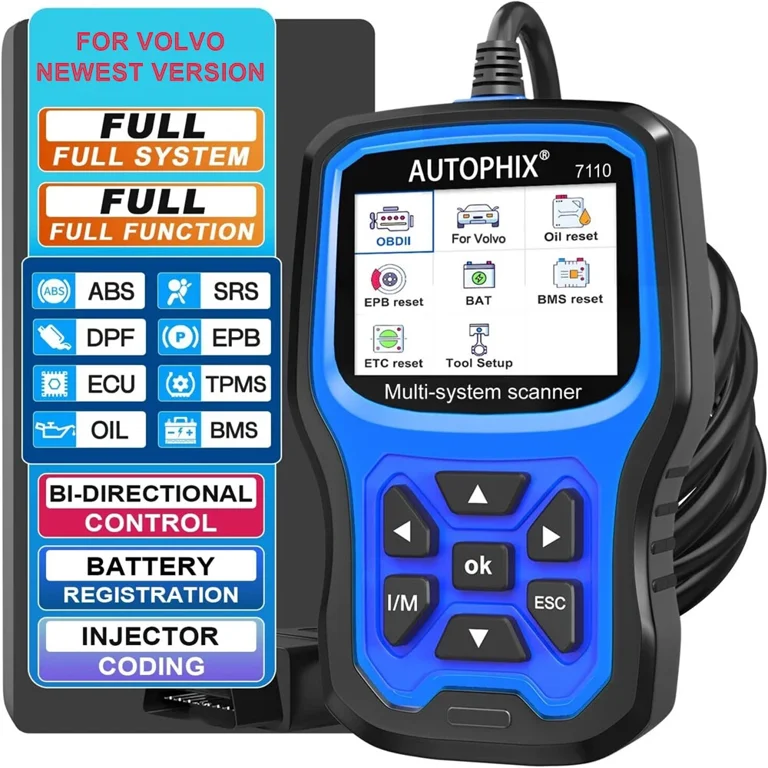
What the oil light really means
The oil light is not always a simple “low oil” warning. On many cars, it is an oil life reminder that tells you it is time for service, while on others it can point to a real pressure problem that needs attention fast.
That difference matters. I have seen drivers try to reset the oil light over and over when the engine was actually low on oil. That is like turning off a smoke alarm without checking the kitchen. The light is there for a reason, so the first step is always to know which kind of warning you are dealing with.
Can an OBD2 scanner reset the oil light?
Yes, an OBD2 scanner can reset the oil light on many vehicles, especially if the light is tied to the car’s maintenance reminder system. Some scanners also let you reset oil life data, service intervals, and related maintenance codes through the diagnostic menu.
But not every scanner can do it. Basic code readers often clear engine fault codes only, while more advanced OBD2 scanners or scan tools include service functions for oil reset, battery registration, steering angle reset, and other maintenance tasks. On some vehicles, the reset also has to be done through dashboard buttons or a built-in menu.
How an OBD2 scanner resets the oil light
Most vehicles store oil service data in the body control module, instrument cluster, or engine control unit. A compatible OBD2 scanner communicates with that module and sends a reset command.
Here is the general process:
- Turn the ignition on without starting the engine.
- Plug the scanner into the OBD2 port, usually under the dashboard.
- Select your vehicle make, model, and year.
- Open the service or maintenance menu.
- Choose the oil reset function.
- Follow the prompts and confirm the reset.
- Cycle the ignition off and back on to check the result.
In my experience, the reset usually takes less than a minute once the right menu is found. The slow part is often just navigating the scanner, especially if the tool is a budget model with a clunky interface.
When an OBD2 scanner can reset the oil light
An OBD2 scanner is most likely to work when:
- The oil light is a maintenance reminder, not a pressure warning
- The scanner supports special functions or service resets
- The vehicle’s reset method is electronic and scanner-compatible
- The scanner has the correct software for your car brand
This is common on many newer vehicles from Ford, GM, Toyota, Honda, Nissan, Hyundai, Kia, BMW, and others. Still, even within the same brand, reset steps can vary by year and trim level.
When it may not work
Sometimes an OBD2 scanner will not reset the oil light at all. That usually happens when:
- The scanner is only a basic code reader
- The vehicle requires a manual dashboard reset
- The oil light is linked to a deeper fault
- The scanner does not support your specific make or model
- The service reminder is stored in a module the scanner cannot access
I have run into this on older cars and on a few newer ones with very specific service menus. In those cases, the scanner might clear engine codes just fine, but the oil reminder stays put until you use the correct reset method.
Basic code reader vs advanced OBD2 scanner
Not all OBD2 tools are equal. This is where a lot of people get frustrated, because the package may say “OBD2 scanner” even when the tool cannot do much beyond reading and clearing trouble codes.
Basic code reader
A basic code reader usually does this:
- Reads check engine light codes
- Clears stored engine codes
- Shows limited live data
It often cannot reset oil lights, service reminders, ABS codes, airbag codes, or transmission functions.
Advanced OBD2 scanner
An advanced scanner may include:
- Oil light reset
- Service interval reset
- Live data graphs
- ABS and SRS diagnostics
- Battery and throttle resets
- Manufacturer-specific functions
If your goal is only to reset the oil light, check the scanner’s feature list before buying. The label “OBD2” alone does not guarantee an oil reset function.
Manual oil light reset vs scanner reset
Many vehicles let you reset the oil light without a scan tool. That can be done with a steering wheel button combo, an infotainment screen, or the trip meter button.
A scanner is useful when:
- The manual steps are hard to remember
- The vehicle menu is confusing
- You service different cars often
- You want a faster, more reliable reset
Manual reset methods are perfectly fine, but I like using a scanner when I am working on multiple cars because it reduces guesswork. It is a little like using a universal remote instead of three separate remotes.

Why the oil light should not be ignored
If the oil light is a true oil pressure warning, do not reset it and move on. Low oil pressure can damage bearings, camshafts, and the engine itself in a very short time.
Common causes include:
- Low oil level
- Old or dirty oil
- A weak oil pump
- A bad oil pressure sensor
- Clogged oil passages
- Oil leaks
The key lesson here is simple: reset the maintenance reminder only after the oil change and after confirming the engine has the right oil level. If the light comes back on, that is a red flag, not a reset problem.
How to tell if the light is a reminder or a problem
This is one of the most important things to understand. A maintenance light usually says something like “oil change due,” “service,” or “maintenance required.” A pressure warning often looks like an oil can icon and may flash while driving or idling.
Check for these clues:
- Dashboard message wording
- Light color and behavior
- Owner’s manual description
- Whether the light appears right after service or while driving
- Whether the engine sounds normal
If you are unsure, inspect the oil level first. That simple habit has saved more engines than any scanner ever will.
Tips for using an OBD2 scanner to reset the oil light
Here are a few practical tips I wish more car owners knew:
- Always confirm the oil change is complete before resetting
- Match the scanner to your vehicle make and year
- Keep the battery charged during the reset
- Read the screen carefully before confirming changes
- Check the owner’s manual if the reset fails
- Recheck the dash after turning the ignition off and on
One mistake I see often is people resetting the light before the service is finished. That may not break anything, but it can create confusion later if you forget whether the oil was actually changed.
What if the oil light comes back after reset?
If the oil light returns soon after a reset, do not assume the scanner failed. The vehicle may be detecting a real issue.
Possible reasons include:
- The oil level is still low
- The oil filter was not installed correctly
- The wrong oil viscosity was used
- The reset did not complete properly
- The car has a sensor or wiring issue
If the light returns quickly, check the oil dipstick first. If the level is fine, inspect for leaks or have the car diagnosed before driving much farther.
Choosing the right OBD2 scanner for oil light reset
If you want a scanner that can reset the oil light, look for these features:
- Service reset or maintenance reset function
- Vehicle-specific coverage
- Clear menu navigation
- Live data support
- Regular software updates
- Compatibility with your car’s year and brand
You do not always need the most expensive tool, but you do need one that supports your vehicle. A midrange scanner with service functions is often the sweet spot for DIY owners.
Real-world example from shop experience
I once worked on a family sedan where the owner had changed the oil twice because the light would not go off. The real issue was that they were using a basic code reader, not a scanner with service reset support.
After plugging in a better scan tool and selecting the right service menu, the oil light reset in under 30 seconds. That job was a good reminder that the tool matters, but so does knowing whether the light is a reminder or a warning.
Frequently Asked Questions of Can an OBD2 scanner reset the oil light?
Can any OBD2 scanner reset the oil light?
No, not every OBD2 scanner can do that. Basic code readers often clear engine codes only, while advanced scanners may include an oil reset function.
Do I need a special scanner for oil light reset?
In many cases, yes. A scanner with service functions or maintenance reset features is usually needed for modern vehicles.
Will resetting the oil light fix engine problems?
No. Resetting the light only clears the reminder or service message. If the light is tied to low oil pressure or another mechanical issue, the problem still needs repair.
Can I reset the oil light without changing the oil?
You can, but you should not. Resetting the light without an oil change can hide a needed service and may lead to engine wear.
Why does my oil light stay on after a reset?
The reset may not have completed, or the car may detect a real issue. Check the oil level, oil filter, and any related warning messages right away.
Conclusion
An OBD2 scanner can reset the oil light on many vehicles, but the result depends on the scanner’s features and the car’s reset system. The most important thing is to know whether you are dealing with a simple service reminder or a real oil pressure warning.
If you use the right tool and reset the light after proper maintenance, you can save time and avoid confusion. Take a moment to check your vehicle’s manual, choose a scanner with service reset support, and stay alert for any warning that comes back after the reset. If this helped, explore more car care guides and leave a comment with your vehicle’s make and model.