Vantrue N4 Vs Nextbase 622GW: Which Dash Cam Wins?
The Vantrue N4 wins for three-channel coverage, while the Nextbase 622GW offers sharper front video and smarter GPS tools.
Choosing between the Vantrue N4 vs Nextbase 622GW depends on what you need most: full cabin and rear coverage or the clearest single front view. I have compared their video layouts, daily controls, parking features, storage needs, and real-world limits to help you pick the better dash cam for your car.
Vantrue N4 vs Nextbase 622GW: Quick Comparison
The Vantrue N4 and Nextbase 622GW serve different types of drivers. The Vantrue N4 is a three-channel dash cam. It records the road ahead, the cabin, and the area behind the car at the same time.
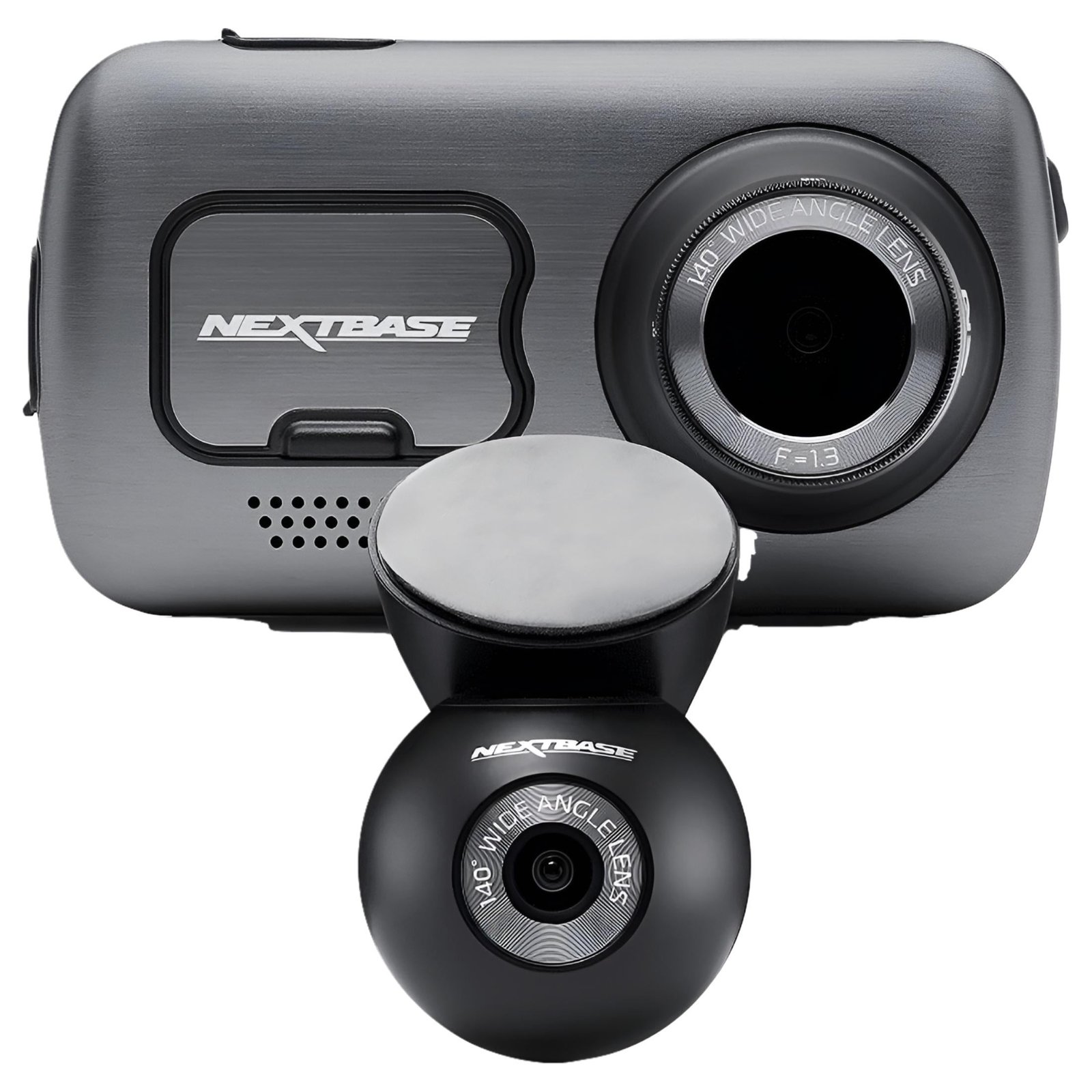
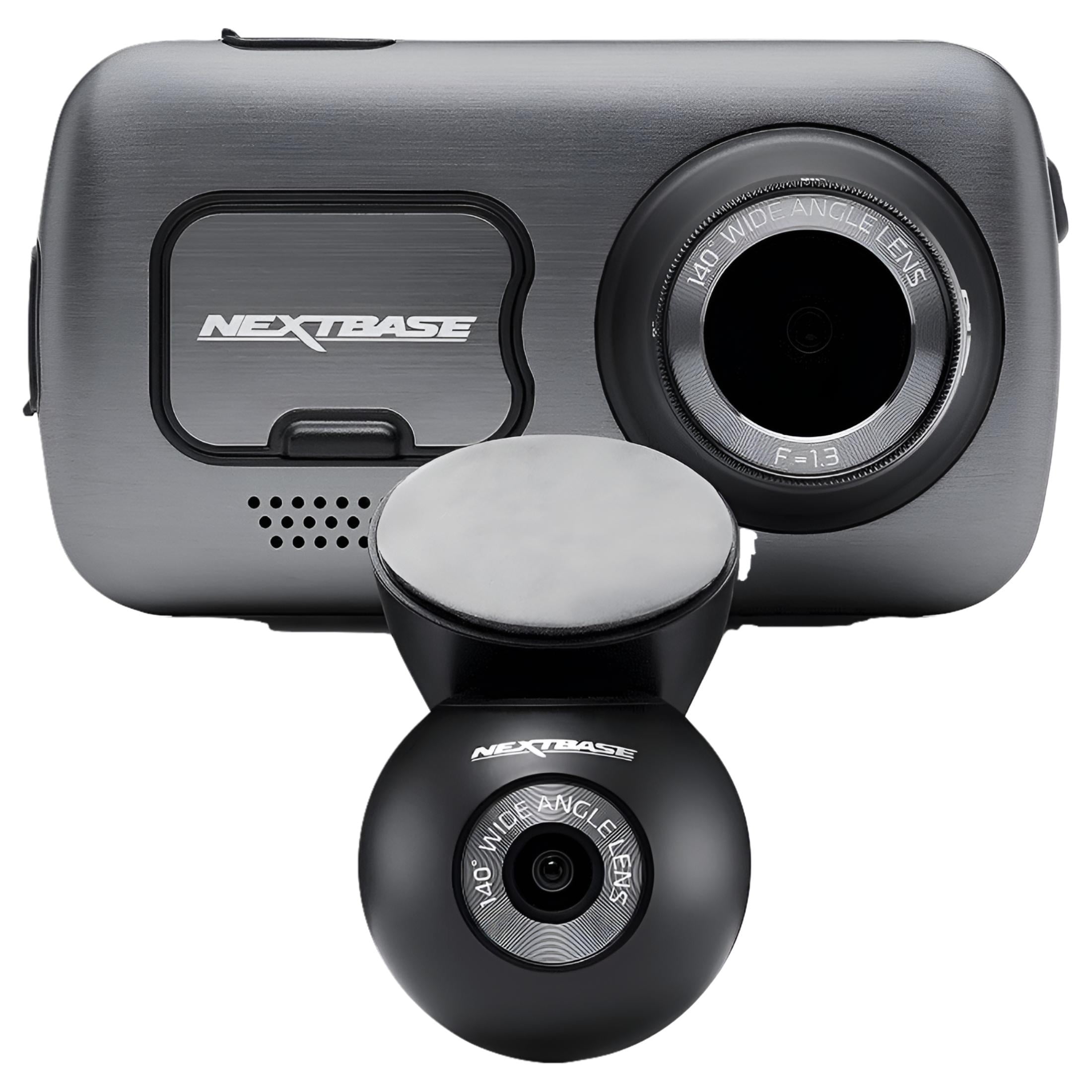
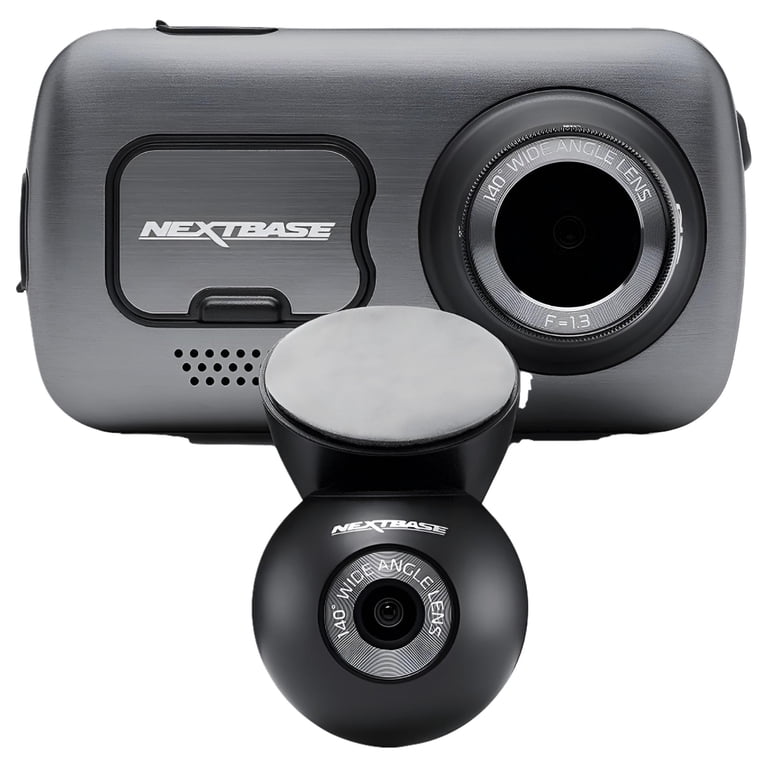
The Nextbase 622GW is mainly a premium front-facing dash cam. It focuses on high-quality 4K video, GPS data, image stabilization, and simple touch-screen control. You can add a compatible rear camera module, but the system is not as complete for cabin recording.
| Feature | Vantrue N4 | Nextbase 622GW |
|---|---|---|
| Main camera setup | Front, cabin, and rear | Front camera, with optional rear module |
| Front video | Up to 1440p at 30 fps | Up to 4K at 30 fps |
| Cabin recording | Yes | No built-in cabin camera |
| Rear recording | Yes, included | Optional add-on |
| Display | Small built-in screen | 3-inch touch screen |
| GPS | Available through GPS mount or package | Built in |
| Night recording | Infrared cabin camera and front/rear recording | Strong front-camera performance |
| Parking mode | Yes, with hardwire setup recommended | Yes, with compatible installation |
| Best for | Rideshare drivers and full-car coverage | Drivers who want sharp front video |
| Main weakness | Front video is not true 4K | Extra cameras cost more and add bulk |
The Vantrue N4 vs Nextbase 622GW comparison is not simply a question of which camera has the higher resolution. A dash cam is a safety tool, and coverage, reliability, mounting, storage, and ease of use matter just as much as pixels.
Video Quality and Camera Coverage
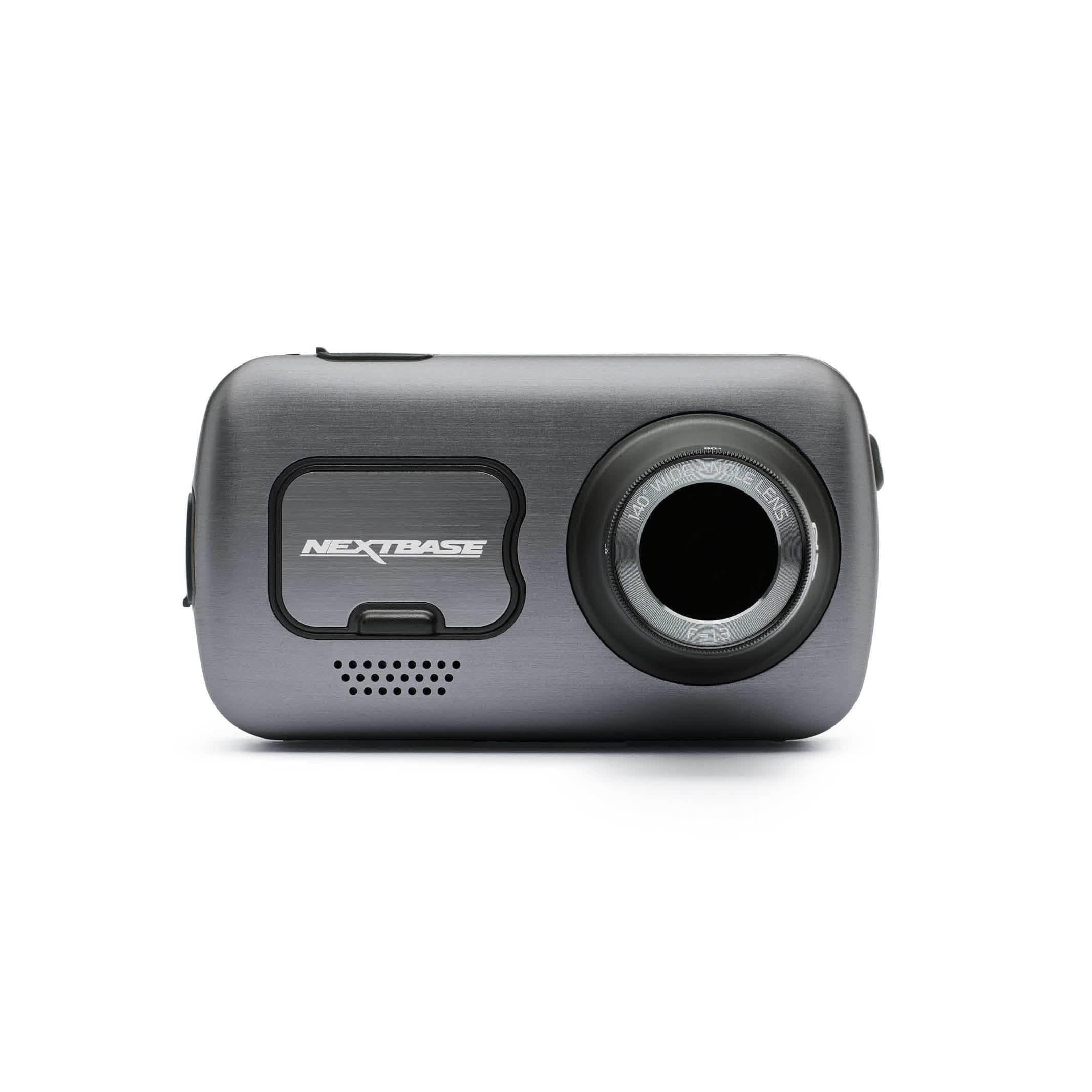
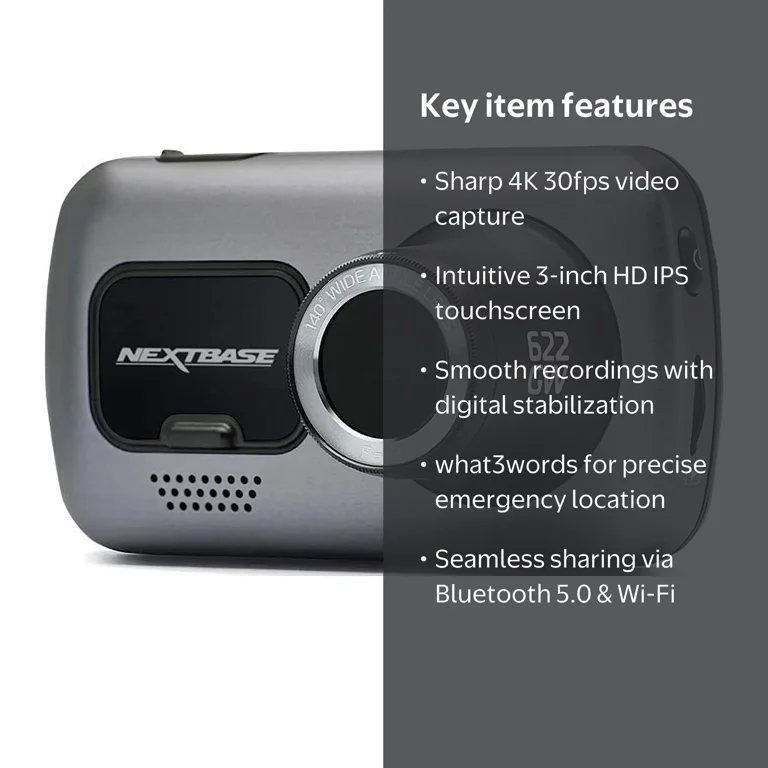
Video quality is the biggest difference in the Vantrue N4 vs Nextbase 622GW battle. The Nextbase 622GW records front video in 4K UHD at 30 frames per second. It can also record at lower resolutions with higher frame rates, which may help capture fast action.
The Vantrue N4 uses a 1440p front camera, along with 1080p cabin and rear cameras. Its front image is clear in daylight, but the Nextbase usually records more fine detail. That difference can help when reading a distant road sign or identifying a license plate.
The Vantrue N4 gains ground through its wider coverage. It records three views at once:
• Front camera: Captures the road and traffic ahead.
• Cabin camera: Records passengers and activity inside the vehicle.
• Rear camera: Shows vehicles approaching from behind.
This layout is valuable for Uber, Lyft, taxi, and delivery drivers. It also helps families who want a record of what happens inside the car. The Nextbase 622GW is better suited to a private driver who mainly wants evidence from the road ahead.
Daytime performance
In daylight, both cameras can produce useful evidence. The Nextbase 622GW has a sharper front image, while the Vantrue N4 gives you more angles.
The Nextbase camera also includes digital image stabilization. This can reduce the effect of road vibration, especially on rough streets. However, stabilization does not fix a dirty windshield, poor mounting, or an incorrectly adjusted camera.
Night performance
Night video is more complex than resolution numbers suggest. Headlights, street lamps, reflections, and dark roads can all reduce detail.
The Vantrue N4 uses infrared lighting for its cabin camera. This is useful when the inside of the car is dark. Its front and rear cameras still depend on available light, so proper windshield cleaning and careful exposure settings matter.
The Nextbase 622GW has a front-camera advantage in many night scenes because of its premium image processing. Its Extreme Weather Mode can improve visibility in fog, haze, and similar conditions, but it cannot create detail that the sensor never captured.
Design, Screen, and Daily Use
The Vantrue N4 has a compact design with a small display. Its buttons and menus are practical, but the camera may take more time to set up because you must route and position cables for three camera views.
The Nextbase 622GW has a larger 3-inch touch screen. This makes it easier to change settings, review clips, and confirm the camera angle while sitting in the driver’s seat.
In my experience comparing dash cams, installation is where many buyers make avoidable mistakes. A camera may have excellent specifications, but a loose mount or cable across the windshield can make daily use frustrating.
Useful setup habits include:
• Place the front camera behind the rearview mirror when possible.
• Keep the lens away from tinted areas and windshield dots.
• Leave enough cable length for a clean route around the headliner.
• Test the rear camera before hiding the cable trim.
• Format the memory card inside the camera before regular use.
The Vantrue N4 vs Nextbase 622GW choice may change if you dislike visible equipment. The Vantrue system has more cameras and wires. The Nextbase setup looks cleaner when used by itself, although an optional rear module adds another component.
GPS, Safety Features, and Smart Tools
The Nextbase 622GW has built-in GPS. It can record location and speed data, which may help show where and how an incident occurred. It also supports What3words location information in supported markets and conditions.
The Vantrue N4 can offer GPS data when paired with the correct GPS mount or package. Buyers should check the exact product bundle because accessories can vary by seller and region.
Neither camera should be treated as a replacement for careful driving. Speed stamps and GPS records can support an insurance claim, but they may also raise questions if the recorded speed is above the limit.
The main smart features include:
• Automatic emergency file protection after a detected impact.
• Loop recording that replaces older unlocked clips.
• Parking monitoring when the camera receives constant power.
• G-sensor data that marks possible collision clips.
• Mobile app or computer access, depending on model and connection method.
A common mistake is assuming parking mode works fully with the included car charger. In most vehicles, the accessory socket turns off when the ignition stops. For longer parking surveillance, use a compatible hardwire kit installed with low-voltage protection.
The Vantrue N4 vs Nextbase 622GW comparison also includes privacy. A cabin camera may record passengers, children, or private conversations. Rideshare drivers should understand local rules and inform passengers when required.
Storage, Power, and Reliability
Three-channel recording creates more files and uses more storage. The Vantrue N4 needs a high-endurance microSD card that can handle constant writing. A standard low-cost card may fail sooner under dash cam use.
The Nextbase 622GW also needs a quality U3-rated microSD card or another card that meets the manufacturer’s requirements. Always check the current manual because supported capacities and card recommendations can change with firmware.
Loop recording helps prevent a full card from stopping the camera. Protected emergency files are different. If too many files become locked, they can fill the card and prevent normal recording.
Use this simple maintenance routine:
-
Format the card in the camera every few weeks or as recommended.
-
Copy important accident clips to a phone or computer.
-
Check the camera date and time after power loss.
-
Inspect the lens and windshield each month.
-
Replace the memory card when errors appear.
-
Update firmware only through the maker’s approved process.
Heat is another important concern. A camera mounted behind glass can become very hot in summer. Parking in shade, using a reliable card, and avoiding cheap power adapters can improve long-term reliability.
The Vantrue N4 vs Nextbase 622GW models may both stop recording if they lose power, overheat, or use a failing card. No dash cam is completely maintenance-free.
Parking Mode Comparison
Parking mode can record motion or impacts while your car is parked. It is useful in busy lots, apartment garages, and street parking areas, but it needs a stable power source.
The Vantrue N4 benefits from its three-camera design during parking events. A front impact, a rear bump, or movement inside the cabin may be captured from different angles.
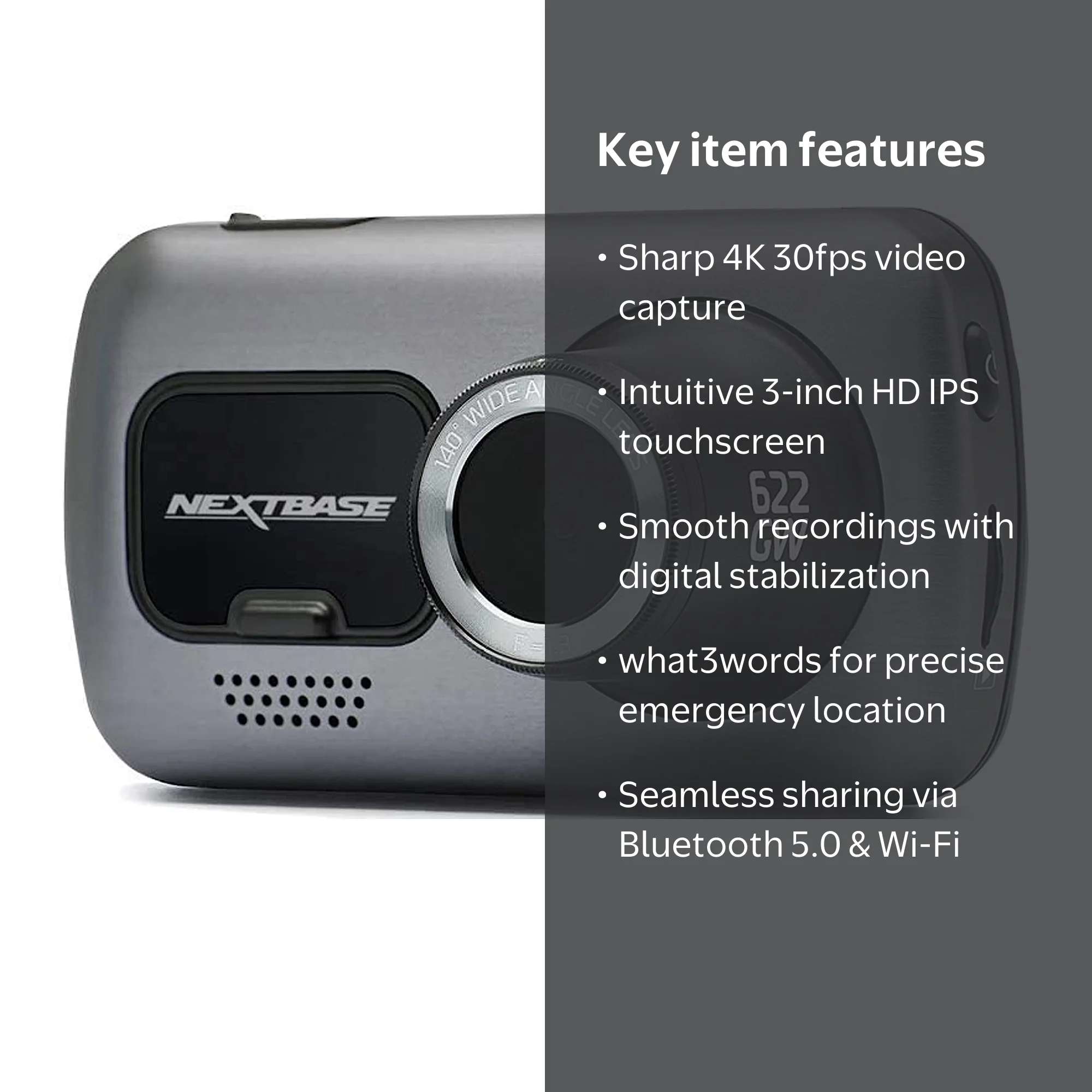
The Nextbase 622GW can monitor the front area and may support a rear view with the proper module. Its smaller system can be easier to manage, but it does not provide the same built-in cabin coverage.
Parking mode has limits:
• A camera may not see an event outside its viewing angle.
• A light impact may not trigger the G-sensor.
• Motion recording can miss events that happen between clips.
• A weak car battery can cause the system to shut down.
• Some parking modes require a hardwire kit or a compatible battery pack.
I learned this the hard way during an early dash cam test: a camera can be powered and still fail to capture a useful clip if its parking settings are too sensitive or too weak. Test the feature in a safe location before trusting it to protect your vehicle overnight.

Which Dash Cam Is Better for Rideshare Drivers?
The Vantrue N4 is the stronger choice for rideshare and professional drivers. Its cabin camera can record passenger activity, while the rear camera provides another view during disputes or collisions.
The infrared cabin camera is especially useful at night. It can show whether a passenger entered, exited, or interacted with the driver. Check local privacy and recording laws before using any interior camera for work.
The Nextbase 622GW can still work well for rideshare drivers who mainly need front-road evidence. However, adding rear coverage does not create the same three-channel setup as the Vantrue N4.
For commercial use, consider these points:
• Tell passengers about recording when local law requires it.
• Turn off audio if you do not need it and local rules make audio recording risky.
• Store clips securely and delete files that are no longer needed.
• Use a large, high-endurance memory card.
• Keep the camera mount stable during frequent vehicle use.
Which One Is Better for Families and Private Cars?
For a family vehicle, the answer depends on your priorities. The Vantrue N4 is useful when you want to record children, passengers, and traffic behind the vehicle.
The Nextbase 622GW is a better fit if you want a clean, simple setup and high-quality front footage. It may also be easier for a parent or older driver who prefers a large touch screen.
Think of the two models as different types of insurance evidence. The Nextbase is like a sharp front-facing witness. The Vantrue is like a small team of witnesses watching several directions.
The Vantrue N4 vs Nextbase 622GW decision for a private car often comes down to these questions:
• Do you need a cabin camera?
• Do you regularly carry passengers?
• Is front license-plate detail your top goal?
• Do you want the simplest installation?
• Are you comfortable routing extra camera cables?

Vantrue N4 vs Nextbase 622GW: Price and Value
Prices change often because of sales, bundles, memory cards, GPS mounts, and rear-camera accessories. Compare the complete package instead of looking only at the camera body.
The Vantrue N4 may offer better value because three cameras are included. You do not need to buy a separate cabin camera or rear camera. This can make the total cost attractive for rideshare drivers.
The Nextbase 622GW may cost more as a front-only system, but its 4K video, touch screen, GPS, stabilization, and weather tools add value. The final price can rise if you add a rear module, hardwire kit, and memory card.
Before buying, calculate the full setup cost:
• Camera and mounting hardware
• Rear camera module, if needed
• High-endurance microSD card
• Hardwire kit for parking mode
• Professional installation, if required
• Replacement card or spare power accessories
The best value in the Vantrue N4 vs Nextbase 622GW comparison is not the lowest price. It is the camera that gives you the coverage you will actually use.
Pros and Cons
Vantrue N4 pros
• Three-channel recording comes standard.
• Cabin infrared recording helps in low light.
• Rear coverage is included.
• Strong choice for rideshare and taxi drivers.
• Parking mode can monitor more than one direction.
Vantrue N4 cons
• Front video is lower resolution than the Nextbase 622GW.
• Installation takes more time.
• More cables can create a less tidy setup.
• A GPS mount or accessory may be required, depending on the package.
Nextbase 622GW pros
• Sharp 4K front video.
• Large touch screen.
• Built-in GPS functions.
• Image stabilization can reduce vibration.
• Extreme Weather Mode can help in difficult visibility.
Nextbase 622GW cons
• No built-in cabin camera.
• Rear coverage may require an extra module.
• The complete system can become expensive.
• A front-only setup offers less evidence around the vehicle.
My Buying Advice
Choose the Vantrue N4 if you need complete coverage inside and around the car. It is the better match for rideshare drivers, taxi operators, families, and anyone who wants front, rear, and cabin footage at the same time.
Choose the Nextbase 622GW if your first priority is the clearest front video. It is a strong choice for private drivers who want 4K detail, a touch screen, GPS data, and a polished single-camera setup.
My practical advice is to avoid buying based on “4K” alone. A sharp front clip is valuable, but it cannot show what happened behind you or inside the cabin. On the other hand, three cameras are not helpful if the installation is messy or you never need those views.
For most rideshare drivers, I would choose the Vantrue N4. For most private drivers who want premium front recording, I would choose the Nextbase 622GW. That is the clearest way to understand the Vantrue N4 vs Nextbase 622GW difference.
Frequently Asked Questions About Vantrue N4 vs Nextbase 622GW
Is the Vantrue N4 better than the Nextbase 622GW?
The Vantrue N4 is better for three-channel coverage because it records the front, cabin, and rear views. The Nextbase 622GW is better for drivers who want sharper 4K front video and a simpler setup.
Does the Nextbase 622GW record inside the car?
The standard Nextbase 622GW does not include a built-in cabin camera. It focuses on the front view, with optional accessories available for additional coverage.
Does the Vantrue N4 record in 4K?
The original Vantrue N4 records up to 1440p from its front camera, with 1080p recording for the cabin and rear cameras. Do not confuse it with newer Vantrue N4 Pro versions, which have different specifications.
Which dash cam is best for Uber and Lyft drivers?
The Vantrue N4 is usually the better choice for Uber and Lyft drivers because it includes cabin and rear cameras. Drivers must still follow local privacy, audio, and disclosure laws.
Does parking mode work without a hardwire kit?
Parking mode often needs continuous power, which the standard accessory socket may not provide after the vehicle is turned off. A compatible hardwire kit or external dash cam battery is usually the more reliable solution.
Which camera has better night vision?
The Nextbase 622GW generally has the stronger front-camera image in many night scenes. The Vantrue N4 has a useful infrared cabin camera, so it offers better interior coverage in darkness.
What memory card should I use with either dash cam?
Use a high-endurance microSD card that meets the camera maker’s speed and capacity requirements. Format it in the camera, keep backup copies of important clips, and replace it when recording errors begin.
Conclusion
The Vantrue N4 vs Nextbase 622GW comparison reveals two cameras built for different jobs. The Vantrue N4 offers broader protection with front, rear, and infrared cabin recording. The Nextbase 622GW delivers stronger front detail, GPS features, image stabilization, and a more refined touch-screen experience.
Pick the Vantrue N4 for rideshare work, family vehicles, and full-car coverage. Pick the Nextbase 622GW for premium front video and a simpler daily setup. Before ordering, check the exact bundle, memory-card requirements, parking-power needs, and local recording laws.
Choose the camera that matches your real driving life, install it carefully, and test every view before you need it. Share your experience or explore more dash cam comparisons to make your next upgrade with confidence.