BlackVue Vs Garmin: Which Dash Cam Wins?
BlackVue offers richer connected features, while Garmin delivers simple, practical dash cam value.
Choosing between BlackVue vs Garmin is less about finding one universal winner and more about matching the camera to your driving habits, budget, and need for remote access. After comparing image quality, parking protection, cloud tools, GPS, installation, and daily use, this guide explains where each brand stands and which one makes the most sense for you.

BlackVue vs Garmin: Quick Comparison
BlackVue and Garmin are both respected dash cam brands, but they serve different types of drivers. BlackVue focuses on advanced connected features, discreet designs, cloud access, and multi-camera systems. Garmin focuses on ease of use, compact hardware, clear controls, and strong integration with its wider automotive product range.
Here is the basic difference:
| Feature | BlackVue | Garmin |
|---|---|---|
| Main strength | Cloud features and premium camera systems | Simple operation and compact design |
| Best for | Connected drivers and parked-car monitoring | Everyday drivers who want easy recording |
| Video quality | Strong, especially in premium models | Good, with clear 1440p and 4K options |
| Cloud access | A major selling point on supported models | More limited compared with BlackVue |
| GPS | Common on many models | Available on many models |
| Parking mode | Advanced options on supported setups | Available on select models and kits |
| Installation | Often needs more setup for full features | Usually simpler |
| Price | Mid-range to premium | Budget to premium |
| Multi-camera options | Excellent front, rear, and interior coverage | Good, but the range is smaller |
The right choice depends on what happens after you press record. If you want clips sent to your phone while your car is parked, BlackVue has a clear advantage. If you want a camera that starts recording with little fuss, Garmin may be the better fit.
BlackVue vs Garmin Video Quality
Video quality is one of the first things buyers check, and rightly so. A dash cam must capture useful details such as license plates, traffic signs, lane markings, and the actions of other drivers. A high resolution number helps, but it does not tell the whole story.
BlackVue offers models with Full HD, 2K, and 4K recording. Its higher-end cameras often use Sony STARVIS image sensors, which are known for strong low-light performance. The result can be clean footage during dusk, rain, and night driving, although image quality still depends on lens design, exposure, glare, and road lighting.
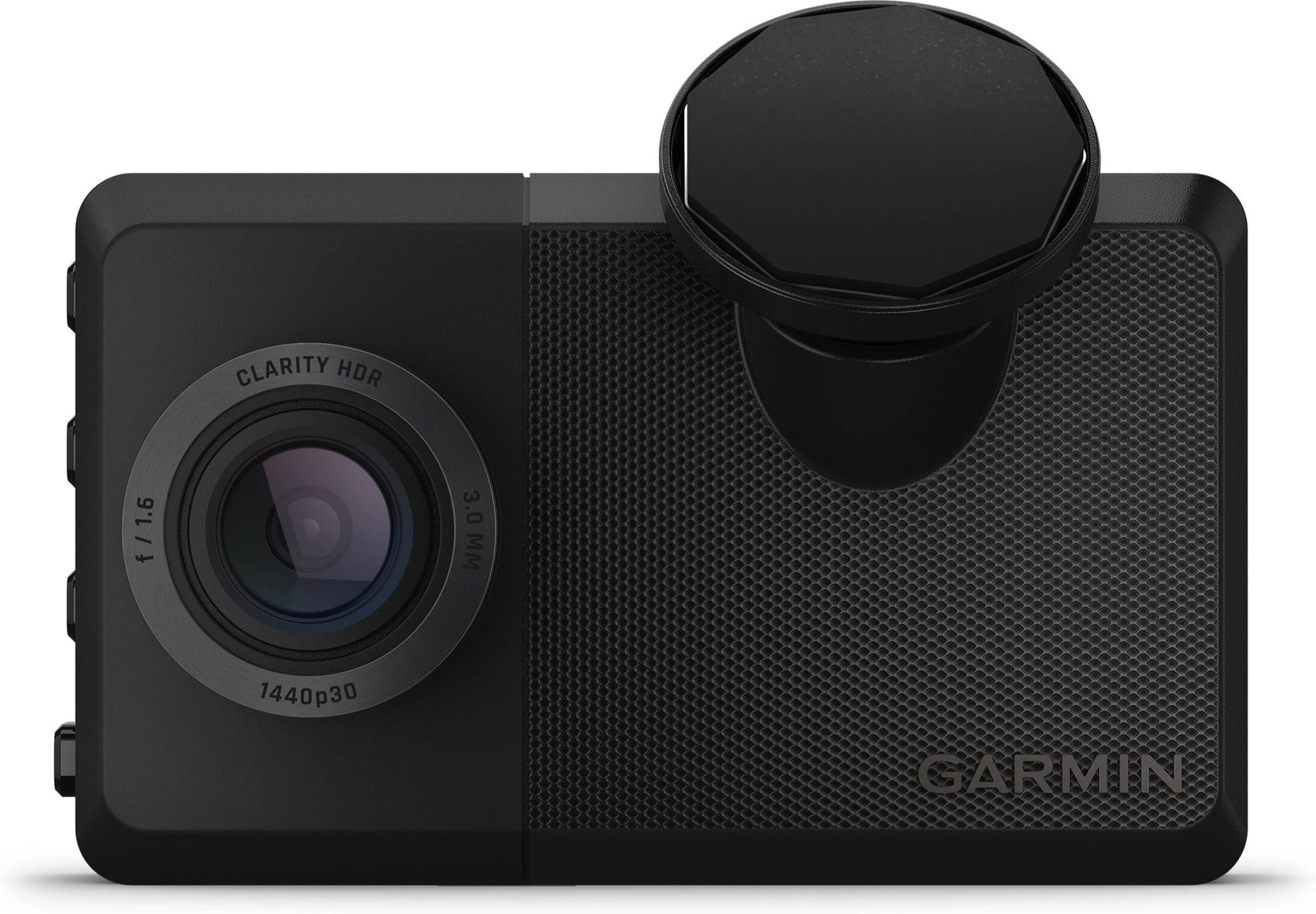
Garmin also offers Full HD, 1440p, and 4K dash cams. Garmin models are known for sharp daytime footage and a simple recording process. Some models use HDR, or high dynamic range, to balance bright skies and dark roads. This can help when driving toward a low sun or moving between shade and bright light.
In practical use, BlackVue tends to appeal to drivers who want premium image quality across several cameras. Garmin is often enough for a front-facing camera used to document collisions, road hazards, and traffic events.
Keep these points in mind:
• 4K can show more detail, but it also creates larger video files.
• A quality image sensor may matter more than resolution alone.
• A clean windshield is essential for sharp footage.
• Night video will always look weaker than daytime video.
• Polarizing filters can reduce glare, but they may also reduce light at night.
One mistake I often see is choosing a camera by resolution alone. A poorly placed 4K camera can produce less useful evidence than a well-mounted 1440p camera with a clean view and correct exposure.
BlackVue vs Garmin Features
Features can make a large difference in daily use. Some drivers only need automatic recording. Others want GPS data, collision alerts, parking surveillance, voice control, or a second camera for the rear window.
BlackVue often includes a broader set of premium features, especially in its higher-priced lines. Depending on the model, you may find:
• Front and rear recording
• Interior cameras
• Wi-Fi connection to a phone
• GPS location data
• Impact detection
• Cloud video access
• Parking event notifications
• Time-lapse or energy-saving parking modes
• Remote live view on supported plans and systems
Garmin focuses on practical features that are easy to understand. Depending on the model, Garmin may offer:
• Automatic incident recording
• GPS
• Voice control
• Driver alerts
• Parking guard features
• Smartphone video transfer
• Multi-camera synchronization
• Travelapse, which creates a fast summary of a long drive
Garmin’s voice control can be useful when you need to save a clip without touching the camera. BlackVue’s connected tools are more valuable when your car is parked in a public lot or outside your home.
More features do not always mean a better experience. Every extra function can add setup steps, battery use, or subscription costs. BlackVue vs Garmin becomes clearer when you separate features you will use from features that simply look impressive on a product page.
BlackVue vs Garmin Cloud Connectivity
Cloud access is one of the biggest differences in the BlackVue vs Garmin comparison. BlackVue has built its identity around connected dash cams that can communicate with your phone through Wi-Fi or a cloud service.
With a supported BlackVue system and the right connection, you may be able to:
• View clips remotely
• Receive impact notifications
• Check the vehicle’s location
• Access live video
• Review stored event files
• Share footage without removing the memory card
These tools can be valuable for parents, commercial drivers, and people who leave a car outside for long periods. They can also help after a suspected parking-lot hit, when the driver is not near the vehicle.
Garmin supports smartphone connections and wireless clip transfers on several models. However, Garmin’s approach is generally more focused on local access and simple use than on a full cloud ecosystem. You may need to connect directly to the camera or use the memory card, depending on the model.
Cloud features have limits. A dash cam needs power while parked, and remote features may need a Wi-Fi hotspot, LTE connection, or another form of internet access. Some cloud functions may also require a subscription or compatible hardware.
If remote access is your top priority, BlackVue is usually the stronger choice. If you mainly want to save footage after a crash, Garmin may provide all the connectivity you need without extra service costs.
BlackVue vs Garmin Parking Mode
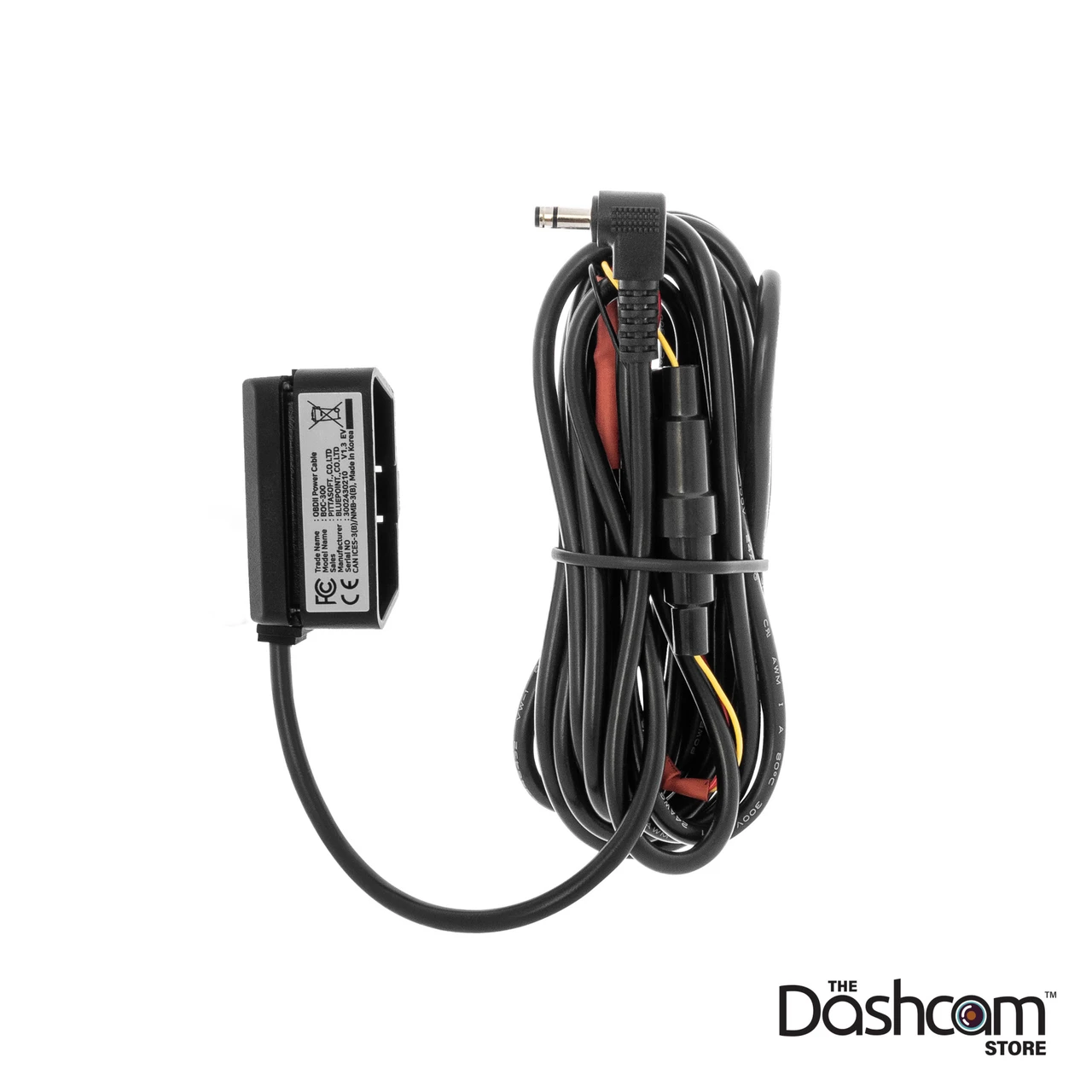
Parking mode records or protects footage while your vehicle is parked. It can help document door dings, hit-and-run crashes, vandalism, and movement near the car. However, parking mode is not magic. The camera needs a suitable power source and enough storage.
BlackVue offers several parking options on supported models. These can include motion detection, impact detection, time-lapse recording, and low-power modes. Some systems can send a parking alert to your phone through the cloud.
Garmin also offers parking-related features on select cameras. Garmin Parking Guard can notify you if an incident is detected, but the exact behavior depends on the camera, power setup, phone connection, and vehicle location.
For reliable parking protection, you may need:
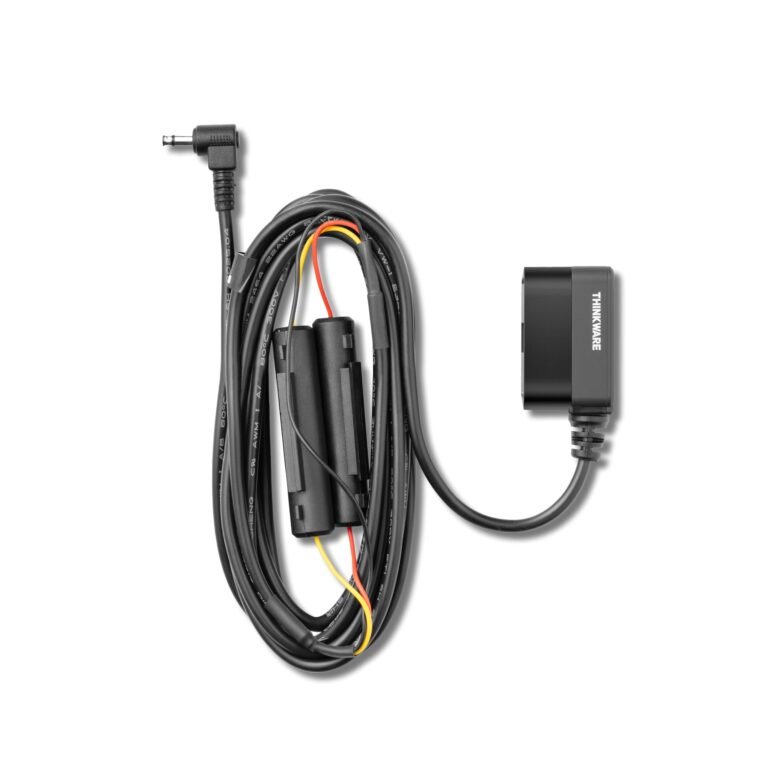
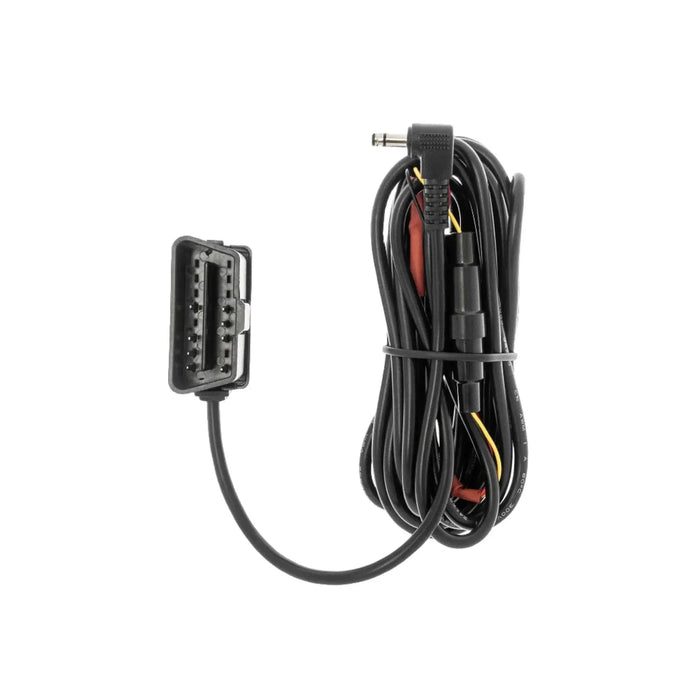
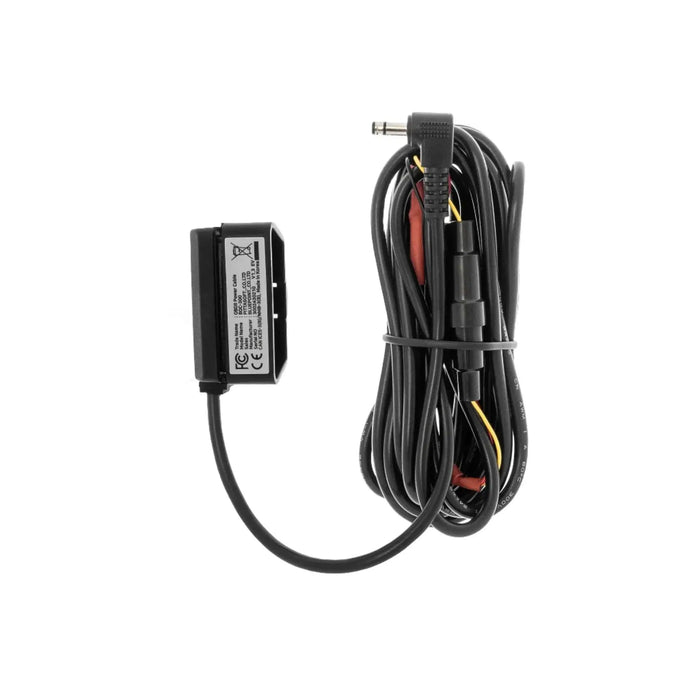
• A hardwire kit connected to an accessory fuse
• A dedicated dash cam battery pack
• A high-endurance microSD card
• Correct low-voltage cutoff settings
• A clear view through the windshield
Hardwiring directly to the car battery without a low-voltage cutoff is a mistake. It can drain the battery and leave you with a vehicle that will not start. A professional installer can also hide cables and protect trim panels.
BlackVue generally wins for advanced parking monitoring. Garmin remains a good choice for drivers who want basic parking protection without building a more complex system.
BlackVue vs Garmin App Experience
A dash cam app should make it easy to connect, view, download, and share video. A confusing app can turn a simple task into a long wait beside your car.
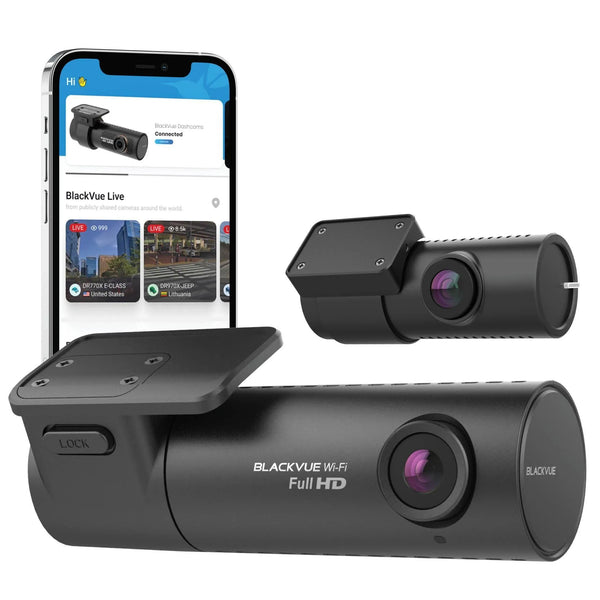
BlackVue’s app offers deep control over compatible cameras. You can change settings, view recordings, and manage cloud features. The number of options is useful, but new users may need time to learn the menu structure.
Garmin’s app experience is usually more direct. Many drivers can connect to the camera, find a clip, and save it to a phone without much effort. This simple approach suits people who do not want to manage many settings.
In my view, the best app depends on your goal:
• Choose BlackVue if you want remote tools and detailed system control.
• Choose Garmin if you want fast local clip access.
• Choose either brand if your main need is occasional evidence after an incident.
Wireless video transfer can be slow with large 4K files. If you need to send a long clip, a computer and memory card reader may still be faster. Always save important evidence in two places before formatting the card.

BlackVue vs Garmin Installation and Design
A good dash cam should not block your view or distract you while driving. Both brands offer compact models, but their designs differ.
BlackVue cameras often use a cylindrical or low-profile shape. Many models have no large screen, which gives the windshield a clean look. You control the camera through buttons, voice commands, or a phone app.
Garmin offers small cameras with simple physical controls. Some models include a display, while others use a compact screen-free design. Garmin cameras are often appealing to drivers who want a quick installation and clear status indicators.
Installation usually involves these steps:
-
Mount the camera behind the rearview mirror.
-
Clean the glass before applying the adhesive pad.
-
Route the power cable along the headliner and door trim.
-
Keep the cable away from airbags.
-
Confirm that the camera has a full view of the road.
-
Format the memory card in the camera.
-
Test recording before driving.
Do not place the camera too low. A low mount may capture more of your dashboard but less of the road. Do not place it where it blocks the driver’s view or interferes with windshield sensors.
BlackVue is a strong choice for a discreet, multi-camera setup. Garmin is often easier for a first-time buyer who wants a small front camera with fewer installation decisions.
BlackVue vs Garmin Storage and Reliability
Dash cams record in a loop. When the memory card becomes full, the camera overwrites the oldest normal files. Event files may be protected, but protected storage can also fill up if too many files are saved.
High-resolution cameras need fast, durable cards. A high-endurance microSD card is a better choice than a low-cost card made for occasional phone use. Heat inside a parked car can damage ordinary cards over time.
Follow these storage tips:
• Use the card capacity approved for your camera.
• Choose a reputable high-endurance card.
• Format the card in the camera on a regular schedule.
• Replace the card when errors appear.
• Download important clips as soon as possible.
• Avoid removing the card while the camera is recording.
BlackVue and Garmin cameras can both experience memory card errors, heat issues, loose power cables, or firmware problems. No brand is completely free from maintenance.
A useful routine is to check the camera once each month. Confirm that the date is correct, the lens is clean, the card is recording, and the camera starts with the vehicle. This small check can prevent a painful surprise after a crash.

BlackVue vs Garmin Price and Value
The price gap between BlackVue and Garmin depends on the model, not just the brand. Entry-level cameras from either company may cost much less than premium front-and-rear systems.
Garmin can offer strong value for drivers who need:
• A reliable front camera
• Simple controls
• GPS or voice features
• Easy phone transfers
• Minimal setup
BlackVue can justify its higher price for drivers who need:
• Front and rear recording
• Interior coverage
• Cloud notifications
• Remote live view
• Advanced parking protection
• A discreet multi-camera design
Remember to include extra costs in your budget. These can include:
• A rear camera
• A hardwire kit
• A high-endurance memory card
• A battery pack
• Professional installation
• A cloud subscription, where required
The cheapest camera is not always the best value. A slightly more expensive model may offer better support, longer useful life, or features that prevent you from buying a second camera later.
BlackVue vs Garmin is therefore a value question. Garmin may deliver more practical value for a basic setup. BlackVue may deliver better value for a connected security system.
Which Dash Cam Is Better for You?
The best choice in the BlackVue vs Garmin debate depends on your driving pattern and comfort with technology.
Choose BlackVue if:
• You want cloud-connected features.
• You need front, rear, and interior coverage.
• Parking protection is very important.
• You want remote alerts when away from the car.
• You prefer a discreet camera without a large screen.
• You are comfortable with a more involved setup.
Choose Garmin if:
• You want a compact and simple dash cam.
• You prefer physical controls or clear voice commands.
• You mainly need front-facing accident evidence.
• You want easy access without a large cloud system.
• You already use Garmin automotive products.
• You want a straightforward first dash cam.
For a city driver who parks on busy streets, BlackVue’s connected features may be worth the added cost. For a commuter who parks in a garage and wants basic protection, Garmin may be the smarter buy.
For a family vehicle, consider a front and rear system. For rideshare work, an interior camera may matter more than 4K resolution. For road trips, GPS and simple clip sharing can be more useful than remote monitoring.
Common Mistakes to Avoid
Buying the wrong camera is often caused by focusing on the product box instead of the full system. A dash cam is only useful when it records consistently and stores footage correctly.
Avoid these mistakes:
• Buying a card that is too slow or unreliable.
• Assuming every model includes GPS.
• Expecting cloud access without an internet connection.
• Forgetting to buy a hardwire kit for parking mode.
• Mounting the camera where it blocks the view.
• Leaving protective film on the lens.
• Ignoring firmware updates.
• Failing to test night footage.
• Trusting a camera that has not been checked for months.
Another common mistake is expecting a dash cam to prove fault by itself. Video can provide important evidence, but insurance companies and courts may consider road conditions, witness statements, police reports, and local traffic laws.
Also check local rules before recording inside a vehicle. Laws about audio recording, windshield-mounted devices, and privacy can differ by state. Turn off audio if you do not need it, especially when passengers may be recorded.
How to Set Up Your Dash Cam Correctly
A careful setup improves both video quality and reliability. It also reduces the chance of losing footage when you need it most.
Use this process:
-
Install the camera high behind the rearview mirror.
-
Aim the lens so the horizon sits near the center of the frame.
-
Keep the road visible while limiting dashboard exposure.
-
Set the correct date, time, and time zone.
-
Enable GPS if your model includes it.
-
Format the memory card inside the camera.
-
Test daytime and nighttime recordings.
-
Check that the camera starts when the engine starts.
-
Test event protection with the manufacturer’s approved method.
-
Review the footage on a computer or phone.
For BlackVue, take extra time to configure Wi-Fi, cloud access, parking mode, and notification settings. For Garmin, check voice commands, driver alerts, and smartphone pairing if those features are included.
Do not test a crash sensor by striking the camera or windshield. Use the settings and testing instructions provided for your model. A safe setup is more important than a dramatic test.
BlackVue vs Garmin: Frequently Asked Questions
Is BlackVue better than Garmin?
BlackVue is better for cloud access, advanced parking mode, and multi-camera coverage. Garmin is better for simple operation, compact designs, and drivers who want dependable recording without a complex connected system.
Which has better video quality, BlackVue or Garmin?
Both brands offer clear video, including 2K and 4K models. BlackVue often has an advantage in premium low-light and multi-camera systems, while Garmin provides strong everyday footage in a simpler package.
Does BlackVue require a subscription?
Basic recording does not normally require a subscription. Some remote cloud features may depend on a compatible internet connection, service plan, or model-specific limitations.
Does Garmin offer parking mode?
Some Garmin dash cams support parking-related features, including Parking Guard. Availability and required accessories vary by model, so check the exact specifications before buying.
Which is easier to install, BlackVue or Garmin?
Garmin is usually easier for a basic front-camera installation. BlackVue can also be installed cleanly, but its rear cameras, hardwire kits, and cloud features may require more time and planning.
Do both brands record GPS data?
Many BlackVue and Garmin models include GPS, but not every camera does. Confirm the product specifications if location, speed, and route data are important to you.
What memory card should I use?
Use a high-endurance microSD card that matches the manufacturer’s recommended capacity and speed. Standard cards designed for occasional phone use may fail sooner under constant dash cam recording.
Conclusion
BlackVue vs Garmin comes down to connected security versus simple daily use. BlackVue stands out for cloud access, parking alerts, discreet multi-camera systems, and advanced monitoring. Garmin stands out for easy setup, compact designs, clear controls, and practical value.
Before you buy, decide whether you need remote access, rear coverage, interior recording, or only reliable front video. Then budget for a high-endurance memory card and the correct power solution. Choose the camera that fits your real driving life, and explore the manufacturer’s support resources before installation or leave a comment with your top dash cam priorities.