Best Printers: 6 Picks for Home, Office, and Heavy Use in 2027
Printers look alike on the shelf, but they split on a few real things. Some use ink tanks, some use cartridges. Some have a big touchscreen, some have a small icon panel. Some are built for a light week of printing, others for heavy daily work. Know which of those you need and the choice gets much easier.
Best overall: HP OfficeJet Pro 8125. It offers color printing, scanning, copying, auto 2-sided printing and a 225-sheet tray, all in one unit made for home offices.
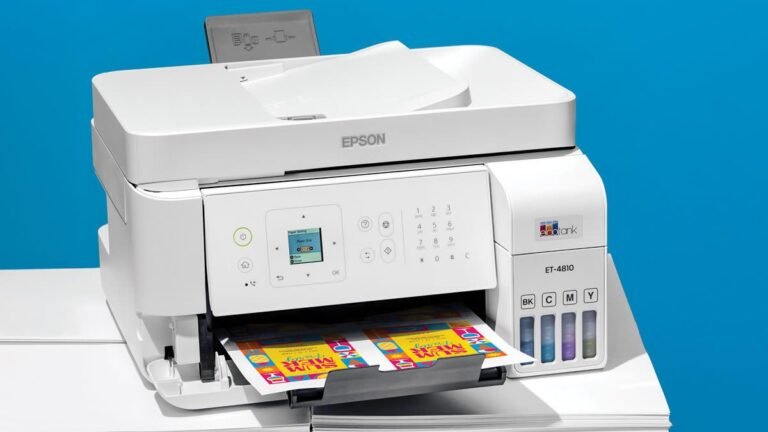
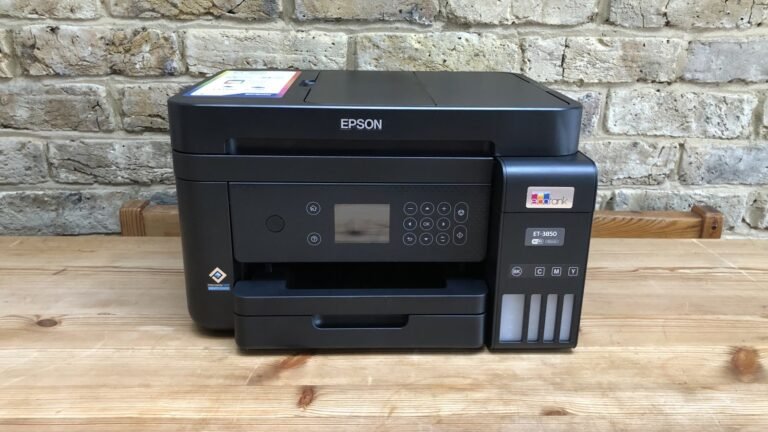
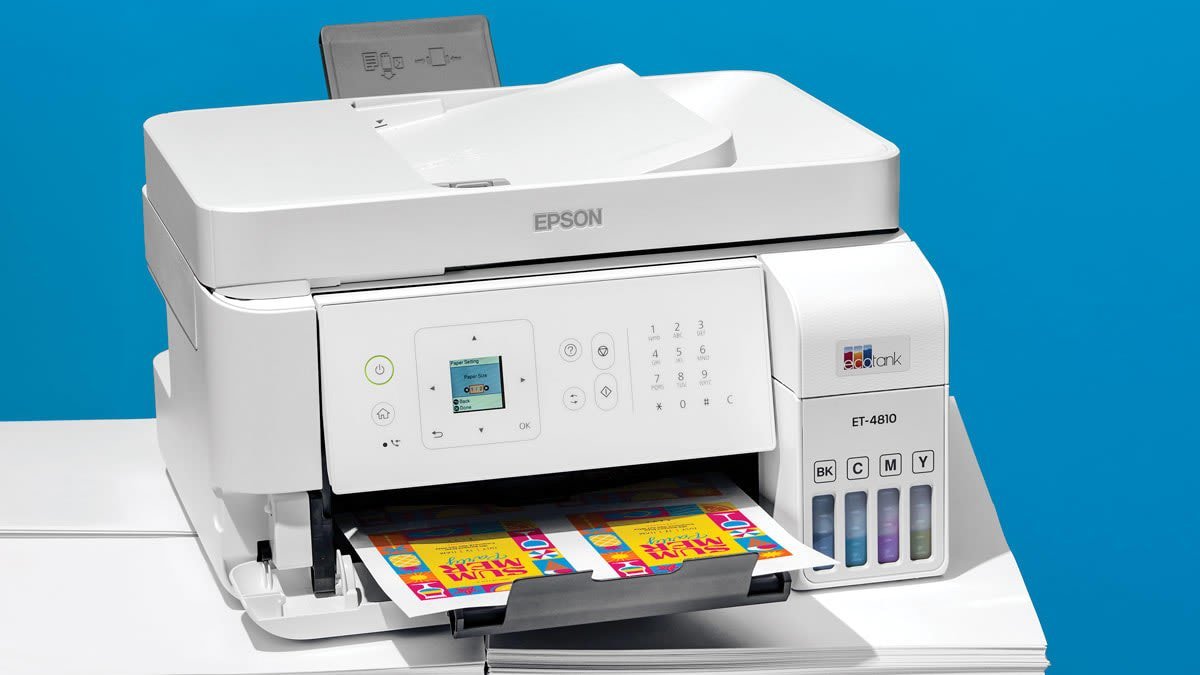
Best for refillable ink: Epson EcoTank ET-4800. Its ink tanks use refillable bottles instead of small cartridges, so you refill rather than replace.
Best for simple home use: HP DeskJet 2923. It handles everyday color documents and has a basic control panel, which suits a lighter workload.
This guide is for home office workers and families who want to pick a printer without the guesswork.
How We Picked
We compared 16 Amazon listings and used only what each seller states: the print speeds given, what is included, the tray size, and the features listed. A product had to state enough clear facts to compare fairly to earn a place here. Listings that gave too little detail to judge were left out.
Those seller claims are the whole basis for the comparison, so treat them as the manufacturer’s own numbers, not as results from our own testing. Speeds in particular are often quoted under ideal conditions, so use them to rank models against each other, not as the speed you’ll see on your desk.
Where a listing gave only a product name and no feature details, we didn’t guess at what the printer does. Those models aren’t ranked. We also didn’t carry over features from a similar model to fill a gap, because a near-identical name can hide a different tray, speed or ink system.
Comparison Table
All 6 products side by side — scroll sideways to see every column.
| Top Pick | Runner-Up | Also Great | Best for Heavy Use | |||
| Preview |  |  | 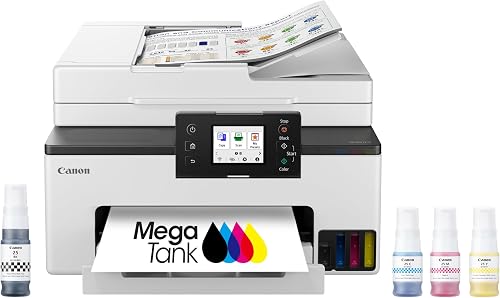 |  |  |  |
|---|---|---|---|---|---|---|
| Product | HP OfficeJet Pro 8125 | Epson EcoTank ET-4800 | Canon MegaTank MAXIFY GX2020 | HP DeskJet 2923 | Brother Work Smart 1410 | Epson WorkForce Pro WF-4920 |
| Brand | HP | Epson | Canon | HP | Brother | Epson |
| Best for | Best Overall | Runner-Up | Also Great | — | — | Best for Heavy Use |
| The listing says | Professional color documents for home offices Up to 20 ppm black, 10 ppm color | High-capacity ink tanks, no cartridges EcoFit ink bottles for easy refills | Wireless print, copy, scan and fax Up to 3,000 black and 3,000 color pages per ink set | Everyday color printing for basic documents Color print, copy, scan, 60-sheet tray | Compact all-in-one for home or small office Print, scan and save to cloud apps | Up to 25 ppm black, 12 ppm color PrecisionCore heat-free printhead technology |
| More information | Check Latest Price on Amazon | Check Latest Price on Amazon | Check Latest Price on Amazon | Check Latest Price on Amazon | Check Latest Price on Amazon | Check Latest Price on Amazon |
1. HP OfficeJet Pro 8125 Wireless All-in-One Color Inkjet Printer
Best for: Home offices that print business documents and reports often.
The listing says this model prints up to 20 ppm black and 10 ppm color, which is quick for a home unit. It adds a 2.7-inch touchscreen, a 225-sheet input tray and HP AI tools that strip unwanted content from web pages before printing. Those extra pages and features make it a good daily workhorse, though the Epson WorkForce Pro WF-4920 goes further on sheer volume.
The listing also includes a 3-month trial of Instant Ink, after which a monthly fee applies unless you cancel. This model isn’t the right pick if you want to avoid a subscription from the start, since the Epson EcoTank ET-4800 uses refillable ink bottles instead.
Pros
- Auto 2-sided printing and automatic document feeder
- 225-sheet input tray for larger jobs
- 2.7-inch touchscreen with phone-style navigation
- HP app for printing from a smartphone
Cons
- Instant Ink fee applies after the trial ends
- Print speed is lower than the WorkForce Pro for heavy use
2. Epson EcoTank ET-4800 Wireless Color All-in-One Supertank Printer
Best for: Buyers who print a lot and want to keep ink refills manageable.
The listing describes high-capacity ink tanks and refillable EcoFit ink bottles, so you fill the tank rather than buy small cartridges. It also states that the printer can print up to 4,500 black and 7,500 color pages from one set of ink. That makes it a strong choice for steady use, while the Canon MegaTank MAXIFY GX2020 offers a similar tank system in a smaller desktop body.
Pros
- Refillable ink tanks instead of cartridges
- Printer, scanner, copier and fax in one unit
- Stated capacity of 4,500 black and 7,500 color pages
- Uses fewer cartridges, so less waste goes to landfill, per the listing
Cons
- Epson advises genuine ink only, which limits your options
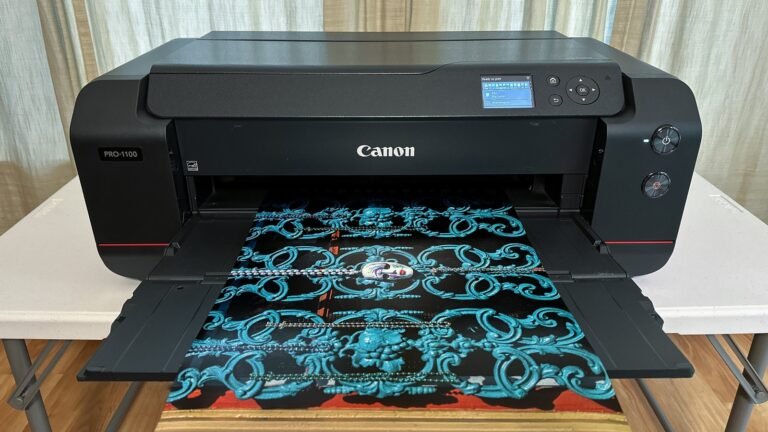
3. Canon MegaTank MAXIFY GX2020 All-in-One Wireless Color Printer
Best for: Buyers who want a compact unit with a large ink supply.
The listing states up to 3,000 black and 3,000 color pages from a single set of inks, which puts it in the same high-capacity group as the Epson EcoTank. It adds a 35-sheet automatic document feeder, auto 2-sided printing and a 2.7-inch color touchscreen. The listing describes a compact desktop design and a stated page yield of 3,000 color pages.
The tank design means you refill rather than swap cartridges. The listing doesn’t state a print speed, so judge it on the features and capacity it does show.
Pros
- Refillable tank system with a stated page yield
- Compact desktop design
- 35-sheet automatic document feeder
- Auto 2-sided printing
Cons
- Color page yield is lower than the Epson EcoTank ET-4800
4. HP DeskJet 2923 Color Inkjet Printer
Best for: Light home users who print letters, lists and recipes now and then.
This is the simplest model on the list. It has a 60-sheet input tray and an icon-based LCD instead of a touchscreen, so the controls are easier but more limited.
It includes a 6-month trial of Instant Ink, and the listing notes that a monthly fee applies afterward unless you cancel. The HP app and wireless printing are included, which covers most home needs.
Pros
- Simple control panel with icon LCD
- Wireless and mobile printing
- HP AI removes unwanted content from web pages
- 6-month Instant Ink trial included
Cons
- Slower print speeds than the OfficeJet models
- Smaller 60-sheet tray than the larger options
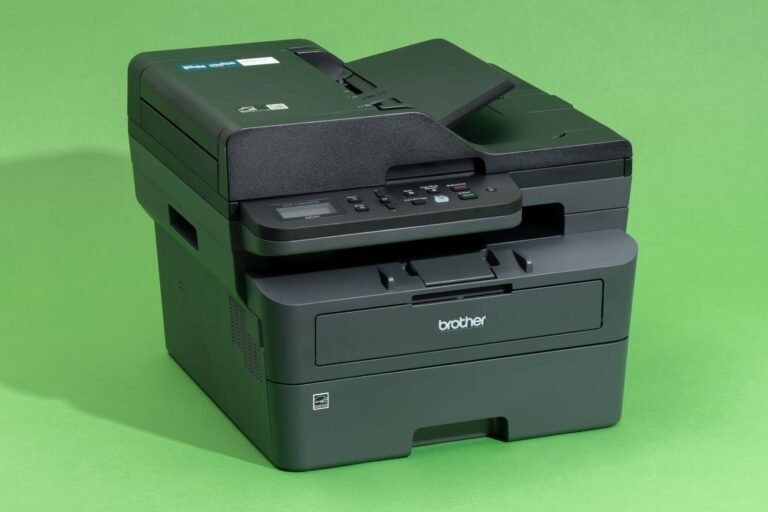
5. Brother Work Smart 1410 Wireless Color Inkjet All-in-One Printer
Best for: Users who save files to cloud services and want a clear touchscreen.
The listing highlights a 2.7-inch color touchscreen with direct printing and scanning to cloud apps including Google Drive, Dropbox, Box and OneDrive. It offers automatic printing on both sides of the paper and a 150-sheet paper tray, with speeds of up to 16 ppm black and 9 ppm color. Those cloud links are the main reason to pick this model over the HP DeskJet 2923.
If your documents already live in one of these services, the cloud features save you from copying files to a computer or USB drive first. You can pull a file straight from Dropbox or Google Drive onto the printer, or scan a document directly into your folder. That workflow matters most for a home office or small office where paperwork moves between people and devices.
The 20-sheet automatic document feeder is single-sided, so two-sided originals need to be fed one page at a time or scanned in two passes. Keep that in mind if you handle a lot of double-sided contracts.
It uses Brother LC501 ink cartridges, which the seller says are the only ink it recommends. That means you’ll buy cartridges rather than refill tanks. The Brother Mobile Connect app lets you monitor ink levels, so you can order replacements before a cartridge runs empty mid-job.
Pros
- Direct printing and scanning to popular cloud apps
- 150-sheet paper tray
- Automatic duplex printing
- Monitor ink usage through the Brother Mobile Connect app
Cons
- Uses cartridges rather than refillable tanks
- Recommends Brother ink only
6. Epson Workforce Pro WF-4920 Wireless All-in-One Printer
Best for: Offices with heavy, daily printing and a need for speed.
This model is rated at 25 ISO ppm black and 12 ISO ppm color. The listing adds a 250-sheet paper capacity and a 35-page automatic document feeder, which fits high-volume work. The 4.3-inch color touchscreen is larger than the 2.7-inch screens on most of the others.
Because it’s built for volume, it’s a heavier-duty machine than a light-use home printer. For a casual user, the HP DeskJet 2923 is a better fit.
Pros
- Rated print speed of 25 ISO ppm black on this list
- 250-sheet paper capacity
- 35-page automatic document feeder
- Wi-Fi Direct for printing without a router
Cons
- Built for volume, which is more than most home users need
Also Worth Considering
The Canon G3270 Wireless Color Printer is another refillable tank model worth a look if the MAXIFY GX2020 doesn’t suit your space. The Brother Work Smart 1360 Wireless is a simpler cousin of the 1410, with a similar feature set and fewer touchscreen options. The HP All-in-One Color Inkjet Printer is the closest sibling to the OfficeJet Pro 8125, with fewer features but a similar layout.
How to Choose in Sixty Seconds
Pick ink tanks if you print a lot
If you print often, refillable tanks like the Epson EcoTank ET-4800 or Canon MegaTank MAXIFY GX2020 are designed for high page yields. The listings state high page yields, which matters more than the upfront feature list. For light printing, a cartridge model works fine.
Start by estimating how many pages you print in a typical month. Tanks suit high volume, because you replace bottles far less often than cartridges. If you print only a few pages a week, a cartridge model is usually the simpler fit, and the tank’s refill advantage may never come into play.
Watch for the “please note” lines in the listings. Epson, for example, recommends genuine ink and warns that non-genuine ink could cause damage that its limited warranty doesn’t cover. Factor that into your ink plan before you buy.
Check the speed you actually need
Print speed matters most for heavy workloads. The Epson WorkForce Pro WF-4920 is rated at 25 ISO ppm black. For letters and lists, a slower model like the HP DeskJet 2923 is enough. Match the speed to your real volume.
The listings give speeds in pages per minute, and the numbers differ by color and black-and-white. The WF-4920 is rated at 25 ppm black and 12 ppm color, while the DeskJet 2923 reaches 7.5 ppm black and 5.5 ppm color. If most of your work is black-and-white text, look at the black rating first. If you rarely print in color, a lower color speed won’t slow you down.
Confirm the subscription terms
Several HP models include an Instant Ink trial that turns into a monthly fee unless you cancel. Read the trial length before ordering so you know when billing begins.
The trial length varies by model. SKIP. Set a reminder for the day the trial ends, and cancel before then if you don’t want the fee.
Closing
If you want one pick, the HP OfficeJet Pro 8125 is the best all-round choice for a home office. It handles the work most home offices throw at it: business documents, reports, presentations and flyers, printed in color at up to 20 ppm black and 10 ppm color. It also adds automatic printing on both sides of the paper, a 225-sheet input tray and an automatic document feeder, so you can handle multi-page jobs without babysitting the machine.
The Epson EcoTank ET-4800 is a strong option if you want to keep refills infrequent. Instead of small cartridges, it uses high-capacity ink tanks filled from bottles, and Epson says the bottles don’t need replacing nearly as often as cartridges. Epson rates it at up to 4,500 black and 7,500 color pages, which makes it a better fit if you print steadily every week.
The trade-off is the ink. Epson strongly recommends genuine ink, and it warns that non-genuine ink could cause damage not covered by the printer’s limited warranty. Budget for that before you buy.
If you only print occasionally, a lower-volume model may matter more than the tank system. Check the page volume you actually expect each month, then choose the model that fits that volume.
Frequently Asked Questions
What is the difference between ink tanks and cartridges?
Tank printers use refillable ink bottles that feed a large reservoir. Cartridge printers use small sealed cartridges that you replace. Tanks suit frequent printing because they hold more ink per refill. Cartridges suit lighter use and simpler upkeep.
Do I need an Instant Ink subscription?
No. Several HP models include an Instant Ink trial, and the listing states that a monthly fee applies after the trial unless you cancel. You can buy ink normally at any time. If you don’t want a recurring fee, pick a model without the trial or skip the subscription when it starts.
Does the printer need to be genuine ink?
It depends on the brand. Epson states that it strongly recommends genuine ink and that non-genuine ink could cause damage not covered by the warranty. Brother says its LC501 cartridges are the only ink it recommends. Check the listing for each model before buying third-party ink.
Which printer is best for a small desk?
The Canon MegaTank MAXIFY GX2020 has a compact desktop design. The listings for the other models don’t give physical dimensions. Measure your space before ordering, because the listings give the features but not every physical dimension.