Why Won’t My Obd2 Scanner Communicate With My Car: Fixes
Most OBD2 scanner communication problems come from power, fuse, protocol, wiring, or vehicle compatibility issues.
If your OBD2 scanner won’t talk to your car, the problem is usually not the scanner alone. In my experience, it is often something simple like a blown fuse, a dead port, or a vehicle that does not fully support the tool you are using. The good news is that most communication failures can be tracked down with a calm, step-by-step check, and that is exactly what this guide will help you do.

Why your OBD2 scanner may not communicate at all
An OBD2 scanner needs three things to work: power, a working data link, and the right communication protocol. If any one of those is missing, the scan tool may act dead, freeze on “linking,” or show a “no communication” message. That is why “why won’t my OBD2 scanner communicate with my car?” is such a common question.
The tricky part is that the scanner may be fine. I have seen cases where a customer swore the tool was bad, but the real issue was a blown cigarette lighter fuse that also powered the diagnostic port. I have also seen cars with bent pins, aftermarket radio wiring problems, and battery voltage issues that blocked communication just like a bad scanner would.
How OBD2 communication works
Your car’s OBD2 system is like a small computer network. The scanner plugs into the OBD2 port, usually under the dash, and talks to the car’s control modules through standardized pins and protocols. In North America, all gasoline vehicles from 1996 onward and diesel vehicles from 1997 onward are generally required to support OBD2, but there are exceptions and edge cases.
The scanner usually needs access to:
• Pin 4 and pin 5 for ground
• Pin 16 for battery power
• The correct communication pins for the vehicle’s protocol
• A stable battery and control module network
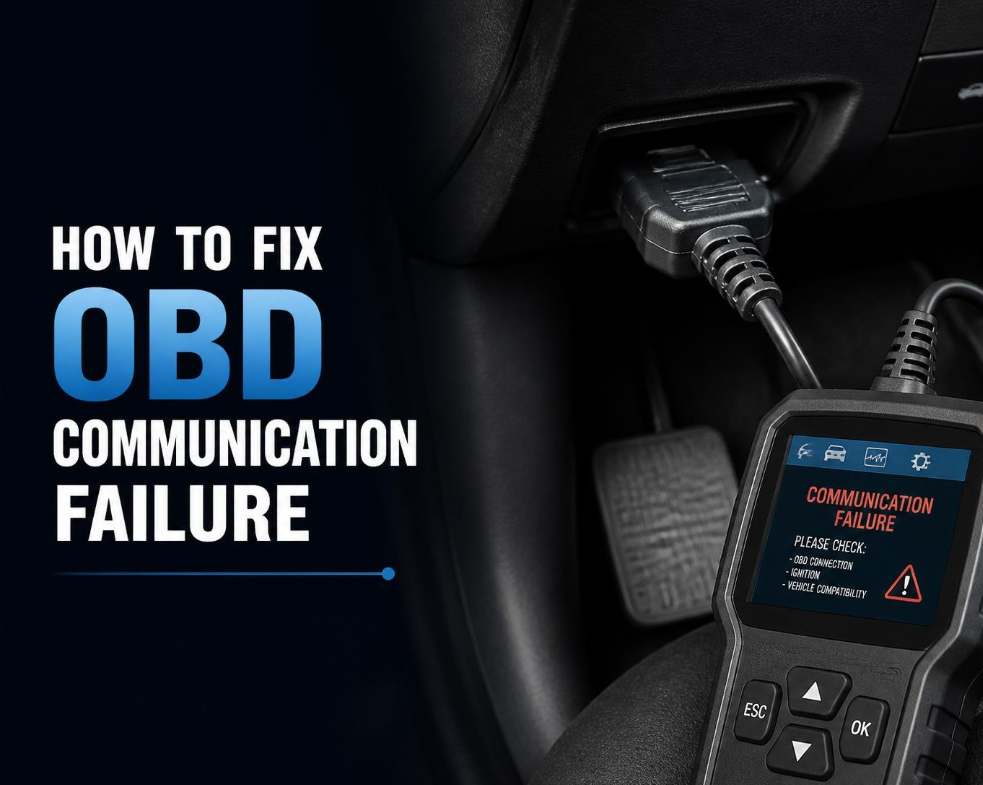
If the port has power but no data, the scanner may still light up yet fail to connect. If the port has no power, the scan tool may not turn on at all when plugged in. That distinction is one of the first things I check because it saves time right away.
Common reasons an OBD2 scanner will not communicate
There are several likely causes, and the fastest fix often comes from checking the basics first.
1. The OBD2 port has no power
This is one of the most common causes. If pin 16 does not have 12 volts, many scan tools will not boot up or will fail during connection.
Common reasons for no power include:
• A blown fuse for the diagnostic port
• A blown cigarette lighter or accessory fuse
• A wiring fault behind the dash
• A poor connection at the port
A simple test light or multimeter can help here. If you have power at pin 16 but the scanner still fails, the issue likely moves from power to data communication.
2. The fuse is blown
Many vehicles share power between the OBD2 port and the lighter outlet or accessory socket. That means a fuse can kill both systems at once. I have personally lost count of how many “scanner won’t connect” jobs ended with one small fuse swap.
Do not just look at the fuse. Test it if you can, because some fuses fail in ways that are not obvious by eye. If the fuse keeps blowing, there is probably a deeper short that needs attention.
3. The vehicle battery is weak
A weak battery can cause strange module behavior. The car may still crank or start, but the control modules may not wake up properly for diagnostics. Low voltage can make the scanner stop at “linking” or show communication errors.
If the battery is older, or the car has been sitting, charge it first. In real life, this is often overlooked because people assume if the car starts, the battery must be fine. That is not always true.
4. The scanner does not support the vehicle
Not every scanner works with every car. Basic OBD2 code readers usually handle emission-related engine codes, but they may not access ABS, airbag, transmission, or manufacturer-specific systems. Some older or cheap tools also struggle with certain protocols.
This matters especially with:
• European models
• Some Asian imports
• Diesel vehicles
• Hybrid and electric vehicles
• Older cars with early OBD2 systems
If the scanner works on one car but not another, compatibility is a strong suspect.
5. The OBD2 port is damaged
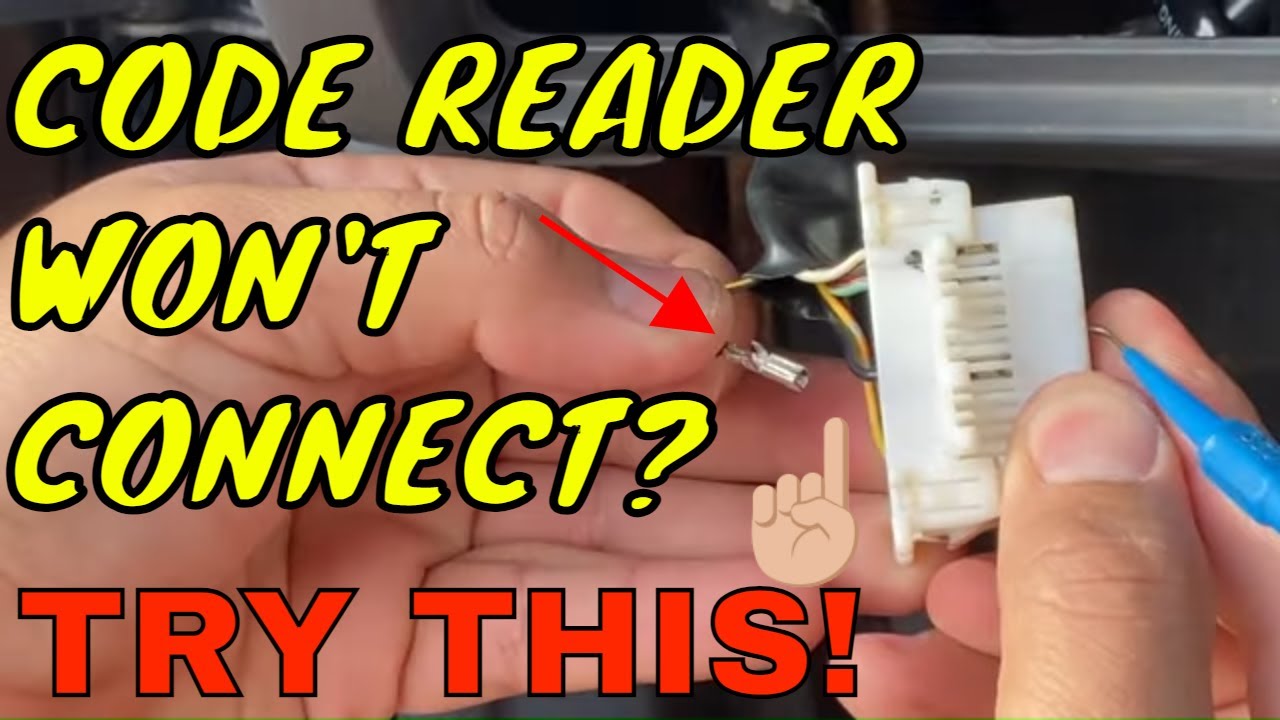
The port itself can fail. Pins can bend, corrode, spread apart, or break. Sometimes the connector housing gets loose from repeated plugging and unplugging.
Look closely inside the port:
• Bent pins can block contact
• Corrosion can interrupt the signal
• Loose terminals can cause intermittent communication
• Physical damage can happen after an accident or rough use
I once found a port that looked normal from the outside, but one terminal had backed out just enough to stop the scanner from making a clean connection.
6. The car uses a communication protocol problem
OBD2 communication is not always the same from one vehicle to another. Some vehicles use CAN, while others may rely on older protocols like ISO 9141, KWP2000, or J1850. Most modern scanners support the main standards, but older or low-cost tools may not support everything well.
If your scanner powers up but cannot identify the vehicle, protocol mismatch may be the reason. This is more common on older vehicles or with generic scan tools.
7. A module or network issue is blocking communication
Modern cars are full of modules that share data across the network. If one module shorts the communication line, it can sometimes prevent the scanner from talking to the vehicle at all. A failed control module, water intrusion, or wiring damage can create a bigger network problem.
This is where diagnosis gets more advanced. If several systems fail at once, or if the scanner cannot talk to any modules, the issue may be deeper than the OBD2 port itself.
8. The ignition is not in the correct position
Many vehicles require the key to be in the ON position, not just accessory mode. Push-button start vehicles often need the ignition fully on without the engine running.
This sounds simple, but it is a common mistake. I have seen people spend 20 minutes checking cables when the scanner only needed the ignition in the right mode.
Step-by-step troubleshooting for OBD2 scanner communication problems
When someone asks, “Why won’t my OBD2 scanner communicate with my car?” I always suggest a basic, logical path.
Step 1: Check the scanner on another vehicle
If possible, plug the scanner into a known-good car. If it works there, the scanner is probably fine. If it fails on multiple cars, the tool itself may be the issue.
Step 2: Check for power at the OBD2 port
Use a test light or multimeter on pin 16 and ground pins 4 and 5. You should see battery voltage at pin 16. No power usually means a fuse, wiring, or port issue.
Step 3: Inspect the port
Look for:
• Bent pins
• Rust or corrosion
• Loose sockets
• Dirt or debris
• Damage from forced plugs
A flashlight helps a lot here. If the port looks rough, clean it carefully and do not force the connector.
Step 4: Check the fuses
Inspect all fuses related to:
• OBD2 port
• Cigarette lighter
• Power outlet
• ECU or engine control
• Body control module
If a fuse is blown, replace it with the correct rating. If it blows again, stop and look for a short.
Step 5: Verify ignition position
Turn the key to ON or press the start button correctly. Some vehicles will not communicate in accessory mode. Try again before moving deeper into diagnostics.
Step 6: Try a different scanner
Use another scan tool if you can. This helps separate a scanner problem from a car problem. A good pro-level scanner often gives more clues than a basic code reader.
Step 7: Look for signs of deeper electrical trouble
If the port has power and the scanner is known good, but communication still fails, check for:
• Low battery voltage
• Aftermarket stereo wiring issues
• Water damage
• Module communication faults
• Previous repairs to the dashboard or fuse box
This is the point where a wiring diagram and a better meter become very useful.
How to tell whether the scanner, car, or cable is the problem
A lot of time gets wasted because people guess wrong about the bad part. A simple split test can help.
If the scanner:
• Works on another vehicle, the issue is likely in your car
• Fails on every vehicle, the scanner or cable may be bad
• Powers on but never links, the issue may be power, protocol, or module communication
• Does not power on, check power at the port first
If you are using a Bluetooth OBD2 adapter, the phone app can also be part of the problem. App settings, pairing problems, and weak adapters can make it look like the car is at fault when the adapter is simply poor quality.
Special cases that often confuse drivers
Some situations make OBD2 communication failures more confusing than they should be.
Aftermarket radio or alarm installation
Aftermarket electronics can interfere with the vehicle network if they were wired badly. I have seen alarm systems tap into the wrong circuits and create a no-communication condition. If the problem began right after an install, that is a big clue.
Flood damage or moisture
Water and connectors are a bad mix. Moisture can corrode the OBD2 port, damage a module, or cause a slow electrical fault that gets worse over time. If the car has had water intrusion, expect the diagnosis to take longer.
Hybrid and electric vehicles
Some hybrids and EVs use more advanced systems, and not every low-cost scanner can access every module. A basic reader may still read emissions data, but not deeper vehicle systems. Compatibility matters a lot here.
Older cars
Early OBD2 vehicles can be picky about scan tool support. A tool that works fine on a 2015 sedan may struggle on a 1996 or 1997 model. This is especially true with generic readers that only handle basic engine data.
Best practices to avoid communication problems
A few habits can save a lot of frustration.
• Keep the OBD2 port clean and dry
• Do not force the connector into the port
• Replace blown fuses with the correct amperage only
• Keep the battery in good condition
• Use a scanner that matches your vehicle’s year and system needs
• Update scan tool firmware and app software when possible
One lesson I learned early was to never skip the battery check. It is easy to blame the scanner, but low voltage can create ghosts in the machine. A healthy electrical system makes diagnostics much easier.
When to stop DIY and get help
If the scanner still will not communicate after checking power, fuses, ignition position, and obvious port damage, it may be time for a professional diagnosis. A technician can test network lines, module wake-up signals, and vehicle-specific protocols with better equipment.
Get help sooner if:
• Multiple systems are dead
• Fuses keep blowing
• The car has water damage
• The port looks damaged internally
• The vehicle has had major wiring work
• You suspect a failed module
That may sound expensive, but chasing the wrong problem for hours can cost more in the long run.
Frequently Asked Questions
Why does my OBD2 scanner power on but not connect?
If the scanner powers on, the port likely has battery power, but the data line may be missing or blocked. This can happen because of a damaged port, blown communication fuse, weak battery, or a vehicle module issue.
Can a bad fuse stop OBD2 communication?
Yes, absolutely. Many cars use a fuse that powers the OBD2 port or related control modules, so one blown fuse can stop the scanner from talking to the car.
Why does my scanner work on one car but not another?
That usually points to vehicle compatibility, a bad port, or a wiring issue in the car that will not communicate. If the scanner works on one vehicle, the tool itself is probably not the main problem.
Will a weak battery affect OBD2 scanning?
Yes, a weak battery can cause modules to act unstable and stop communication. Even if the car still starts, low voltage may prevent a reliable scan.
What if my Bluetooth OBD2 adapter connects to my phone but not the car?
That often means the adapter has power from the phone side, but the vehicle side is not communicating properly. Check the port power, fuse, ignition position, and adapter quality.
Conclusion
When an OBD2 scanner will not communicate with your car, the cause is usually something practical: no power at the port, a blown fuse, a weak battery, a damaged connector, or a scanner that is not fully compatible with the vehicle. The fastest path is to start with the simple checks before assuming the worst.
If you take one thing from this guide, make it this: diagnose the basics first, then move to the deeper electrical issues only if needed. That approach saves time, money, and a lot of frustration. If you want, keep learning about OBD2 basics, compare scanner features before buying, and leave a comment with your vehicle year, make, and model if you need help narrowing down the cause.