How to Test a Kitchen Scale
Ever followed a recipe to the letter, only for it to turn out… a bit off? Your kitchen scale might be the culprit. If you're wondering how to test a kitchen scale, you're in the right place.
We'll make sure your measuring tool is giving you the straight scoop on ingredients.
Accurate measurements are crucial, especially in baking, where a few grams can make a big difference. Our research indicates that most digital kitchen scales have a tolerance of about ±1 gram for smaller weights. We've put together a straightforward guide to help you confirm your scale’s reliability.
Quick Answer
Test your kitchen scale by placing a known weight on it, like a roll of new quarters or a calibration weight, and checking if the reading is accurate. Ensure the scale is on a flat surface and zeroed out before adding the weight. If it's off by more than a gram or two for general use, recalibration or replacement might be needed.
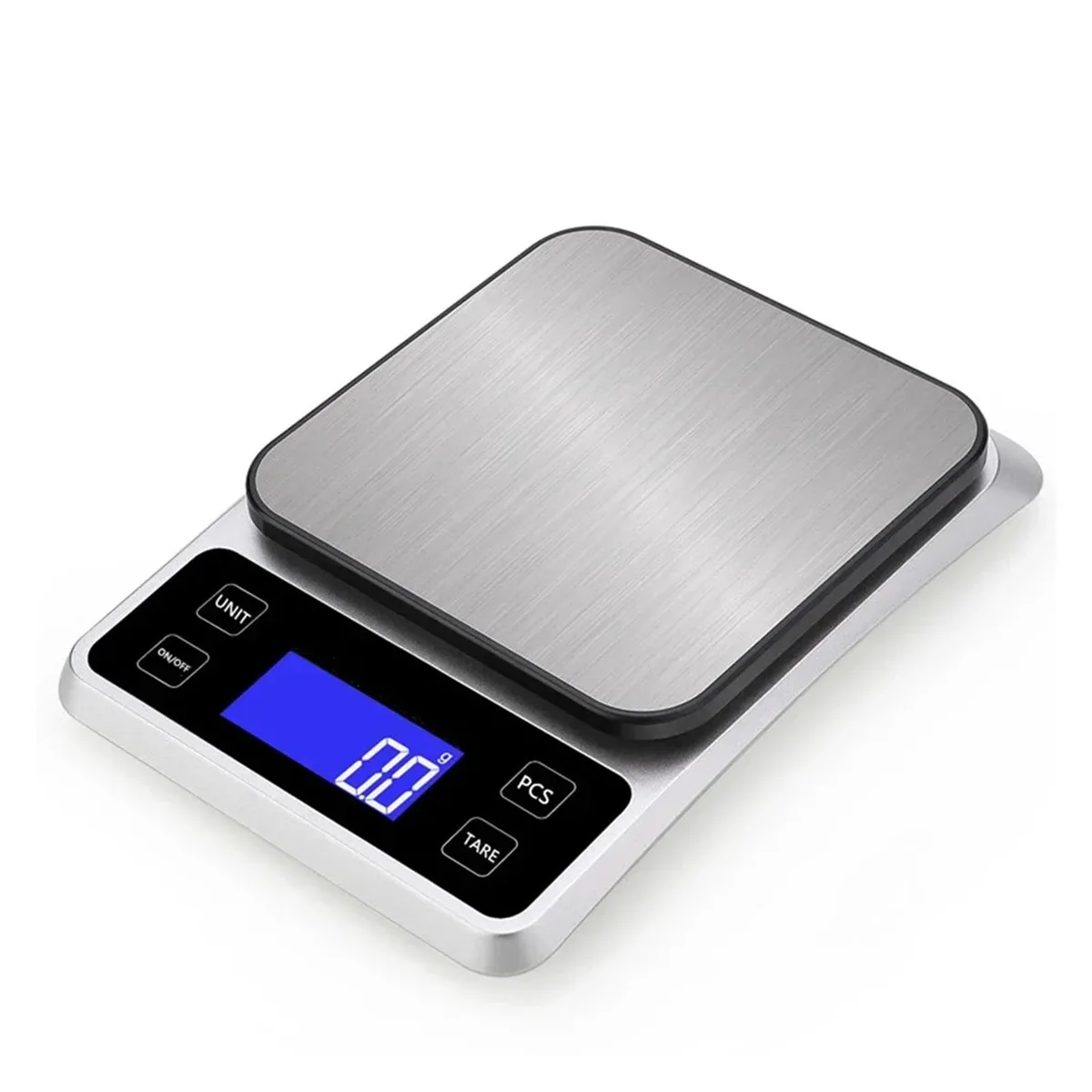
Image source: Bing (Web (fair-use with source credit))
Is Your Kitchen Scale Playing Fair?
If your baking consistently falls flat or your portion sizes seem wildly off, it might be time to question your kitchen scale. These devices are supposed to be reliable partners in the kitchen, but like any tool, they can become inaccurate over time or due to environmental factors. Knowing how to test a kitchen scale ensures you're measuring ingredients correctly, which is especially vital for recipes that demand precision.
This isn't about having a laboratory-grade instrument, but rather a tool that’s dependable for everyday cooking and baking. We’ll walk through how to check its accuracy, what to do if it’s off, and when it’s time to retire an old scale.
Why Bother Testing Your Kitchen Scale?
You might be thinking, "Why go through the trouble?" The answer is simple: consistency and confidence in your cooking. When a recipe calls for 200 grams of flour, and your scale reads 205 grams, that 5-gram difference might not seem like much, but it can subtly alter the texture of baked goods. In some cases, like with yeast or specific spices, even a small deviation can have a noticeable impact.
Beyond recipe success, a properly functioning scale gives you peace of mind. You can trust the measurements, whether you're carefully portioning meals for dietary reasons or ensuring the right ratio for a homebrew. It’s about eliminating one variable that could lead to unexpected results in the kitchen.
Quick Accuracy Check (The "Is it Close?" Test)
This is your go-to method for a quick and easy check on whether your kitchen scale is in the ballpark. It’s perfect for those times you just need a general sense of accuracy without a fuss.
- Prepare Your Surface: Find a flat, stable surface for your scale. Wobbly tables or countertops can lead to inaccurate readings, so make sure it's solid.
- Power On and Zero: Turn on your scale and let it settle. It should display "0" or "0.0". If it doesn't, press the "Tare" or "Zero" button. This resets the reading to zero.
- Find a Known Weight: The easiest common item to use is a roll of new U.S. quarters. According to the U.S. Mint, a single quarter weighs 5.67 grams. A fresh roll of 40 quarters should therefore weigh approximately 226.8 grams (40 x 5.67g). Alternatively, if you have a small set of calibration weights, use one of those.
- Add the Weight: Carefully place the roll of quarters or your calibration weight onto the center of the scale's platform.
- Read the Display: Note the weight displayed. For most everyday kitchen tasks, if the reading is within 1-2 grams of the known weight, your scale is likely performing well enough.
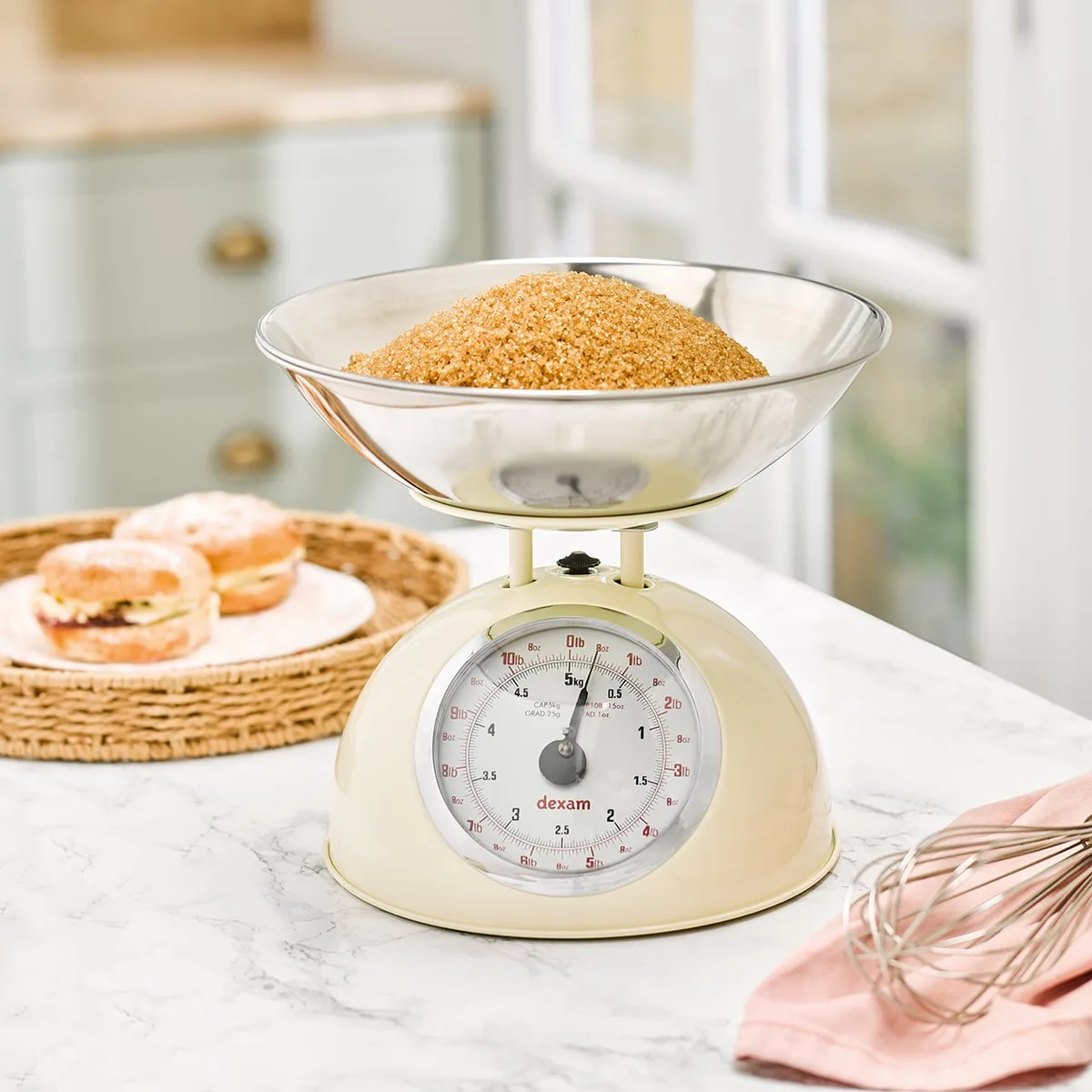
Image source: Bing (Web (fair-use with source credit))
Precision Check (The "Is it Really Accurate?" Test)
If you're a serious baker, a home brewer, or you're working with recipes that are extremely sensitive to exact measurements, you'll want to perform a more precise accuracy check. This method is more rigorous and relies on tools designed for accuracy.
- Use Calibration Weights: For this test, investing in a set of stainless steel calibration weights is highly recommended. These weights are manufactured to very tight tolerances, meaning they are exceptionally close to their stated mass. Common calibration weights include 100g, 200g, and 500g.
- Ensure a Stable Environment: Just like the quick check, a flat, vibration-free surface is essential. Ideally, perform this test away from drafts or areas where the scale might be bumped.
- Tare the Scale: Turn on your scale and ensure it reads zero. If you're using a weighing dish or container to hold the calibration weight, place it on the scale now and press "Tare" to account for its weight.
- Place the Calibration Weight: Gently place the calibration weight onto the scale.
- Compare Readings: Check the displayed weight against the known value of your calibration weight. Reputable scales should be accurate to within ±0.1 grams for smaller weights. If your scale shows a deviation of more than 0.1-0.2 grams, it may indicate a need for recalibration or suggest the scale is no longer precise enough for your needs.
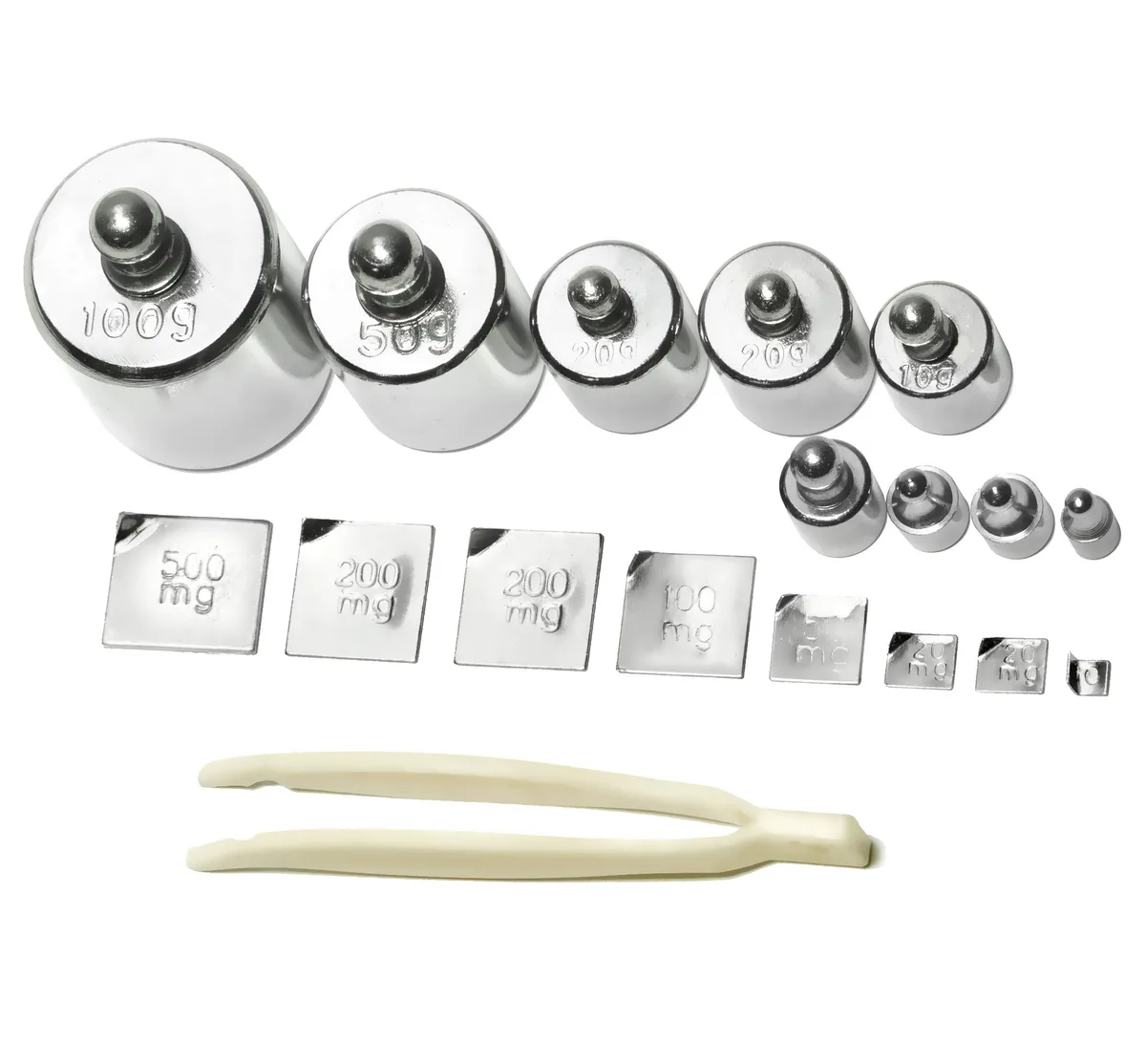
Image source: Bing (Web (fair-use with source credit))
What Kind of Test Do You Need?
Not all scale issues or accuracy checks require the same approach. Understanding what you're trying to achieve helps you pick the right test and saves you time. Think about the problem you're trying to solve or the specific concern you have about your scale's performance.
Checking for Calibration Issues (The "Is it Being Stubborn?" Test)
Sometimes, a scale isn't necessarily broken; it's just out of calibration. This means its internal reference point has shifted, leading to inaccurate readings even when the weighing mechanism is sound. Many digital scales have a built-in calibration mode to help reset this.
- Consult Your Manual: The first step is always to check your kitchen scale's user manual. It will tell you if your specific model has a calibration mode and the exact steps to follow.
- Follow Manufacturer Instructions: If a calibration mode exists, the manual will typically instruct you to place a specific weight onto the scale at a certain prompt. For example, it might ask for 500g.
- Use the Specified Weight: It's crucial to use the exact weight recommended by the manufacturer for calibration. Using a different weight can actually make the calibration worse.
- Confirm Calibration: After the scale indicates calibration is complete, re-test it using a known weight (like those mentioned in the quick or precision checks) to see if the readings are now accurate. If the scale still fails after calibration, the issue might be more serious.
Basic Functionality Check (The "Is it Even On?" Test)
This is the most fundamental check, for when your scale isn't behaving as expected at all. It's less about accuracy and more about whether the device is operational.
- Power Source: If your scale is battery-operated, ensure the batteries are fresh and inserted correctly, observing the positive and negative terminals. For plug-in models, check that the power cord is securely connected to both the scale and a working electrical outlet. You can test the outlet with another device if you suspect it.
- Display Status: Does the screen light up when you press the power button? If not, it’s likely a power issue or a dead scale. Some scales have a faint backlight that might be hard to see in bright light; try viewing it in a darker room.
- Button Responsiveness: Do the buttons feel physically stuck or unresponsive? Sometimes debris can get under buttons, preventing them from working. Gently try to clean around the buttons with a dry cloth or a soft brush. If they still don't press correctly, it might indicate internal damage.
Common Kitchen Scale Problems and How to Fix Them
Even reliable tools can experience issues. Understanding these common problems with kitchen scales and knowing how to address them can save you time and frustration.
- Inaccurate Readings: This is the most common issue.
- Fix: Ensure the scale is on a perfectly flat, stable surface. Low batteries can also cause inaccuracies; swap them out for fresh ones. Always use the tare function correctly, especially when weighing ingredients in a bowl. If problems persist, recalibration is often the next step.
- Scale Drift (Readings Fluctuate): The displayed weight changes gradually after an item is placed on it.
- Fix: This can be caused by vibrations or drafts. Move the scale to a more stable location away from appliances or open windows. A soft reset by removing and reinserting the batteries can sometimes resolve electronic glitches causing drift.
- Unresponsive Buttons: Buttons feel stuck or don't activate.
- Fix: Check for physical obstructions or debris around the buttons. A careful cleaning with a dry brush or slightly damp cloth might clear the issue. If the button feels broken internally, it points to internal damage.
- Scale Won't Turn On: No display, no lights, completely dead.
- Fix: Start with the power source. Replace batteries with fresh ones or test the wall outlet and power cord for an AC-powered scale. If power is confirmed, the internal circuitry may have failed.
- Error Codes: The display shows "Err," "LO," or another code.
- Fix: Consult your scale's user manual. These codes usually indicate overload ("Err"), low battery ("LO"), or a need for calibration. Follow the manual’s specific instructions for the displayed error.
When to Consider a New Kitchen Scale
Deciding whether to repair or replace your kitchen scale depends on a few factors. It’s a balance between cost, effort, and the need for accuracy, especially as we look towards new models expected by 2026.
- Persistent Inaccuracy: If, after troubleshooting and recalibration, your scale consistently shows readings that are off by more than a gram or two for general use, it's likely time for a replacement. This is especially true if precision is important for your cooking.
- Frequent Error Codes: If your scale repeatedly displays error messages that you can't resolve, it suggests an underlying issue that may not be cost-effective to fix. For example, constant overload errors could mean a damaged sensor.
- Lack of Calibration: Some very basic or older scales don't have a calibration function. If these become inaccurate, replacement is usually the only option.
- Age and Wear: Electronic devices have a lifespan. An old, heavily used scale with physical damage might be prone to developing more issues, leading to unreliable measurements.
- Cost-Effectiveness: For most common digital kitchen scales, the price of a new, reliable unit is often less than the cost or effort of attempting a repair.
FAQs About Testing Kitchen Scales
How often should I test my kitchen scale?
You don't need to test it daily. For most home cooks, performing a quick accuracy check once every few months, or whenever you notice inconsistent results in your recipes, is sufficient. If you bake very frequently or use it for precise dietary tracking, consider testing it monthly.
What's the best known weight to use for testing?
A new roll of U.S. quarters is very convenient, as each coin has a consistent weight of 5.67 grams. If you do a lot of precise weighing, investing in a small set of official calibration weights (like 100g, 200g, 500g) is the most accurate method.
Can I use coins from other countries?
It's generally not recommended unless you can confirm their precise, standardized weight from an official mint source. Coin weights can vary significantly between countries and even between different denominations or years within the same country, making them unreliable for calibration.
My scale seems accurate but the tare function isn't working right. What should I do?
If the tare function isn't zeroing out properly after you place a bowl on the scale, ensure the bowl is centered and not touching the sides of the scale platform. If it still fails, try removing the batteries for about 60 seconds and reinserting them to reset the scale. If the issue persists, it might be an internal electronic problem.


One Comment